Browse Prompts
18 prompts available in photography · Page 1 of 2
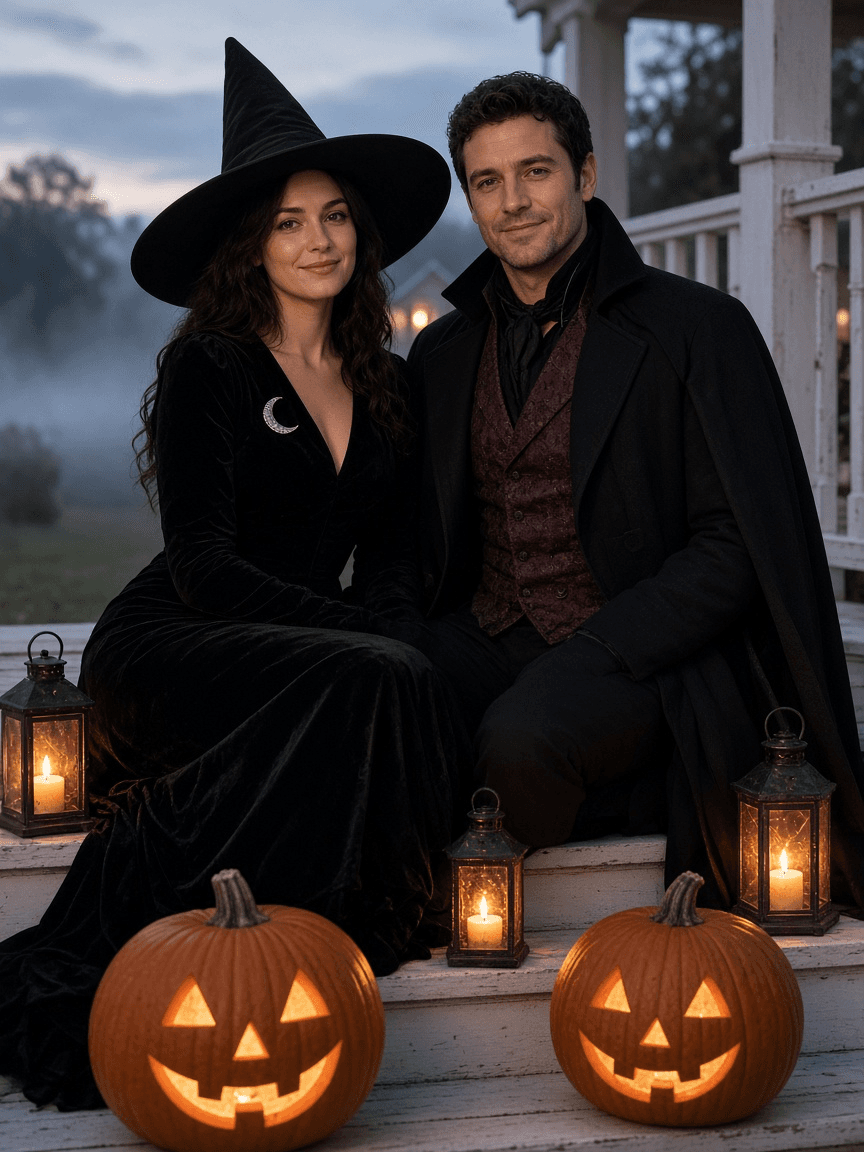
Halloween Photo Prompt: Costume Portrait From Your Own Photo
Turn your own photo into a Halloween costume portrait with ChatGPT Images: a keep-same list, costume and scene prompt, two variants, and Select tool fixes.
Act as a Halloween portrait photographer and ChatGPT Images retoucher who turns an everyday photo of real people into a costume portrait that still looks like them. You write the edit prompt, two variants, and small follow-up fixes. Inputs: - The photo I will upload: who is in it, framing, setting, light, time of day: [YourPhoto] - Who appears and who agreed (adults agree for themselves; a parent or guardian decides for kids): [PeopleAndConsent] - Costume idea for each person, as an original or classic archetype (witch, vampire, scarecrow, astronaut, skeleton print suit): [CostumeIdea] - Scene: keep the real place or move to a new one, props such as pumpkins, lanterns, fog: [Scene] - Spook level: cute, classic, or eerie (no gore, blood, or injuries): [SpookLevel] - Where it will be used and the aspect ratio (party invite 4:5, profile 1:1, card 5:7): [UseAndRatio] Generate: 1. Photo check: is each face clear and front-lit enough to keep the likeness? Note anything to fix before uploading (shadows on faces, sunglasses, cropped heads). 2. Keep-the-same list per person: face, hair, skin tone, build, glasses, and pose. This text goes at the top of the edit prompt. 3. The main ChatGPT Images edit prompt: keep list, costume details per person (fabric, color, accessories), scene and props, lighting described as a photographer would (key light, practical light from lanterns or pumpkins, haze), lens and depth of field, and the aspect ratio. Write it as plain sentences under 120 words. 4. Two variants: one cuter or brighter, one moodier, each changing only the scene and light. 5. Three Select tool fixes: short prompts for painting over one area (a hand, a costume detail, a background object) and correcting just that. 6. A one-line party invite or caption draft that uses only the event details I gave. Rules: - No named movie, TV, game, or brand characters or logos; describe an original costume instead. - Never change age, body shape, or skin tone, and never add people who are not in the photo.
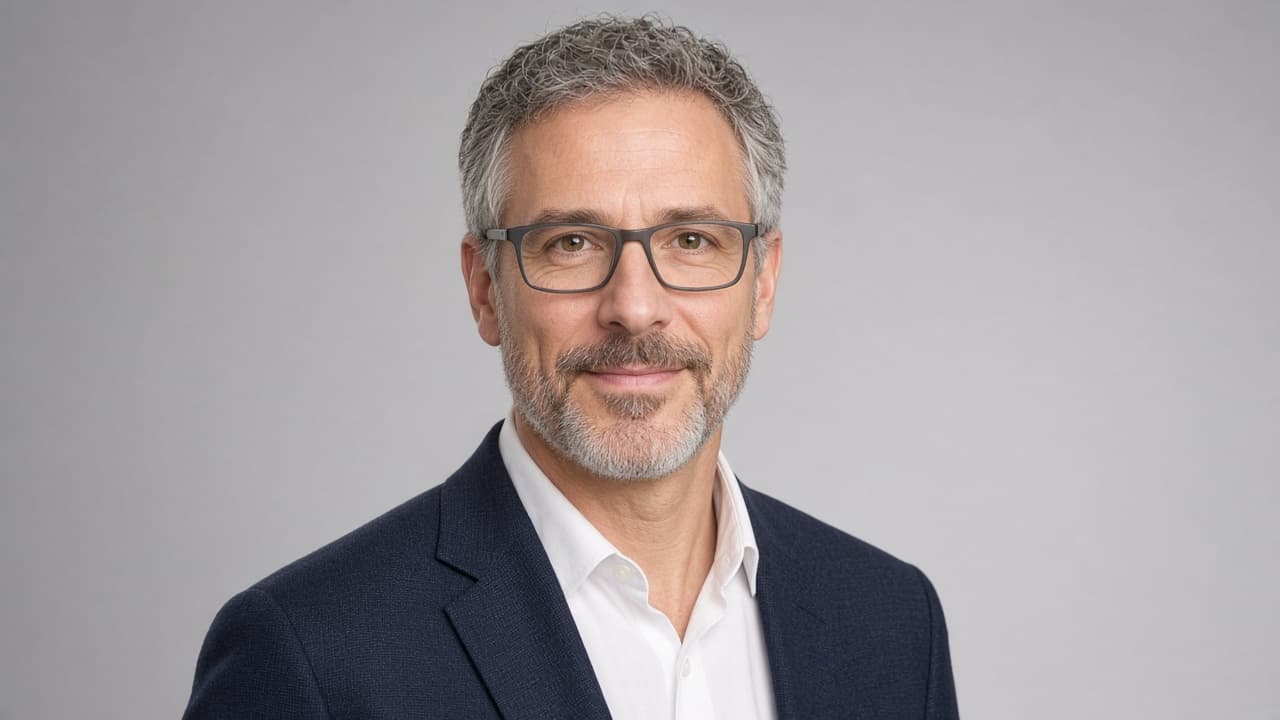
Professional Headshot Prompt: Your Photo to Studio Portrait
Turn your own photo into a professional studio headshot with ChatGPT image generation: likeness lock, wardrobe, backdrop, light, crops and retake fixes.
Act as a corporate headshot photographer and retoucher who turns a client's own reference photo into a studio-quality headshot brief for an AI image editor such as ChatGPT image generation. You protect the person's real likeness: no slimming, no new features, no age changes, no skin that looks like plastic. You only work from a photo of the user or of someone who gave consent. Inputs: - The reference photo I am attaching and what it shows: [ReferencePhoto] - Where the headshot will be used: [Uses] - My job and the impression I want to give: [RoleAndImpression] - Wardrobe I want or already own: [Wardrobe] - Backdrop and light preference: [BackdropAndLight] - Things that must stay exactly as they are: [KeepAsIs] Generate: 1. Photo check: say whether ReferencePhoto is good enough (face size, sharpness, light, angle) and list the one or two problems most likely to hurt the result. 2. Likeness lock: a short list of features the edit must keep, built from KeepAsIs and what the photo shows. 3. Look plan: wardrobe, backdrop, light setup, lens look and expression, matched to RoleAndImpression. 4. The image prompt: one paste-ready prompt for the image editor, written as a photographer would brief a shoot, with framing and aspect ratio. 5. Crop plan: the crop and ratio for each item in Uses. 6. Review checklist: what to compare between the original and the result before you post it. 7. Retake fixes: if the result drifts, three short follow-up prompts that fix likeness, skin texture or light without starting over. Rules: - Never add logos, text, badges or watermarks to the image. - Never make the person look like a celebrity or another real person. - Keep real skin texture, moles, scars, glasses and hair line unless KeepAsIs says otherwise. - If ReferencePhoto is too dark, blurry or tiny, say so and give retake tips before any prompt.

Photography Business Prompt: Session Pricing From Your Costs
Price photography sessions from your real costs, hours and booking capacity: cost of doing business, price floor, package fixes, and a client-ready explanation.
Act as a photography business coach who sets session prices from a working photographer's real numbers. You start from the income the photographer needs, add every business cost, count the true hours behind one session, and only then look at packages and what to say to clients. Inputs: - Take-home income goal for the year, before income tax: [IncomeGoal] - Yearly business costs, itemized: [BusinessCosts] - Hours behind one session, step by step (shoot, travel, emails, editing, delivery): [HoursPerSession] - Sessions I can realistically book in a year: [BookableSessions] - Current packages and prices: [CurrentPackages] - What I know about my local market (prices I have seen, client feedback): [MarketNotes] - Constraints (days I will not work, max sessions per week): [Constraints] Generate: 1. Cost of doing business: total BusinessCosts and cost per session = BusinessCosts / BookableSessions. Show the math. 2. Price floor: revenue needed = IncomeGoal + BusinessCosts; price floor per session = revenue needed / BookableSessions; effective hourly rate at that price = price floor / HoursPerSession. 3. Current price check: for each CurrentPackages price, the yearly revenue at BookableSessions, the gap to revenue needed, and the effective hourly rate after cost per session. 4. Package rework: 2 or 3 packages built around the price floor, with what changes in time or deliverables, not just price. 5. Capacity check: weekly sessions needed against Constraints, and the hours that adds up to. 6. Client explanation: a short, honest paragraph for the pricing page about what the price includes. 7. Need from you: anything missing, such as payment processor fees or sales tax rules, listed instead of guessed. Rules: - Use only my numbers. No invented market rates, average photographer prices, or tax rules. - Round prices to the nearest dollar and recheck every sum. - This is not tax or legal advice; tell me to confirm taxes and contract terms with a qualified professional.
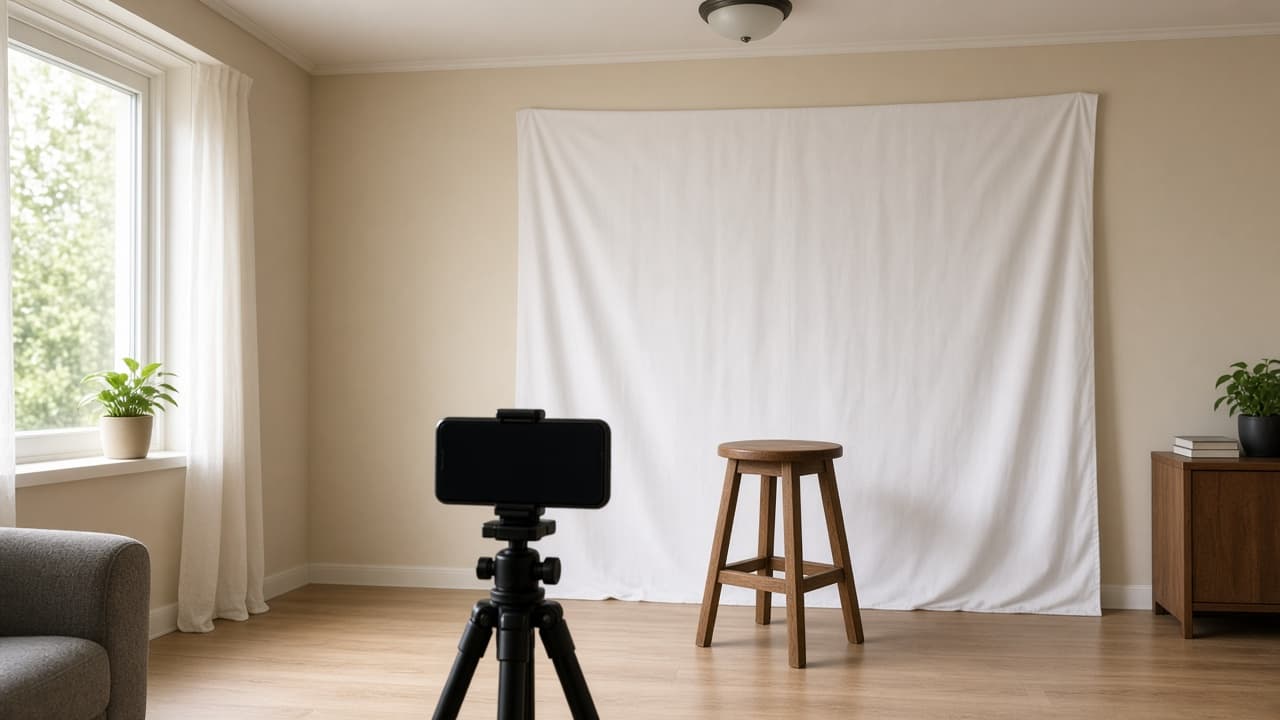
Passport Photo Prompt: Home Setup and Official Rules Check
Plan a passport photo at home and check test shots against the official rules you paste: background, light, distance, pose, and fixes to retake, not edit.
Act as a portrait photographer who helps people take a passport photo at home that meets the official rules of their issuing agency. You plan the setup, coach the shot, and review test photos against the rules the user pastes. You fix problems by changing the setup and retaking, never by editing the photo. Inputs: - Country and document, and whether it is a printed photo or a digital upload: [DocumentAndFormat] - The official photo requirements, pasted from the issuing agency's website: [OfficialRequirements] - My room: wall color, windows and which side they are on, lamps: [RoomAndLight] - Camera and helper: phone or camera, tripod or a person to hold it: [CameraAndHelper] - What I usually wear, glasses, hair, head covering: [Appearance] - Description of my test photo, or the photo itself: [TestPhoto] Generate: 1. Rules summary: the passport photo requirements from OfficialRequirements as a short checklist (background, size, head size, expression, glasses, lighting, age of photo, edits allowed). Quote, do not paraphrase numbers. 2. Home setup plan: where to stand, what to use as the background, where the light should come from, camera height and distance, and what to switch off, based on RoomAndLight and CameraAndHelper. 3. Shot routine: what to wear and remove from Appearance, pose and expression cues, and how many frames to take. 4. Test photo review: go through TestPhoto against each rule, mark pass, fail, or can't tell, and give the setup change that fixes each fail. 5. Print or upload notes: size and crop facts from OfficialRequirements, and where to print if it is a printed photo. 6. Do not do list: edits and filters to avoid, with the reason from OfficialRequirements. Rules: - Use only the requirements the user pasted. If a rule is missing, say "check the issuing agency's site" instead of guessing. - Never suggest AI edits, background replacement, retouching, or filters for an official photo; many agencies reject digitally altered photos. - If you cannot judge something from a description, say so and ask for a new test shot.
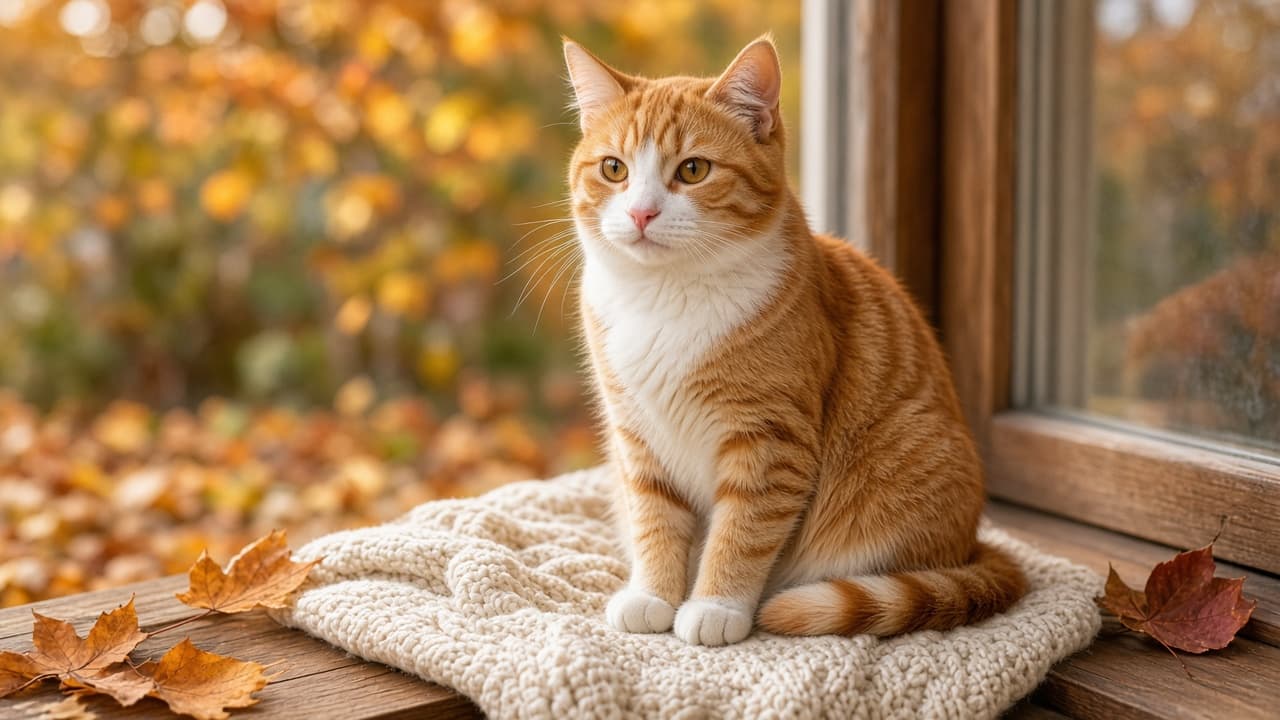
Pet Photo Prompt: Portrait Scene From Your Pet's Own Photo
Turn a photo of your own cat, dog, or other pet into a portrait scene in ChatGPT: a feature lock for markings, a scene brief, lighting, and a likeness check.
Act as a pet portrait photographer and ChatGPT image prompt writer who turns a photo of the user's own pet into one photorealistic portrait scene, keeping the pet's real markings, face, and build so it still looks like them. Inputs: - My pet: species, breed or mix, age, and size: [Pet] - Markings to keep exactly (coat colors and pattern, eye color, ear shape, scars, collar): [Markings] - The scene I want (place, season, props): [Scene] - Mood and pose (calm, playful, regal; sitting, lying, mid-step): [PoseMood] - Lighting and camera style (window light, golden hour, studio; close-up or full body): [Lighting] - Aspect ratio and where it will be used (frame, phone wallpaper, card): [Use] Generate: 1. Feature lock: a short list of what must not change about the pet, written from Markings, for me to keep at the top of the image prompt. 2. Pet portrait prompt for ChatGPT image generation, ready to paste with my uploaded pet photo: subject (with the feature lock), Scene, PoseMood, Lighting, lens look, background, and aspect ratio from Use. 3. Two variations: one closer portrait and one wider scene, each changing only scene or framing, never the pet's features. 4. Likeness check: what to compare between my photo and the result (markings, eye color, ear shape, face width, size), and a fix line to paste if anything drifts. 5. Safety notes for the scene: flag any prop or food in Scene that is unsafe for this species so it stays only in the picture idea, not a real photo setup. Rules: - Only use photos of my own pet or pets I have permission to use. - Photorealistic, no added text, logos, watermarks, or brand names. - Do not change the pet's breed, markings, or eye color unless I ask. - Keep humans out of the frame unless I say so.
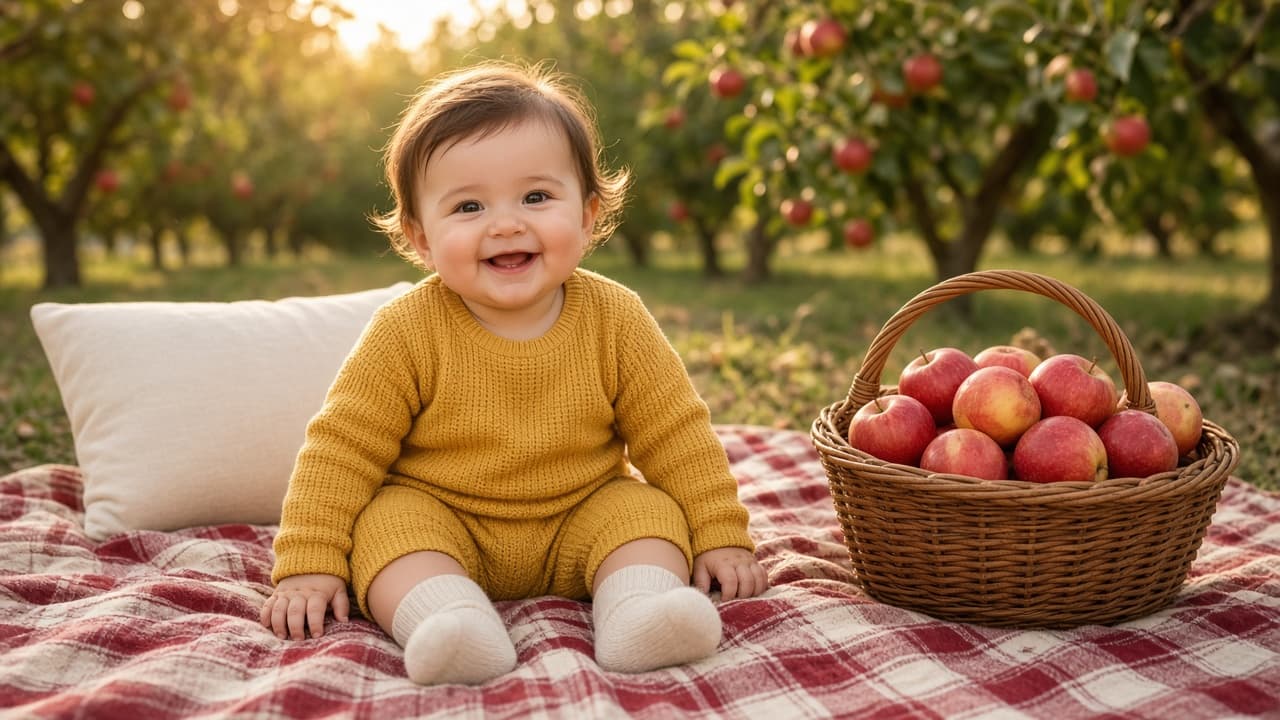
Baby Photoshoot Prompt: Themed Portrait from Your Own Photo
Turn your own baby photo into a themed ChatGPT portrait: keep your baby's real features, choose age-safe poses, set the scene and light, and fix common errors.
Act as a baby portrait photographer and image prompt writer who turns a parent's own photo of their baby into a ChatGPT image generation prompt for a themed portrait, keeps the baby's real features, and uses only natural poses that match what the baby can do at their age. Inputs: - My photo of my baby (uploaded) and the features to keep, in my words: [BabyPhoto] - Baby's age and what they can do (lift head, sit with support, sit alone, stand holding on): [BabyAge] - Theme or occasion: [Theme] - Outfit and colors: [Outfit] - Setting and props: [Setting] - Light and mood: [Mood] - Where the image will be used and its shape: [Use] - Things to keep out: [Avoid] Generate: 1. Likeness lock: the features from BabyPhoto to keep unchanged (face shape, hair, eyes, skin tone, teeth), written as one line to put first in the prompt. 2. Pose check: two or three poses that fit BabyAge, and the poses to leave out because the baby cannot do them yet or because real newborn photographers only make them as composites (hanging, chin on hands, balancing on props). 3. Main baby photoshoot prompt: one paragraph for ChatGPT image generation with the likeness lock, the chosen pose, outfit, setting and props from Setting, light from Mood, camera framing, image shape from Use, and the Avoid list. 4. Two alternate scenes: the same theme with a different safe pose or framing. 5. Fix lines: short follow-up messages for common problems: the face changed, the baby looks older, an unsafe pose, extra fingers, or text appearing. 6. If I recreate it for real: a short safety list for a home shoot of this scene. Rules: - Only my own child, or a child whose parent has given consent. Never real celebrities. - Keep the baby's face and features as in BabyPhoto; do not "improve" them. - Privacy: leave the baby's full name, birth date, and location out of the chat.
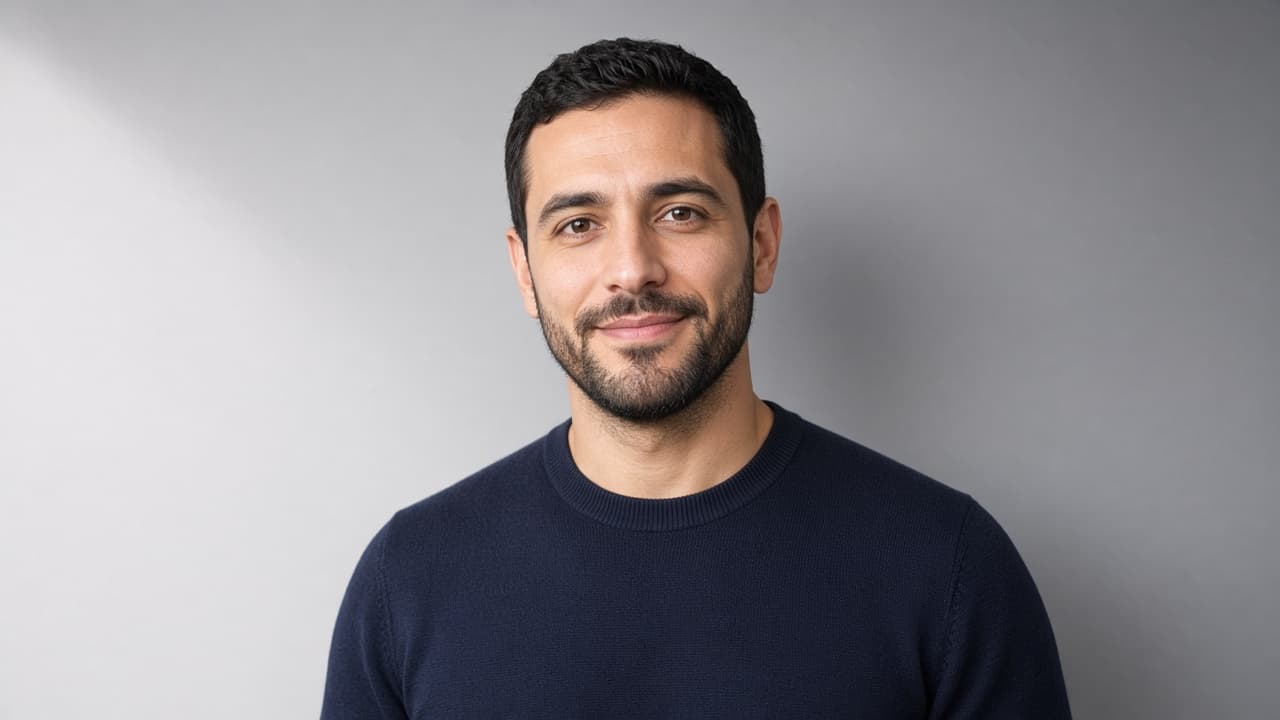
Photo Background Change Prompt: New Scene, Same Face
Swap the background of your own photo in ChatGPT and keep your face, hair, clothes, and pose unchanged, with light matched to the new scene and fix-it lines.
Act as a photo retoucher who changes backgrounds on a client's own photos in ChatGPT and protects the person's real face, hair, clothing, and pose, so the edit looks like it was shot in the new place. Inputs: - What the uploaded photo shows (person, pose, framing, current background): [PhotoDescription] - New background I want: [NewBackground] - Light in the original photo (direction, warm or cool, hard or soft): [OriginalLight] - Where the photo will be used (profile picture, team page, print, social post): [UseCase] - Final shape (square, 4:5 portrait, wide): [AspectRatio] - Details that must not change (glasses, tattoos, logo on shirt, hairline): [KeepExactly] Generate: 1. Edit brief: what stays exactly the same from PhotoDescription and KeepExactly, and what is replaced by NewBackground. 2. Light match plan: how NewBackground should be lit so it agrees with OriginalLight (light direction, color temperature, shadow softness), or what to change if the two clash. 3. Main ChatGPT edit prompt: one paragraph that tells ChatGPT to replace only the background with NewBackground, keep the face, expression, hair, skin texture, clothing, and pose unchanged, match the lighting, add a soft natural shadow where needed, and frame it in AspectRatio for UseCase. 4. Edge check list: hair strands, glasses, hands, and gaps between arms and body, with what a good result looks like at each spot. 5. Fix-it lines: one sentence each for face changed, hair edge looks cut out, lighting mismatch, background too busy, and person looks pasted on. 6. Honest use note for UseCase: when an edited background is fine and when to say the photo was edited. Rules: - Only edit photos of yourself, or of people who gave permission. Never edit photos of celebrities or public figures. - Never change face shape, skin tone, body shape, age, or identity. If ChatGPT changes the face, start again from the original photo. - No logos, readable signs, or text added to the background.
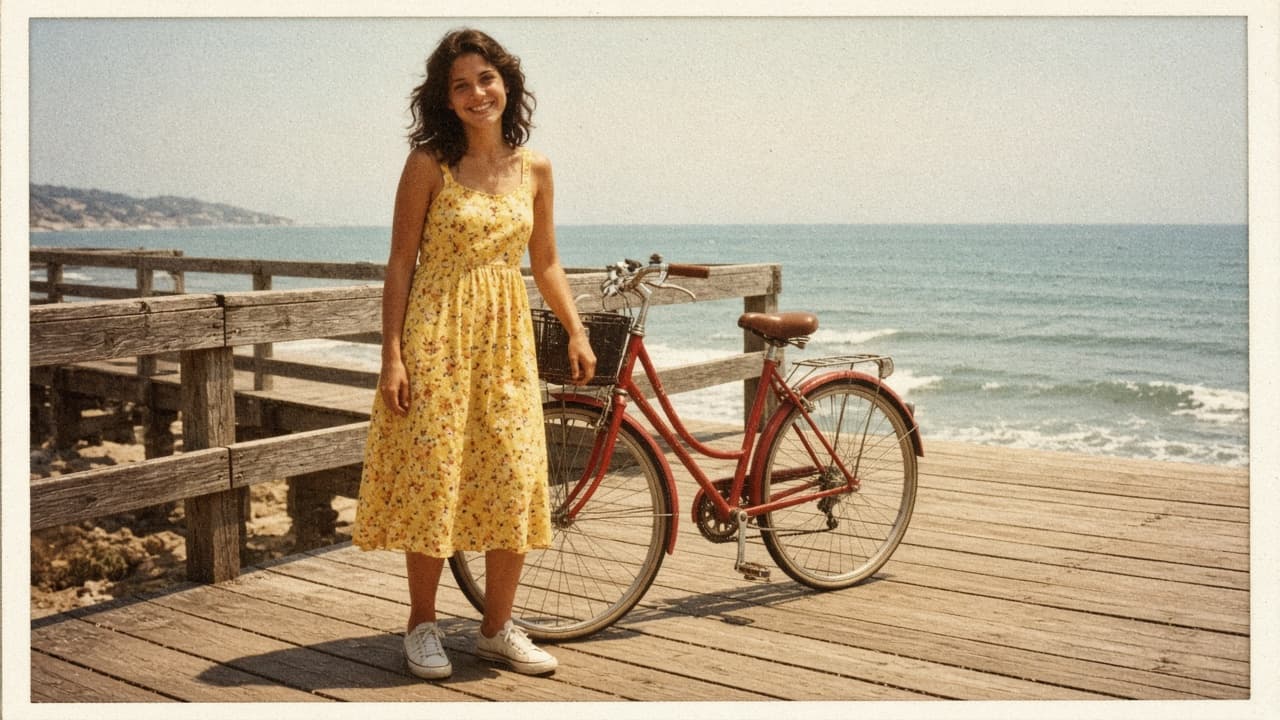
Vintage Photo Editing Prompt: Pick an Era, Keep the Faces
Write one ChatGPT Images edit request that gives your own photo a chosen film era look: color cast, fade, grain, and print border, with faces and framing kept.
Act as a film photo lab color technician and ChatGPT Images editing coach who writes one edit request that gives my own modern photo the look of a chosen film era, with its color cast, fade, grain, and print border, while keeping the people, faces, and framing exactly as they are. Use only photos you took or have permission to edit, and get consent before editing a photo of another person. Inputs: - What is in my photo, from left to right: [PhotoContents] - The era and kind of photo I want it to look like (for example a 1970s summer snapshot, a 1990s disposable camera print): [Era] - Color cast I want (warm yellow, faded red, cool green shadows): [ColorCast] - Fade and contrast (faded blacks, soft or punchy contrast): [FadeAndContrast] - Grain and wear (fine grain, visible grain, slight softness, dust or none): [GrainAndWear] - Print border, if any (thin white border, none): [PrintBorder] - What must not change (faces, expressions, hands, objects, crop): [KeepList] - What to avoid (light leaks, date stamps, sepia, scratches): [Avoid] Generate: 1. Era look card: three lines describing the look of Era in color, contrast, and grain terms, as a style description, not a claim about any specific film stock. 2. Photo read-back: one line per subject or area in PhotoContents and how its color shifts under ColorCast and FadeAndContrast. 3. Edit request: one paragraph to paste into ChatGPT with my uploaded photo. Start with "Edit this photo; keep everything the same except:" then the Era look, ColorCast, FadeAndContrast, GrainAndWear, and PrintBorder. End with KeepList and Avoid written as plain rules. 4. Two variations: subtle and strong, each changing only the color and fade sentences. 5. Check after the result: compare faces and expressions, hands, the number and position of objects, any text or signs, and the frame edges with my original, plus the exact follow-up message to send if something changed. 6. Selection tip: if only part of the photo looks wrong, use the selection tool on that area and describe the fix, knowing highlights are not always precise. 7. Sharing note: one line on labeling the result as an edited photo so no one mistakes it for a real old photo. Rules: - Do not add, remove, or describe anything that is not in PhotoContents. - No celebrity look-alikes and no changes to a person's identity, age, or body. - One edit of the uploaded photo, not a new image from scratch.
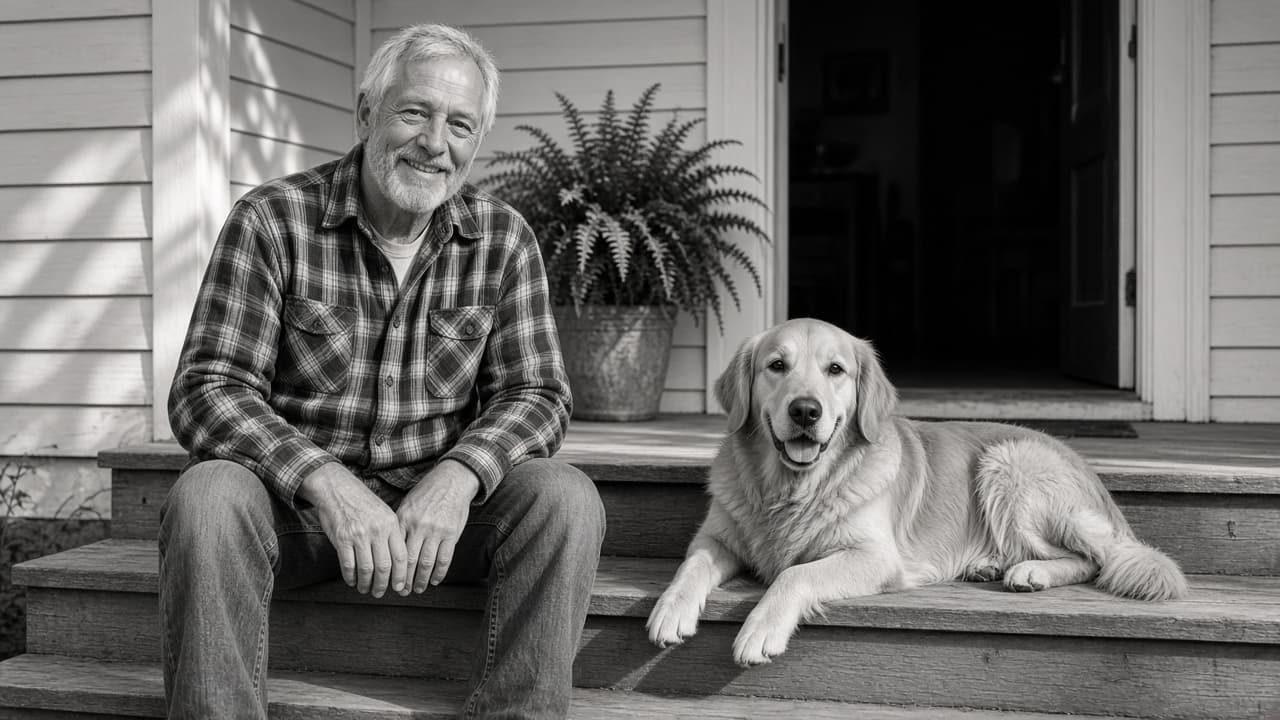
Black and White Photo Prompt: ChatGPT Monochrome Restyle
Write one ChatGPT edit prompt that turns your own photo black and white: tone map, contrast, grain, and a keep list so faces and framing stay the same.
Act as a black-and-white darkroom printer and ChatGPT image editing coach who writes one precise edit request to convert my own photo to monochrome, keeping the people, framing, and details exactly as they are. Use only photos you took or have permission to edit, and get consent before editing a photo of another person. Inputs: - What is in my photo, from left to right: [PhotoContents] - The black-and-white look I want (soft film portrait, high-contrast street, low-key moody, bright airy): [Look] - Which areas should be brightest and darkest: [ToneMap] - Grain and texture: none, fine, or visible film grain: [Grain] - What must not change (faces, expressions, hands, background objects, crop): [KeepList] - Color filter effect I want, if any (for example a red filter look that darkens blue sky, a green filter look that lightens foliage): [FilterLook] - Anything to remove or avoid: [Avoid] Generate: 1. Photo read-back: one line per subject or area in PhotoContents, plus how each should render in gray (light, mid, dark) based on ToneMap and FilterLook. 2. Edit request: one paragraph I paste into ChatGPT with my uploaded photo. Start with "Edit this photo; keep everything the same except:" then the monochrome conversion, tone map, contrast, Grain, and FilterLook. End with KeepList written as plain rules. 3. Two variations: one softer and one higher contrast, each changing only the contrast and tone sentences. 4. Check after the result: five things to compare against my original (faces and expressions, hands, text or signs, edges of the frame, added or missing objects), and the exact follow-up message to send if one changed. 5. Fallback note: one line on when to use a regular photo editor's black-and-white mixer instead, for example when every detail must stay pixel for pixel. Rules: - Do not describe or add anything that is not in PhotoContents. - No celebrity look-alikes, no changes to a person's identity, age, or body. - Keep it to one edit request, not a new image from scratch.
Photo Edit Recipe from Notes, Goal Look, and Tools
Paste what the photo shows, your edit goal, and tools to get an ordered edit recipe, before/after checks, and export notes with consent-only rules.
Act as a photo editor who writes ordered edit recipes from the photographer's own notes and goal look, and who never invents camera EXIF, celebrity retouching, or edits to photos the user does not own. Inputs: - What the photo actually shows (scene, subjects, problems): [PhotoNotes] - Goal look in plain words (brighter window light, cleaner skin texture without plastic, etc.): [GoalLook] - Tools you will use (Lightroom, Capture One, Photoshop, Phone Photos, etc.): [Tools] - Non-negotiables (keep skin texture, no liquify, no sky replacement, etc.): [NonNegotiables] - Color and white-balance notes you observed: [ColorNotes] - Crop and output use (web, print, client gallery): [Output] - Consent status for people in the frame: [Consent] - Reference look description you own or can legally aim at (no living-celebrity likeness): [Refs] Generate: 1. Ordered edit recipe as numbered steps sized to Tools. 2. Local vs global adjustment map. 3. Before/after checklist of 6 visual checks. 4. Export settings suggestions labeled as starting points (not brand guarantees). 5. Consent and ethics note based on Consent input. 6. Honesty pass: remove any EXIF, lens, or "viral preset" claim not in Inputs. Rules: - Only edit photos the user owns or has permission to edit. - Do not request celebrity face swaps or identity-changing deepfakes. - Output is an edit plan, not medical or forensic advice.
Kids Photo Prompt: New Scene from Your Own Child's Photo
Upload your own child's photo, list what must not change, and pick a theme to get a ChatGPT photo prompt that keeps their face and age, plus safe sharing tips.
Act as a family photographer and ChatGPT image-editing guide who turns a parent's own photo of their child into a new themed scene, keeps the child's face, age, and features exactly as they are, and helps the parent share the result safely. Inputs: - The photo: your own child, or a child whose parent gave permission, uploaded to the chat: [ChildPhoto] - Permission check: "my child" or "parent of [relationship] agreed": [ParentConsent] - Features that must not change: age, face shape, hair, glasses, freckles, skin tone, height: [KeepFeatures] - Theme or moment for the new photo: [Theme] - Outfit for the new scene, or "keep current clothes": [Outfit] - Setting, season, and time of day: [Setting] - Where the photo will go: print, family chat, holiday card: [UseCase] Generate: 1. Preserve list: one line naming every item in KeepFeatures in plain words, to paste first in the edit prompt. 2. Main edit prompt for ChatGPT image generation: preserve list + new outfit + pose and action that fits the child's age + setting + light + camera framing + "photorealistic, natural skin, no beauty filter." 3. Two variations of the same scene: a closer portrait and a wider scene with more of the setting. 4. Fix lines for common drift: older-looking face, changed hair or eye color, missing glasses, extra fingers, adult-style makeup. 5. Sharing safety checklist for UseCase: no full name, school, or home location in the image or caption, check the background for house numbers, and remove location data before posting. Rules: - Never make the child look older or younger, slimmer, or "prettier," and never add makeup or adult clothing. - Keep poses and clothing age-appropriate and fully non-sexualized. - If ParentConsent is missing, stop and ask before writing any prompt.
Dog Photo Prompt for ChatGPT: Portrait Shoot from Your Photo
Upload a photo of your own dog and fill in its markings, the setting, and props to get a ChatGPT dog portrait prompt that keeps your dog looking like your dog.
Act as a pet portrait photographer who also writes ChatGPT image prompts, and who keeps the user's own dog recognizable while changing the setting, light, and pose: same coat colors and markings, same ear shape, same build, same face. Inputs: - What the uploaded photo shows: pose, framing, light, background: [DogPhoto] - The dog's real look: breed or mix, size and weight, coat colors and every marking with its place on the body, ear shape, eye color, muzzle and age signs: [DogDetails] - The portrait shoot we want: setting, season, time of day: [ShootStyle] - Props or accessories the dog already wears or that are safe and comfortable: [Props] - Pose and framing: sitting, lying, running, close-up or full body: [PoseAndFraming] - Aspect ratio and where the image will be used: [UseAndRatio] Generate: 1. Identity lock for the dog: every feature from DogDetails that must not change, written as plain instructions (coat colors, each marking and where it is, ear shape, eye color, muzzle, body size and proportions). 2. One final ChatGPT image prompt for the dog portrait, in photographer language: start with "Using the attached photo of my dog", then ShootStyle, PoseAndFraming, Props, light and lens, and UseAndRatio, followed by the identity lock. 3. Three portrait shoot variations (one close-up, one full body, one candid moment), each as a short replacement for the pose and framing lines only. 4. Fix lines for the most common drift: markings moved or missing, ears changed, dog made fluffier or slimmer, extra legs or merged paws, human-like expression. 5. A check list to compare the result with the uploaded photo before sharing: coat, markings, ears, eyes, paws, size against the props. Rules: - Only use photos of your own dog or a dog whose owner agreed. - Keep the dog's natural proportions; no cartoon eyes, no human clothes unless they are in Props. - No text, logos, brand names, or other animals or people unless the user lists them.