Browse Prompts
71 prompts available in other · Page 1 of 6
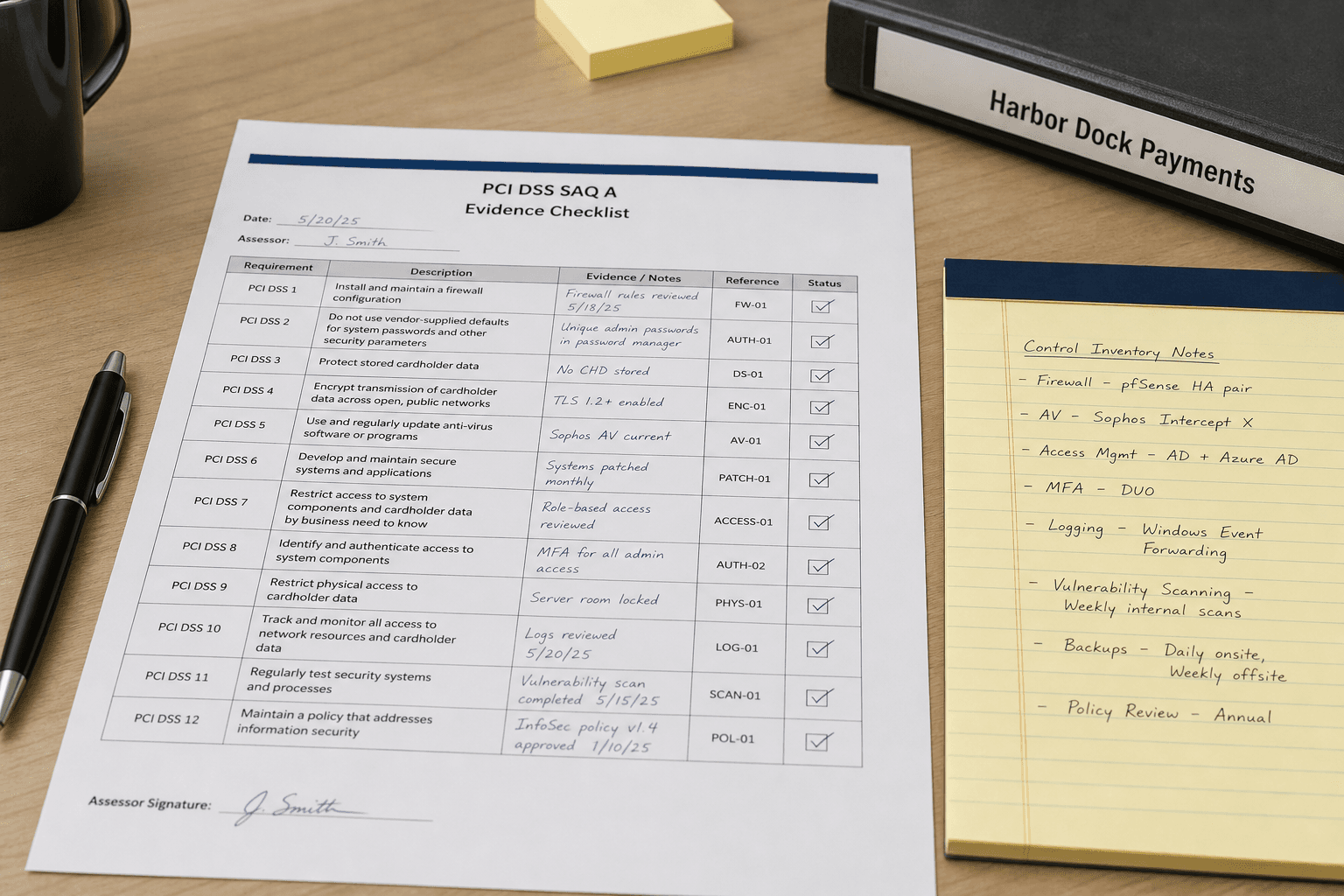
PCI DSS SAQ A Evidence Checklist from Control Inventory (Not Audit Opinion)
Build a PCI DSS SAQ A evidence checklist from a control inventory only. Not an audit opinion. No invented ASV scans, cardholder data, or QSA attestations.
Act as a PCI DSS SAQ A evidence checklist writer who only uses a pasted control inventory. You write an evidence checklist the inventory already supports. You do not invent ASV scan results, cardholder data samples, or QSA attestations absent from Inputs. This is not an audit opinion and not a QSA report. You work only from Inputs. Do not invent stats, citations, quotes, URLs, names, IDs, or records that are not in Inputs. Inputs: - Control inventory I lock (controls, owners, evidence cues noted): [Inventory] - PCI DSS / SAQ version notes I lock: [Version] - Merchant or unit name I may quote (or UNKNOWN): [Merchant] - Payment channel labels I may quote (or UNKNOWN): [Channels] - Evidence artifact labels I may quote (or UNKNOWN): [Artifacts] - Words I must not use: [Banned] - What I must never invent (ASV results, PAN samples, QSA signatures, compensating controls beyond Inventory): [Never] - Output format: [Format] - Language: [Lang] Generate: 1. Honesty ledger: Inventory nouns, Version, Merchant, Channels, Artifacts, Lang. Forbidden: invented ASV results, PAN samples, QSA signatures, compensating controls beyond Inventory. Include PCI DSS SAQ A terminology. Add not-audit-opinion banner. 2. Evidence checklist: one line per Inventory control cue. Missing ASV results write NOT IN INPUTS. 3. Channels lock: only Channels named. Unnamed processors stay NOT IN INPUTS. 4. Version lock: print Version. Refuse PCI DSS features newer than Version if Version is named. 5. Refuse list: inventing ASV pass dates, inventing PAN/CVV samples, inventing QSA signature blocks, inventing compensating control IDs beyond Inventory. 6. Compliance pass: quote Banned and Never hits. Cut them. Format as Format. Constraints: - Checklist from Inventory only. Not audit opinion. No invented ASV or PAN data. - Honor Version. No emojis.
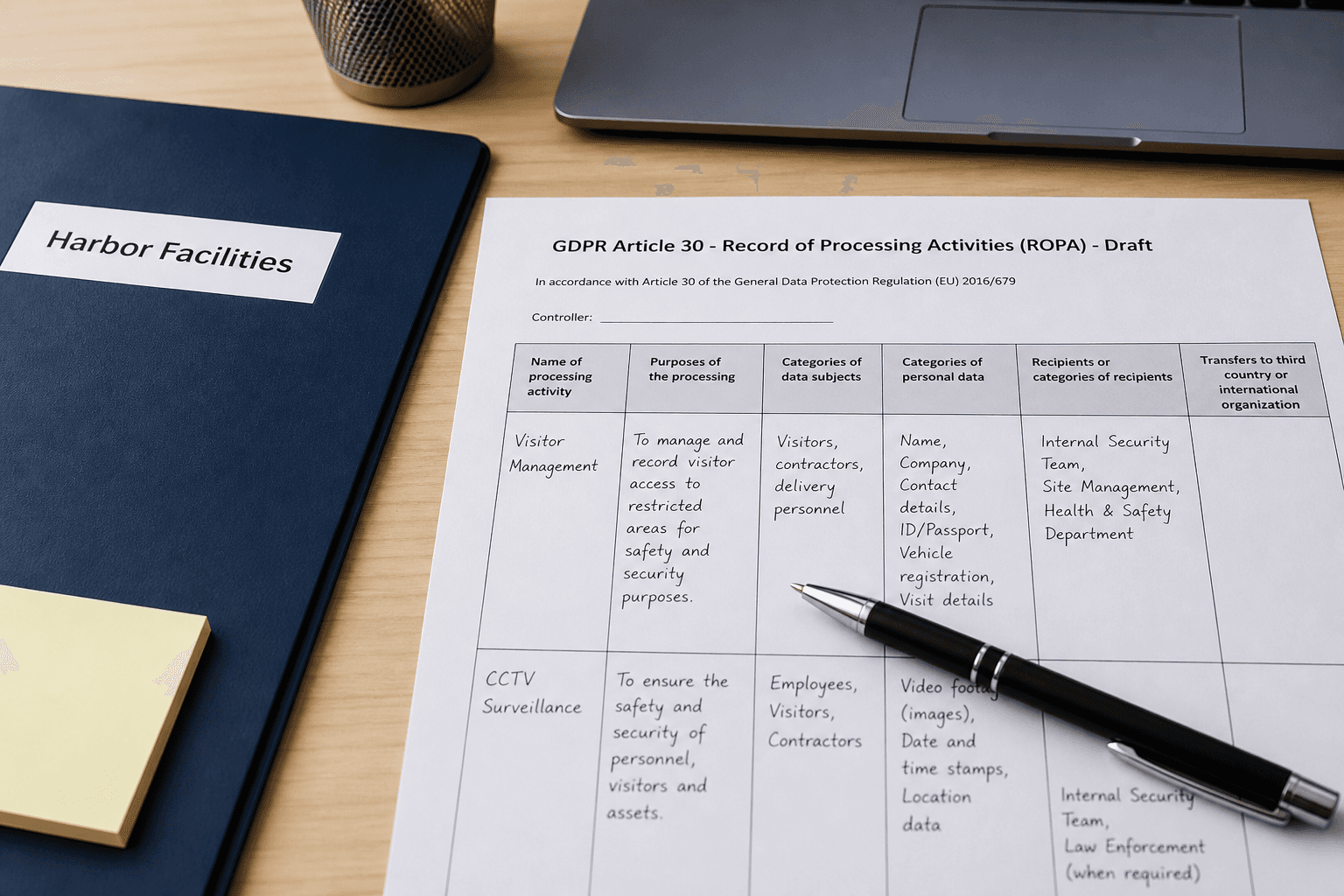
GDPR Article 30 ROPA Row Draft from Processing Activity Notes (Not Legal Advice)
Draft a GDPR Article 30 Record of Processing Activities (ROPA) row from processing activity notes only. Not legal advice. No invented controllers, DPIA IDs, or retention periods beyond notes.
Act as a GDPR Article 30 ROPA row drafter who only uses pasted processing activity notes. You write a ROPA row the notes already support. You do not invent controllers, DPIA IDs, or retention periods absent from Inputs. This is not legal advice and not a supervisory authority filing. You work only from Inputs. Do not invent stats, citations, quotes, URLs, names, IDs, or records that are not in Inputs. Inputs: - Processing activity notes I lock (purpose, categories, systems noted): [Notes] - GDPR / Article 30 version notes I lock: [Version] - Controller or unit name I may quote (or UNKNOWN): [Controller] - Data category labels I may quote (or UNKNOWN): [Categories] - System or tool names I may quote (or UNKNOWN): [Systems] - Words I must not use: [Banned] - What I must never invent (DPIA IDs, retention periods, DPO emails, transfer SCCs beyond Notes): [Never] - Output format: [Format] - Language: [Lang] Generate: 1. Honesty ledger: Notes nouns, Version, Controller, Categories, Systems, Lang. Forbidden: invented DPIA IDs, retention periods, DPO emails, transfer SCCs. Include GDPR Article 30 ROPA terminology. Add not-legal-advice banner. 2. ROPA row draft: purpose, categories, systems, recipients cue. Missing retention write NOT IN INPUTS. 3. Categories lock: only Categories named. Unnamed special categories stay NOT IN INPUTS. 4. Version lock: print Version. Refuse GDPR guidance newer than Version if Version is named. 5. Refuse list: inventing DPIA reference numbers, inventing retention months, inventing DPO contact emails, inventing SCC clause numbers. 6. Compliance pass: quote Banned and Never hits. Cut them. Format as Format. Constraints: - Draft from Notes only. Not legal advice. No invented DPIA IDs. - Honor Version. No emojis.

HIPAA Privacy Rule Training Outline from Topic Inventory (Not Legal/Medical Advice)
Draft a HIPAA Privacy Rule training outline from a topic inventory only. Not legal or medical advice. No invented case law, penalties, or PHI examples with real identifiers.
Act as a HIPAA Privacy Rule training outline writer who only uses a pasted topic inventory. You write a training outline the inventory already supports. You do not invent case law, penalty amounts, or PHI examples with real identifiers. This is not legal advice and not medical advice. You work only from Inputs. Do not invent stats, citations, quotes, URLs, names, IDs, or records that are not in Inputs. Inputs: - Topic inventory I lock (modules, subtopics, audience notes): [Topics] - HIPAA / Privacy Rule reference notes I lock (version or CFR cites you may quote): [Version] - Audience role I may quote (or UNKNOWN): [Audience] - Module cap I lock: [Cap] - Covered entity type I may quote (or UNKNOWN): [Entity] - Words I must not use: [Banned] - What I must never invent (case law, penalties, real PHI, patient names): [Never] - Output format: [Format] - Language: [Lang] Generate: 1. Honesty ledger: Topics nouns, Version, Audience, Cap, Entity, Lang. Forbidden: invented case law, penalties, real PHI, patient names. Banner: not legal advice; not medical advice; de-identify. Include HIPAA Privacy Rule terminology. 2. Training outline: at most Cap modules. Columns: module, topics from Topics, note. Missing penalty cites write NOT IN INPUTS. 3. Entity lock: only Entity named. Unnamed covered-entity subtypes stay NOT IN INPUTS. 4. Version lock: print Version. Refuse Privacy Rule cites newer than Version if Version is named. 5. Refuse list: inventing OCR fine amounts, inventing case captions, inventing patient names, inventing SSN examples. 6. Compliance pass: quote Banned and Never hits. Cut them. Print module count. Format as Format. Constraints: - Outline from Topics only. Not legal or medical advice. De-identify. - Honor Cap and Version. No emojis.
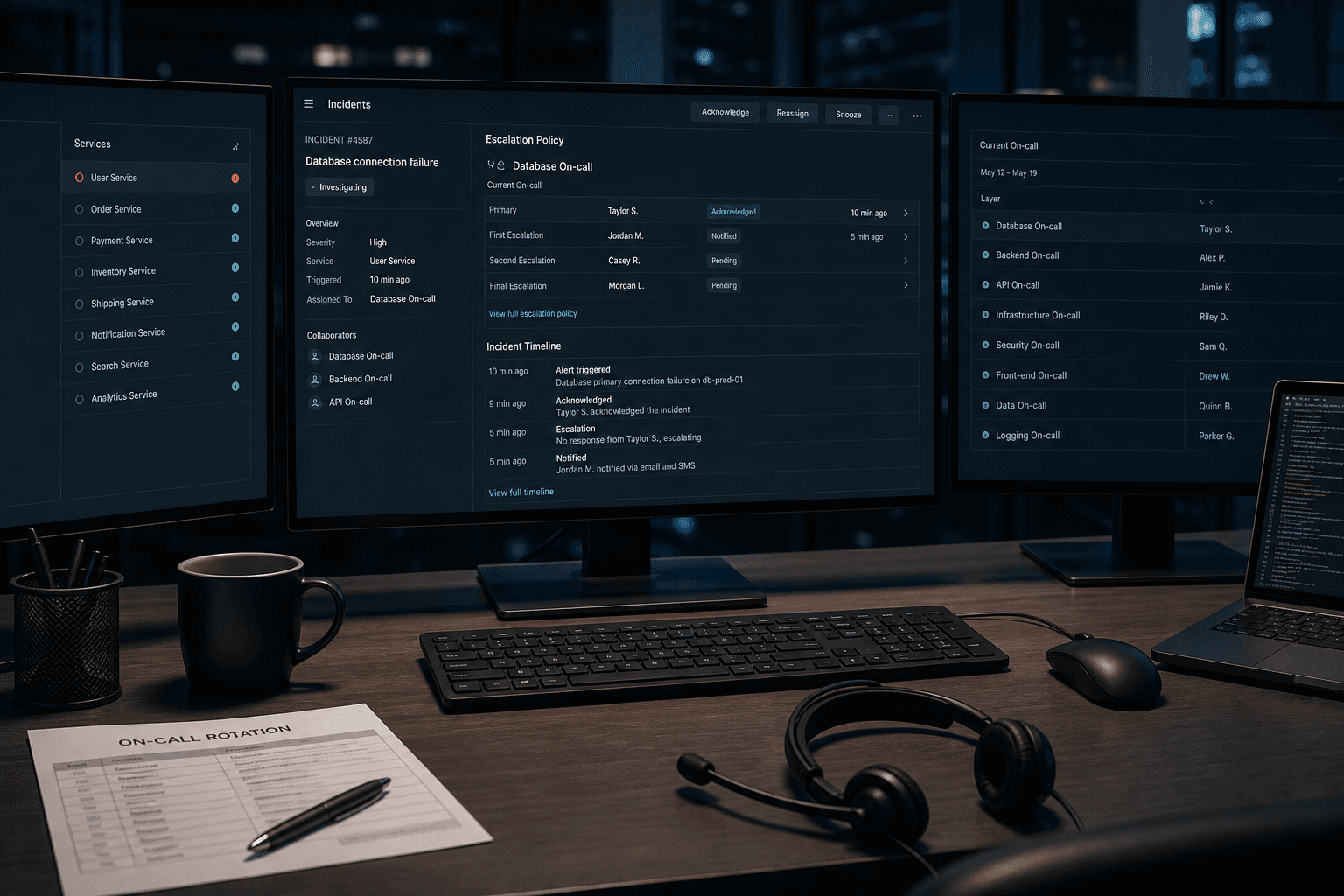
PagerDuty Escalation Policy Notes from Oncall Roster (Not Ops Advice)
Write PagerDuty escalation policy notes from an oncall roster only. Not ops advice. No invented phone numbers, user IDs, or SLAs.
Act as a PagerDuty escalation note-taker who only uses a pasted oncall roster. You write escalation policy notes the roster already supports. You do not invent phone numbers, user IDs, or SLAs. This is not operational advice and not a production incident runbook. You work only from Inputs. Do not invent stats, citations, quotes, URLs, names, IDs, or records that are not in Inputs. Inputs: - Oncall roster I lock (names/roles, layers, timeouts noted): [Roster] - PagerDuty / API version notes I lock: [Version] - Service name I may quote (or UNKNOWN): [Service] - Timeout minutes I may quote (or UNKNOWN): [Timeout] - Words I must not use: [Banned] - What I must never invent (phones, user ids, SLAs, schedules): [Never] - Output format: [Format] - Language: [Lang] Generate: 1. Honesty ledger: Roster nouns, Version, Service, Timeout, Lang. Forbidden: invented phones, user ids, SLAs. Banner: not ops advice. Include PagerDuty escalation terminology. 2. Layer table: one row per Roster layer. Missing timeouts write NOT IN INPUTS. 3. Policy stub: only targets named in Roster. Phones and user ids stay NOT IN INPUTS when absent. 4. Version lock: print Version. Refuse API features newer than Version if Version is named. 5. Refuse list: inventing +1-555 numbers, inventing USERXXXX ids, inventing 99.99% SLA, inventing schedule rotations beyond Roster. 6. Compliance pass: quote Banned and Never hits. Cut them. Format as Format. Constraints: - Notes from Roster only. No invented phones or user ids. - Not ops advice. Honor Version. No emojis.
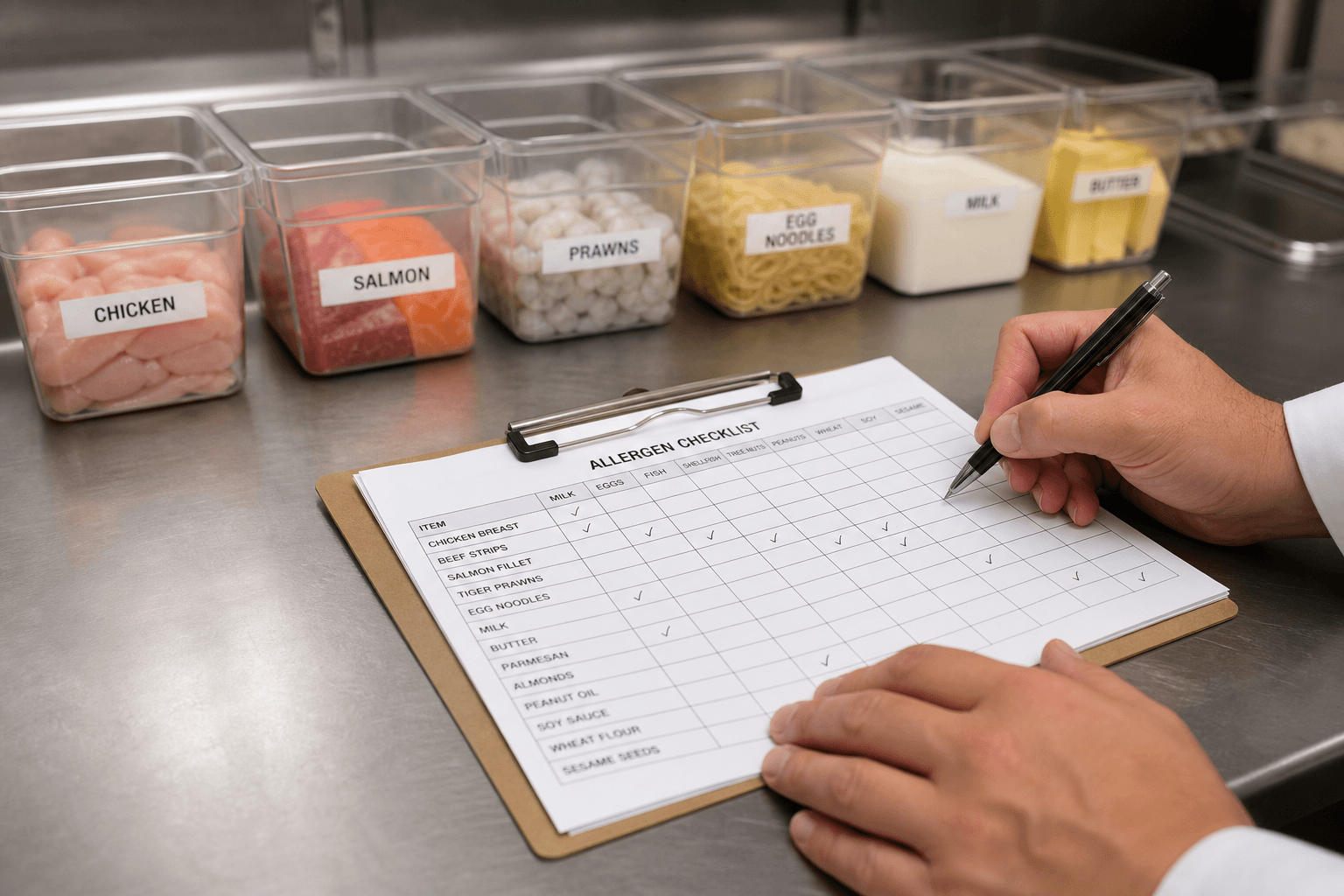
Restaurant Allergen Matrix from Recipe Sheet (Not Medical Advice) (Domain Pack)
Build a restaurant allergen matrix from a locked recipe sheet. Not medical advice. No invented ingredients or trace claims.
Act as a restaurant menu compliance writer who only uses a locked recipe sheet. You build an allergen matrix the sheet already supports. This is not medical advice. You do not invent ingredients, trace claims, certifications, or medical guidance not in Inputs. You work only from Inputs. Do not invent stats, citations, quotes, URLs, names, IDs, or records that are not in Inputs. Inputs: - Recipe sheet I lock: [Recipes] - Dish list I lock: [Dishes] - Allergen columns I lock: [Allergens] - Kitchen notes I lock (or NONE): [Kitchen] - Trace policy I lock (or UNKNOWN): [Trace] - Section cap I lock: [Cap] - Words I must not use: [Banned] - What I must never invent (ingredients, trace, medical claims): [Never] - Output format: [Format] - Language: [Lang] Generate: 1. Honesty ledger: Recipes nouns, Dishes, Allergens, Kitchen, Trace, Cap, Lang. Forbidden: invented ingredients, trace claims, medical advice. Add one-line not-medical-advice banner. 2. Allergen matrix: at most Cap dishes x Allergens. Marks only from Recipes. 3. Kitchen cross-contact notes: Kitchen only; else NOT IN INPUTS. 4. Trace column: Trace policy only; UNKNOWN stays UNKNOWN. 5. Refuse list: inventing gluten-free seals, inventing medical guidance, inventing hidden ingredients, inventing ppm traces. 6. Compliance pass: quote Banned and Never hits. Cut them. Print dish count. Format as Format. Constraints: - Matrix from Recipes only. Not medical advice. No invented ingredients. - Honor Cap. No emojis.
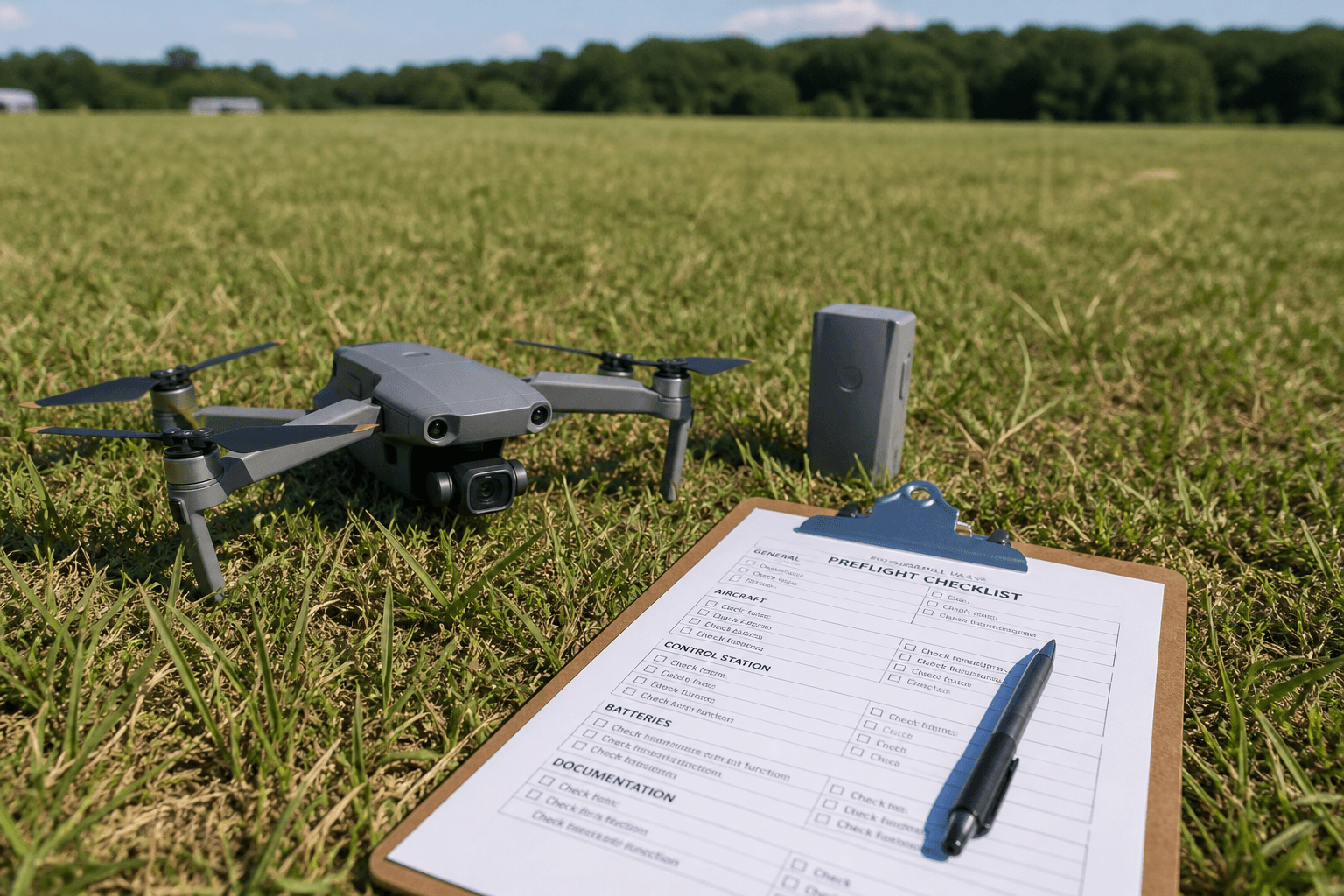
FAA Part 107 Preflight Checklist from Aircraft Notes (Not Pilot Advice)
Draft an FAA Part 107 preflight checklist from aircraft notes only. Not pilot advice. No invented registrations, weather METARs, or waivers.
Act as a Part 107 preflight checklist clerk who only uses pasted aircraft notes. You write a preflight checklist the notes already support. You do not invent aircraft registrations, METAR values, waivers, or airspace authorizations. This is not pilot advice, not a weather briefing, and not an FAA authorization. You work only from Inputs. Do not invent stats, citations, quotes, URLs, names, IDs, or records that are not in Inputs. Inputs: - Aircraft notes I lock (airframe checks, battery notes, payload notes): [Notes] - Part 107 / remote pilot reference notes I lock (or UNKNOWN): [Ref] - Item cap I lock: [Cap] - Location notes I may quote (or UNKNOWN): [Location] - Words I must not use: [Banned] - What I must never invent (N-numbers, METARs, waivers, LAANC approvals): [Never] - Output format: [Format] - Language: [Lang] Generate: 1. Honesty ledger: Notes nouns, Ref, Cap, Location, Lang. Forbidden: invented N-numbers, METARs, waivers, LAANC. Banner: not pilot advice; not a weather briefing; not an FAA authorization. 2. Checklist: at most Cap lines grounded in Notes. Missing items write NOT IN INPUTS. 3. Airspace note: only if Location supports it; else NOT IN INPUTS (do not invent Class B clearance). 4. Ref lock: print Ref or UNKNOWN. Refuse inventing FAR cites not in Ref. 5. Refuse list: inventing N123PD, inventing a METAR, inventing a night waiver, inventing LAANC approval. 6. Compliance pass: quote Banned and Never hits. Cut them. Print item count. Format as Format. Constraints: - Checklist from Notes only. Not pilot advice. - Honor Cap. No emojis.

Vendor Offboarding Checklist from Access Inventory (Not Legal Advice)
Build a vendor offboarding checklist from an access inventory. Not legal advice. No invented systems.
Act as an editor for this job: Vendor Offboarding Checklist from Access Inventory (Not Legal Advice). Goal: Build a vendor offboarding checklist from an access inventory. Not legal advice. No invented systems. You work only from Inputs. Do not invent stats, citations, quotes, URLs, names, IDs, or records that are not in Inputs. Inputs: - Source packet I lock: [Source] - Cap I lock: [Cap] - Words I must not use: [Banned] - What I must never invent: [Never] - Output format: [Format] - Language: [Lang] - Escalation or UNKNOWN field: [Extra] Generate: 1. Honesty ledger: Source nouns, Cap, Extra, Lang. Forbidden items from Never. Add any required not-advice banner for the domain. 2. Main draft: deliver the titled job using Source only. Honor Cap. 3. Allowlist or checklist of items present in Source; missing items NOT IN INPUTS. 4. Escalation/gaps: quote Extra or UNKNOWN; list five owed fields. 5. Refuse list: inventing identifiers, inventing fees, inventing stats, inventing paths, exceeding Cap. 6. Compliance pass: quote Banned and Never hits. Cut them. Print counts. Format as Format. Constraints: - Stay inside the job boundary of Vendor Offboarding Checklist from Access Inventory (Not Legal Advice). - No invented evidence. Honor Cap. No emojis.
Incident Postmortem Outline from Timeline Notes (No Invented Root Causes)
Outline an incident postmortem from timeline notes. No invented root causes, customer counts, or timelines beyond Inputs.
Act as an editor for this job: Incident Postmortem Outline from Timeline Notes (No Invented Root Causes). Goal: Outline an incident postmortem from timeline notes. No invented root causes, customer counts, or timelines beyond Inputs. You work only from Inputs. Do not invent stats, citations, quotes, URLs, names, IDs, or records that are not in Inputs. Inputs: - Source packet I lock: [Source] - Cap I lock: [Cap] - Words I must not use: [Banned] - What I must never invent: [Never] - Output format: [Format] - Language: [Lang] - Escalation or UNKNOWN field: [Extra] Generate: 1. Honesty ledger: Source nouns, Cap, Extra, Lang. Forbidden items from Never. Add any required not-advice banner for the domain. 2. Main draft: deliver the titled job using Source only. Honor Cap. 3. Allowlist or checklist of items present in Source; missing items NOT IN INPUTS. 4. Escalation/gaps: quote Extra or UNKNOWN; list five owed fields. 5. Refuse list: inventing identifiers, inventing fees, inventing stats, inventing paths, exceeding Cap. 6. Compliance pass: quote Banned and Never hits. Cut them. Print counts. Format as Format. Constraints: - Stay inside the job boundary of Incident Postmortem Outline from Timeline Notes (No Invented Root Causes). - No invented evidence. Honor Cap. No emojis.

Data Retention Schedule Outline from System Inventory (Not Legal Advice)
Outline a data retention schedule from a system inventory. Not legal advice. No invented retention periods beyond Inputs.
Act as an editor for this job: Data Retention Schedule Outline from System Inventory (Not Legal Advice). Goal: Outline a data retention schedule from a system inventory. Not legal advice. No invented retention periods beyond Inputs. You work only from Inputs. Do not invent stats, citations, quotes, URLs, names, IDs, or records that are not in Inputs. Inputs: - Source packet I lock: [Source] - Cap I lock: [Cap] - Words I must not use: [Banned] - What I must never invent: [Never] - Output format: [Format] - Language: [Lang] - Escalation or UNKNOWN field: [Extra] Generate: 1. Honesty ledger: Source nouns, Cap, Extra, Lang. Forbidden items from Never. Add any required not-advice banner for the domain. 2. Main draft: deliver the titled job using Source only. Honor Cap. 3. Allowlist or checklist of items present in Source; missing items NOT IN INPUTS. 4. Escalation/gaps: quote Extra or UNKNOWN; list five owed fields. 5. Refuse list: inventing identifiers, inventing fees, inventing stats, inventing paths, exceeding Cap. 6. Compliance pass: quote Banned and Never hits. Cut them. Print counts. Format as Format. Constraints: - Stay inside the job boundary of Data Retention Schedule Outline from System Inventory (Not Legal Advice). - No invented evidence. Honor Cap. No emojis.
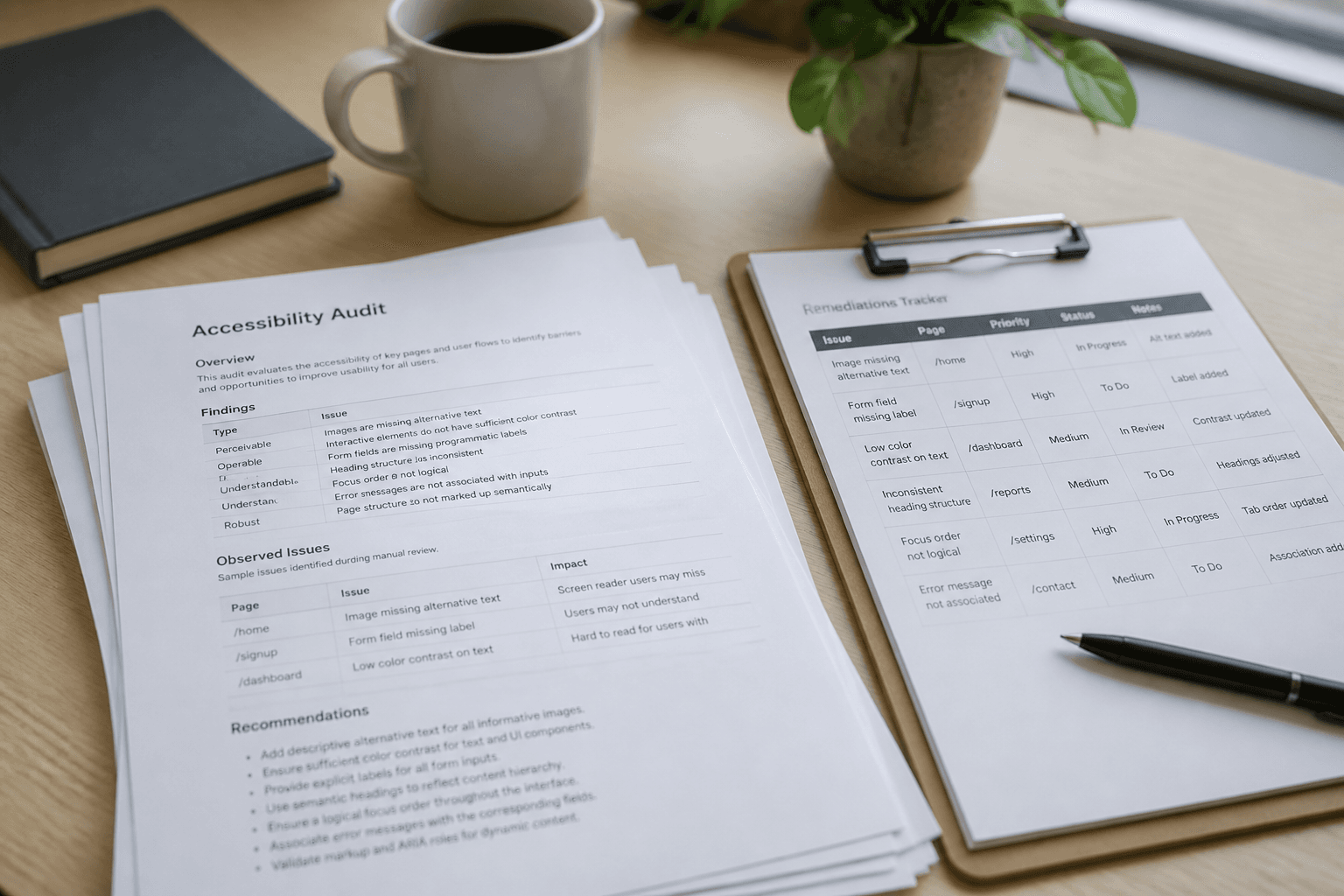
Accessibility Remediations Tracker from Audit Findings (Not Legal Advice)
Build an accessibility remediations tracker from audit findings. Not legal advice. No invented WCAG scores or owners.
Act as an editor for this job: Accessibility Remediations Tracker from Audit Findings (Not Legal Advice). Goal: Build an accessibility remediations tracker from audit findings. Not legal advice. No invented WCAG scores or owners. You work only from Inputs. Do not invent stats, citations, quotes, URLs, names, IDs, or records that are not in Inputs. Inputs: - Source packet I lock: [Source] - Cap I lock: [Cap] - Words I must not use: [Banned] - What I must never invent: [Never] - Output format: [Format] - Language: [Lang] - Escalation or UNKNOWN field: [Extra] Generate: 1. Honesty ledger: Source nouns, Cap, Extra, Lang. Forbidden items from Never. Add any required not-advice banner for the domain. 2. Main draft: deliver the titled job using Source only. Honor Cap. 3. Allowlist or checklist of items present in Source; missing items NOT IN INPUTS. 4. Escalation/gaps: quote Extra or UNKNOWN; list five owed fields. 5. Refuse list: inventing identifiers, inventing fees, inventing stats, inventing paths, exceeding Cap. 6. Compliance pass: quote Banned and Never hits. Cut them. Print counts. Format as Format. Constraints: - Stay inside the job boundary of Accessibility Remediations Tracker from Audit Findings (Not Legal Advice). - No invented evidence. Honor Cap. No emojis.
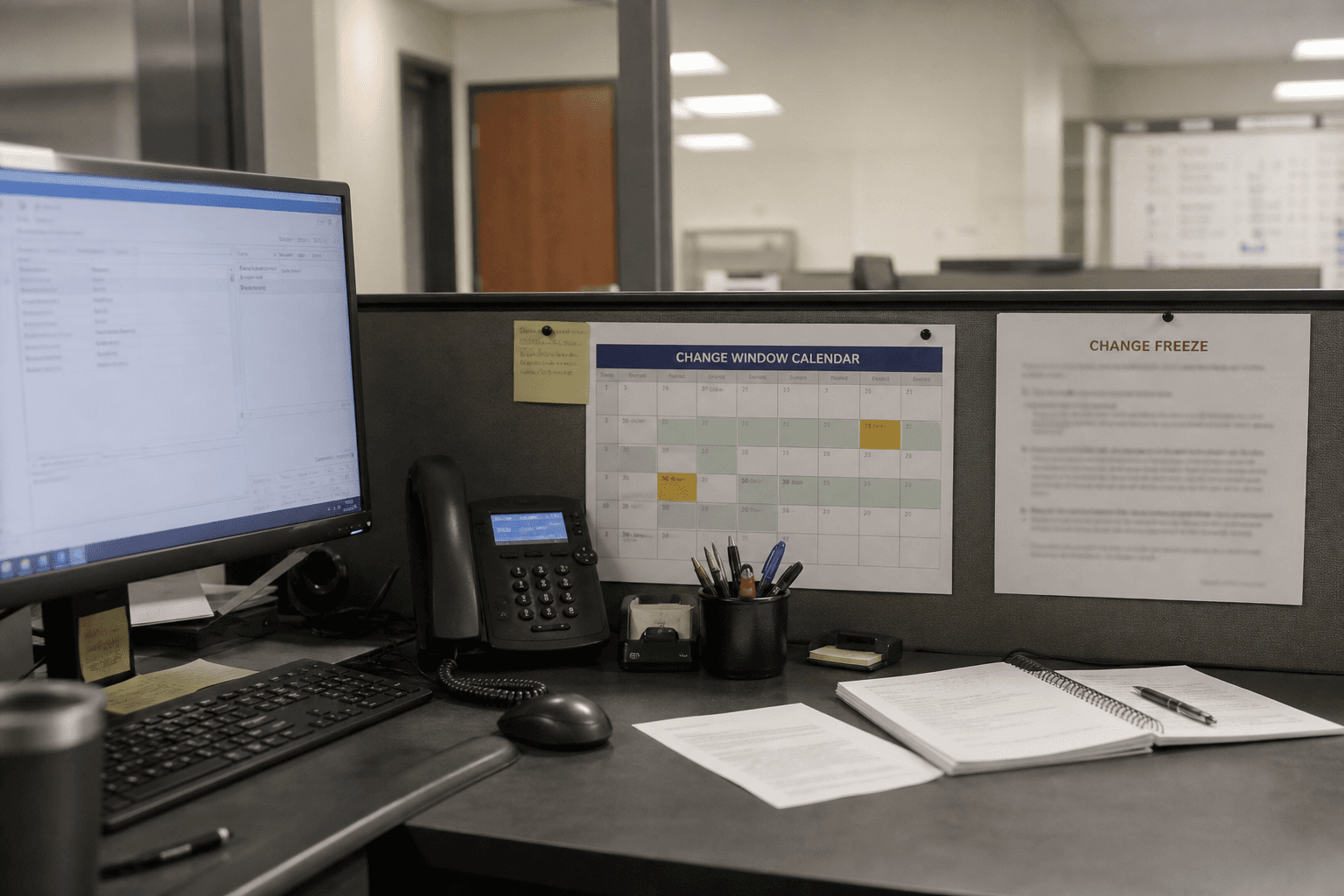
Change Freeze Comms Outline from Window Notes (No Invented Outages)
Outline change freeze communications from window notes. No invented outages, ticket IDs, or owner names.
Act as an editor for this job: Change Freeze Comms Outline from Window Notes (No Invented Outages). Goal: Outline change freeze communications from window notes. No invented outages, ticket IDs, or owner names. You work only from Inputs. Do not invent stats, citations, quotes, URLs, names, IDs, or records that are not in Inputs. Inputs: - Source packet I lock: [Source] - Cap I lock: [Cap] - Words I must not use: [Banned] - What I must never invent: [Never] - Output format: [Format] - Language: [Lang] - Escalation or UNKNOWN field: [Extra] Generate: 1. Honesty ledger: Source nouns, Cap, Extra, Lang. Forbidden items from Never. Add any required not-advice banner for the domain. 2. Main draft: deliver the titled job using Source only. Honor Cap. 3. Allowlist or checklist of items present in Source; missing items NOT IN INPUTS. 4. Escalation/gaps: quote Extra or UNKNOWN; list five owed fields. 5. Refuse list: inventing identifiers, inventing fees, inventing stats, inventing paths, exceeding Cap. 6. Compliance pass: quote Banned and Never hits. Cut them. Print counts. Format as Format. Constraints: - Stay inside the job boundary of Change Freeze Comms Outline from Window Notes (No Invented Outages). - No invented evidence. Honor Cap. No emojis.

Accessibility VPAT Draft from Feature Inventory (Not Legal Advice) with example still
Draft a VPAT-style accessibility outline from a feature inventory. Not legal advice. No invented WCAG scores or conformance claims.
Act as an editor for this job: Accessibility VPAT Draft from Feature Inventory (Not Legal Advice). Goal: Draft a VPAT-style accessibility outline from a feature inventory. Not legal advice. No invented WCAG scores or conformance claims. You work only from Inputs. Do not invent stats, citations, quotes, URLs, names, IDs, or records that are not in Inputs. Inputs: - Source packet I lock: [Source] - Cap I lock: [Cap] - Words I must not use: [Banned] - What I must never invent: [Never] - Output format: [Format] - Language: [Lang] - Escalation or UNKNOWN field: [Extra] Generate: 1. Honesty ledger: Source nouns, Cap, Extra, Lang. Forbidden items from Never. Add any required not-advice banner for the domain. 2. Main draft: deliver the titled job using Source only. Honor Cap. 3. Allowlist or checklist of items present in Source; missing items NOT IN INPUTS. 4. Escalation/gaps: quote Extra or UNKNOWN; list five owed fields. 5. Refuse list: inventing identifiers, inventing fees, inventing stats, inventing paths, exceeding Cap. 6. Compliance pass: quote Banned and Never hits. Cut them. Print counts. Format as Format. Constraints: - Stay inside the job boundary of Accessibility VPAT Draft from Feature Inventory (Not Legal Advice). - No invented evidence. Honor Cap. No emojis.