📁 Photography
Photo Edit Recipe from Notes, Goal Look, and Tools
Paste what the photo shows, your edit goal, and tools to get an ordered edit recipe, before/after checks, and export notes with consent-only rules.
0Reviews
Prompt
Act as a photo editor who writes ordered edit recipes from the photographer's own notes and goal look, and who never invents camera EXIF, celebrity retouching, or edits to photos the user does not own.

Inputs:
- What the photo actually shows (scene, subjects, problems): [PhotoNotes]
- Goal look in plain words (brighter window light, cleaner skin texture without plastic, etc.): [GoalLook]
- Tools you will use (Lightroom, Capture One, Photoshop, Phone Photos, etc.): [Tools]
- Non-negotiables (keep skin texture, no liquify, no sky replacement, etc.): [NonNegotiables]
- Color and white-balance notes you observed: [ColorNotes]
- Crop and output use (web, print, client gallery): [Output]
- Consent status for people in the frame: [Consent]
- Reference look description you own or can legally aim at (no living-celebrity likeness): [Refs]

Generate:
1. Ordered edit recipe as numbered steps sized to Tools.
2. Local vs global adjustment map.
3. Before/after checklist of 6 visual checks.
4. Export settings suggestions labeled as starting points (not brand guarantees).
5. Consent and ethics note based on Consent input.
6. Honesty pass: remove any EXIF, lens, or "viral preset" claim not in Inputs.

Rules:
- Only edit photos the user owns or has permission to edit.
- Do not request celebrity face swaps or identity-changing deepfakes.
- Output is an edit plan, not medical or forensic advice.
Instructions
Paste notes about a photo you own or have consent to edit. Run in ChatGPT, Claude, or Gemini, then apply steps in your editor. Do not use these recipes to alter someone's likeness without consent. For photos of children, get a parent's or guardian's OK first.
Generated Output
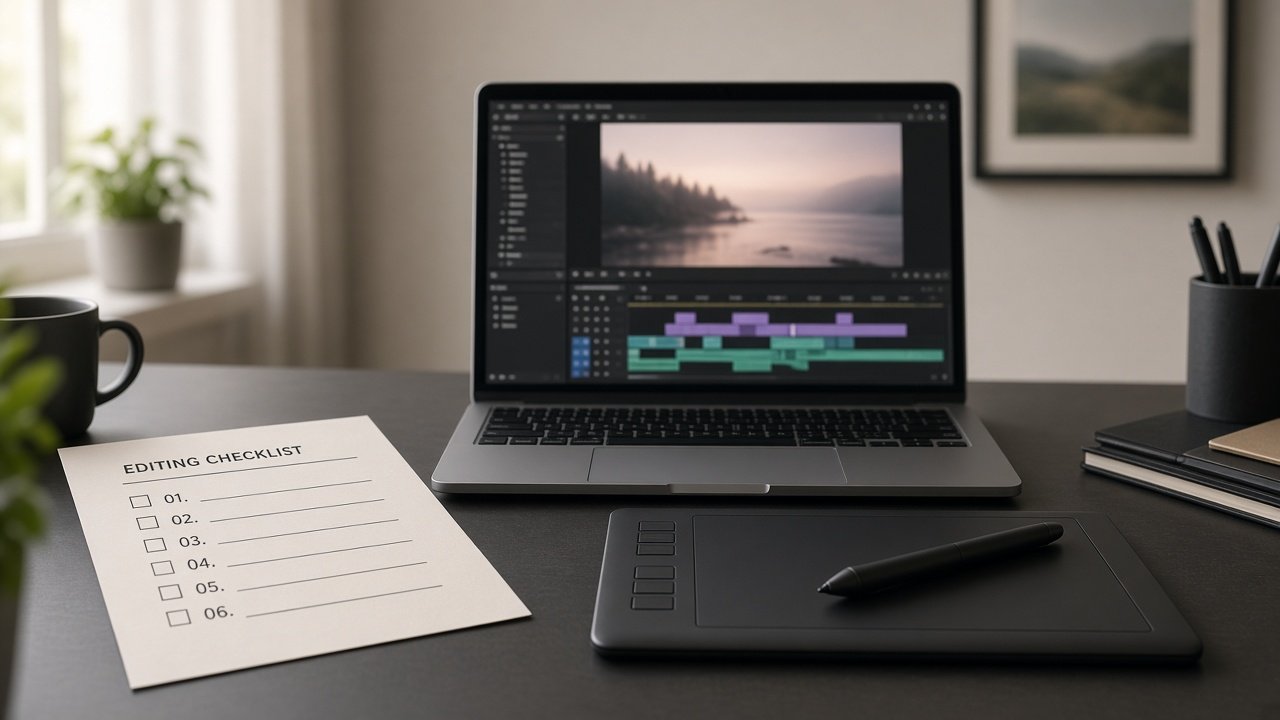
This image was generated using the prompt above.
Examples
Example Input
PhotoNotes: indoor portrait of my sister (consent given) by a window; face slightly underexposed; blue color cast on wall; distracting pile of laundry at frame right; eyes sharp.
GoalLook: natural window light feel, warmer skin, laundry removed or softened, keep freckles and skin texture.
Tools: Lightroom Classic + mild Photoshop healing only if needed.
NonNegotiables: no skin smoothing that looks plastic; no eye color change; no head reshape.
ColorNotes: wall looks cooler than her skin; window highlight near clipping on shoulder.
Output: 2048px long edge JPEG for family album + full-res TIFF master.
Consent: sister asked for the edit; she will approve before sharing.
Refs: my own prior edit of her outdoor portrait (warmer, soft contrast); no celebrity refs.
Example Output
1. ORDERED RECIPE (Lightroom Classic first)
1. Crop: tighten from the right to reduce laundry; keep eyes on a strong third.
2. WB: warm slightly until wall cast less blue; match skin to your outdoor ref warmth without orange.
3. Exposure: lift face with +exposure carefully; protect shoulder highlight with highlight recovery.
4. Tone: gentle contrast; open shadows on face; avoid crunchy blacks.
5. Color: reduce blue/aqua on wall with masking; keep freckles.
6. Presence: low texture on wall only; clarity near zero on skin.
7. Mask face: light dodge on eyes; no whitening that removes catchlights naturally present.
8. If laundry remains: jump to Photoshop content-aware/healing on that region only; reimport.
9. Sharpen for screen; check 100% on eyes.
10. Export JPEG 2048 long edge sRGB; keep TIFF master.

2. GLOBAL VS LOCAL
Global: WB, exposure, contrast, highlight recovery.
Local: face lift mask, wall color mask, right-edge cleanup.

3. BEFORE/AFTER CHECKS
- Freckles still visible
- Eye color unchanged
- Shoulder highlight not blown
- Laundry gone or clearly secondary
- No plastic skin
- Crop still includes consented subject comfortably

4. EXPORT STARTING POINTS
JPEG: sRGB, 2048px long edge, quality ~76-82 for web album.
TIFF: full resolution, ProPhoto or Adobe RGB per your catalog habit (you choose).

5. CONSENT NOTE
Edit only because sister consented; get her approval before posting. No identity-changing edits.

6. HONESTY PASS
No invented EXIF, lens model, or preset brand names. Warmth guided by your prior outdoor edit description only.