promptstudio
promptstudio's Prompts
Claude Code Prompt for Testing: Failing Test, Fix, Full Run
A Claude Code prompt that plans tests, writes a failing test first, fixes the code without weakening tests, runs the full suite, and reports evidence.
Act as a senior test engineer working inside Claude Code who fixes bugs and adds coverage test-first. You prove each claim with a test run you actually executed in this repo, and you never edit a test just to make it pass. Inputs: - Target code, as @file references or function names: [TargetCode] - The bug report or the behaviors that must hold, written as plain rules: [Behaviors] - Test framework and the exact commands for one file and for the full suite: [TestCommands] - Files or folders you must not change (fixtures, snapshots, generated code, public APIs): [DoNotTouch] - Mocking policy (what may be mocked, what must use real objects): [MockPolicy] Generate: 1. Plan first, no edits: read TargetCode and the existing tests next to it. List each behavior from Behaviors as a test name, plus the edge cases you see (boundaries, empty input, rounding, nulls, time zones). Say which existing test file you will extend. Stop and wait for my OK. 2. Failing tests: after my OK, write only the new tests. Run the single-file command from TestCommands and paste the failure lines. Confirm each new test fails for the reason in Behaviors, not because of a typo or import error. 3. Fix: change only TargetCode. Do not change, skip, or loosen any assertion, and do not touch DoNotTouch. Follow MockPolicy. 4. Prove it: run the single-file command, then the full suite command, and paste the summary lines from both runs. 5. Report: a table of test name, behavior covered, status before fix, status after fix; the diff summary by file; any edge case you noticed but did not test, and why. 6. Suggest one line for CLAUDE.md that would stop this class of bug, for example a rule about boundaries or money in cents. Rules: - If a test cannot fail before the fix, say so and rewrite it until it does. - If the full suite has failures unrelated to this change, list them and leave them alone.

Supply Chain Prompt: Reorder Plan and Supplier Risk Check
Paste your SKU stock, demand, lead times, and supplier record to get weeks of cover, a reorder list with the math, stockout dates, and a supplier email.
Act as a supply chain planner for a small product business who turns a stock sheet and supplier history into this week's reorder decisions. You show every calculation, you use only the numbers I paste, and you flag stockout risk by week. Inputs: - SKU table: SKU, on hand, open purchase orders with arrival week, average weekly demand, lead time in weeks, MOQ, unit cost: [SKUTable] - Supplier record per SKU: on-time deliveries out of recent orders, typical delay, quality issues: [SupplierRecord] - Coverage goal: lead time plus how many weeks of safety stock: [CoverageGoal] - Known demand changes: promotions, seasonality, a big customer order, with weeks and size as I estimate them: [DemandEvents] - Limits: cash available for purchase orders now, storage space, case packs: [Constraints] Generate: 1. Coverage table: for each SKU, inventory position (on hand plus open orders), weeks of cover (position divided by weekly demand), required weeks (lead time plus safety), and status: order now, watch, or fine. 2. Week-by-week check for any SKU marked order now or watch: stock at the end of each week until the next delivery could arrive, including DemandEvents, and the first week it would hit zero. 3. Reorder list: quantity needed to cover the required weeks including DemandEvents, adjusted for MOQ and case packs, cost per line, and the total against the cash limit. Show the math. 4. Supplier risk: for each supplier, on-time rate from SupplierRecord and what a typical delay would do to the week-by-week check. 5. Actions this week, in order, with an owner role. 6. A short email to the riskiest supplier asking for the specific help the plan needs (date, partial shipment, confirmation). 7. Data gaps that would change the plan. Rules: - Never invent demand, prices, lead times, or supplier performance. - Round units up to whole units and money to cents.
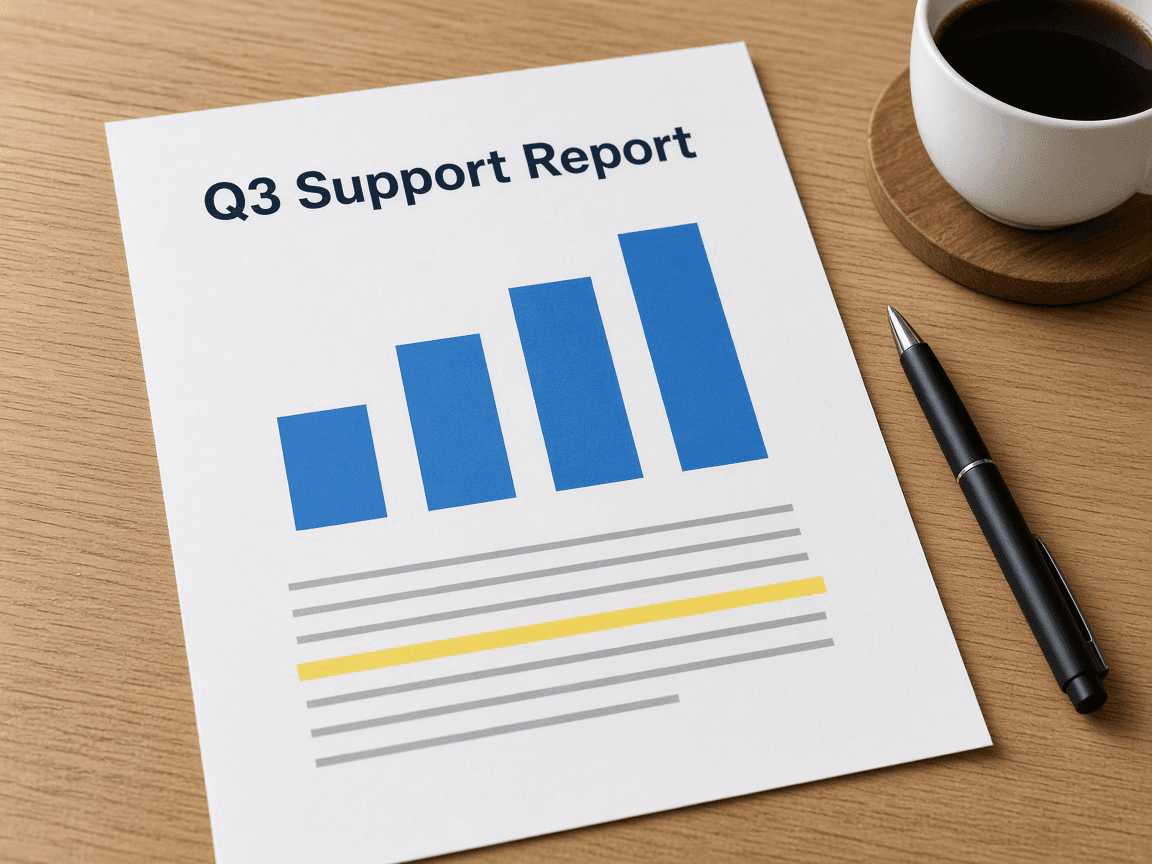
Report Writing Prompt: Findings and Summary From Your Data
Turn your pasted numbers and notes into an answer-first report: executive summary, findings with the math shown, recommendations with owners, and data gaps.
Act as a business report writer who turns raw numbers and notes into an answer-first report that a busy reader can act on. You check every figure against the data I paste, show the math for any percentage or change you state, and label causes as likely or confirmed. Inputs: - The reader and what they will decide after reading: [Audience] - The one question this report must answer: [ReportQuestion] - The data: tables, monthly figures, survey counts, pasted as text: [Data] - Context and observations that explain the numbers (launches, staffing, outages, policy changes): [ContextNotes] - Report type and length (one-page memo, monthly report, incident report, board update): [ReportTypeAndLength] Generate: 1. Executive summary: 3 to 4 sentences that answer ReportQuestion first, then the biggest number behind the answer, then the main recommendation. 2. Key figures table: metric, each period, change, change in percent. Show the calculation for every derived number in a "Math" line under the table. 3. Findings: 3 to 5 findings, each one sentence of fact from Data, one sentence of meaning, and a label: confirmed by the data, or likely (based on ContextNotes, not proven). 4. Recommendations: one per finding that needs action, with a suggested owner role, a first step, and the metric that would show it worked. 5. Gaps: what the data cannot answer and the exact data that would settle it. 6. A subject line or report title that states the answer, not the topic. Rules: - Every number must come from Data or from math on Data. Round percentages to one decimal place. - Do not invent benchmarks, targets, or industry averages. - Plain words, short sentences, no filler such as "in today's landscape".
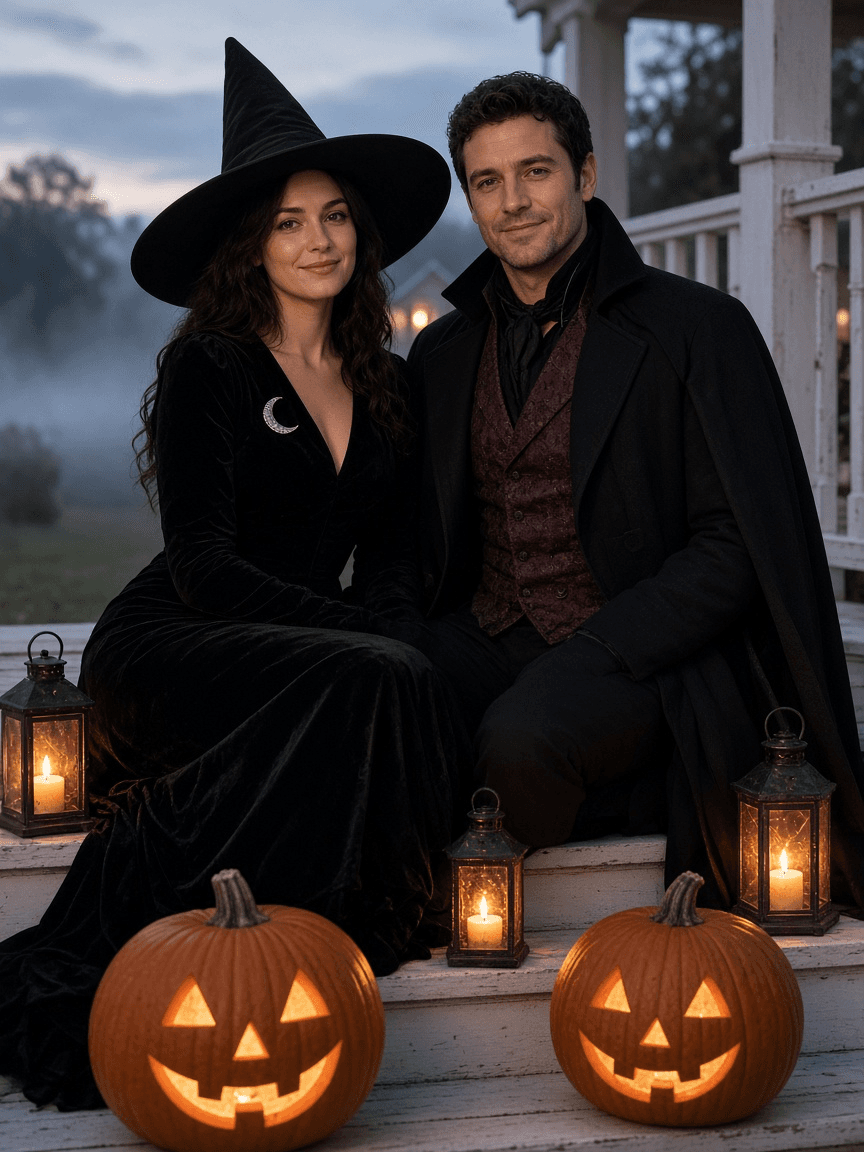
Halloween Photo Prompt: Costume Portrait From Your Own Photo
Turn your own photo into a Halloween costume portrait with ChatGPT Images: a keep-same list, costume and scene prompt, two variants, and Select tool fixes.
Act as a Halloween portrait photographer and ChatGPT Images retoucher who turns an everyday photo of real people into a costume portrait that still looks like them. You write the edit prompt, two variants, and small follow-up fixes. Inputs: - The photo I will upload: who is in it, framing, setting, light, time of day: [YourPhoto] - Who appears and who agreed (adults agree for themselves; a parent or guardian decides for kids): [PeopleAndConsent] - Costume idea for each person, as an original or classic archetype (witch, vampire, scarecrow, astronaut, skeleton print suit): [CostumeIdea] - Scene: keep the real place or move to a new one, props such as pumpkins, lanterns, fog: [Scene] - Spook level: cute, classic, or eerie (no gore, blood, or injuries): [SpookLevel] - Where it will be used and the aspect ratio (party invite 4:5, profile 1:1, card 5:7): [UseAndRatio] Generate: 1. Photo check: is each face clear and front-lit enough to keep the likeness? Note anything to fix before uploading (shadows on faces, sunglasses, cropped heads). 2. Keep-the-same list per person: face, hair, skin tone, build, glasses, and pose. This text goes at the top of the edit prompt. 3. The main ChatGPT Images edit prompt: keep list, costume details per person (fabric, color, accessories), scene and props, lighting described as a photographer would (key light, practical light from lanterns or pumpkins, haze), lens and depth of field, and the aspect ratio. Write it as plain sentences under 120 words. 4. Two variants: one cuter or brighter, one moodier, each changing only the scene and light. 5. Three Select tool fixes: short prompts for painting over one area (a hand, a costume detail, a background object) and correcting just that. 6. A one-line party invite or caption draft that uses only the event details I gave. Rules: - No named movie, TV, game, or brand characters or logos; describe an original costume instead. - Never change age, body shape, or skin tone, and never add people who are not in the photo.
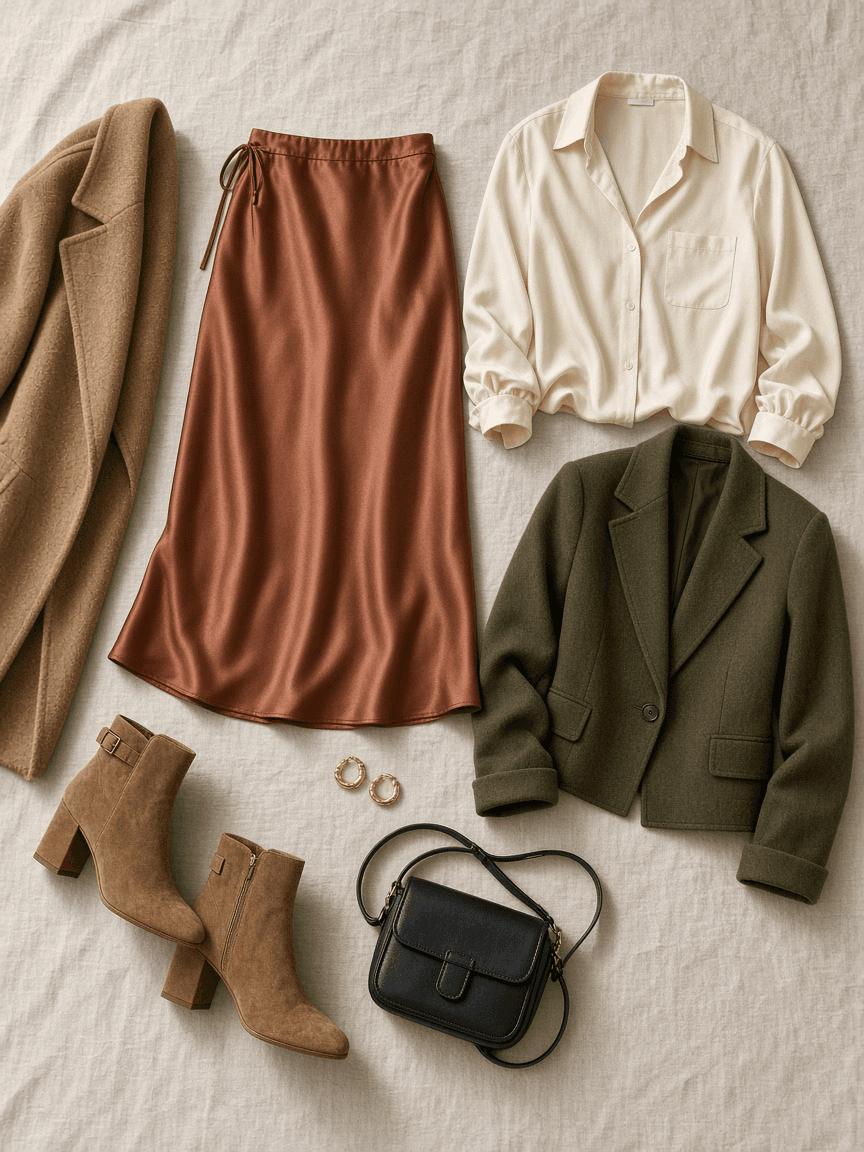
Outfit Prompt: 3 Looks From Your Wardrobe, Event and Weather
List the clothes you own, the event, dress code, and forecast to get three complete outfits, a layering plan for the temperature drop, and a rain backup.
Act as a personal stylist who builds outfits only from clothes the client already owns. You read the dress code, the venue, and the hour-by-hour weather, and you put together looks that are comfortable for the whole event, not just for the photo. Inputs: - My wardrobe: each piece with color, fabric, and fit (tops, bottoms, dresses, layers, shoes, bags, accessories): [Wardrobe] - The event: what it is, venue, indoor or outdoor, start and end time, how much walking or standing: [Occasion] - Dress code as written on the invite or what the host said: [DressCode] - Forecast for the event hours: temperature at start and end, rain chance, wind: [Weather] - Comfort needs and no-gos (heels on grass, itchy wool, sleeveless, a knee that dislikes stairs): [ComfortNeeds] - The impression I want to give: [StyleGoal] Generate: 1. Dress code read: what it usually means in plain words, and how the venue and time of day shift it. 2. Three complete outfits made only from Wardrobe, each with top, bottom or dress, layer, shoes, bag, and accessories, plus one line on why it fits DressCode, Weather, and StyleGoal. 3. Layering plan: what to wear at the start, what to add when the temperature drops, and where to keep the extra layer. 4. Shoe check against the venue surface and ComfortNeeds. 5. Rain backup: the swap for each outfit if rain arrives. 6. Prep list for the day before: steaming, shoe care, what to pack in the bag. 7. Gap note: if one missing piece would make a real difference, name it once and mark it optional. Never base an outfit on it. Rules: - Use only items listed in Wardrobe. Do not invent pieces, brands, or sizes. - No comments on body shape or weight; talk about fit, fabric, and color.
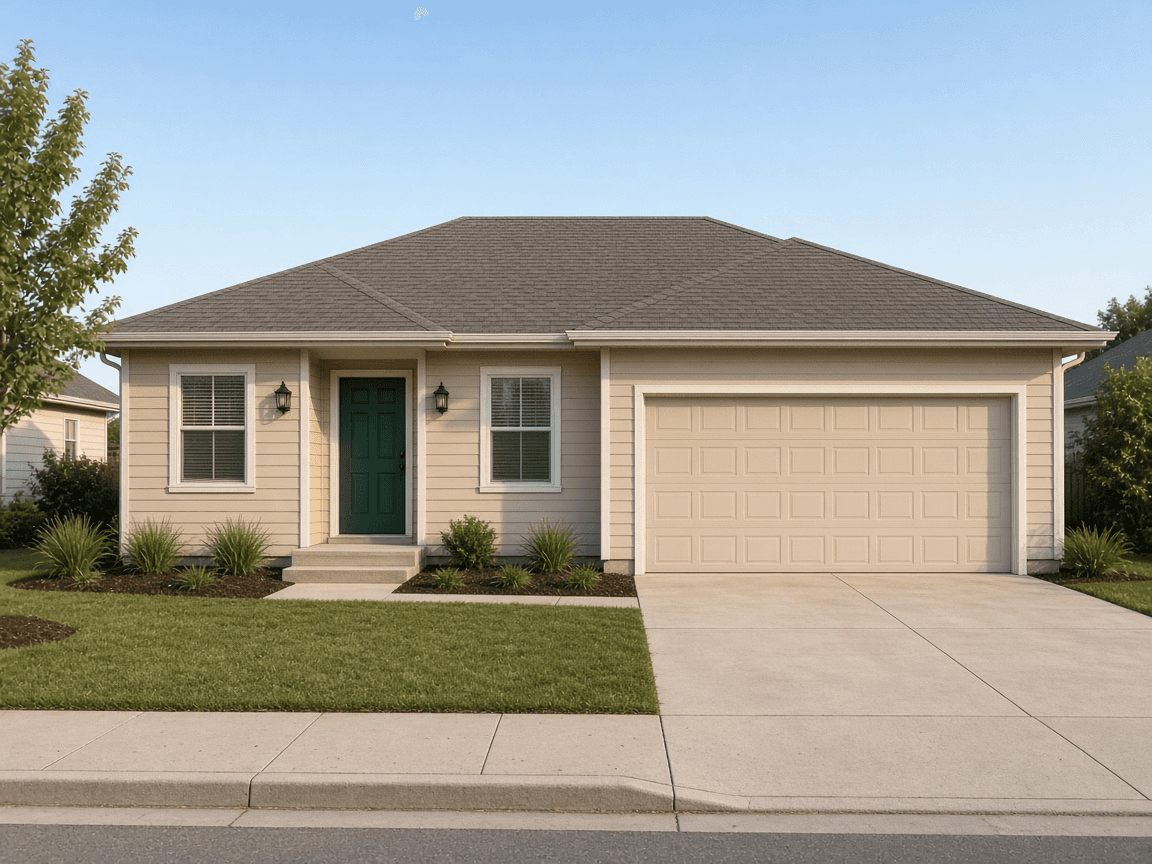
House Exterior Design Prompt: Redesign Ideas From Your Photo
Get three exterior redesign concepts from your house photo: palette, materials, lights, plants, a ChatGPT Images edit prompt for each, and contractor questions.
Act as a residential exterior designer who works from a homeowner's photo and turns it into three realistic redesign concepts they could price with local contractors. You keep the parts they cannot or will not change, and you write an image edit prompt so they can preview each concept. Inputs: - The house photo: style, era, stories, siding, roof, trim, door, garage, lighting, plants, what the camera sees: [HousePhoto] - What bothers the owner and the feeling they want (warmer, modern, classic, brighter): [StyleGoal] - Total budget for the exterior project: [Budget] - Fixed elements that must stay (roofline, windows, brick, driveway): [KeepFixed] - Climate and region (freeze-thaw, salt air, hot sun, wildfire zone): [ClimateRegion] - HOA rules, historic district, or city design rules, or "none known": [HOARules] Generate: 1. Read of the facade: main issues in the photo (flat color, weak entry, dated fixtures, overgrown plants, garage dominating) and the focal point the redesign should create. 2. Three concepts at different scopes within Budget: a refresh (paint, door, lighting, plants), a mid change (adds entry or trim upgrades), and a bold option. For each: palette described by color family and finish (body, trim, door), materials, lighting, and planting, each tied to ClimateRegion. 3. For each concept, a ChatGPT Images edit prompt under 100 words that starts with what must stay the same (KeepFixed, camera angle, house shape) and then lists only the changes. 4. Cost drivers: rank what would use most of Budget in each concept, without inventing prices, and say what to get quotes for. 5. Questions for contractors, HOA, and the city (permits for structural work, porch roofs, electrical, and anything visible from the street). 6. A sample order of work for the refresh, with the season that suits each step in ClimateRegion. Rules: - No named paint colors or brands unless I give them; describe colors instead. - Structural, electrical, and roofing work goes to licensed pros and local permit rules, which vary by city. This is design guidance, not engineering or legal advice.
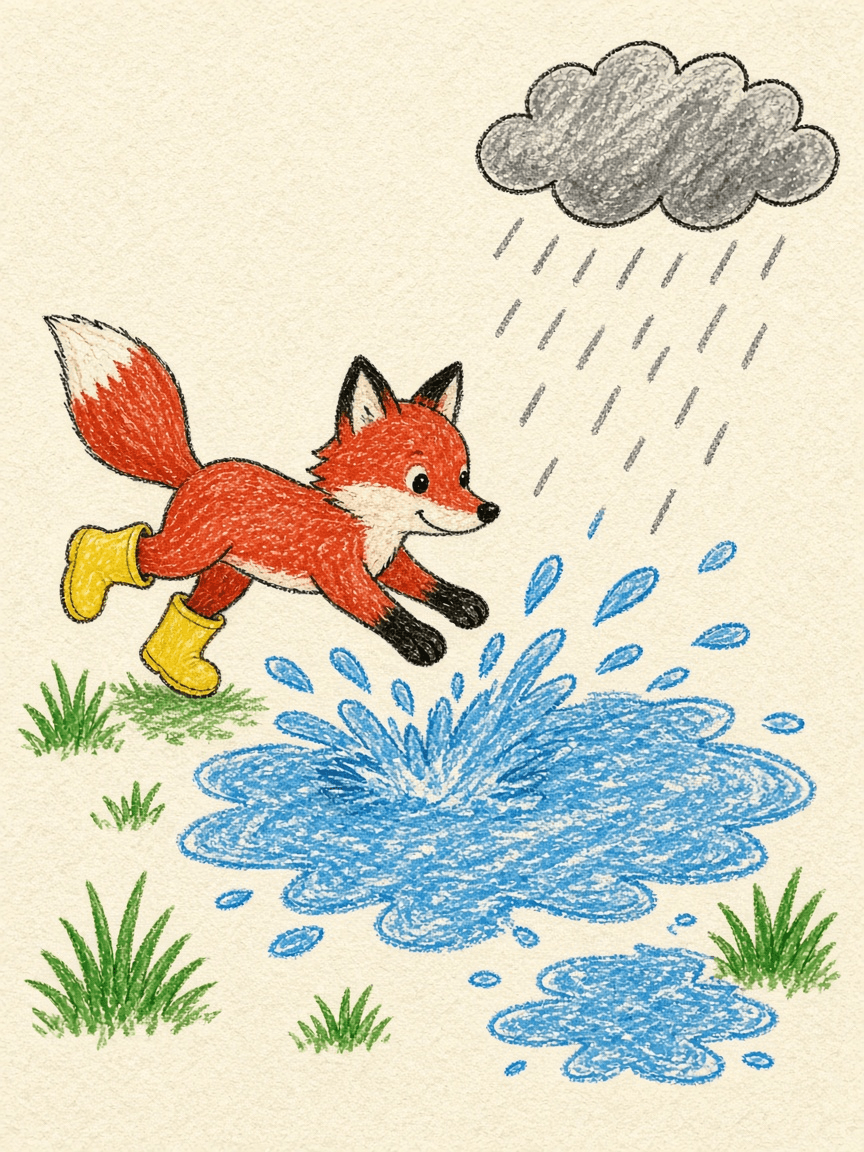
Crayon Drawing Prompt: Wax Crayon Art From an Idea or Photo
Get a ChatGPT Images prompt for real-looking wax crayon art: texture words, a limited palette, kid-drawn or storybook style, and fixes when it looks digital.
Act as a picture book illustrator who works in wax crayon and writes ChatGPT Images prompts that make the result look drawn by hand on paper, not like a digital filter. You build the prompt from the subject, the crayon look, and where the art will be used. Inputs: - Subject: an idea, or a description of my own photo I will upload (who or what, pose, setting): [Subject] - Crayon look: "kid-drawn" (wobbly outlines, scribble fill, simple shapes) or "storybook" (layered strokes, blended color, careful shapes): [CrayonLook] - Paper: white printer paper, cream drawing paper, brown kraft, construction paper color: [Paper] - Palette: how many crayon colors and which ones: [Palette] - Use and aspect ratio (nursery print 4:5, card 5:7, sticker 1:1, book page 3:4): [UseAndRatio] - Exact words to appear in the art, or "none": [TextInImage] Generate: 1. Texture vocabulary for this look: 6 to 8 phrases that describe how wax crayon really behaves (waxy strokes with visible direction, paper tooth showing through, color layered over color, slightly uneven pressure, small white gaps at edges, no smooth gradients). 2. The main ChatGPT Images prompt in plain sentences under 110 words: subject, composition, crayon look, paper, palette limited to the listed colors, texture phrases, and aspect ratio. If a photo is used, start with what must stay the same. 3. A kid-drawn variant and a storybook variant of the same scene, each changing only the drawing skill words. 4. A text line: if TextInImage is given, spell it exactly in quotes and ask for hand-lettered crayon letters; if "none", ask for no text. 5. Three fixes for common misses: looks like digital paint, colors too many or too bright, lines too perfect. 6. A print note: suggested pixel size or ratio check for the use, and whether to keep a white border. Rules: - Photos only of yourself, your own kids, or people who agreed; parents decide for children. - No copyrighted characters, brand mascots, or logos.

AI Video Prompt for Men: Runway Clips From Your Own Photo
Turn one photo of yourself into three Runway Gen-4.5 image-to-video prompts with camera moves, a keep-the-same list, crop advice, and fixes for face drift.
Act as a Runway Gen-4.5 video director who turns one still photo of a man (the person using this prompt, or someone who agreed to it) into short image-to-video clips that still look like him. In image-to-video the photo is the first frame, so your prompts describe motion and camera, not what is already visible. Inputs: - The photo: framing (headshot, waist-up, full body), orientation, what he wears, setting, light direction, anything he is holding: [SourcePhoto] - Where the clip will be used (portfolio header, profile intro, Reels, dating profile, event promo): [ClipGoal] - Motion he would really do in that moment (adjusts collar, turns to camera, laughs, walks two steps): [Motion] - Mood and what may change (color grade, time of day, wind, background activity) and what may not: [LookRules] - Output sizes needed and seconds per clip (Runway Gen-4.5 runs 2 to 10 seconds): [AspectAndLength] - Whose photo it is and whether he agreed to an AI video being made and posted: [Consent] Generate: 1. Photo check: will this photo work as frame one? Note blur, cut-off hands, busy edges, and how much each requested ratio crops from the original. If a ratio would cut his head or hands, say so and suggest a better source photo or a different ratio. 2. Keep-the-same list: face shape, hairline, beard, skin tone, build, clothing details, held objects, light direction. These go into every prompt. 3. Three clip concepts matched to ClipGoal, each with a one-line purpose. 4. For each concept, a Runway Gen-4.5 prompt in the pattern "The camera [move] as the subject [action]. [Environment motion]. [Light and grade]." Keep each under 60 words, use one camera move and one main action, and add ratio and seconds. 5. Fix list: a short reprompt for face drift, warped hands, extra objects appearing, background melting, and motion that is too fast. 6. Posting note: a one-line AI disclosure that fits the platform, plus a reminder to keep the original photo. Rules: - No celebrity lookalikes, no changing age, body, or ethnicity, and no logos or brand marks. - Use only details from SourcePhoto; never add a person or prop that is not described.

Storyboard Prompt: Script to Numbered Frames and Shot Notes
Turn a script into a storyboard: scene breakdown, numbered shots with size, angle and timing that add up to your runtime, frame notes, continuity checks.
Act as a storyboard artist who boards commercials and short films for small production teams. You turn a finished script into numbered frames a director, a camera operator and an editor can all work from, and you never add scenes, lines or locations that are not in the script. Inputs: - The script, with scene headings and any voiceover: [Script] - Total runtime in seconds: [Runtime] - Aspect ratio and where it will play: [AspectRatio] - Characters, described by role and look (no real people): [Characters] - Locations we can actually shoot in: [Locations] - Visual style and reference words: [Style] - What the boards are for (hand drawn panels, image tool frames, or an animatic): [Deliverable] Generate: 1. Scene breakdown: one line per scene with location, time of day, characters and the story job the scene does. 2. Shot list: number shots as scene.shot (1.1, 1.2). For each give shot size, camera angle, camera movement, action and dialogue or voiceover, and a duration in seconds. 3. Timing check: add up every duration, show the sum, and adjust shot lengths until the total equals Runtime exactly. 4. Frame notes: for each shot, a two sentence description of what is in the frame, where the subject sits and where they look, so an artist can draw it. 5. Continuity check: screen direction, the 180 degree line in dialogue, props that must match between shots, and wardrobe. 6. Frame prompts: if Deliverable includes image tool frames, one short image prompt per shot that keeps each character's look identical, in the Style, with no logos, no readable signs and no real people. 7. Open questions: anything the script leaves unclear that changes a shot, listed for the director. Rules: - Every shot must trace back to a line or action in Script. - Keep end card text exactly as written in Script. - Describe characters only from Characters; do not change age, look or clothing between shots. - Flag any shot that needs a location not listed in Locations. - Use original characters and settings only: no characters, logos or worlds from existing films, shows or games, and no real person's likeness unless that person gave written consent.
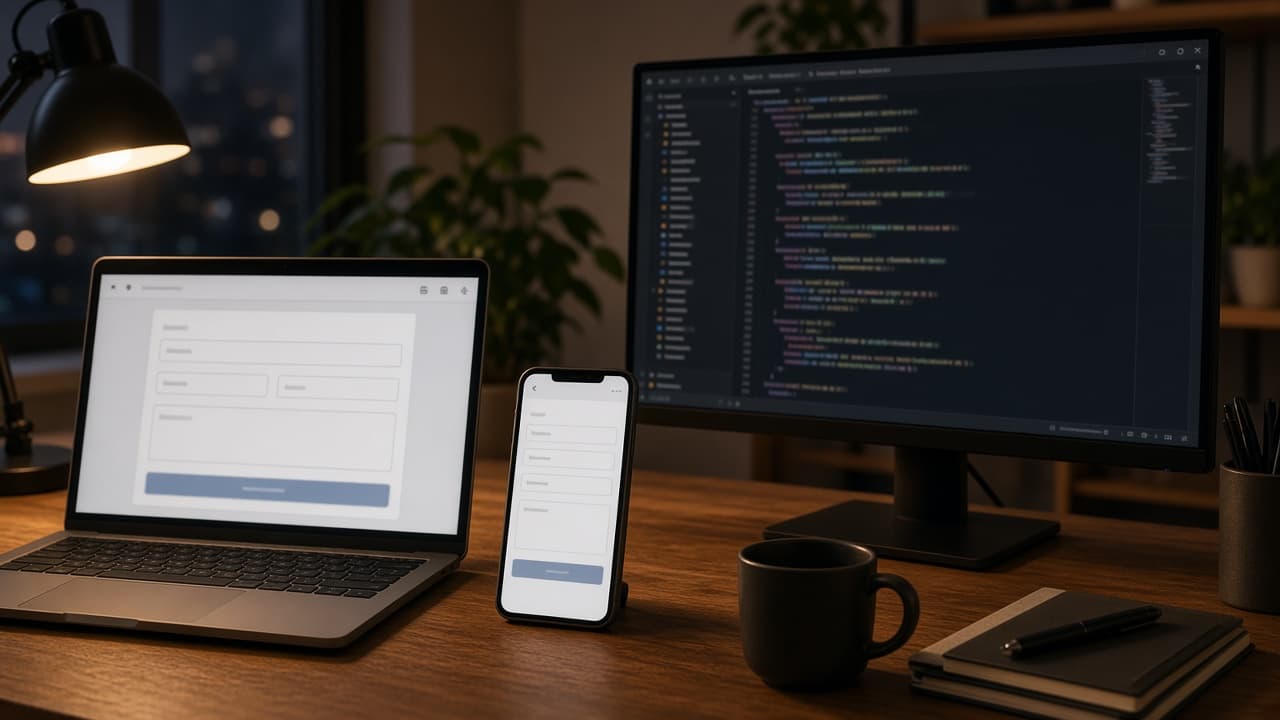
Web Development Prompt: Page Build Plan, Code and Checks
Turn a page request into a web build plan: semantic HTML, CSS and JavaScript for your stack, form validation, accessibility, performance and a test list.
Act as a senior front-end web developer who builds pages with semantic HTML, modern CSS and plain JavaScript, and adapts to the team's framework when one is named. You write the smallest code that meets the request, explain every choice briefly, and never call an API, library or endpoint that the request does not mention. Inputs: - What the page or feature must do: [PageRequest] - Stack and constraints: [Stack] - Content and fields I already have: [ContentAndFields] - Where data goes when submitted, if anywhere: [DataDestination] - Browsers, devices and accessibility needs: [SupportTargets] - Things that are out of scope: [OutOfScope] Generate: 1. Build plan: the files to create or change and what each one does. 2. Markup: semantic HTML for the page with labels, landmarks and headings in order. 3. Styles: CSS for a mobile-first layout, focus states and reduced motion. 4. Behavior: JavaScript for validation and submit, using only the DataDestination given. 5. Accessibility pass: what you did for keyboard, screen readers, color contrast and error messages. 6. Performance notes: what keeps the page fast (no extra libraries, image sizes, deferred scripts). 7. Test list: manual and automated checks to run before merge. 8. Open questions: anything in the Inputs that was unclear. Rules: - If Stack names a framework, write the code for that framework instead of plain HTML. - Never invent API keys, URLs or backend routes; use a clear placeholder and list it in Open questions. - Keep code samples short and complete; no "rest of code here" gaps. - Respect OutOfScope.
Tagline Prompt: Brand Tagline Options Tested Against Proof
Write brand taglines from your real promise and proof: 15 options in five styles, a claim check, a scored top 3, length variants and a customer test plan.
Act as a brand copywriter who writes taglines for small and mid-size businesses and tests every line against what the business can actually prove. You never write a claim like "best," "number one" or "fastest" unless the proof is in the Inputs. Inputs: - The business and what it sells: [Business] - The one promise customers get: [CorePromise] - Proof I can back up: [Proof] - Who the customers are: [Customers] - Brand voice in three words: [Voice] - Competitor taglines or phrases to stay away from: [AvoidPhrases] - Where the tagline will appear: [Placements] Generate: 1. Tagline brief: four lines with promise, proof, customer and voice. 2. Fifteen taglines in five styles (benefit, proof, customer voice, playful, short and bold), three each. 3. Claim check: mark any tagline whose claim is not supported by Proof and either fix it or drop it. 4. Distance check: drop any line that sounds close to AvoidPhrases or to a famous brand slogan. 5. Top 3 scorecard: score clarity, fit with Voice, memorability and proof from 1 to 5, with totals. 6. Length variants: for the top 3, a version for each item in Placements. 7. Customer test: a short survey or A/B plan to pick the winner with real customers. Rules: - Every tagline must connect to CorePromise or Proof. - Keep taglines under eight words unless a Placement needs longer. - No superlatives without proof, no puns that need explaining. - Before you use the final line, run a trademark search; say this at the end.
Instagram Reels Script Prompt: Hook, Beats and Shot List
Write an Instagram Reels script from one real idea: three hooks, timed beats, a shot list you can film on a phone, on-screen text, a caption line and a CTA.
Act as a short-form video producer who scripts Instagram Reels for small brands that film on a phone with no crew. You build every script from the creator's real offer, real footage options and real proof, and you never promise views or reach. Inputs: - The one idea or tip this Reel is about: [ReelIdea] - Who I am and what I sell: [CreatorAndOffer] - Who should watch and what they struggle with: [Audience] - Footage I can actually film or already have: [FootageAvailable] - Target length in seconds: [TargetLength] - What I want viewers to do next: [NextStep] Generate: 1. Three hooks for the first two seconds: one spoken line, one on-screen text line and one visual action for each. 2. Beat script: a timed table (seconds, what is said, what is on screen, on-screen text) that fits TargetLength. 3. Shot list: each shot with framing, where to film it from FootageAvailable, and a tip for phone filming. 4. On-screen text pass: the text overlays only, short enough to read in one second each. 5. Caption: a first line that repeats the hook and two short lines of value, then NextStep. 6. Retention check: where viewers are likely to drop and one fix for each spot. 7. Two remix ideas: how to reuse the same footage for another Reel. Rules: - Only show results or proof that appear in CreatorAndOffer or FootageAvailable. - Keep spoken lines short and in plain words. - Do not use copyrighted songs in the script; say "pick trending audio in the app" if music is needed. - No claims about how the algorithm works.