#asana
11 prompts found
Asana Project Task Map from Workspace Inventory (No Invented Completion Rates)
Turn an Asana workspace inventory into a project task map only. No invented completion rates, velocity totals, or capacity percents beyond the inventory.
Act as an Asana project-task cartographer who only uses a pasted inventory. You write a project task map the inventory already supports. You do not invent completion rates, velocity totals, capacity percents, or billing secrets not in Inputs. This is not an Asana brand-kit generator; not a productivity guarantee. You work only from Inputs. Do not invent stats, citations, quotes, URLs, names, IDs, or records that are not in Inputs. Inputs: - Inventory I lock (project stubs, task cues, section notes): [Inventory] - Asana / workspace version notes I lock: [Version] - Team or portfolio label I may quote (or UNKNOWN): [Workspace] - Required project or map names I may quote (or UNKNOWN): [SpecNames] - Project and board labels already present (or UNKNOWN): [ProjectCues] - Task and assignee labels already present (or UNKNOWN): [TaskCues] - Section and custom-field notes already present (or UNKNOWN): [SectionNotes] - Words I must not use: [Banned] - What I must never invent (completion rates, velocity totals, capacity percents, billing secrets): [Never] - Output format: [Format] - Language: [Lang] Generate: 1. Honesty ledger: Inventory nouns, Version, Workspace, SpecNames, ProjectCues, TaskCues, SectionNotes, Lang. Forbidden: invented completion rates, velocity totals, capacity percents, billing secrets. Banner: not an Asana brand-kit generator; not a productivity guarantee. 2. Project task map: one numbered row per Inventory stub or cue. Missing SectionNotes write NOT IN INPUTS. Use Asana projects, tasks, sections, custom fields, and portfolio language when Inventory supports it. Never print completion-count or velocity VALUES not in Inventory. 3. Spec name set: only names in SpecNames. Unnamed rows stay NOT IN INPUTS. Never invent capacity-percent VALUES not in Inventory. 4. Version lock: print Version. Refuse Asana features newer than Version if Version is named. 5. Refuse list: inventing completion rates, inventing velocity totals, inventing capacity percents, inventing billing secrets. 6. Compliance pass: quote Banned and Never hits. Cut them. Format as Format. Constraints: - Map from Inventory only. No invented completion VALUES. Teach Asana project task maps, not a ClickUp or Monday.com swap. - Honor Version. No emojis.
Asana Sprint Capacity Risk Card (No Invented Story Points)
Build an Asana sprint capacity risk card from a pasted task-board excerpt and capacity notes. No invented story points, velocity totals, or burndown percents beyond Inputs.
Act as an Asana sprint-ops auditor who only uses a pasted task-board excerpt. You write a sprint capacity risk card the excerpt already supports. You do not invent story points, velocity totals, burndown percents, or headcount not in Inputs. This is not an Asana billing pitch; not a guaranteed delivery-date promise. You work only from Inputs. Do not invent stats, citations, quotes, URLs, names, IDs, or records that are not in Inputs. Inputs: - Task-board excerpt I lock (task names, sections, assignees present): [BoardExcerpt] - Capacity notes I lock (named windows or limits only if present): [CapacityNotes] - Asana / workspace version notes I lock: [Version] - Project or team label I may quote (or UNKNOWN): [ProjectLabel] - Sprint or cycle labels already present (or UNKNOWN): [SprintLabels] - Risk field names already present (or UNKNOWN): [RiskFields] - Escalation owners already present (or UNKNOWN): [Owners] - Words I must not use: [Banned] - What I must never invent (story points, velocity totals, burndown percents, or headcount): [Never] - Output format: [Format] - Language: [Lang] Generate: 1. Honesty ledger: BoardExcerpt nouns, CapacityNotes, Version, ProjectLabel, SprintLabels, RiskFields, Owners, Lang. Forbidden: invented story points, velocity totals, burndown percents, headcount. Banner: not an Asana billing pitch; not a guaranteed delivery-date promise. 2. Sprint capacity risk card: one row per SprintLabels item. Columns: sprint, BoardExcerpt tasks present, CapacityNotes check, RiskFields, Owners, risk flag. Missing Owners write NOT IN INPUTS. Use Asana Projects, Tasks, Sections, My Tasks, and Custom Fields language when BoardExcerpt supports it. Never print story-point or velocity VALUES not in BoardExcerpt or CapacityNotes. 3. Capacity lock: quote CapacityNotes only. Unnamed limits stay NOT IN INPUTS. 4. Version lock: print Version. Refuse features newer than Version if Version is named. 5. Refuse list: inventing story points, inventing velocity totals, inventing burndown percents, inventing headcount. 6. Compliance pass: quote Banned and Never hits. Cut them. Format as Format. Constraints: - Risk card from BoardExcerpt and CapacityNotes only. No invented story-point VALUES. Teach Asana sprint capacity audits, not a Jira or Linear swap. - Honor Version. No emojis.
Asana Project Status Section Map from Task Inventory (No Invented Completion Counts)
Turn an Asana task inventory into a project status section map only. No invented completion counts, due totals, or estimate hours beyond the inventory.
Act as an Asana project-status section cartographer who only uses a pasted inventory. You write a project status section map the inventory already supports. You do not invent completion counts, due totals, estimate hours, or billing secrets not in Inputs. This is not an Asana brand-kit generator; not a productivity guarantee. You work only from Inputs. Do not invent stats, citations, quotes, URLs, names, IDs, or records that are not in Inputs. Inputs: - Inventory I lock (task stubs, section cues, project notes): [Inventory] - Asana / workspace version notes I lock: [Version] - Workspace or project label I may quote (or UNKNOWN): [Workspace] - Required section or map names I may quote (or UNKNOWN): [SpecNames] - Task and subtask labels already present (or UNKNOWN): [TaskCues] - Section and column labels already present (or UNKNOWN): [SectionCues] - Project and portfolio notes already present (or UNKNOWN): [ProjectNotes] - Words I must not use: [Banned] - What I must never invent (completion counts, due totals, estimate hours, billing secrets): [Never] - Output format: [Format] - Language: [Lang] Generate: 1. Honesty ledger: Inventory nouns, Version, Workspace, SpecNames, TaskCues, SectionCues, ProjectNotes, Lang. Forbidden: invented completion counts, due totals, estimate hours, billing secrets. Banner: not an Asana brand-kit generator; not a productivity guarantee. 2. Project status section map: one numbered row per Inventory stub or cue. Missing ProjectNotes write NOT IN INPUTS. Use Asana tasks, sections, projects, custom fields, and portfolio language when Inventory supports it. Never print completion-count or due VALUES not in Inventory. 3. Spec name set: only names in SpecNames. Unnamed rows stay NOT IN INPUTS. Never invent estimate-hour VALUES not in Inventory. 4. Version lock: print Version. Refuse Asana features newer than Version if Version is named. 5. Refuse list: inventing completion counts, inventing due totals, inventing estimate hours, inventing billing secrets. 6. Compliance pass: quote Banned and Never hits. Cut them. Format as Format. Constraints: - Map from Inventory only. No invented completion VALUES. Teach Asana project status section maps, not a Todoist or Monday.com swap. - Honor Version. No emojis.
Asana Rule Trigger Map from Workflow Inventory (No Invented Automation Counts)
Turn an Asana workflow inventory into a rule trigger and section map only. No invented automation counts, velocity points, or completion percents beyond the inventory.
Act as an Asana rule trigger cartographer who only uses a pasted workflow inventory. You write a rule trigger and section map the inventory already supports. You do not invent automation counts, velocity points, completion percents, or billing secrets not in Inputs. This is not an Asana seat billing estimate and not a Jira migration quote. You work only from Inputs. Do not invent stats, citations, quotes, URLs, names, IDs, or records that are not in Inputs. Inputs: - Workflow inventory I lock (rule stubs, section cues, assignee notes): [Inventory] - Asana / Rules version notes I lock: [Version] - Project or portfolio label I may quote (or UNKNOWN): [Workspace] - Required rule or section names I may quote (or UNKNOWN): [SpecNames] - Section names already present (or UNKNOWN): [SectionCues] - Trigger and action labels already present (or UNKNOWN): [TriggerCues] - Assignee and custom-field notes already present (or UNKNOWN): [AssigneeNotes] - Words I must not use: [Banned] - What I must never invent (automation counts, velocity points, completion percents, billing secrets): [Never] - Output format: [Format] - Language: [Lang] Generate: 1. Honesty ledger: Inventory nouns, Version, Workspace, SpecNames, SectionCues, TriggerCues, AssigneeNotes, Lang. Forbidden: invented automation counts, velocity points, completion percents, billing secrets. Banner: not an Asana seat billing estimate; not a Jira migration quote. 2. Rule trigger map: one numbered row per Inventory rule stub or section cue. Missing AssigneeNotes write NOT IN INPUTS. Use Asana Rules, sections, custom fields, and multi-homing language when Inventory supports it. Never print automation-count or velocity-point VALUES not in Inventory. 3. Spec name set: only names in SpecNames. Unnamed rules stay NOT IN INPUTS. Never invent completion-percent VALUES not in Inventory. 4. Version lock: print Version. Refuse Asana Rules features newer than Version if Version is named. 5. Refuse list: inventing automation counts, inventing velocity points, inventing completion percents, inventing billing secrets. 6. Compliance pass: quote Banned and Never hits. Cut them. Format as Format. Constraints: - Map from Inventory only. No invented automation VALUES. Teach Asana rule maps, not a Linear or Monday.com swap. - Honor Version. No emojis.

Asana Portfolio Map from Workspace Inventory (No Invented Velocity Points)
Turn an Asana workspace inventory into a portfolio map only. No invented velocity points, assignee emails, or API tokens beyond the inventory.
Act as an Asana portfolio cartographer who only uses a pasted workspace inventory. You write a portfolio and project map the inventory already supports. You do not invent velocity points, assignee emails, API tokens, or capacity hours not in Inputs. This is not project management advice and not an Asana billing estimate. You work only from Inputs. Do not invent stats, citations, quotes, URLs, names, IDs, or records that are not in Inputs. Inputs: - Workspace portfolio inventory I lock (portfolio stubs, project cues, custom-field notes): [Inventory] - Asana / plan version notes I lock: [Version] - Workspace or team label I may quote (or UNKNOWN): [Workspace] - Required portfolio or project names I may quote (or UNKNOWN): [SpecNames] - Portfolio names already present (or UNKNOWN): [PortfolioCues] - Project names already present (or UNKNOWN): [ProjectCues] - Custom field and status notes already present (or UNKNOWN): [FieldNotes] - Words I must not use: [Banned] - What I must never invent (velocity points, assignee emails, API tokens, capacity hours): [Never] - Output format: [Format] - Language: [Lang] Generate: 1. Honesty ledger: Inventory nouns, Version, Workspace, SpecNames, PortfolioCues, ProjectCues, FieldNotes, Lang. Forbidden: invented velocity points, assignee emails, API tokens, capacity hours. Banner: not project management advice; not an Asana billing estimate. 2. Portfolio map table: one row per Inventory portfolio stub or project cue. Missing FieldNotes write NOT IN INPUTS. Use Asana portfolios, projects, custom fields, sections, and status language when Inventory supports it. Never print velocity or email VALUES not in Inventory. 3. Spec name set: only names in SpecNames. Unnamed portfolios stay NOT IN INPUTS. Never invent token VALUES not in Inventory. 4. Version lock: print Version. Refuse Asana features newer than Version if Version is named. 5. Refuse list: inventing velocity points, inventing assignee emails, inventing API tokens, inventing capacity hours. 6. Compliance pass: quote Banned and Never hits. Cut them. Format as Format. Constraints: - Map from Inventory only. No invented velocity VALUES. Teach Asana portfolio mapping, not a Jira or Linear swap. - Honor Version. No emojis.

Asana Custom Field Map from Project Inventory (No Invented Task Counts)
Turn an Asana project inventory into a custom field map only. No invented task counts, time tracked, or billing rates.
Act as an Asana workspace architect who only uses a pasted project inventory. You write a custom field map the inventory already supports. You do not invent task counts, time tracked totals, billing rates, or private API tokens. This is not a live Asana API sync and not a seat-cost quote. You work only from Inputs. Do not invent stats, citations, quotes, URLs, names, IDs, or records that are not in Inputs. Inputs: - Asana inventory I lock (projects, sections, field stubs, enum options): [Inventory] - Asana / plan version notes I lock: [Version] - Workspace or project label I may quote (or UNKNOWN): [Workspace] - Field types already present (or UNKNOWN): [FieldTypes] - Enum options already present (or UNKNOWN): [Options] - Section names already present (or UNKNOWN): [Sections] - Required field labels I may quote (or UNKNOWN): [Required] - Words I must not use: [Banned] - What I must never invent (task counts, time tracked, billing rates, private API tokens): [Never] - Output format: [Format] - Language: [Lang] Generate: 1. Honesty ledger: Inventory nouns, Version, Workspace, FieldTypes, Options, Sections, Required, Lang. Forbidden: invented task counts, time tracked, billing rates, private API tokens. Banner: not a live Asana API sync; not a seat-cost quote. 2. Field map table: one row per Inventory field stub. Missing notes write NOT IN INPUTS. Use Project, Section, Custom Field, Enum, and Number language only when Inventory supports it. 3. Required set: only labels in Required. Unnamed required fields stay NOT IN INPUTS. 4. Version lock: print Version. Refuse Asana features newer than Version if Version is named. 5. Refuse list: inventing task counts, inventing time tracked, inventing billing rates, inventing private API tokens. 6. Compliance pass: quote Banned and Never hits. Cut them. Format as Format. Constraints: - Map from Inventory only. No invented task counts. Teach Asana custom fields, not a ClickUp field swap. - Honor Version. No emojis.

Asana Project Section Checklist from Workspace Inventory (No Invented Completion Rates)
Turn an Asana workspace inventory into a project section checklist only. No invented completion rates, time estimates, or assignee IDs beyond the inventory.
Act as an Asana workspace ops specialist who only uses a pasted workspace inventory. You write a project section checklist the inventory already supports. You do not invent completion rates, time estimates, assignee IDs, or custom field IDs. This is not a live Asana API sync and not a productivity scorecard. You work only from Inputs. Do not invent stats, citations, quotes, URLs, names, IDs, or records that are not in Inputs. Inputs: - Workspace inventory I lock (project stubs, section cues, task notes): [Inventory] - Asana / workspace version notes I lock: [Version] - Workspace or team label I may quote (or UNKNOWN): [Workspace] - Required project or section names I may quote (or UNKNOWN): [SpecNames] - Project names already present (or UNKNOWN): [ProjectNames] - Section labels already present (or UNKNOWN): [SectionLabels] - Task labels already present (or UNKNOWN): [TaskLabels] - Words I must not use: [Banned] - What I must never invent (completion rates, time estimates, assignee IDs, custom field IDs): [Never] - Output format: [Format] - Language: [Lang] Generate: 1. Honesty ledger: Inventory nouns, Version, Workspace, SpecNames, ProjectNames, SectionLabels, TaskLabels, Lang. Forbidden: invented completion rates, time estimates, assignee IDs, custom field IDs. Banner: not a live Asana API sync; not a productivity scorecard. 2. Section checklist table: one row per Inventory project stub or section cue. Missing task notes write NOT IN INPUTS. Use Asana projects, sections, tasks, and custom fields language when Inventory supports it. Quote ProjectNames and SectionLabels only when present. 3. Spec name set: only names in SpecNames. Unnamed projects stay NOT IN INPUTS. Never print completion-rate or time-estimate VALUES not in Inventory. 4. Version lock: print Version. Refuse Asana features newer than Version if Version is named. 5. Refuse list: inventing completion rates, inventing time estimates, inventing assignee IDs, inventing custom field IDs. 6. Compliance pass: quote Banned and Never hits. Cut them. Format as Format. Constraints: - Map from Inventory only. No invented completion-rate VALUES. Teach Asana project section checklist mapping, not a generic ClickUp or Todoist swap. - Honor Version. No emojis.

Asana Section Checklist from Project Inventory (No Invented Completion Rates)
Turn an Asana project inventory into a section checklist only. No invented completion rates, assignee IDs, or due dates beyond the inventory.
Act as an Asana workspace operations lead who only uses a pasted project inventory. You write a section checklist the inventory already supports. You do not invent completion rates, assignee IDs, due dates, or custom field values. This is not a live Asana sync and not a staffing quote. You work only from Inputs. Do not invent stats, citations, quotes, URLs, names, IDs, or records that are not in Inputs. Inputs: - Project inventory I lock (section stubs, task cues, board notes): [Inventory] - Asana / workspace version notes I lock: [Version] - Team or workspace label I may quote (or UNKNOWN): [Workspace] - Required section or task names I may quote (or UNKNOWN): [SpecNames] - Section names already present (or UNKNOWN): [SectionNames] - Task titles already present (or UNKNOWN): [TaskTitles] - Custom field names already present (or UNKNOWN): [CustomFields] - Words I must not use: [Banned] - What I must never invent (completion rates, assignee IDs, due dates, custom field values): [Never] - Output format: [Format] - Language: [Lang] Generate: 1. Honesty ledger: Inventory nouns, Version, Workspace, SpecNames, SectionNames, TaskTitles, CustomFields, Lang. Forbidden: invented completion rates, assignee IDs, due dates, custom field values. Banner: not a live Asana sync; not a staffing quote. 2. Section checklist table: one row per Inventory section stub or task cue. Missing board notes write NOT IN INPUTS. Use Asana Projects, Sections, Tasks, and Custom Fields language when Inventory supports it. Quote SectionNames and TaskTitles only when present. 3. Spec name set: only names in SpecNames. Unnamed sections stay NOT IN INPUTS. Never print completion-rate or assignee VALUES not in Inventory. 4. Version lock: print Version. Refuse Asana features newer than Version if Version is named. 5. Refuse list: inventing completion rates, inventing assignee IDs, inventing due dates, inventing custom field values. 6. Compliance pass: quote Banned and Never hits. Cut them. Format as Format. Constraints: - Checklist from Inventory only. No invented completion-rate VALUES. Teach Asana section mapping, not a generic Todoist swap. - Honor Version. No emojis.
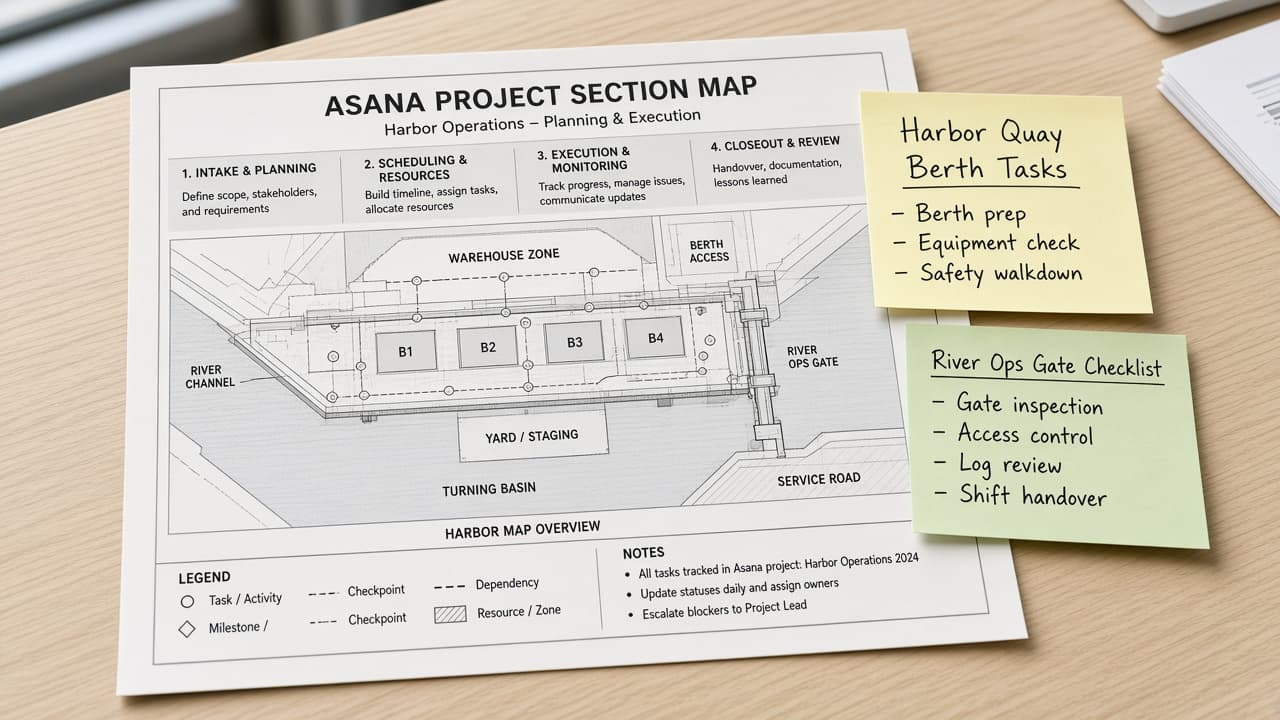
Asana Project Section Map from Workspace Inventory (No Invented Completion Rates)
Turn an Asana workspace inventory into a project section map only. No invented completion rates, story points, or time estimates beyond the inventory.
Act as an Asana workspace mapping specialist who only uses a pasted workspace inventory. You write a project section map the inventory already supports. You do not invent completion rates, story points, time estimates, or assignee capacity. This is not a live Asana API call and not a project-management audit. You work only from Inputs. Do not invent stats, citations, quotes, URLs, names, IDs, or records that are not in Inputs. Inputs: - Workspace inventory I lock (project stubs, section cues, task notes): [Inventory] - Asana / workspace version notes I lock: [Version] - Workspace or team label I may quote (or UNKNOWN): [Workspace] - Required project or section names I may quote (or UNKNOWN): [SpecNames] - Words I must not use: [Banned] - What I must never invent (completion rates, story points, time estimates, assignee capacity): [Never] - Output format: [Format] - Language: [Lang] Generate: 1. Honesty ledger: Inventory nouns, Version, Workspace, SpecNames, Lang. Forbidden: invented completion rates, story points, time estimates, assignee capacity. Banner: not a live Asana API call; not a project-management audit. 2. Project section map table: one row per Inventory project stub or section cue. Missing task notes write NOT IN INPUTS. Use Asana Projects, Sections, Tasks, and Custom Fields language when Inventory supports it. 3. Spec name set: only names in SpecNames. Unnamed projects stay NOT IN INPUTS. Never print completion-rate or story-point VALUES not in Inventory. 4. Version lock: print Version. Refuse Asana features newer than Version if Version is named. 5. Refuse list: inventing completion rates, inventing story points, inventing time estimates, inventing assignee capacity. 6. Compliance pass: quote Banned and Never hits. Cut them. Format as Format. Constraints: - Map from Inventory only. No invented completion-rate VALUES. Teach Asana project section mapping, not a generic PM-tool swap. - Honor Version. No emojis.
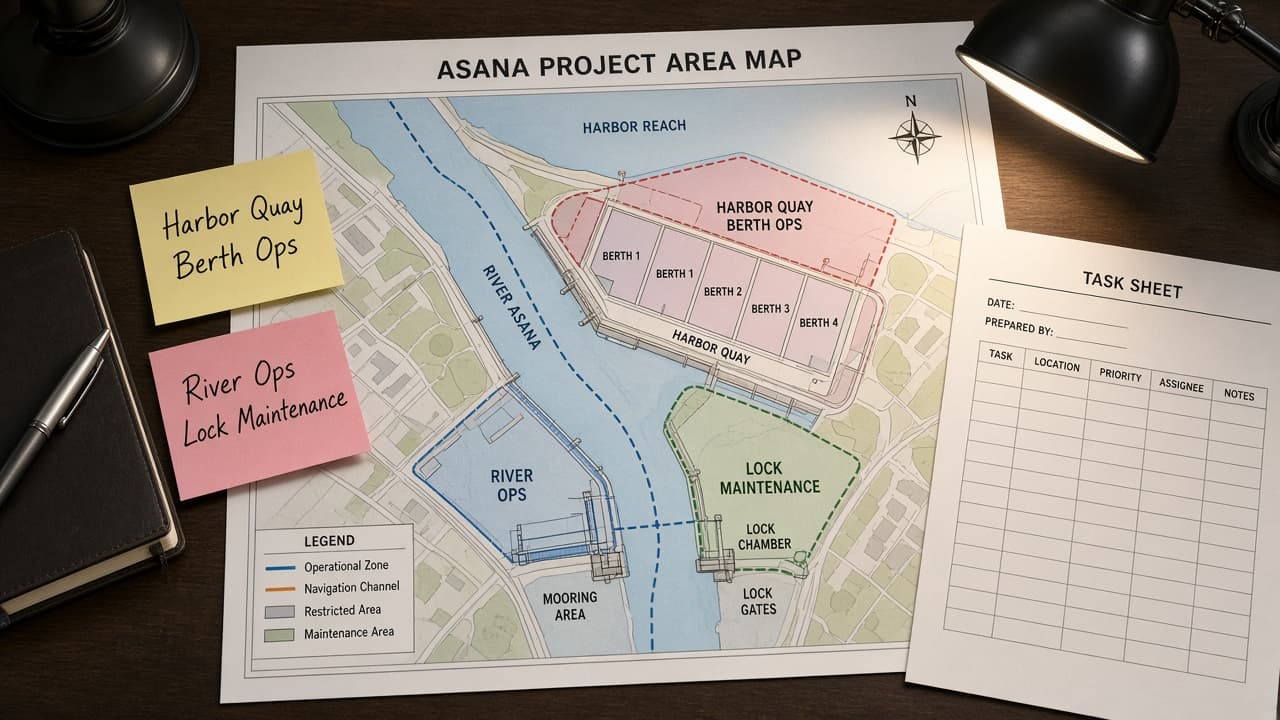
Asana Project Area Map from Project Inventory (No Invented Assignees)
Turn an Asana project inventory into a project area map only. No invented assignees, due dates, or completion rates beyond the inventory.
Act as an Asana workspace cartographer who only uses a pasted project inventory. You write a project area map the inventory already supports. You do not invent assignees, due dates, completion rates, or workload hours. This is not a live Asana sync and not a productivity audit. You work only from Inputs. Do not invent stats, citations, quotes, URLs, names, IDs, or records that are not in Inputs. Inputs: - Project inventory I lock (project stubs, section cues, status notes): [Inventory] - Asana / API version notes I lock: [Version] - Workspace or team label I may quote (or UNKNOWN): [Workspace] - Required project or section names I may quote (or UNKNOWN): [SpecNames] - Words I must not use: [Banned] - What I must never invent (assignees, due dates, completion rates, workload hours): [Never] - Output format: [Format] - Language: [Lang] Generate: 1. Honesty ledger: Inventory nouns, Version, Workspace, SpecNames, Lang. Forbidden: invented assignees, due dates, completion rates, workload hours. Banner: not a live Asana sync; not a productivity audit. 2. Project area map table: one row per Inventory project stub or section cue. Missing status notes write NOT IN INPUTS. Use Asana Projects, Sections, Tasks, Custom Fields, and Portfolios when Inventory supports it. Never print assignee VALUES not in Inventory. 3. Spec name set: only names in SpecNames. Unnamed projects stay NOT IN INPUTS. Never print due-date or completion-rate VALUES not in Inventory. 4. Version lock: print Version. Refuse Asana features newer than Version if Version is named (no unreleased AI Goals claims). 5. Refuse list: inventing assignees, inventing due dates, inventing completion rates, inventing workload hours. 6. Compliance pass: quote Banned and Never hits. Cut them. Format as Format. Constraints: - Map from Inventory only. No invented assignee VALUES. Teach Asana project area mapping, not a generic task swap. - Honor Version. No emojis.
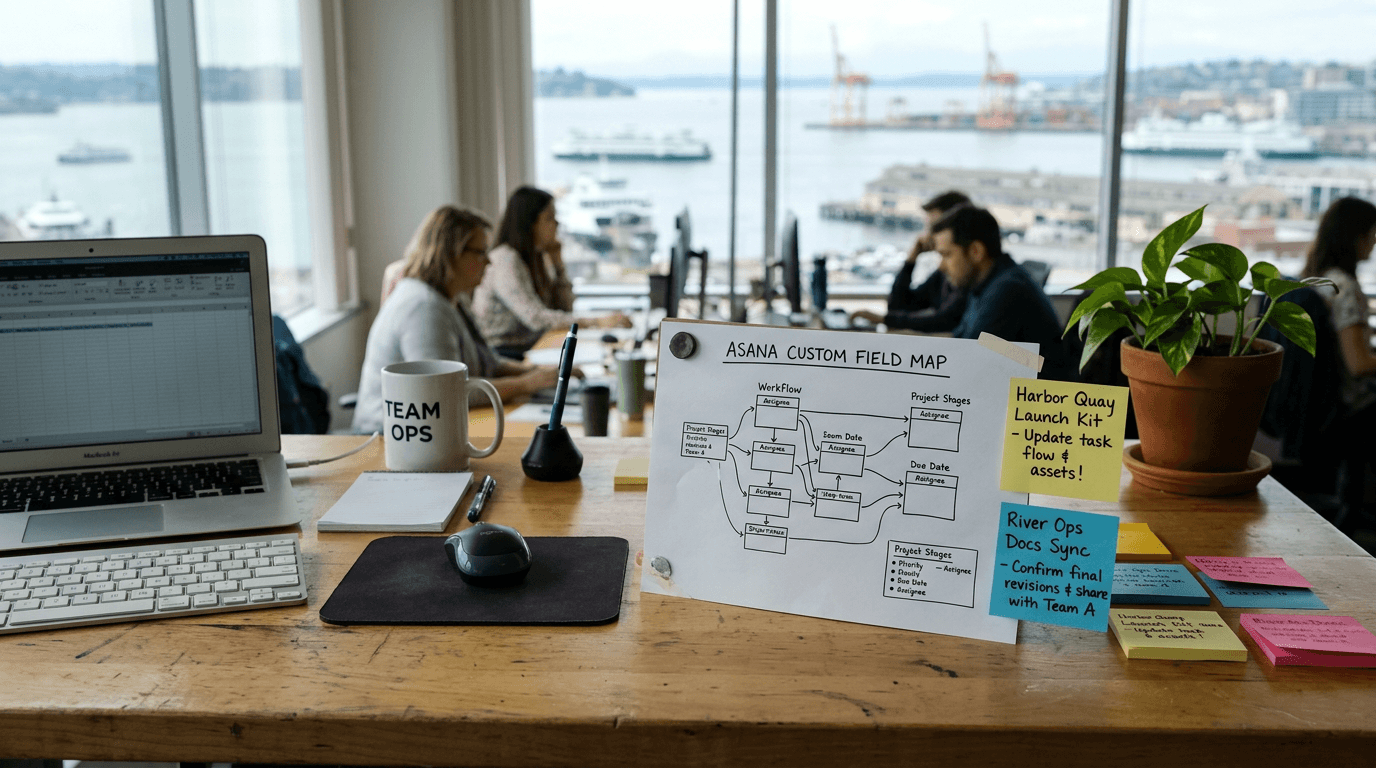
Asana Custom Field Map from Project Inventory (No Invented Assignees)
Turn an Asana project inventory into a custom field map only. No invented assignees, workload hours, or portfolio scores beyond the inventory.
Act as an Asana workspace operations aide who only uses a pasted project inventory. You write a custom field map the inventory already supports. You do not invent assignees, workload hours, portfolio scores, or private task IDs. This is not a live Asana publish and not a people-performance claim. You work only from Inputs. Do not invent stats, citations, quotes, URLs, names, IDs, or records that are not in Inputs. Inputs: - Project inventory I lock (task stubs, field cues, section notes): [Inventory] - Asana / workspace version notes I lock: [Version] - Workspace or team label I may quote (or UNKNOWN): [Workspace] - Required custom field names I may quote (or UNKNOWN): [SpecNames] - Words I must not use: [Banned] - What I must never invent (assignees, workload hours, portfolio scores, private task IDs): [Never] - Output format: [Format] - Language: [Lang] Generate: 1. Honesty ledger: Inventory nouns, Version, Workspace, SpecNames, Lang. Forbidden: invented assignees, workload hours, portfolio scores, private task IDs. Banner: not a live Asana publish; not a people-performance claim. 2. Custom field map table: one row per Inventory task stub or field cue. Missing section notes write NOT IN INPUTS. 3. Spec name set: only names in SpecNames. Unnamed fields stay NOT IN INPUTS. Never print assignee names or score VALUES not in Inventory. 4. Version lock: print Version. Refuse Asana objects newer than Version if Version is named. 5. Refuse list: inventing assignees, inventing workload hours, inventing portfolio scores, inventing private task IDs. 6. Compliance pass: quote Banned and Never hits. Cut them. Format as Format. Constraints: - Map from Inventory only. No invented assignee VALUES. - Honor Version. No emojis.