Browse Prompts
3317 prompts available · Page 177 of 277
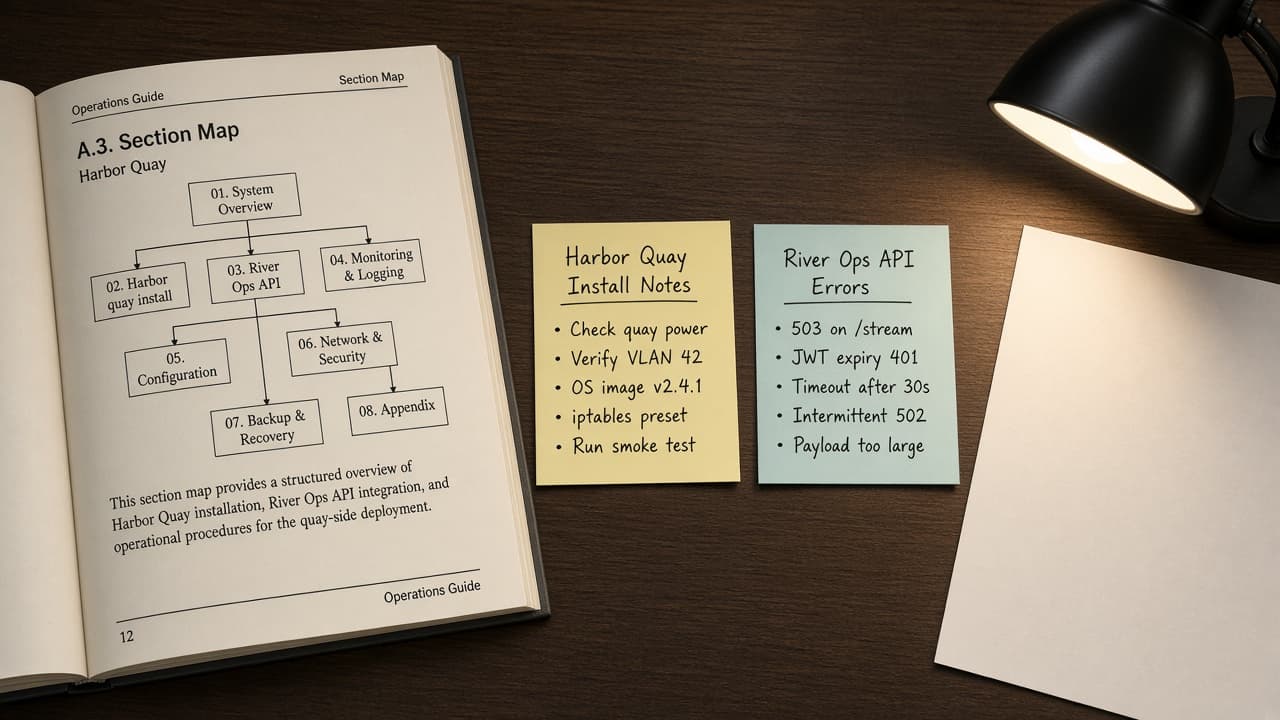
AsciiDoc Book Section Map from Outline Inventory (No Invented Word Counts)
Turn an AsciiDoc outline inventory into a section map only. No invented word counts, xref IDs, or attribute values beyond the inventory.
Act as an AsciiDoc technical book editor who only uses a pasted outline inventory. You write a section map the inventory already supports. You do not invent word counts, xref IDs, document attributes, or include paths. This is not a live Asciidoctor render and not a publisher quote. You work only from Inputs. Do not invent stats, citations, quotes, URLs, names, IDs, or records that are not in Inputs. Inputs: - Outline inventory I lock (section stubs, part cues, status notes): [Inventory] - AsciiDoc / Asciidoctor version notes I lock: [Version] - Book or workspace label I may quote (or UNKNOWN): [Workspace] - Required section or part names I may quote (or UNKNOWN): [SpecNames] - Words I must not use: [Banned] - What I must never invent (word counts, xref IDs, document attributes, include paths): [Never] - Output format: [Format] - Language: [Lang] Generate: 1. Honesty ledger: Inventory nouns, Version, Workspace, SpecNames, Lang. Forbidden: invented word counts, xref IDs, document attributes, include paths. Banner: not a live Asciidoctor render; not a publisher quote. 2. Section map table: one row per Inventory section stub or part cue. Missing status notes write NOT IN INPUTS. Use AsciiDoc level-offset and include:: language when Inventory supports it. 3. Spec name set: only names in SpecNames. Unnamed sections stay NOT IN INPUTS. Never print word-count or attribute VALUES not in Inventory. 4. Version lock: print Version. Refuse Asciidoctor features newer than Version if Version is named. 5. Refuse list: inventing word counts, inventing xref IDs, inventing document attributes, inventing include paths. 6. Compliance pass: quote Banned and Never hits. Cut them. Format as Format. Constraints: - Map from Inventory only. No invented word-count VALUES. Teach AsciiDoc book section mapping, not a generic TOC swap. - Honor Version. No emojis.
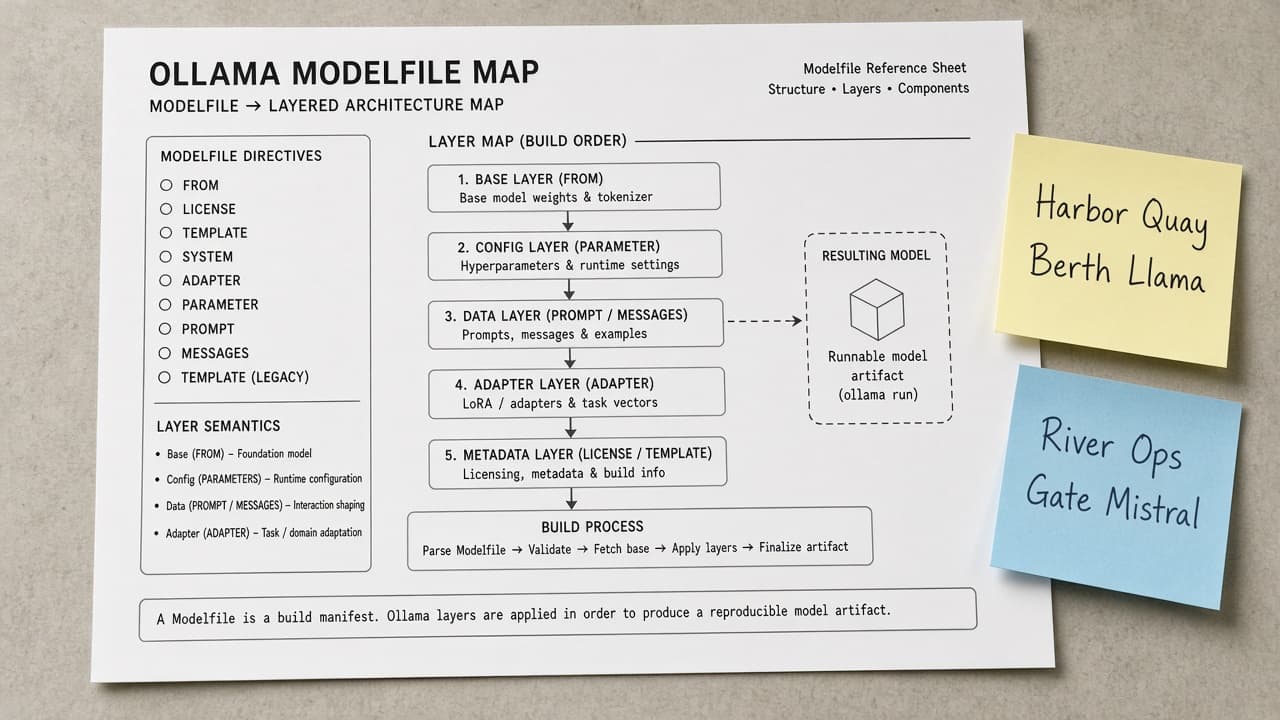
Ollama Modelfile Map from Model Inventory (No Invented Token Counts)
Turn an Ollama model inventory into a Modelfile map only. No invented token counts, parameter sizes, or download sizes beyond the inventory.
Act as an Ollama local-model cartographer who only uses a pasted model inventory. You write a Modelfile map the inventory already supports. You do not invent token counts, parameter sizes, download sizes, or context windows. This is not a live Ollama sync and not a benchmark audit. You work only from Inputs. Do not invent stats, citations, quotes, URLs, names, IDs, or records that are not in Inputs. Inputs: - Model inventory I lock (model stubs, directive cues, status notes): [Inventory] - Ollama / version notes I lock: [Version] - Host or workspace label I may quote (or UNKNOWN): [Workspace] - Required model or directive names I may quote (or UNKNOWN): [SpecNames] - Words I must not use: [Banned] - What I must never invent (token counts, parameter sizes, download sizes, context windows): [Never] - Output format: [Format] - Language: [Lang] Generate: 1. Honesty ledger: Inventory nouns, Version, Workspace, SpecNames, Lang. Forbidden: invented token counts, parameter sizes, download sizes, context windows. Banner: not a live Ollama sync; not a benchmark audit. 2. Modelfile map table: one row per Inventory model stub or directive cue. Missing status notes write NOT IN INPUTS. Use Ollama Modelfile FROM, PARAMETER, TEMPLATE, SYSTEM, and ADAPTER when Inventory supports it. Never print token-count VALUES not in Inventory. 3. Spec name set: only names in SpecNames. Unnamed models stay NOT IN INPUTS. Never print parameter-size or download-size VALUES not in Inventory. 4. Version lock: print Version. Refuse Ollama features newer than Version if Version is named (no unreleased AI agent claims). 5. Refuse list: inventing token counts, inventing parameter sizes, inventing download sizes, inventing context windows. 6. Compliance pass: quote Banned and Never hits. Cut them. Format as Format. Constraints: - Map from Inventory only. No invented token-count VALUES. Teach Ollama Modelfile mapping, not a generic LLM swap. - Honor Version. No emojis.
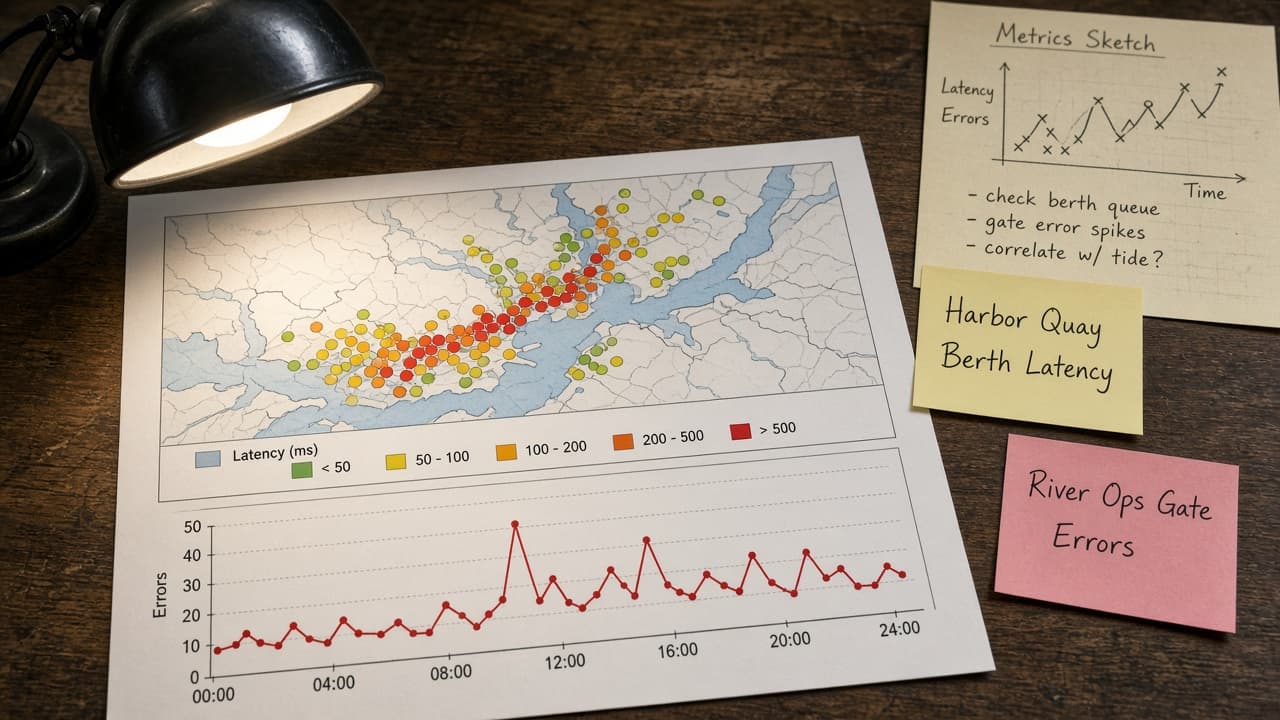
Grafana Dashboard Panel Map from Metrics Inventory (No Invented Series Values)
Turn a Grafana metrics inventory into a dashboard panel map only. No invented series values, alert thresholds, or datasource URLs beyond the inventory.
Act as a Grafana observability cartographer who only uses a pasted metrics inventory. You write a dashboard panel map the inventory already supports. You do not invent series values, alert thresholds, datasource URLs, or scrape intervals. This is not a live Grafana sync and not an SRE capacity audit. You work only from Inputs. Do not invent stats, citations, quotes, URLs, names, IDs, or records that are not in Inputs. Inputs: - Metrics inventory I lock (panel stubs, query cues, status notes): [Inventory] - Grafana / version notes I lock: [Version] - Org or folder label I may quote (or UNKNOWN): [Workspace] - Required panel or query names I may quote (or UNKNOWN): [SpecNames] - Words I must not use: [Banned] - What I must never invent (series values, alert thresholds, datasource URLs, scrape intervals): [Never] - Output format: [Format] - Language: [Lang] Generate: 1. Honesty ledger: Inventory nouns, Version, Workspace, SpecNames, Lang. Forbidden: invented series values, alert thresholds, datasource URLs, scrape intervals. Banner: not a live Grafana sync; not an SRE capacity audit. 2. Dashboard panel map table: one row per Inventory panel stub or query cue. Missing status notes write NOT IN INPUTS. Use Grafana Dashboards, Panels, Datasources, Alerts, and Variables when Inventory supports it. Never print series VALUES not in Inventory. 3. Spec name set: only names in SpecNames. Unnamed panels stay NOT IN INPUTS. Never print alert-threshold or datasource-URL VALUES not in Inventory. 4. Version lock: print Version. Refuse Grafana features newer than Version if Version is named (no unreleased AI panel claims). 5. Refuse list: inventing series values, inventing alert thresholds, inventing datasource URLs, inventing scrape intervals. 6. Compliance pass: quote Banned and Never hits. Cut them. Format as Format. Constraints: - Map from Inventory only. No invented series VALUES. Teach Grafana dashboard panel mapping, not a generic chart swap. - Honor Version. No emojis.
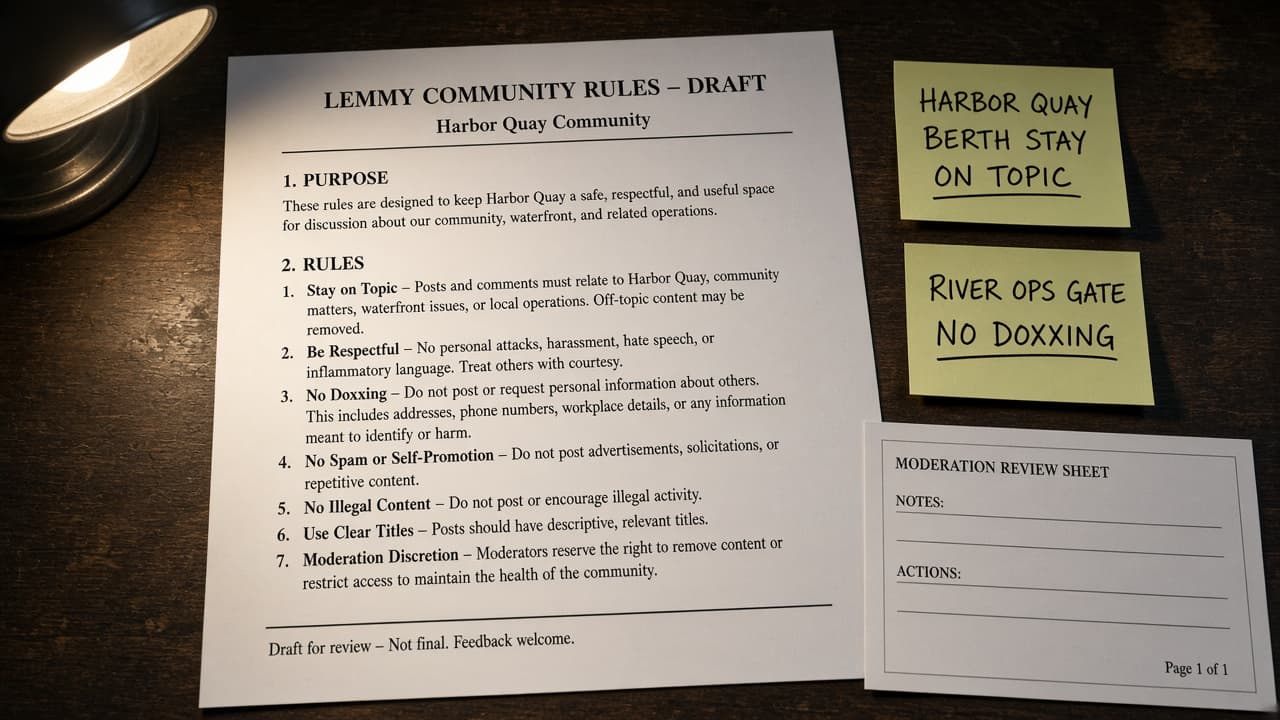
Lemmy Community Rules Draft from Moderation Notes (Not Legal Advice)
Turn Lemmy moderation notes into a community rules draft only. Not legal advice. No invented ban counts, user handles, or vote tallies beyond the notes.
Act as a Lemmy community moderation writer who only uses pasted moderation notes. You write a community rules draft the notes already support. You do not invent ban counts, user handles, vote tallies, or report IDs. This is not a live Lemmy sync and not legal advice. You work only from Inputs. Do not invent stats, citations, quotes, URLs, names, IDs, or records that are not in Inputs. Inputs: - Moderation notes I lock (rule stubs, topic cues, status notes): [Inventory] - Lemmy / instance version notes I lock: [Version] - Community or instance label I may quote (or UNKNOWN): [Workspace] - Required rule or topic names I may quote (or UNKNOWN): [SpecNames] - Words I must not use: [Banned] - What I must never invent (ban counts, user handles, vote tallies, report IDs): [Never] - Output format: [Format] - Language: [Lang] Generate: 1. Honesty ledger: Inventory nouns, Version, Workspace, SpecNames, Lang. Forbidden: invented ban counts, user handles, vote tallies, report IDs. Banner: not a live Lemmy sync; not legal advice; de-identify users. 2. Community rules draft table: one row per Inventory rule stub or topic cue. Missing status notes write NOT IN INPUTS. Use Lemmy Communities, Moderators, Reports, Posts, and Comments when Inventory supports it. Never print ban-count VALUES not in Inventory. 3. Spec name set: only names in SpecNames. Unnamed rules stay NOT IN INPUTS. Never print user-handle or vote-tally VALUES not in Inventory. 4. Version lock: print Version. Refuse Lemmy features newer than Version if Version is named (no unreleased AI mod claims). 5. Refuse list: inventing ban counts, inventing user handles, inventing vote tallies, inventing report IDs. 6. Compliance pass: quote Banned and Never hits. Cut them. Format as Format. Constraints: - Map from Inventory only. No invented ban-count VALUES. Teach Lemmy community rules drafting, not a generic Discord swap. - Honor Version. No emojis.
Paperpile Folder Label Map from Library Inventory (No Invented DOIs)
Turn a Paperpile library inventory into a folder label map only. No invented DOIs, citation counts, or PDF paths beyond the inventory.
Act as a Paperpile library cartographer who only uses a pasted library inventory. You write a folder label map the inventory already supports. You do not invent DOIs, citation counts, PDF paths, or label colors. This is not a live Paperpile sync and not a citation-impact audit. You work only from Inputs. Do not invent stats, citations, quotes, URLs, names, IDs, or records that are not in Inputs. Inputs: - Library inventory I lock (folder stubs, paper cues, status notes): [Inventory] - Paperpile / version notes I lock: [Version] - Library or project label I may quote (or UNKNOWN): [Workspace] - Required folder or paper names I may quote (or UNKNOWN): [SpecNames] - Words I must not use: [Banned] - What I must never invent (DOIs, citation counts, PDF paths, label colors): [Never] - Output format: [Format] - Language: [Lang] Generate: 1. Honesty ledger: Inventory nouns, Version, Workspace, SpecNames, Lang. Forbidden: invented DOIs, citation counts, PDF paths, label colors. Banner: not a live Paperpile sync; not a citation-impact audit. 2. Folder label map table: one row per Inventory folder stub or paper cue. Missing status notes write NOT IN INPUTS. Use Paperpile Folders, Labels, Papers, Shared Libraries, and Google Docs citations when Inventory supports it. Never print DOI VALUES not in Inventory. 3. Spec name set: only names in SpecNames. Unnamed folders stay NOT IN INPUTS. Never print citation-count or PDF-path VALUES not in Inventory. 4. Version lock: print Version. Refuse Paperpile features newer than Version if Version is named (no unreleased AI cite claims). 5. Refuse list: inventing DOIs, inventing citation counts, inventing PDF paths, inventing label colors. 6. Compliance pass: quote Banned and Never hits. Cut them. Format as Format. Constraints: - Map from Inventory only. No invented DOI VALUES. Teach Paperpile folder label mapping, not a generic Zotero swap. - Honor Version. No emojis.
Affinity Publisher Master Page Map from Template Inventory (No Invented Fonts)
Turn an Affinity Publisher template inventory into a master page map only. No invented fonts, point sizes, or page counts beyond the inventory.
Act as an Affinity Publisher layout cartographer who only uses a pasted template inventory. You write a master page map the inventory already supports. You do not invent fonts, point sizes, page counts, or bleed measurements. This is not a live Affinity sync and not a typography audit. You work only from Inputs. Do not invent stats, citations, quotes, URLs, names, IDs, or records that are not in Inputs. Inputs: - Template inventory I lock (master stubs, frame cues, status notes): [Inventory] - Affinity Publisher / version notes I lock: [Version] - Document or studio label I may quote (or UNKNOWN): [Workspace] - Required master or frame names I may quote (or UNKNOWN): [SpecNames] - Words I must not use: [Banned] - What I must never invent (fonts, point sizes, page counts, bleed measurements): [Never] - Output format: [Format] - Language: [Lang] Generate: 1. Honesty ledger: Inventory nouns, Version, Workspace, SpecNames, Lang. Forbidden: invented fonts, point sizes, page counts, bleed measurements. Banner: not a live Affinity sync; not a typography audit. 2. Master page map table: one row per Inventory master stub or frame cue. Missing status notes write NOT IN INPUTS. Use Affinity Publisher Masters, Text Frames, Picture Frames, Layers, and Sections when Inventory supports it. Never print font VALUES not in Inventory. 3. Spec name set: only names in SpecNames. Unnamed masters stay NOT IN INPUTS. Never print point-size or page-count VALUES not in Inventory. 4. Version lock: print Version. Refuse Affinity features newer than Version if Version is named (no unreleased AI layout claims). 5. Refuse list: inventing fonts, inventing point sizes, inventing page counts, inventing bleed measurements. 6. Compliance pass: quote Banned and Never hits. Cut them. Format as Format. Constraints: - Map from Inventory only. No invented font VALUES. Teach Affinity Publisher master page mapping, not a generic InDesign swap. - Honor Version. No emojis.
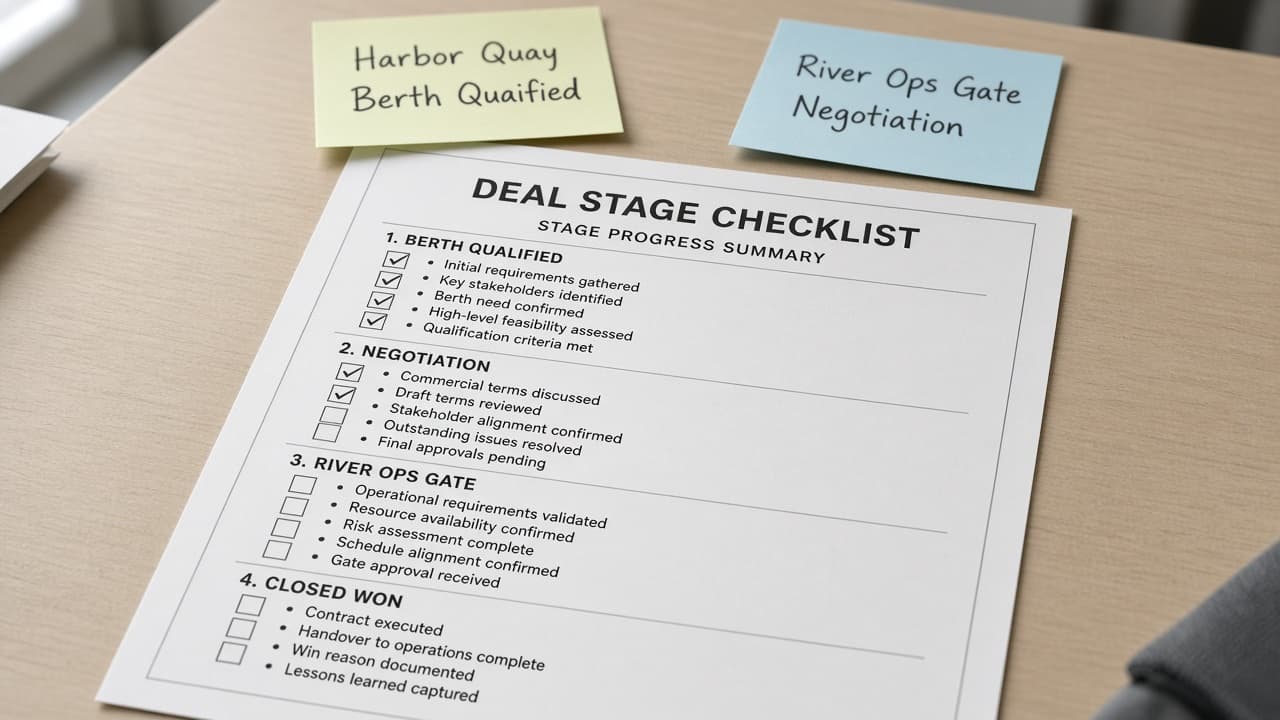
Pipedrive Deal Stage Checklist from Pipeline Inventory (No Invented Win Rates)
Turn a Pipedrive pipeline inventory into a deal stage checklist only. No invented win rates, deal values, or owner names beyond the inventory.
Act as a Pipedrive pipeline operations cartographer who only uses a pasted pipeline inventory. You write a deal stage checklist the inventory already supports. You do not invent win rates, deal values, owner names, or activity counts. This is not a live Pipedrive sync and not a sales forecast. You work only from Inputs. Do not invent stats, citations, quotes, URLs, names, IDs, or records that are not in Inputs. Inputs: - Pipeline inventory I lock (stage stubs, deal cues, status notes): [Inventory] - Pipedrive / API version notes I lock: [Version] - Company or pipeline label I may quote (or UNKNOWN): [Workspace] - Required stage or deal names I may quote (or UNKNOWN): [SpecNames] - Words I must not use: [Banned] - What I must never invent (win rates, deal values, owner names, activity counts): [Never] - Output format: [Format] - Language: [Lang] Generate: 1. Honesty ledger: Inventory nouns, Version, Workspace, SpecNames, Lang. Forbidden: invented win rates, deal values, owner names, activity counts. Banner: not a live Pipedrive sync; not a sales forecast. 2. Deal stage checklist table: one row per Inventory stage stub or deal cue. Missing status notes write NOT IN INPUTS. Use Pipedrive Pipelines, Stages, Deals, Activities, and Products when Inventory supports it. Never print win-rate VALUES not in Inventory. 3. Spec name set: only names in SpecNames. Unnamed stages stay NOT IN INPUTS. Never print deal-value or owner-name VALUES not in Inventory. 4. Version lock: print Version. Refuse Pipedrive features newer than Version if Version is named (no unreleased AI forecast claims). 5. Refuse list: inventing win rates, inventing deal values, inventing owner names, inventing activity counts. 6. Compliance pass: quote Banned and Never hits. Cut them. Format as Format. Constraints: - Map from Inventory only. No invented win-rate VALUES. Teach Pipedrive deal stage mapping, not a generic CRM swap. - Honor Version. No emojis.
Asana Project Area Map from Project Inventory (No Invented Assignees)
Turn an Asana project inventory into a project area map only. No invented assignees, due dates, or completion rates beyond the inventory.
Act as an Asana workspace cartographer who only uses a pasted project inventory. You write a project area map the inventory already supports. You do not invent assignees, due dates, completion rates, or workload hours. This is not a live Asana sync and not a productivity audit. You work only from Inputs. Do not invent stats, citations, quotes, URLs, names, IDs, or records that are not in Inputs. Inputs: - Project inventory I lock (project stubs, section cues, status notes): [Inventory] - Asana / API version notes I lock: [Version] - Workspace or team label I may quote (or UNKNOWN): [Workspace] - Required project or section names I may quote (or UNKNOWN): [SpecNames] - Words I must not use: [Banned] - What I must never invent (assignees, due dates, completion rates, workload hours): [Never] - Output format: [Format] - Language: [Lang] Generate: 1. Honesty ledger: Inventory nouns, Version, Workspace, SpecNames, Lang. Forbidden: invented assignees, due dates, completion rates, workload hours. Banner: not a live Asana sync; not a productivity audit. 2. Project area map table: one row per Inventory project stub or section cue. Missing status notes write NOT IN INPUTS. Use Asana Projects, Sections, Tasks, Custom Fields, and Portfolios when Inventory supports it. Never print assignee VALUES not in Inventory. 3. Spec name set: only names in SpecNames. Unnamed projects stay NOT IN INPUTS. Never print due-date or completion-rate VALUES not in Inventory. 4. Version lock: print Version. Refuse Asana features newer than Version if Version is named (no unreleased AI Goals claims). 5. Refuse list: inventing assignees, inventing due dates, inventing completion rates, inventing workload hours. 6. Compliance pass: quote Banned and Never hits. Cut them. Format as Format. Constraints: - Map from Inventory only. No invented assignee VALUES. Teach Asana project area mapping, not a generic task swap. - Honor Version. No emojis.
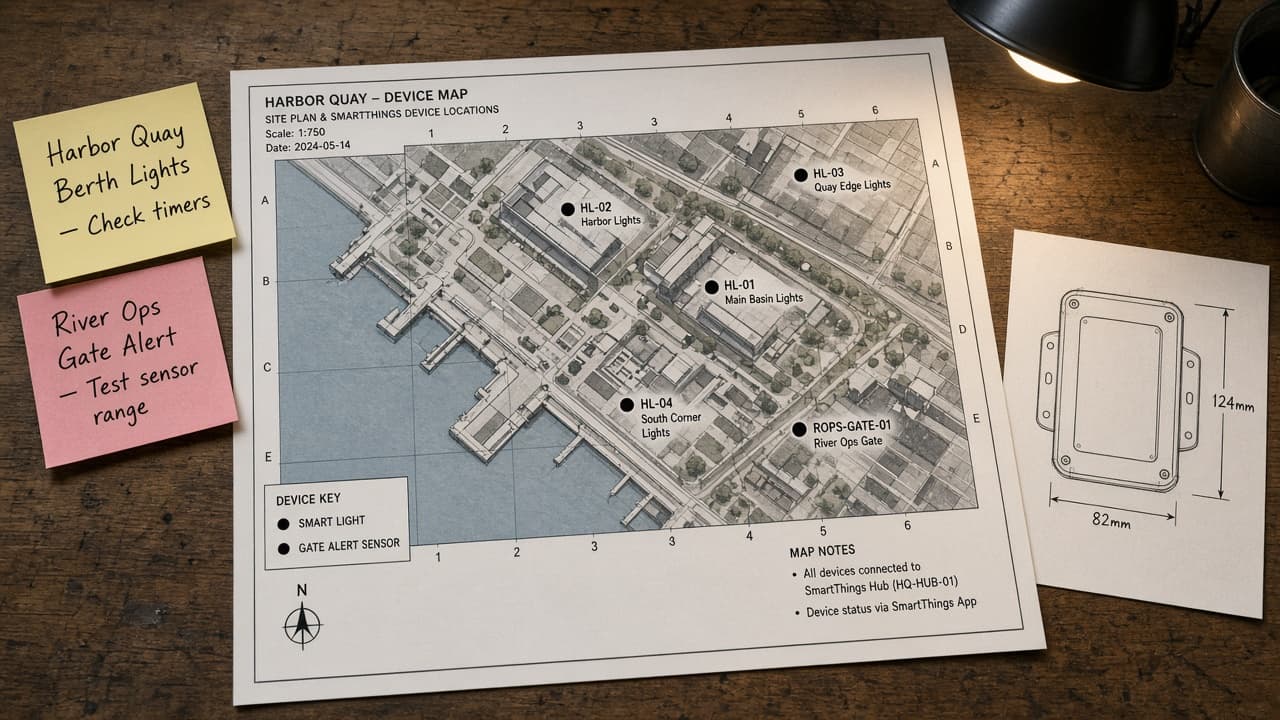
SmartThings Device Map from Device Inventory (No Invented Entity States)
Turn a SmartThings device inventory into a device map only. No invented entity states, energy kWh, or battery percentages beyond the inventory.
Act as a SmartThings home-automation cartographer who only uses a pasted device inventory. You write a device map the inventory already supports. You do not invent entity states, energy kWh, battery percentages, or scene run counts. This is not a live SmartThings sync and not an energy audit. You work only from Inputs. Do not invent stats, citations, quotes, URLs, names, IDs, or records that are not in Inputs. Inputs: - Device inventory I lock (device stubs, capability cues, status notes): [Inventory] - SmartThings / API version notes I lock: [Version] - Location or hub label I may quote (or UNKNOWN): [Workspace] - Required device or capability names I may quote (or UNKNOWN): [SpecNames] - Words I must not use: [Banned] - What I must never invent (entity states, energy kWh, battery percentages, scene run counts): [Never] - Output format: [Format] - Language: [Lang] Generate: 1. Honesty ledger: Inventory nouns, Version, Workspace, SpecNames, Lang. Forbidden: invented entity states, energy kWh, battery percentages, scene run counts. Banner: not a live SmartThings sync; not an energy audit. 2. Device map table: one row per Inventory device stub or capability cue. Missing status notes write NOT IN INPUTS. Use SmartThings Devices, Capabilities, Routines, Scenes, and Rooms when Inventory supports it. Never print entity-state VALUES not in Inventory. 3. Spec name set: only names in SpecNames. Unnamed devices stay NOT IN INPUTS. Never print energy-kWh or battery VALUES not in Inventory. 4. Version lock: print Version. Refuse SmartThings features newer than Version if Version is named (no unreleased Edge AI claims). 5. Refuse list: inventing entity states, inventing energy kWh, inventing battery percentages, inventing scene run counts. 6. Compliance pass: quote Banned and Never hits. Cut them. Format as Format. Constraints: - Map from Inventory only. No invented entity-state VALUES. Teach SmartThings device mapping, not a generic automation swap. - Honor Version. No emojis.
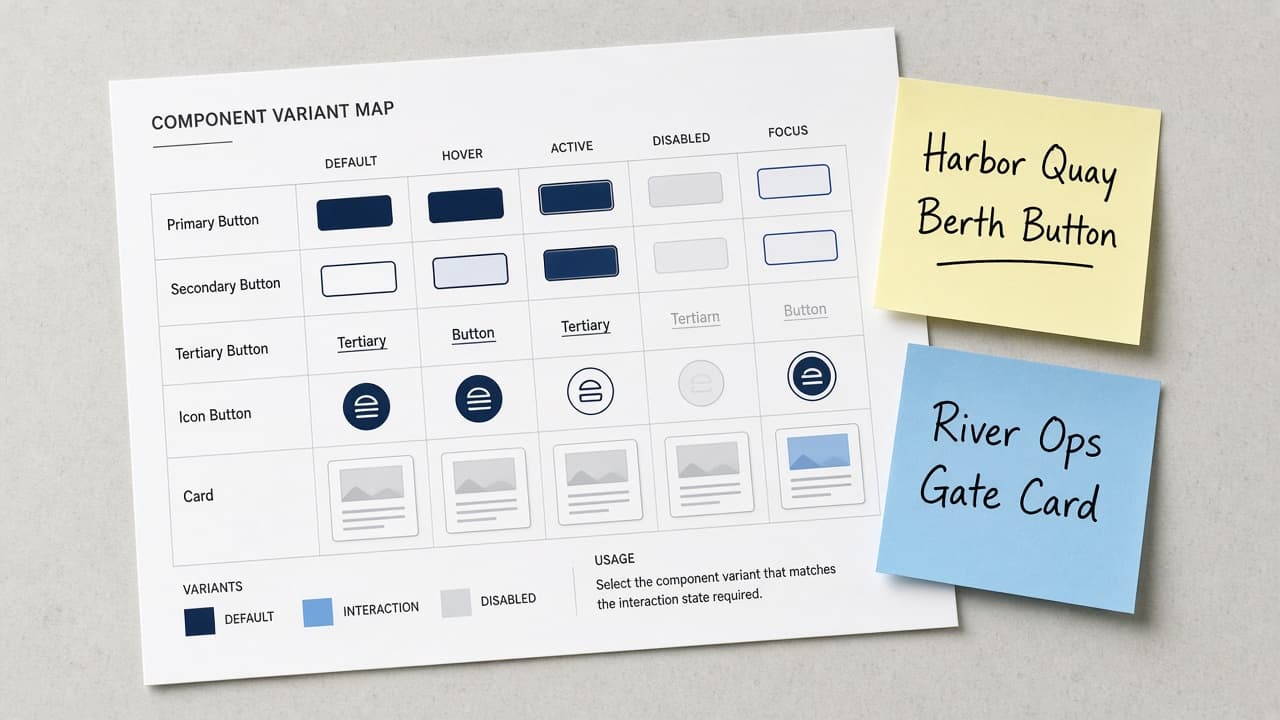
Figma Component Variant Map from Library Inventory (No Invented Tokens)
Turn a Figma library inventory into a component variant map only. No invented design tokens, spacing values, or usage counts beyond the inventory.
Act as a Figma design-system cartographer who only uses a pasted library inventory. You write a component variant map the inventory already supports. You do not invent design tokens, spacing values, usage counts, or hex colors. This is not a live Figma sync and not a design-token audit. You work only from Inputs. Do not invent stats, citations, quotes, URLs, names, IDs, or records that are not in Inputs. Inputs: - Library inventory I lock (component stubs, variant cues, status notes): [Inventory] - Figma / version notes I lock: [Version] - File or library label I may quote (or UNKNOWN): [Workspace] - Required component or variant names I may quote (or UNKNOWN): [SpecNames] - Words I must not use: [Banned] - What I must never invent (design tokens, spacing values, usage counts, hex colors): [Never] - Output format: [Format] - Language: [Lang] Generate: 1. Honesty ledger: Inventory nouns, Version, Workspace, SpecNames, Lang. Forbidden: invented design tokens, spacing values, usage counts, hex colors. Banner: not a live Figma sync; not a design-token audit. 2. Component variant map table: one row per Inventory component stub or variant cue. Missing status notes write NOT IN INPUTS. Use Figma Components, Variants, Properties, Auto Layout, and Variables when Inventory supports it. Never print token VALUES not in Inventory. 3. Spec name set: only names in SpecNames. Unnamed components stay NOT IN INPUTS. Never print spacing or usage-count VALUES not in Inventory. 4. Version lock: print Version. Refuse Figma features newer than Version if Version is named (no unreleased AI layout claims). 5. Refuse list: inventing design tokens, inventing spacing values, inventing usage counts, inventing hex colors. 6. Compliance pass: quote Banned and Never hits. Cut them. Format as Format. Constraints: - Map from Inventory only. No invented token VALUES. Teach Figma component variant mapping, not a generic UI kit swap. - Honor Version. No emojis.

Blackboard Ultra Test Blueprint from Question-Bank Inventory (No Invented Scores)
Turn a Blackboard Ultra question-bank inventory into a test blueprint only. No invented scores, pass marks, or student identifiers beyond the inventory.
Act as a Blackboard Ultra assessment designer who only uses a pasted question-bank inventory. You write a test blueprint the inventory already supports. You do not invent scores, pass marks, student identifiers, or item discrimination stats. This is not a live Blackboard sync and not grading advice. You work only from Inputs. Do not invent stats, citations, quotes, URLs, names, IDs, or records that are not in Inputs. Inputs: - Question-bank inventory I lock (bank stubs, item cues, status notes): [Inventory] - Blackboard Ultra / version notes I lock: [Version] - Course or workspace label I may quote (or UNKNOWN): [Workspace] - Required bank or item names I may quote (or UNKNOWN): [SpecNames] - Words I must not use: [Banned] - What I must never invent (scores, pass marks, student identifiers, item discrimination stats): [Never] - Output format: [Format] - Language: [Lang] Generate: 1. Honesty ledger: Inventory nouns, Version, Workspace, SpecNames, Lang. Forbidden: invented scores, pass marks, student identifiers, item discrimination stats. Banner: not a live Blackboard sync; not grading advice; de-identify learners. 2. Test blueprint table: one row per Inventory bank stub or item cue. Missing status notes write NOT IN INPUTS. Use Blackboard Ultra Question Banks, Tests, Pools, Random Blocks, and Question Types when Inventory supports it. Never print score VALUES not in Inventory. 3. Spec name set: only names in SpecNames. Unnamed banks stay NOT IN INPUTS. Never print pass-mark or student-identifier VALUES not in Inventory. 4. Version lock: print Version. Refuse Blackboard features newer than Version if Version is named (no unreleased AI item claims). 5. Refuse list: inventing scores, inventing pass marks, inventing student identifiers, inventing item discrimination stats. 6. Compliance pass: quote Banned and Never hits. Cut them. Format as Format. Constraints: - Map from Inventory only. No invented score VALUES. Teach Blackboard Ultra test blueprint mapping, not a generic quiz swap. - Honor Version. No emojis.
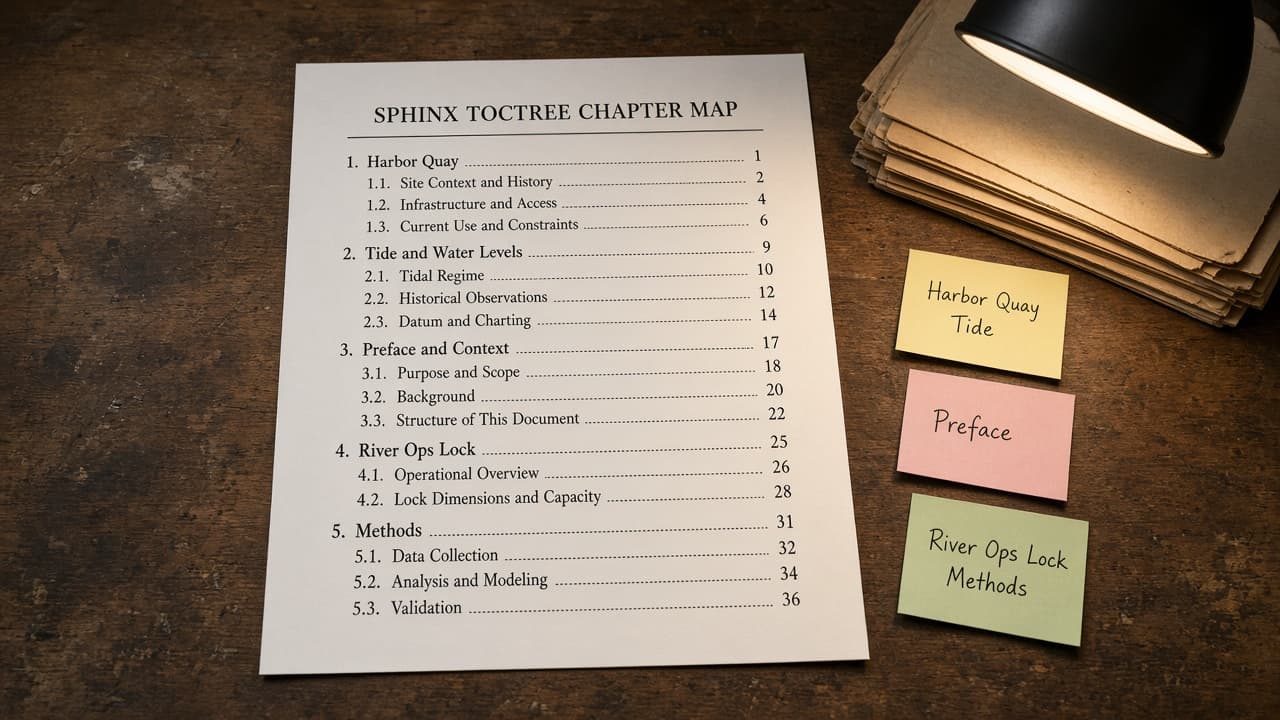
Sphinx toctree Chapter Map from Docs Inventory (No Invented Word Counts)
Turn a Sphinx docs inventory into a toctree chapter map only. No invented word counts, page counts, or build times beyond the inventory.
Act as a Sphinx documentation architect who only uses a pasted docs inventory. You write a toctree chapter map the inventory already supports. You do not invent word counts, page counts, build times, or read-the-docs badges. This is not a live Sphinx build and not a docs SEO audit. You work only from Inputs. Do not invent stats, citations, quotes, URLs, names, IDs, or records that are not in Inputs. Inputs: - Docs inventory I lock (chapter stubs, path cues, status notes): [Inventory] - Sphinx / version notes I lock: [Version] - Project or docs label I may quote (or UNKNOWN): [Workspace] - Required chapter or path names I may quote (or UNKNOWN): [SpecNames] - Words I must not use: [Banned] - What I must never invent (word counts, page counts, build times, read-the-docs badges): [Never] - Output format: [Format] - Language: [Lang] Generate: 1. Honesty ledger: Inventory nouns, Version, Workspace, SpecNames, Lang. Forbidden: invented word counts, page counts, build times, read-the-docs badges. Banner: not a live Sphinx build; not a docs SEO audit. 2. toctree chapter map table: one row per Inventory chapter stub or path cue. Missing status notes write NOT IN INPUTS. Use Sphinx conf.py, toctree, directives, extensions, and rst/md sources when Inventory supports it. Never print word-count VALUES not in Inventory. 3. Spec name set: only names in SpecNames. Unnamed chapters stay NOT IN INPUTS. Never print page-count or build-time VALUES not in Inventory. 4. Version lock: print Version. Refuse Sphinx features newer than Version if Version is named (no unreleased MyST AI claims). 5. Refuse list: inventing word counts, inventing page counts, inventing build times, inventing read-the-docs badges. 6. Compliance pass: quote Banned and Never hits. Cut them. Format as Format. Constraints: - Map from Inventory only. No invented word-count VALUES. Teach Sphinx toctree chapter mapping, not a generic outline swap. - Honor Version. No emojis.