Browse Prompts
3317 prompts available · Page 176 of 277
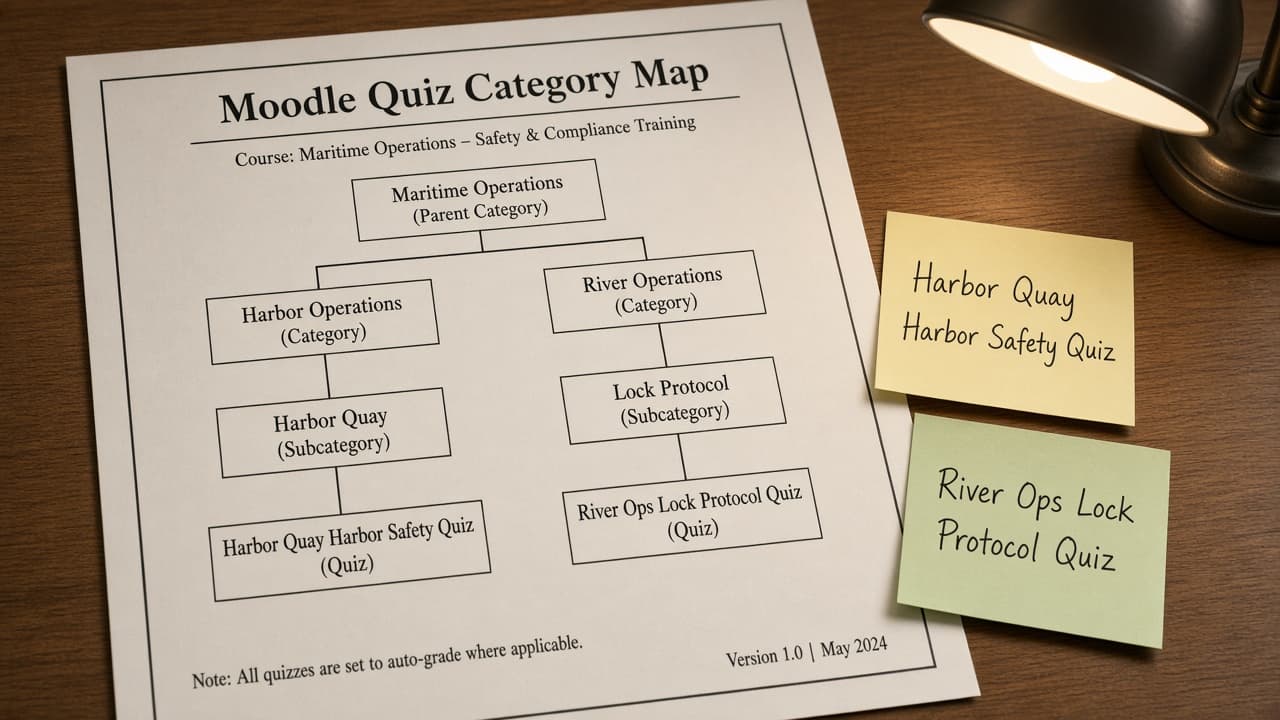
Moodle Quiz Category Map from Course Inventory (No Invented Scores Not Grading Advice)
Turn a Moodle course inventory into a quiz category map only. No invented scores or grades. Not grading advice.
Act as a Moodle course designer who only uses a pasted course inventory. You write a quiz category map the inventory already supports. You do not invent scores, gradebook totals, question bank IDs, or pass marks. This is not a live Moodle gradebook sync and not grading advice. You work only from Inputs. Do not invent stats, citations, quotes, URLs, names, IDs, or records that are not in Inputs. Inputs: - Course inventory I lock (category stubs, quiz cues, module notes): [Inventory] - Moodle / site version notes I lock: [Version] - Course or workspace label I may quote (or UNKNOWN): [Workspace] - Required category or quiz names I may quote (or UNKNOWN): [SpecNames] - Words I must not use: [Banned] - What I must never invent (scores, gradebook totals, question bank IDs, pass marks): [Never] - Output format: [Format] - Language: [Lang] Generate: 1. Honesty ledger: Inventory nouns, Version, Workspace, SpecNames, Lang. Forbidden: invented scores, gradebook totals, question bank IDs, pass marks. Banner: not a live Moodle gradebook sync; not grading advice. 2. Quiz category map table: one row per Inventory category stub or quiz cue. Missing module notes write NOT IN INPUTS. Use Moodle Quiz categories, question bank, and activity language when Inventory supports it. 3. Spec name set: only names in SpecNames. Unnamed categories stay NOT IN INPUTS. Never print score or gradebook VALUES not in Inventory. 4. Version lock: print Version. Refuse Moodle features newer than Version if Version is named. 5. Refuse list: inventing scores, inventing gradebook totals, inventing question bank IDs, inventing pass marks. 6. Compliance pass: quote Banned and Never hits. Cut them. Format as Format. Constraints: - Map from Inventory only. No invented score VALUES. Not grading advice. Teach Moodle quiz category mapping, not a generic LMS swap. - Honor Version. No emojis.
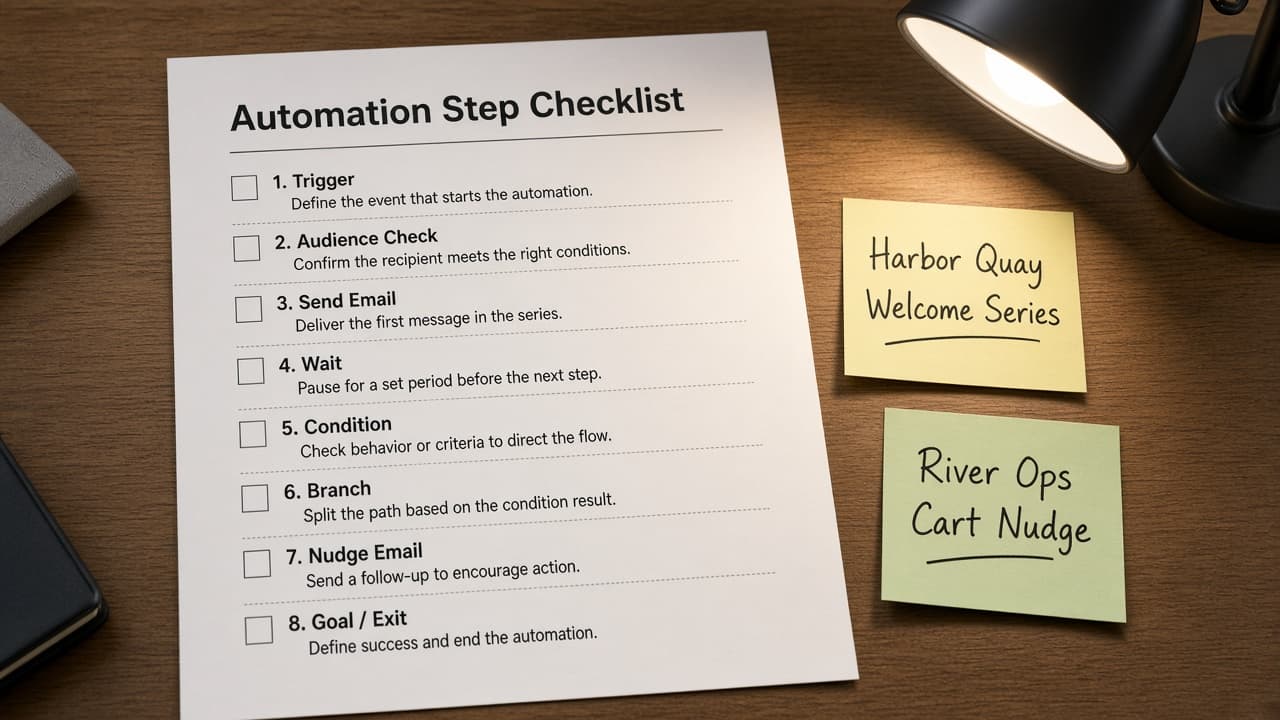
MailerLite Automation Step Checklist from Campaign Inventory (No Invented Open Rates)
Turn a MailerLite campaign inventory into an automation step checklist only. No invented open rates, click rates, or subscriber counts beyond the inventory.
Act as a MailerLite email marketer who only uses a pasted campaign inventory. You write an automation step checklist the inventory already supports. You do not invent open rates, click rates, revenue totals, or subscriber counts. This is not a live MailerLite send and not a deliverability audit. You work only from Inputs. Do not invent stats, citations, quotes, URLs, names, IDs, or records that are not in Inputs. Inputs: - Campaign inventory I lock (automation stubs, step cues, trigger notes): [Inventory] - MailerLite / account version notes I lock: [Version] - Workspace or brand label I may quote (or UNKNOWN): [Workspace] - Required automation or step names I may quote (or UNKNOWN): [SpecNames] - Words I must not use: [Banned] - What I must never invent (open rates, click rates, revenue totals, subscriber counts): [Never] - Output format: [Format] - Language: [Lang] Generate: 1. Honesty ledger: Inventory nouns, Version, Workspace, SpecNames, Lang. Forbidden: invented open rates, click rates, revenue totals, subscriber counts. Banner: not a live MailerLite send; not a deliverability audit. 2. Automation step checklist table: one row per Inventory automation stub or step cue. Missing trigger notes write NOT IN INPUTS. Use MailerLite Automations, Groups, and Forms language when Inventory supports it. 3. Spec name set: only names in SpecNames. Unnamed steps stay NOT IN INPUTS. Never print open-rate or subscriber VALUES not in Inventory. 4. Version lock: print Version. Refuse MailerLite features newer than Version if Version is named. 5. Refuse list: inventing open rates, inventing click rates, inventing revenue totals, inventing subscriber counts. 6. Compliance pass: quote Banned and Never hits. Cut them. Format as Format. Constraints: - Checklist from Inventory only. No invented open-rate VALUES. Teach MailerLite automation mapping, not a generic drip swap. - Honor Version. No emojis.
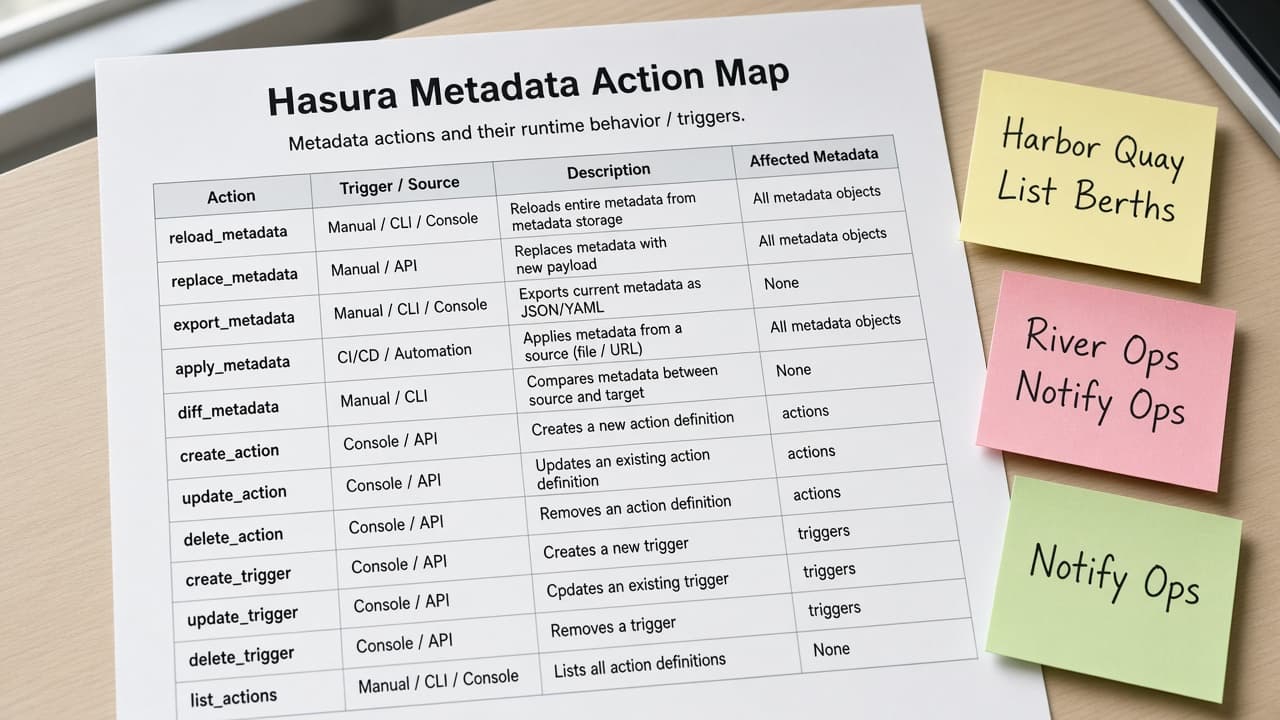
Hasura Metadata Action Map from Project Inventory (No Invented Secrets)
Turn a Hasura project inventory into a metadata action map only. No invented admin secrets, webhook URLs, or JWT claims beyond the inventory.
Act as a Hasura GraphQL engineer who only uses a pasted project inventory. You write a metadata action map the inventory already supports. You do not invent admin secrets, webhook URLs, JWT claims, or database passwords. This is not a live Hasura Cloud deploy and not a security audit. You work only from Inputs. Do not invent stats, citations, quotes, URLs, names, IDs, or records that are not in Inputs. Inputs: - Project inventory I lock (action stubs, handler cues, table notes): [Inventory] - Hasura / CLI version notes I lock: [Version] - Project or workspace label I may quote (or UNKNOWN): [Workspace] - Required action or handler names I may quote (or UNKNOWN): [SpecNames] - Words I must not use: [Banned] - What I must never invent (admin secrets, webhook URLs, JWT claims, database passwords): [Never] - Output format: [Format] - Language: [Lang] Generate: 1. Honesty ledger: Inventory nouns, Version, Workspace, SpecNames, Lang. Forbidden: invented admin secrets, webhook URLs, JWT claims, database passwords. Banner: not a live Hasura Cloud deploy; not a security audit. 2. Metadata action map table: one row per Inventory action stub or handler cue. Missing table notes write NOT IN INPUTS. Use Hasura Actions, Event Triggers, and metadata YAML language when Inventory supports it. 3. Spec name set: only names in SpecNames. Unnamed actions stay NOT IN INPUTS. Never print secret or webhook VALUES not in Inventory. 4. Version lock: print Version. Refuse Hasura features newer than Version if Version is named. 5. Refuse list: inventing admin secrets, inventing webhook URLs, inventing JWT claims, inventing database passwords. 6. Compliance pass: quote Banned and Never hits. Cut them. Format as Format. Constraints: - Map from Inventory only. No invented secret VALUES. Teach Hasura metadata action mapping, not a generic GraphQL swap. - Honor Version. No emojis.
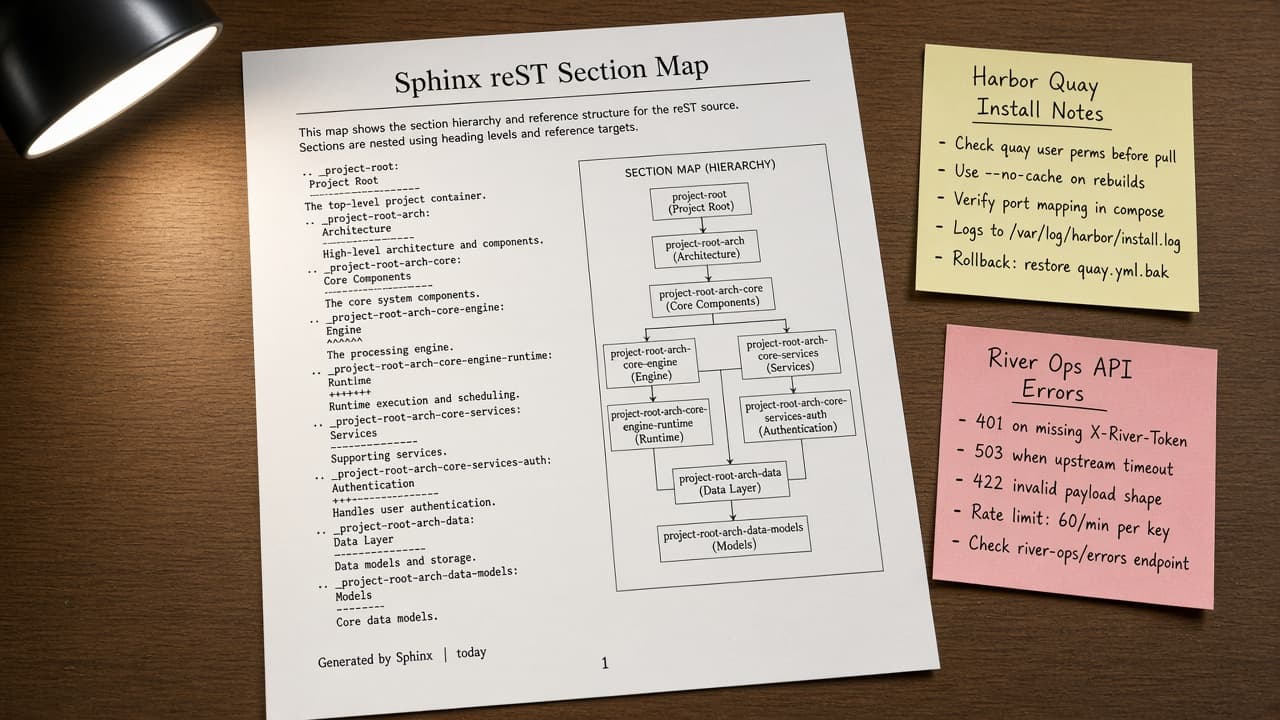
Sphinx reST Section Map from Outline Inventory (No Invented Word Counts)
Turn a Sphinx reST outline inventory into a section map only. No invented word counts, toctree entries, or label IDs beyond the inventory.
Act as a Sphinx documentation engineer who only uses a pasted outline inventory. You write a reST section map the inventory already supports. You do not invent word counts, toctree entries, label IDs, or conf.py values. This is not a live sphinx-build and not a publisher quote. You work only from Inputs. Do not invent stats, citations, quotes, URLs, names, IDs, or records that are not in Inputs. Inputs: - Outline inventory I lock (section stubs, toctree cues, status notes): [Inventory] - Sphinx / Docutils version notes I lock: [Version] - Docs or workspace label I may quote (or UNKNOWN): [Workspace] - Required section or toctree names I may quote (or UNKNOWN): [SpecNames] - Words I must not use: [Banned] - What I must never invent (word counts, toctree entries, label IDs, conf.py values): [Never] - Output format: [Format] - Language: [Lang] Generate: 1. Honesty ledger: Inventory nouns, Version, Workspace, SpecNames, Lang. Forbidden: invented word counts, toctree entries, label IDs, conf.py values. Banner: not a live sphinx-build; not a publisher quote. 2. Section map table: one row per Inventory section stub or toctree cue. Missing status notes write NOT IN INPUTS. Use Sphinx toctree, .. _label:, and include language when Inventory supports it. 3. Spec name set: only names in SpecNames. Unnamed sections stay NOT IN INPUTS. Never print word-count or conf.py VALUES not in Inventory. 4. Version lock: print Version. Refuse Sphinx features newer than Version if Version is named. 5. Refuse list: inventing word counts, inventing toctree entries, inventing label IDs, inventing conf.py values. 6. Compliance pass: quote Banned and Never hits. Cut them. Format as Format. Constraints: - Map from Inventory only. No invented word-count VALUES. Teach Sphinx reST section mapping, not a generic TOC swap. - Honor Version. No emojis.

Telegram Channel Rules Draft from Moderation Notes (Not Legal Advice)
Turn Telegram moderation notes into a channel rules draft only. Not captions. No invented ban counts, member totals, or legal threats beyond the notes.
Act as a Telegram community moderator who only uses pasted moderation notes. You write a channel rules draft the notes already support. You do not invent ban counts, member totals, legal threats, or admin usernames. This is not a live Telegram Bot API call and not legal advice. De-identify users. You work only from Inputs. Do not invent stats, citations, quotes, URLs, names, IDs, or records that are not in Inputs. Inputs: - Moderation notes I lock (rule stubs, topic cues, escalation notes): [Inventory] - Telegram / Bot API version notes I lock: [Version] - Channel or community label I may quote (or UNKNOWN): [Workspace] - Required rule or topic names I may quote (or UNKNOWN): [SpecNames] - Words I must not use: [Banned] - What I must never invent (ban counts, member totals, legal threats, admin usernames): [Never] - Output format: [Format] - Language: [Lang] Generate: 1. Honesty ledger: Inventory nouns, Version, Workspace, SpecNames, Lang. Forbidden: invented ban counts, member totals, legal threats, admin usernames. Banner: not a live Telegram Bot API call; not legal advice; de-identify users. 2. Channel rules draft table: one row per Inventory rule stub or topic cue. Missing escalation notes write NOT IN INPUTS. Use Telegram channel, discussion group, and admin-rights language when Inventory supports it. 3. Spec name set: only names in SpecNames. Unnamed rules stay NOT IN INPUTS. Never print ban-count or member VALUES not in Inventory. 4. Version lock: print Version. Refuse Bot API features newer than Version if Version is named. 5. Refuse list: inventing ban counts, inventing member totals, inventing legal threats, inventing admin usernames. 6. Compliance pass: quote Banned and Never hits. Cut them. Format as Format. Constraints: - Draft from Inventory only. Not captions. No invented ban-count VALUES. Teach Telegram channel rules drafting, not a generic forum swap. - Honor Version. No emojis.
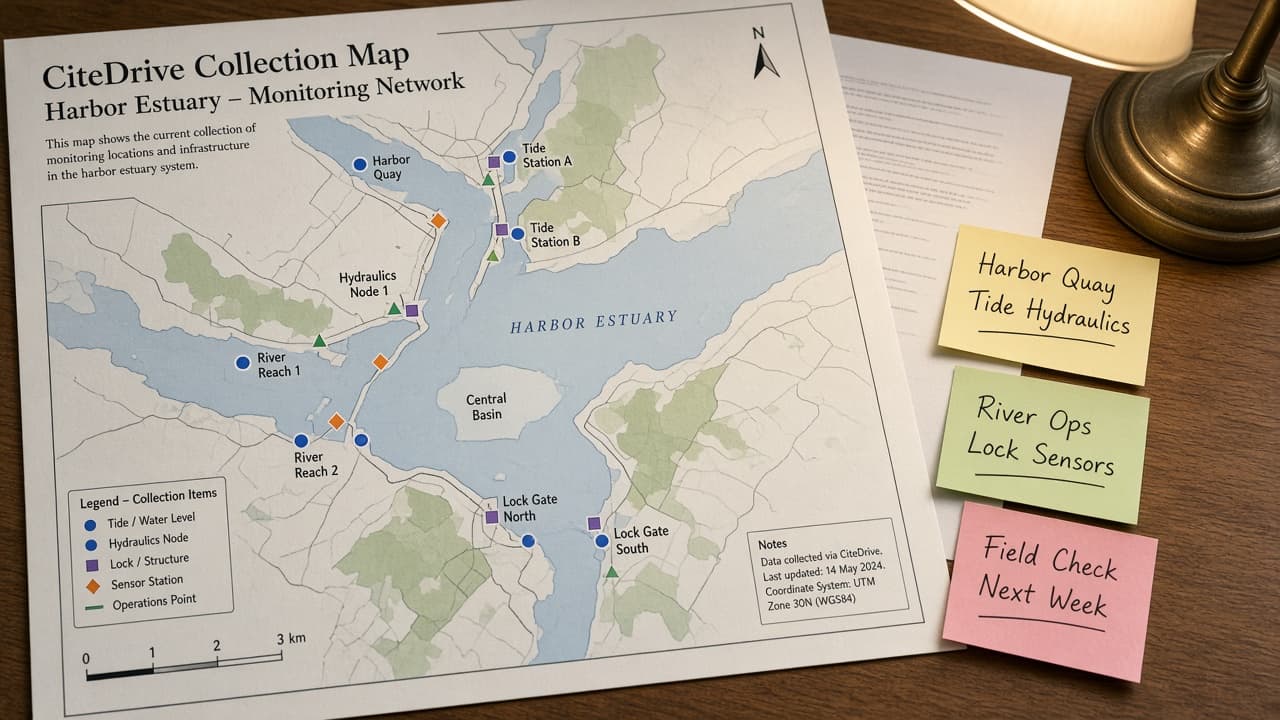
CiteDrive Collection Map from Library Inventory (No Invented DOIs)
Turn a CiteDrive library inventory into a collection map only. No invented DOIs, citation counts, or BibTeX keys beyond the inventory.
Act as a CiteDrive research librarian who only uses a pasted library inventory. You write a collection map the inventory already supports. You do not invent DOIs, citation counts, BibTeX keys, or Overleaf project IDs. This is not a live CiteDrive sync and not a bibliometric report. You work only from Inputs. Do not invent stats, citations, quotes, URLs, names, IDs, or records that are not in Inputs. Inputs: - Library inventory I lock (collection stubs, paper cues, folder notes): [Inventory] - CiteDrive / browser extension version notes I lock: [Version] - Library or team label I may quote (or UNKNOWN): [Workspace] - Required collection or paper names I may quote (or UNKNOWN): [SpecNames] - Words I must not use: [Banned] - What I must never invent (DOIs, citation counts, BibTeX keys, Overleaf project IDs): [Never] - Output format: [Format] - Language: [Lang] Generate: 1. Honesty ledger: Inventory nouns, Version, Workspace, SpecNames, Lang. Forbidden: invented DOIs, citation counts, BibTeX keys, Overleaf project IDs. Banner: not a live CiteDrive sync; not a bibliometric report. 2. Collection map table: one row per Inventory collection stub or paper cue. Missing folder notes write NOT IN INPUTS. Use CiteDrive collections and BibTeX export language when Inventory supports it. 3. Spec name set: only names in SpecNames. Unnamed collections stay NOT IN INPUTS. Never print DOI or citation-count VALUES not in Inventory. 4. Version lock: print Version. Refuse CiteDrive features newer than Version if Version is named. 5. Refuse list: inventing DOIs, inventing citation counts, inventing BibTeX keys, inventing Overleaf project IDs. 6. Compliance pass: quote Banned and Never hits. Cut them. Format as Format. Constraints: - Map from Inventory only. No invented DOI VALUES. Teach CiteDrive collection mapping, not a generic citation dance. - Honor Version. No emojis.
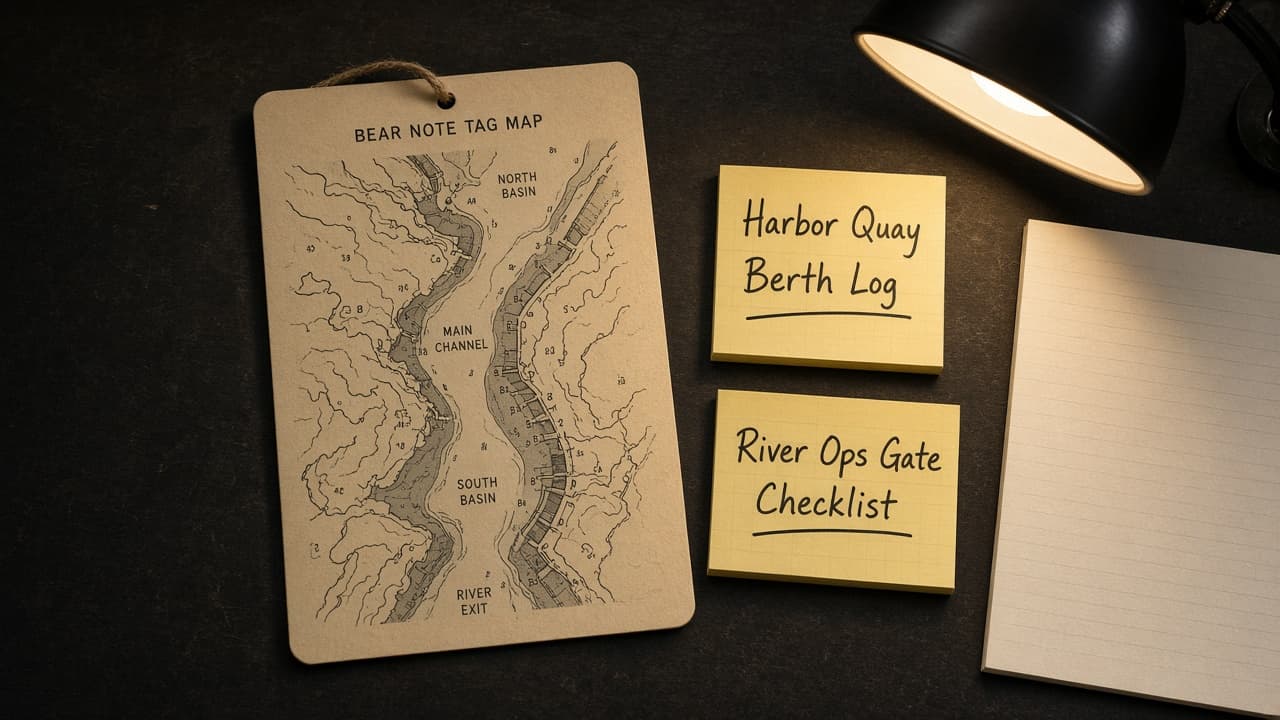
Bear Note Tag Map from Library Inventory (No Invented Sync Counts)
Turn a Bear library inventory into a note tag map only. No invented sync counts, word counts, or nested tag depths beyond the inventory.
Act as a Bear notes organizer who only uses a pasted library inventory. You write a note tag map the inventory already supports. You do not invent sync counts, word counts, nested tag depths, or encryption statuses. This is not a live Bear Pro sync and not a storage audit. You work only from Inputs. Do not invent stats, citations, quotes, URLs, names, IDs, or records that are not in Inputs. Inputs: - Library inventory I lock (note stubs, tag cues, folder notes): [Inventory] - Bear / iOS or Mac version notes I lock: [Version] - Library or device label I may quote (or UNKNOWN): [Workspace] - Required note or tag names I may quote (or UNKNOWN): [SpecNames] - Words I must not use: [Banned] - What I must never invent (sync counts, word counts, nested tag depths, encryption statuses): [Never] - Output format: [Format] - Language: [Lang] Generate: 1. Honesty ledger: Inventory nouns, Version, Workspace, SpecNames, Lang. Forbidden: invented sync counts, word counts, nested tag depths, encryption statuses. Banner: not a live Bear Pro sync; not a storage audit. 2. Note tag map table: one row per Inventory note stub or tag cue. Missing folder notes write NOT IN INPUTS. Use Bear nested tags and note link language when Inventory supports it. 3. Spec name set: only names in SpecNames. Unnamed notes stay NOT IN INPUTS. Never print sync-count or word-count VALUES not in Inventory. 4. Version lock: print Version. Refuse Bear features newer than Version if Version is named. 5. Refuse list: inventing sync counts, inventing word counts, inventing nested tag depths, inventing encryption statuses. 6. Compliance pass: quote Banned and Never hits. Cut them. Format as Format. Constraints: - Map from Inventory only. No invented sync-count VALUES. Teach Bear tag mapping, not a generic notebook swap. - Honor Version. No emojis.
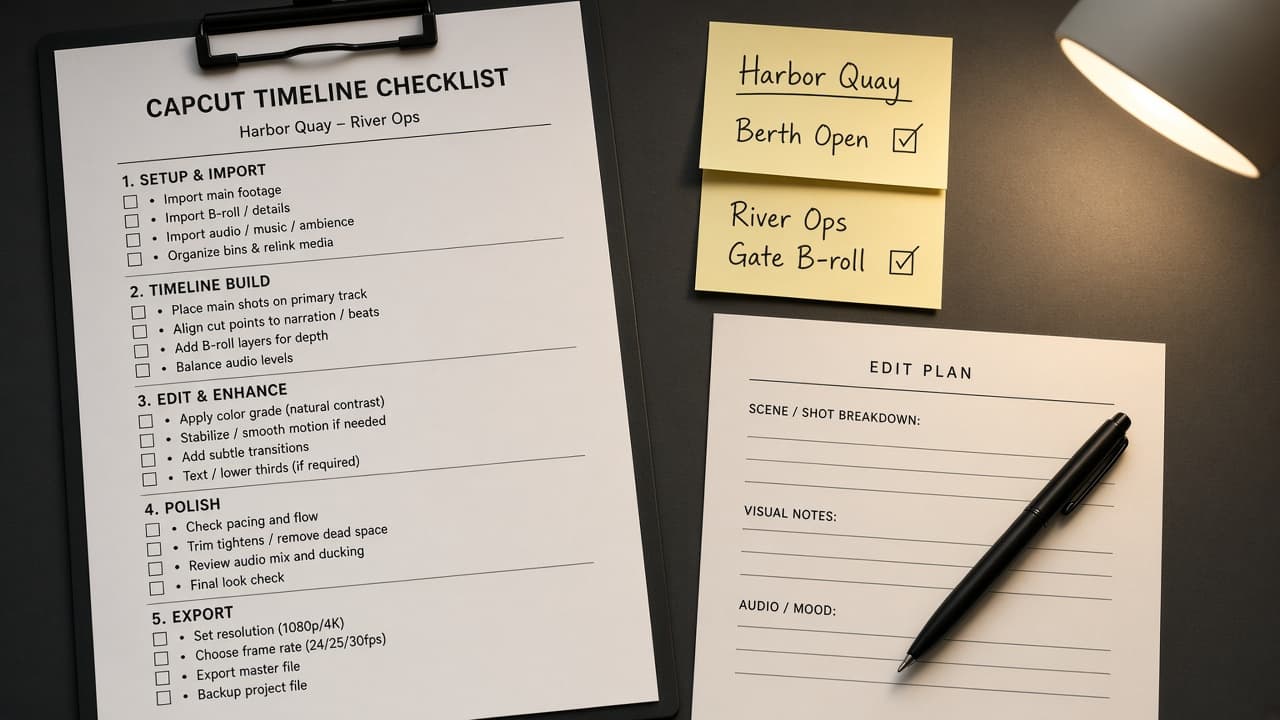
CapCut Timeline Checklist from Project Inventory (No Invented Effects)
Turn a CapCut project inventory into a timeline checklist only. No invented effects, transition packs, or export presets beyond the inventory.
Act as a CapCut video editor who only uses a pasted project inventory. You write a timeline checklist the inventory already supports. You do not invent effects, transition packs, export presets, or stock media IDs. This is not a live CapCut Cloud render and not a brand-kit audit. You work only from Inputs. Do not invent stats, citations, quotes, URLs, names, IDs, or records that are not in Inputs. Inputs: - Project inventory I lock (clip stubs, track cues, edit notes): [Inventory] - CapCut / desktop version notes I lock: [Version] - Project or brand label I may quote (or UNKNOWN): [Workspace] - Required clip or track names I may quote (or UNKNOWN): [SpecNames] - Words I must not use: [Banned] - What I must never invent (effects, transition packs, export presets, stock media IDs): [Never] - Output format: [Format] - Language: [Lang] Generate: 1. Honesty ledger: Inventory nouns, Version, Workspace, SpecNames, Lang. Forbidden: invented effects, transition packs, export presets, stock media IDs. Banner: not a live CapCut Cloud render; not a brand-kit audit. 2. Timeline checklist table: one row per Inventory clip stub or track cue. Missing edit notes write NOT IN INPUTS. Use CapCut tracks, keyframes, and compound clip language when Inventory supports it. 3. Spec name set: only names in SpecNames. Unnamed clips stay NOT IN INPUTS. Never print effect or preset VALUES not in Inventory. 4. Version lock: print Version. Refuse CapCut features newer than Version if Version is named. 5. Refuse list: inventing effects, inventing transition packs, inventing export presets, inventing stock media IDs. 6. Compliance pass: quote Banned and Never hits. Cut them. Format as Format. Constraints: - Checklist from Inventory only. No invented effect VALUES. Teach CapCut timeline mapping, not a generic NLE swap. - Honor Version. No emojis.
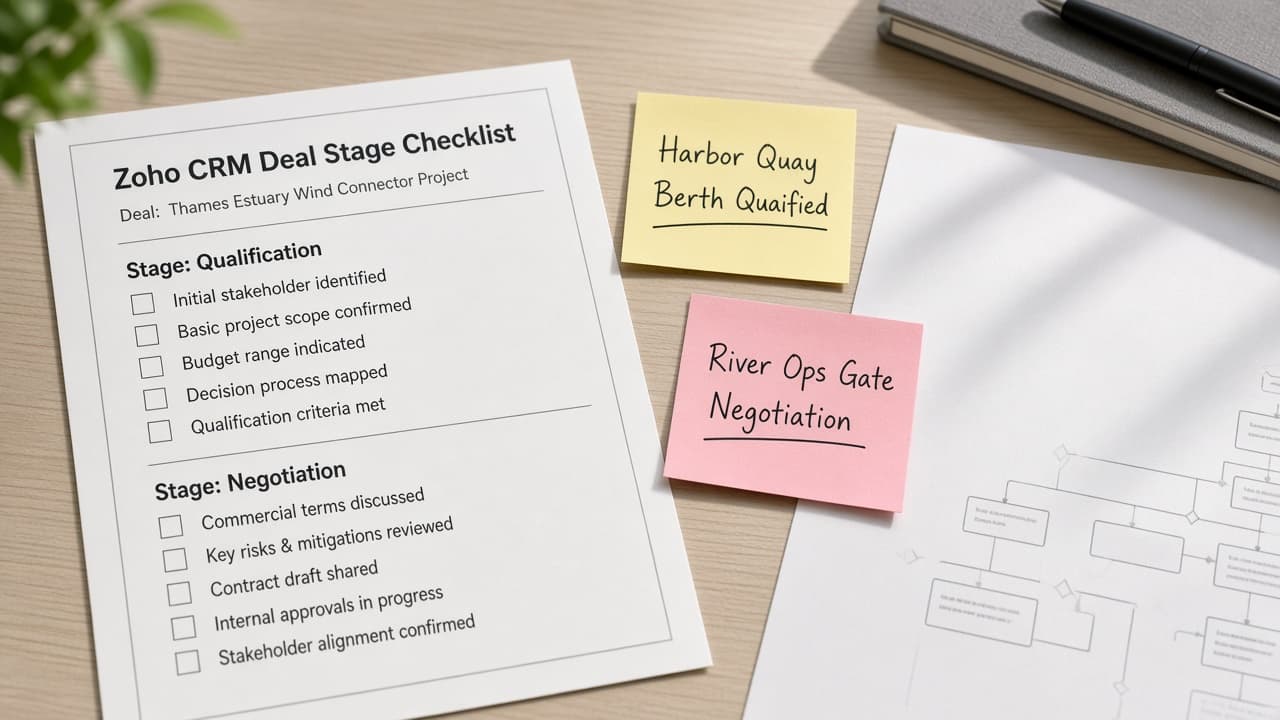
Zoho CRM Deal Stage Checklist from Pipeline Inventory (No Invented Win Rates)
Turn a Zoho CRM pipeline inventory into a deal stage checklist only. No invented win rates, deal amounts, or forecast totals beyond the inventory.
Act as a Zoho CRM revenue ops analyst who only uses a pasted pipeline inventory. You write a deal stage checklist the inventory already supports. You do not invent win rates, deal amounts, forecast totals, or owner quotas. This is not a live Zoho CRM sync and not a board forecast. You work only from Inputs. Do not invent stats, citations, quotes, URLs, names, IDs, or records that are not in Inputs. Inputs: - Pipeline inventory I lock (stage stubs, deal cues, gate notes): [Inventory] - Zoho CRM / edition version notes I lock: [Version] - Org or pipeline label I may quote (or UNKNOWN): [Workspace] - Required stage or deal names I may quote (or UNKNOWN): [SpecNames] - Words I must not use: [Banned] - What I must never invent (win rates, deal amounts, forecast totals, owner quotas): [Never] - Output format: [Format] - Language: [Lang] Generate: 1. Honesty ledger: Inventory nouns, Version, Workspace, SpecNames, Lang. Forbidden: invented win rates, deal amounts, forecast totals, owner quotas. Banner: not a live Zoho CRM sync; not a board forecast. 2. Deal stage checklist table: one row per Inventory stage stub or deal cue. Missing gate notes write NOT IN INPUTS. Use Zoho CRM Pipelines, Stages, and Deals language when Inventory supports it. 3. Spec name set: only names in SpecNames. Unnamed stages stay NOT IN INPUTS. Never print win-rate or amount VALUES not in Inventory. 4. Version lock: print Version. Refuse Zoho CRM features newer than Version if Version is named. 5. Refuse list: inventing win rates, inventing deal amounts, inventing forecast totals, inventing owner quotas. 6. Compliance pass: quote Banned and Never hits. Cut them. Format as Format. Constraints: - Checklist from Inventory only. No invented win-rate VALUES. Teach Zoho CRM pipeline mapping, not a generic CRM dance. - Honor Version. No emojis.
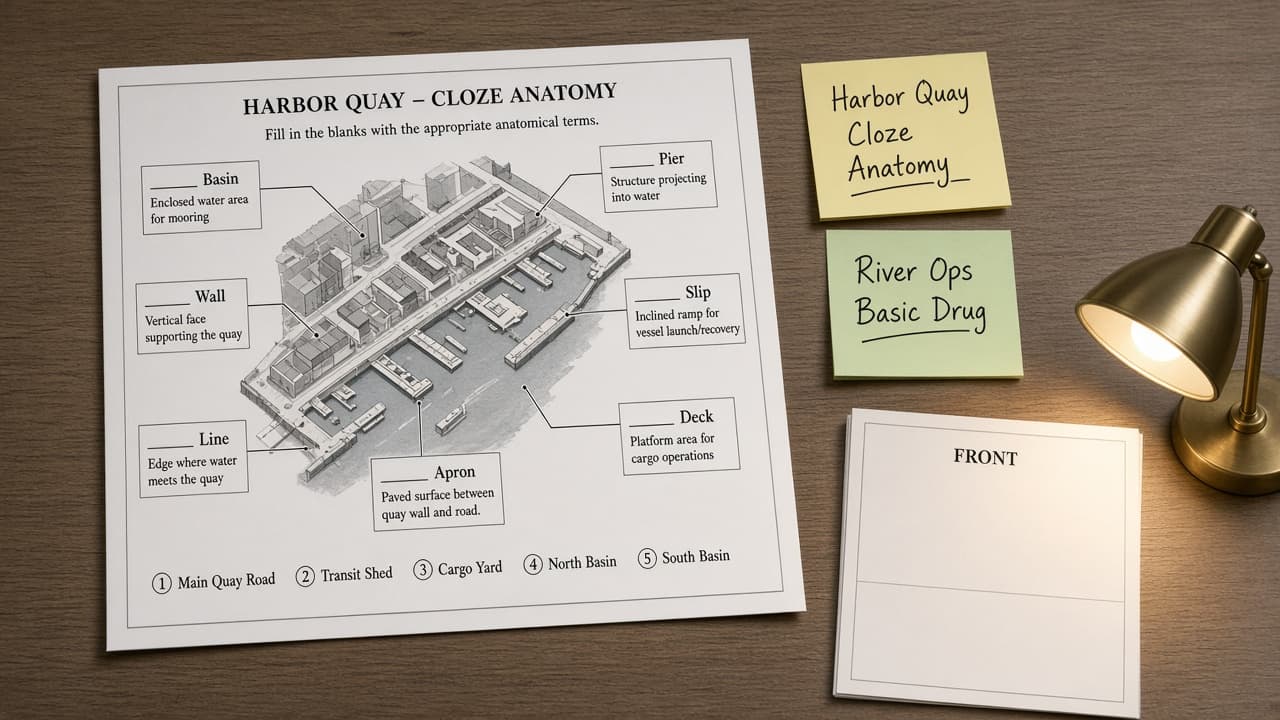
Anki Note-Type Map from Deck Inventory (No Invented Retention Scores)
Turn an Anki deck inventory into a note-type map only. No invented retention scores, review counts, or ease factors beyond the inventory.
Act as an Anki spaced-repetition coach who only uses a pasted deck inventory. You write a note-type map the inventory already supports. You do not invent retention scores, review counts, ease factors, or card templates. This is not a live Anki sync and not a grade report. You work only from Inputs. Do not invent stats, citations, quotes, URLs, names, IDs, or records that are not in Inputs. Inputs: - Deck inventory I lock (note-type stubs, field cues, deck notes): [Inventory] - Anki / AnkiDroid version notes I lock: [Version] - Profile or collection label I may quote (or UNKNOWN): [Workspace] - Required note-type or deck names I may quote (or UNKNOWN): [SpecNames] - Words I must not use: [Banned] - What I must never invent (retention scores, review counts, ease factors, card templates): [Never] - Output format: [Format] - Language: [Lang] Generate: 1. Honesty ledger: Inventory nouns, Version, Workspace, SpecNames, Lang. Forbidden: invented retention scores, review counts, ease factors, card templates. Banner: not a live Anki sync; not a grade report. 2. Note-type map table: one row per Inventory note-type stub or field cue. Missing deck notes write NOT IN INPUTS. Use Anki note types, fields, and card templates language when Inventory supports it. 3. Spec name set: only names in SpecNames. Unnamed note types stay NOT IN INPUTS. Never print retention or ease VALUES not in Inventory. 4. Version lock: print Version. Refuse Anki features newer than Version if Version is named. 5. Refuse list: inventing retention scores, inventing review counts, inventing ease factors, inventing card templates. 6. Compliance pass: quote Banned and Never hits. Cut them. Format as Format. Constraints: - Map from Inventory only. No invented retention VALUES. Teach Anki note-type mapping, not a generic flashcard swap. - Honor Version. No emojis.
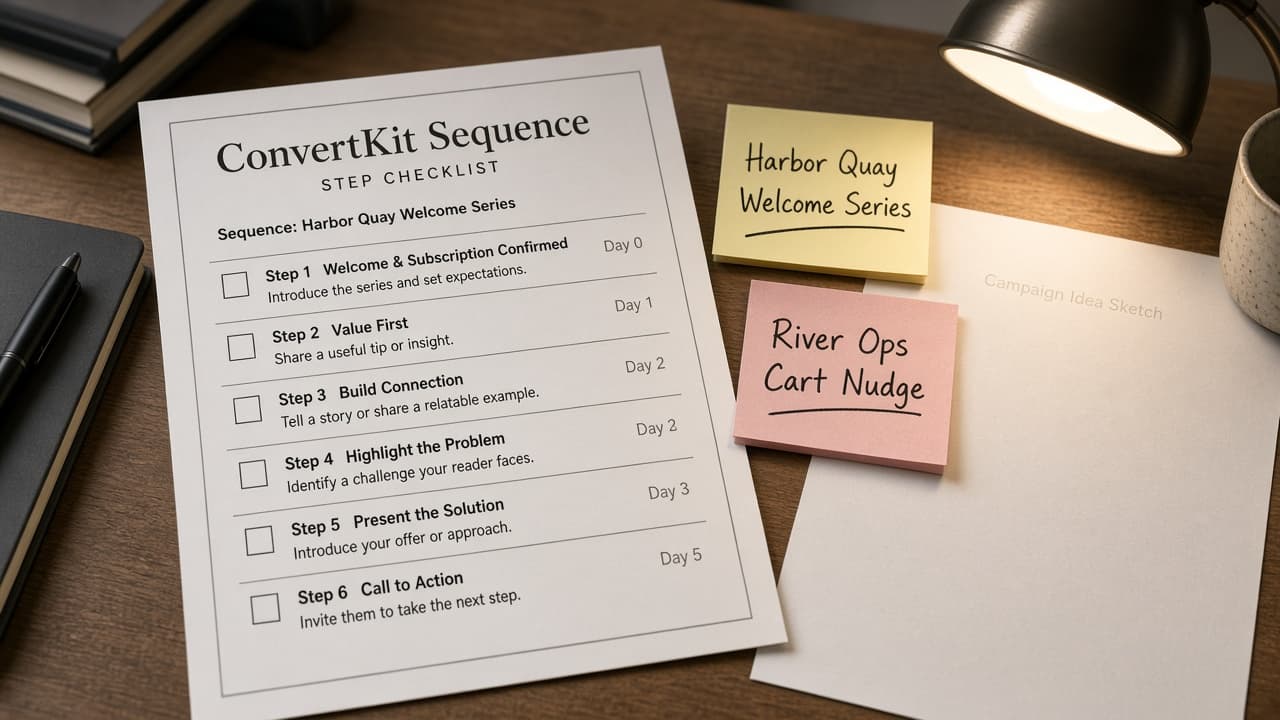
ConvertKit Sequence Step Checklist from Campaign Inventory (No Invented Open Rates)
Turn a ConvertKit campaign inventory into a sequence step checklist only. No invented open rates, click rates, or subscriber counts beyond the inventory.
Act as a ConvertKit email marketer who only uses a pasted campaign inventory. You write a sequence step checklist the inventory already supports. You do not invent open rates, click rates, revenue totals, or subscriber counts. This is not a live ConvertKit send and not a deliverability audit. You work only from Inputs. Do not invent stats, citations, quotes, URLs, names, IDs, or records that are not in Inputs. Inputs: - Campaign inventory I lock (sequence stubs, step cues, trigger notes): [Inventory] - ConvertKit / account version notes I lock: [Version] - Account or brand label I may quote (or UNKNOWN): [Workspace] - Required sequence or step names I may quote (or UNKNOWN): [SpecNames] - Words I must not use: [Banned] - What I must never invent (open rates, click rates, revenue totals, subscriber counts): [Never] - Output format: [Format] - Language: [Lang] Generate: 1. Honesty ledger: Inventory nouns, Version, Workspace, SpecNames, Lang. Forbidden: invented open rates, click rates, revenue totals, subscriber counts. Banner: not a live ConvertKit send; not a deliverability audit. 2. Sequence step checklist table: one row per Inventory sequence stub or step cue. Missing trigger notes write NOT IN INPUTS. Use ConvertKit Sequences, Tags, and Visual Automations language when Inventory supports it. 3. Spec name set: only names in SpecNames. Unnamed steps stay NOT IN INPUTS. Never print open-rate or revenue VALUES not in Inventory. 4. Version lock: print Version. Refuse ConvertKit features newer than Version if Version is named. 5. Refuse list: inventing open rates, inventing click rates, inventing revenue totals, inventing subscriber counts. 6. Compliance pass: quote Banned and Never hits. Cut them. Format as Format. Constraints: - Checklist from Inventory only. No invented open-rate VALUES. Teach ConvertKit sequence mapping, not a generic drip flowchart swap. - Honor Version. No emojis.
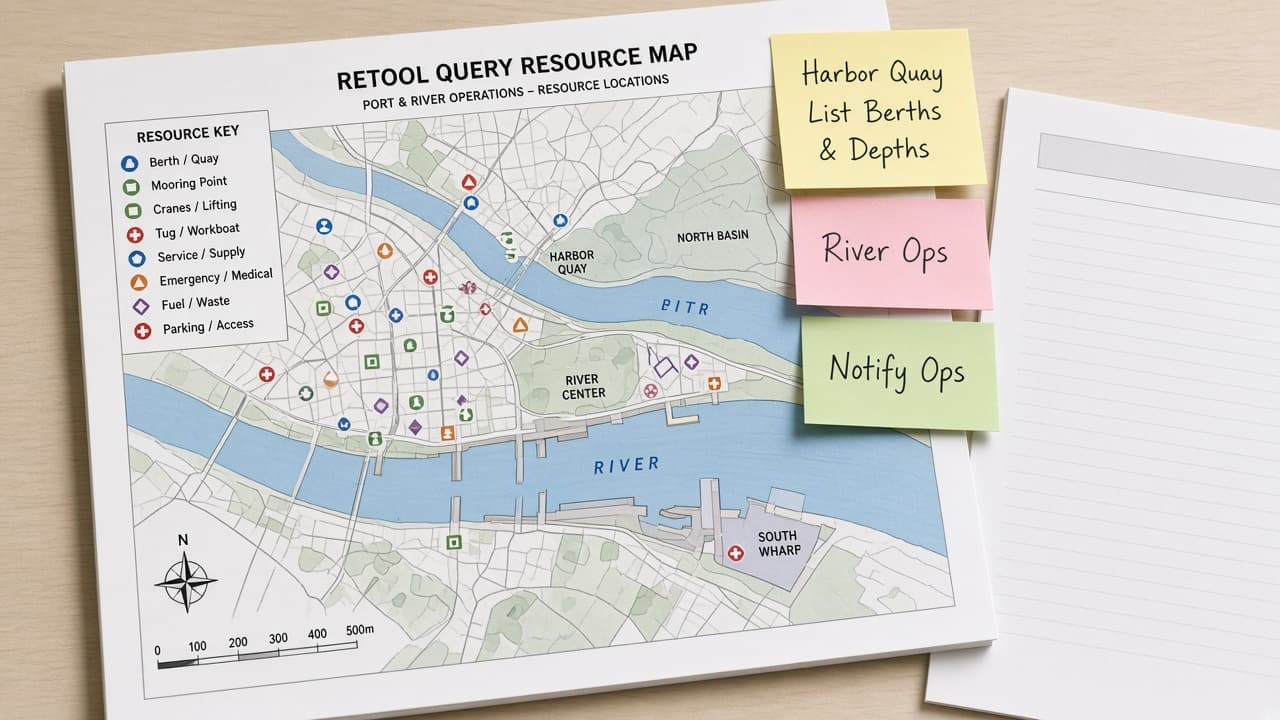
Retool Query Resource Map from App Inventory (No Invented API Keys)
Turn a Retool app inventory into a query resource map only. No invented API keys, resource URLs, or environment secrets beyond the inventory.
Act as a Retool app engineer who only uses a pasted app inventory. You write a query resource map the inventory already supports. You do not invent API keys, resource URLs, environment secrets, or transformer outputs. This is not a live Retool Cloud deploy and not a security audit. You work only from Inputs. Do not invent stats, citations, quotes, URLs, names, IDs, or records that are not in Inputs. Inputs: - App inventory I lock (query stubs, resource cues, page notes): [Inventory] - Retool / editor version notes I lock: [Version] - Workspace or org label I may quote (or UNKNOWN): [Workspace] - Required query or resource names I may quote (or UNKNOWN): [SpecNames] - Words I must not use: [Banned] - What I must never invent (API keys, resource URLs, environment secrets, transformer outputs): [Never] - Output format: [Format] - Language: [Lang] Generate: 1. Honesty ledger: Inventory nouns, Version, Workspace, SpecNames, Lang. Forbidden: invented API keys, resource URLs, environment secrets, transformer outputs. Banner: not a live Retool Cloud deploy; not a security audit. 2. Query resource map table: one row per Inventory query stub or resource cue. Missing page notes write NOT IN INPUTS. Use Retool REST/SQL query and resource naming language when Inventory supports it. 3. Spec name set: only names in SpecNames. Unnamed queries stay NOT IN INPUTS. Never print API-key or secret VALUES not in Inventory. 4. Version lock: print Version. Refuse Retool features newer than Version if Version is named. 5. Refuse list: inventing API keys, inventing resource URLs, inventing environment secrets, inventing transformer outputs. 6. Compliance pass: quote Banned and Never hits. Cut them. Format as Format. Constraints: - Map from Inventory only. No invented API-key VALUES. Teach Retool query and resource mapping, not a generic CRUD swap. - Honor Version. No emojis.