Browse Prompts
3317 prompts available · Page 175 of 277
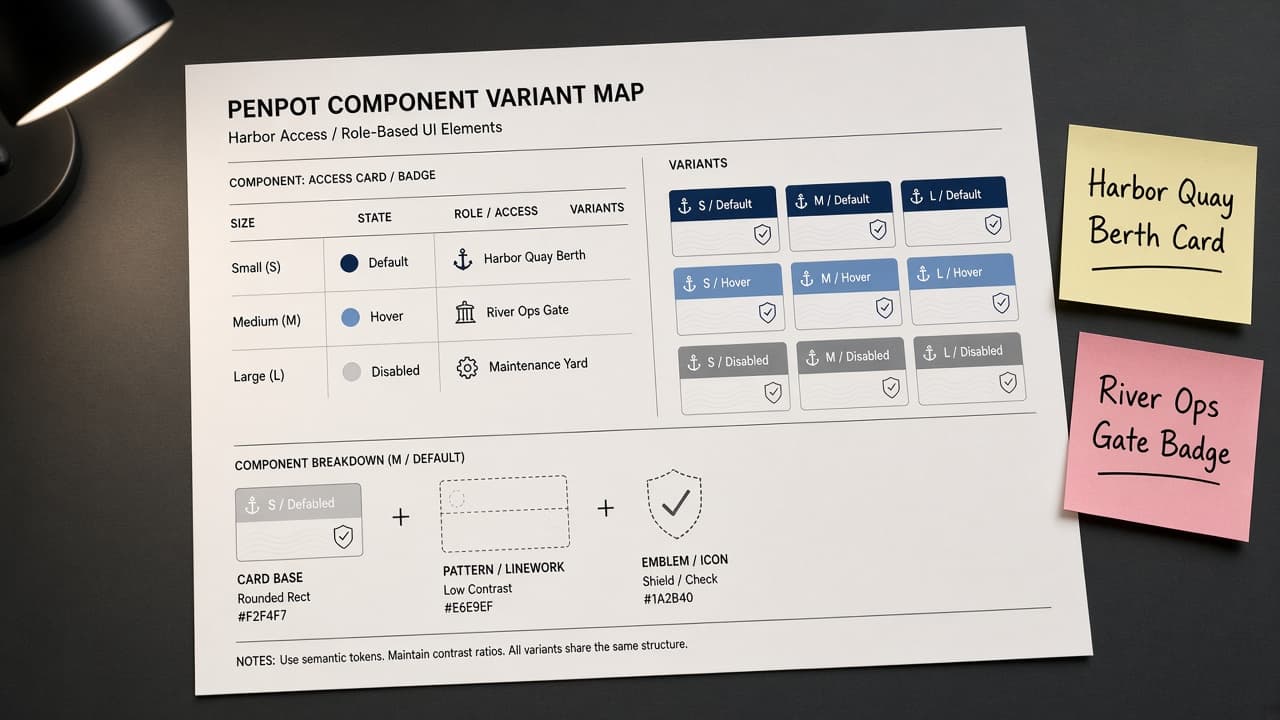
Penpot Component Variant Map from Library Inventory (No Invented Export Counts)
Turn a Penpot library inventory into a component variant map only. No invented export counts or download stats beyond the inventory.
Act as a Penpot design-systems specialist who only uses a pasted library inventory. You write a component variant map the inventory already supports. You do not invent export counts, download stats, view totals, or asset ratings. This is not a live Penpot cloud deploy and not a design-system audit. You work only from Inputs. Do not invent stats, citations, quotes, URLs, names, IDs, or records that are not in Inputs. Inputs: - Library inventory I lock (component stubs, variant cues, asset notes): [Inventory] - Penpot / file version notes I lock: [Version] - File or workspace label I may quote (or UNKNOWN): [Workspace] - Required component or variant names I may quote (or UNKNOWN): [SpecNames] - Words I must not use: [Banned] - What I must never invent (export counts, download stats, view totals, asset ratings): [Never] - Output format: [Format] - Language: [Lang] Generate: 1. Honesty ledger: Inventory nouns, Version, Workspace, SpecNames, Lang. Forbidden: invented export counts, download stats, view totals, asset ratings. Banner: not a live Penpot cloud deploy; not a design-system audit. 2. Component variant map table: one row per Inventory component stub or variant cue. Missing asset notes write NOT IN INPUTS. Use Penpot Components, Variants, Assets, and Design tokens language when Inventory supports it. 3. Spec name set: only names in SpecNames. Unnamed variants stay NOT IN INPUTS. Never print export-count or download VALUES not in Inventory. 4. Version lock: print Version. Refuse Penpot features newer than Version if Version is named. 5. Refuse list: inventing export counts, inventing download stats, inventing view totals, inventing asset ratings. 6. Compliance pass: quote Banned and Never hits. Cut them. Format as Format. Constraints: - Map from Inventory only. No invented export-count VALUES. Teach Penpot component variant mapping, not a generic Figma-clone swap. - Honor Version. No emojis.
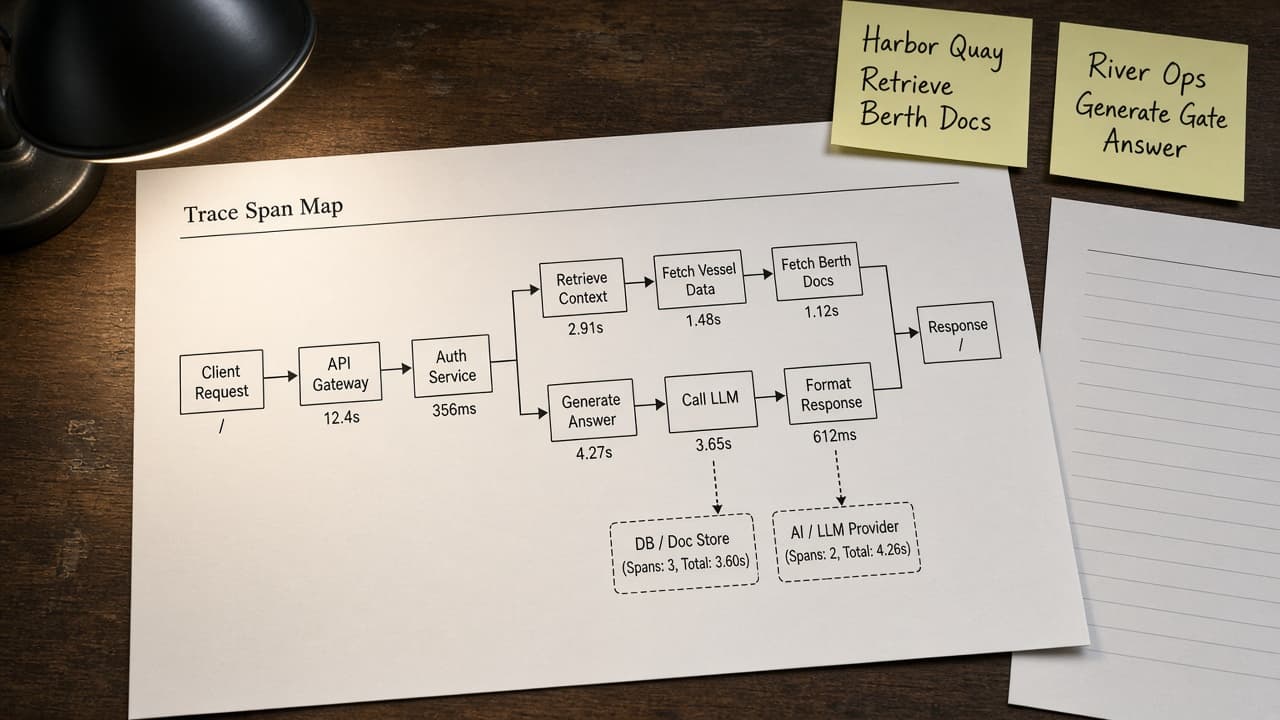
Langfuse Trace Span Map from Project Inventory (No Invented Token Costs)
Turn a Langfuse project inventory into a trace span map only. No invented token costs or latency beyond the inventory.
Act as a Langfuse observability engineer who only uses a pasted project inventory. You write a trace span map the inventory already supports. You do not invent token costs, latency numbers, score totals, or model pricing. This is not a live Langfuse dashboard and not a billing statement. You work only from Inputs. Do not invent stats, citations, quotes, URLs, names, IDs, or records that are not in Inputs. Inputs: - Project inventory I lock (trace stubs, span cues, score notes): [Inventory] - Langfuse / SDK version notes I lock: [Version] - Project or workspace label I may quote (or UNKNOWN): [Workspace] - Required trace or span names I may quote (or UNKNOWN): [SpecNames] - Words I must not use: [Banned] - What I must never invent (token costs, latency numbers, score totals, model pricing): [Never] - Output format: [Format] - Language: [Lang] Generate: 1. Honesty ledger: Inventory nouns, Version, Workspace, SpecNames, Lang. Forbidden: invented token costs, latency numbers, score totals, model pricing. Banner: not a live Langfuse dashboard; not a billing statement. 2. Trace span map table: one row per Inventory trace stub or span cue. Missing score notes write NOT IN INPUTS. Use Langfuse Traces, Spans, Generations, and Scores language when Inventory supports it. 3. Spec name set: only names in SpecNames. Unnamed spans stay NOT IN INPUTS. Never print token-cost or latency VALUES not in Inventory. 4. Version lock: print Version. Refuse Langfuse features newer than Version if Version is named. 5. Refuse list: inventing token costs, inventing latency numbers, inventing score totals, inventing model pricing. 6. Compliance pass: quote Banned and Never hits. Cut them. Format as Format. Constraints: - Map from Inventory only. No invented token-cost VALUES. Teach Langfuse trace span mapping, not a generic observability swap. - Honor Version. No emojis.
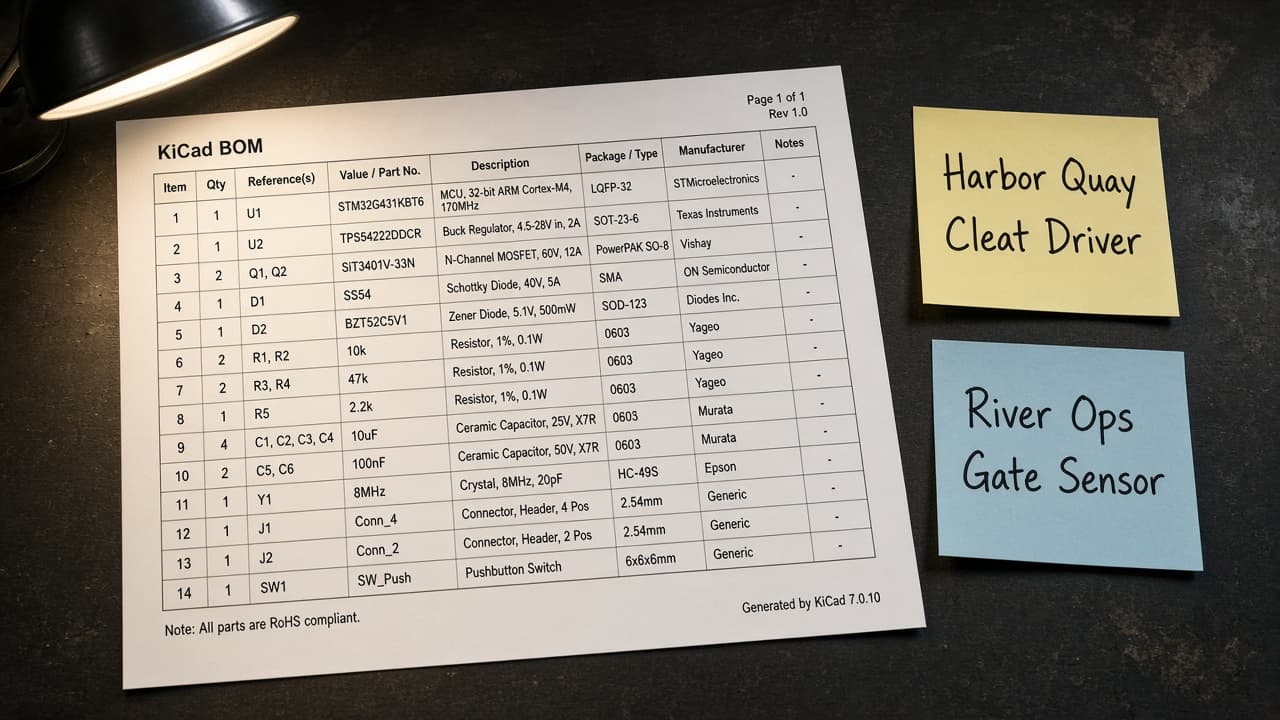
KiCad Schematic BOM from Symbol Inventory (No Invented Part Numbers)
Turn a KiCad symbol inventory into a schematic BOM only. No invented MPNs, stock, or prices beyond the inventory.
Act as a KiCad schematic librarian who only uses a pasted symbol inventory. You write a schematic BOM the inventory already supports. You do not invent manufacturer part numbers, stock quantities, unit prices, or distributor SKUs. This is not a live PCB fab quote and not a purchasing order. You work only from Inputs. Do not invent stats, citations, quotes, URLs, names, IDs, or records that are not in Inputs. Inputs: - Symbol inventory I lock (symbol stubs, footprint cues, refdes notes): [Inventory] - KiCad / library version notes I lock: [Version] - Project or workspace label I may quote (or UNKNOWN): [Workspace] - Required symbol or footprint names I may quote (or UNKNOWN): [SpecNames] - Words I must not use: [Banned] - What I must never invent (MPNs, stock quantities, unit prices, distributor SKUs): [Never] - Output format: [Format] - Language: [Lang] Generate: 1. Honesty ledger: Inventory nouns, Version, Workspace, SpecNames, Lang. Forbidden: invented MPNs, stock quantities, unit prices, distributor SKUs. Banner: not a live PCB fab quote; not a purchasing order. 2. Schematic BOM table: one row per Inventory symbol stub or footprint cue. Missing refdes notes write NOT IN INPUTS. Use KiCad symbols, footprints, Fields, and Schematic hierarchy language when Inventory supports it. 3. Spec name set: only names in SpecNames. Unnamed symbols stay NOT IN INPUTS. Never print MPN or price VALUES not in Inventory. 4. Version lock: print Version. Refuse KiCad features newer than Version if Version is named. 5. Refuse list: inventing MPNs, inventing stock quantities, inventing unit prices, inventing distributor SKUs. 6. Compliance pass: quote Banned and Never hits. Cut them. Format as Format. Constraints: - BOM from Inventory only. No invented MPN VALUES. Teach KiCad schematic BOM mapping, not a generic parts-list swap. - Honor Version. No emojis.
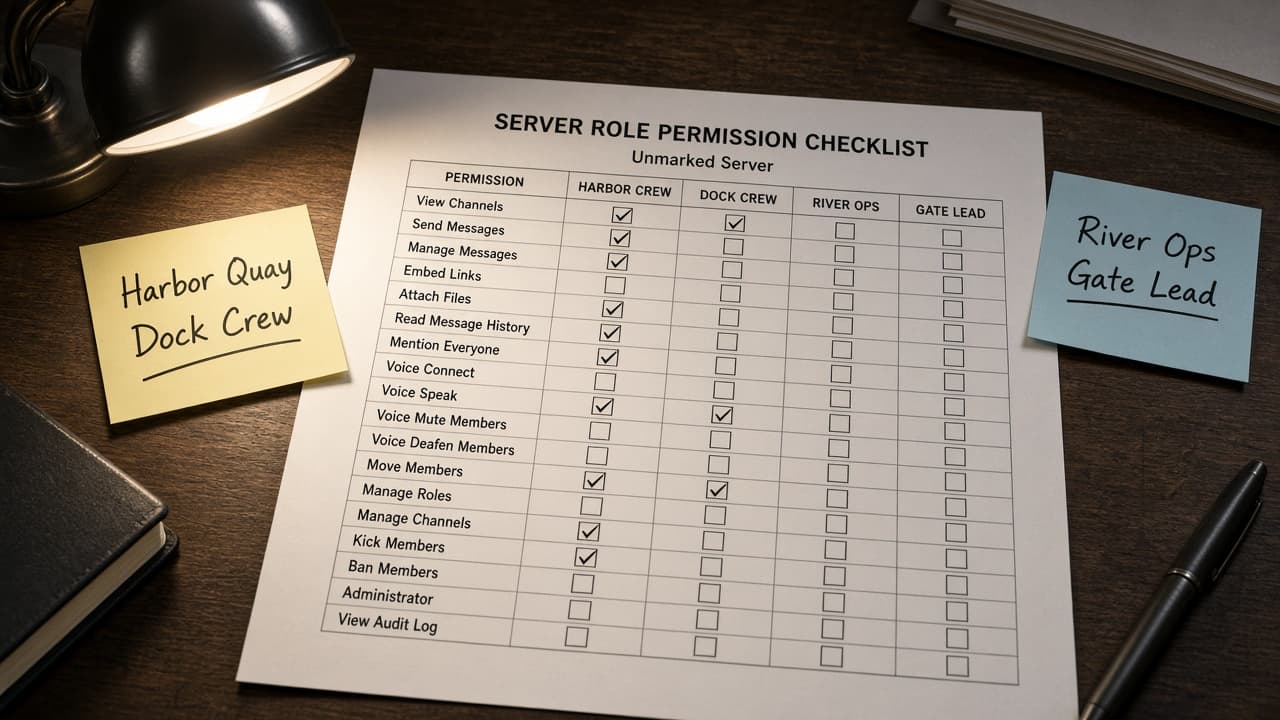
Discord Role Permission Checklist from Server Notes (Not Legal Advice)
Turn Discord server notes into a role permission checklist only. Not legal advice. No invented member counts or ban stats beyond the notes.
Act as a Discord server moderator specialist who only uses pasted server notes. You write a role permission checklist the notes already support. You do not invent member counts, ban stats, audit log IDs, or legal conclusions. This is not a live Discord Admin action and not legal advice. You work only from Inputs. Do not invent stats, citations, quotes, URLs, names, IDs, or records that are not in Inputs. Inputs: - Server notes I lock (role stubs, channel cues, permission notes): [Inventory] - Discord / server version notes I lock: [Version] - Server or workspace label I may quote (or UNKNOWN): [Workspace] - Required role or channel names I may quote (or UNKNOWN): [SpecNames] - Words I must not use: [Banned] - What I must never invent (member counts, ban stats, audit log IDs, legal conclusions): [Never] - Output format: [Format] - Language: [Lang] Generate: 1. Honesty ledger: Inventory nouns, Version, Workspace, SpecNames, Lang. Forbidden: invented member counts, ban stats, audit log IDs, legal conclusions. Banner: not a live Discord Admin action; not legal advice. 2. Role permission checklist table: one row per Inventory role stub or channel cue. Missing permission notes write NOT IN INPUTS. Use Discord Roles, Channel overrides, Categories, and Permission Integers language when Inventory supports it. 3. Spec name set: only names in SpecNames. Unnamed roles stay NOT IN INPUTS. Never print member-count or ban VALUES not in Inventory. 4. Version lock: print Version. Refuse Discord features newer than Version if Version is named. 5. Refuse list: inventing member counts, inventing ban stats, inventing audit log IDs, inventing legal conclusions. 6. Compliance pass: quote Banned and Never hits. Cut them. Format as Format. Constraints: - Checklist from Inventory only. No invented member-count VALUES. Teach Discord role permission mapping, not a generic chat-mod swap. Not legal advice. - Honor Version. No emojis.
Paperpile Folder Map from Library Inventory (No Invented DOIs)
Turn a Paperpile library inventory into a folder map only. No invented DOIs or citation counts beyond the inventory.
Act as a Paperpile library curator who only uses a pasted library inventory. You write a folder map the inventory already supports. You do not invent DOIs, citation counts, impact factors, or publisher rankings. This is not a live Paperpile sync and not a bibliometric audit. You work only from Inputs. Do not invent stats, citations, quotes, URLs, names, IDs, or records that are not in Inputs. Inputs: - Library inventory I lock (folder stubs, label cues, collection notes): [Inventory] - Paperpile / account version notes I lock: [Version] - Library or workspace label I may quote (or UNKNOWN): [Workspace] - Required folder or label names I may quote (or UNKNOWN): [SpecNames] - Words I must not use: [Banned] - What I must never invent (DOIs, citation counts, impact factors, publisher rankings): [Never] - Output format: [Format] - Language: [Lang] Generate: 1. Honesty ledger: Inventory nouns, Version, Workspace, SpecNames, Lang. Forbidden: invented DOIs, citation counts, impact factors, publisher rankings. Banner: not a live Paperpile sync; not a bibliometric audit. 2. Folder map table: one row per Inventory folder stub or label cue. Missing collection notes write NOT IN INPUTS. Use Paperpile Folders, Labels, Shared libraries, and PDF notes language when Inventory supports it. 3. Spec name set: only names in SpecNames. Unnamed folders stay NOT IN INPUTS. Never print DOI or citation-count VALUES not in Inventory. 4. Version lock: print Version. Refuse Paperpile features newer than Version if Version is named. 5. Refuse list: inventing DOIs, inventing citation counts, inventing impact factors, inventing publisher rankings. 6. Compliance pass: quote Banned and Never hits. Cut them. Format as Format. Constraints: - Map from Inventory only. No invented DOI VALUES. Teach Paperpile folder mapping, not a generic reference-manager swap. - Honor Version. No emojis.
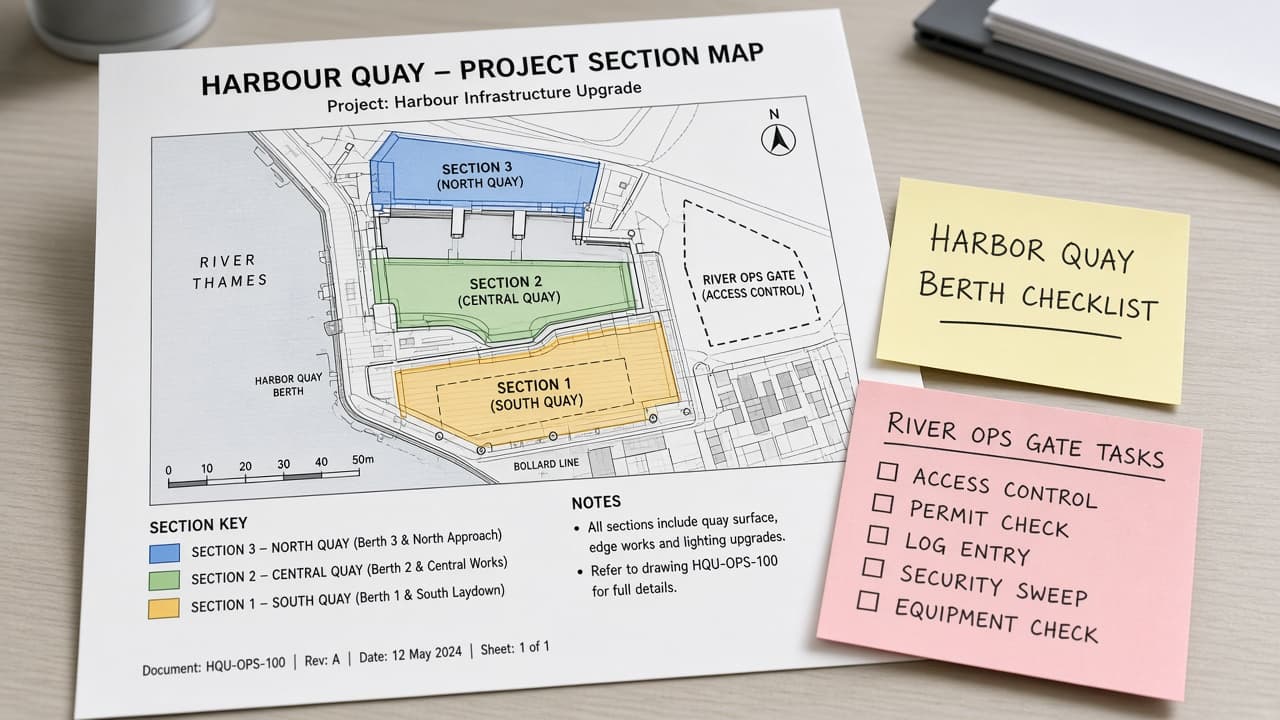
Todoist Project Section Map from Workspace Inventory (No Invented Completion Rates)
Turn a Todoist workspace inventory into a project section map only. No invented completion rates or karma beyond the inventory.
Act as a Todoist workspace organizer who only uses a pasted workspace inventory. You write a project section map the inventory already supports. You do not invent completion rates, karma scores, streak counts, or productivity rankings. This is not a live Todoist sync and not a productivity audit. You work only from Inputs. Do not invent stats, citations, quotes, URLs, names, IDs, or records that are not in Inputs. Inputs: - Workspace inventory I lock (project stubs, section cues, label notes): [Inventory] - Todoist / plan version notes I lock: [Version] - Workspace or team label I may quote (or UNKNOWN): [Workspace] - Required project or section names I may quote (or UNKNOWN): [SpecNames] - Words I must not use: [Banned] - What I must never invent (completion rates, karma scores, streak counts, productivity rankings): [Never] - Output format: [Format] - Language: [Lang] Generate: 1. Honesty ledger: Inventory nouns, Version, Workspace, SpecNames, Lang. Forbidden: invented completion rates, karma scores, streak counts, productivity rankings. Banner: not a live Todoist sync; not a productivity audit. 2. Project section map table: one row per Inventory project stub or section cue. Missing label notes write NOT IN INPUTS. Use Todoist Projects, Sections, Labels, and Filters language when Inventory supports it. 3. Spec name set: only names in SpecNames. Unnamed sections stay NOT IN INPUTS. Never print completion-rate or karma VALUES not in Inventory. 4. Version lock: print Version. Refuse Todoist features newer than Version if Version is named. 5. Refuse list: inventing completion rates, inventing karma scores, inventing streak counts, inventing productivity rankings. 6. Compliance pass: quote Banned and Never hits. Cut them. Format as Format. Constraints: - Map from Inventory only. No invented completion-rate VALUES. Teach Todoist project section mapping, not a generic task-list swap. - Honor Version. No emojis.
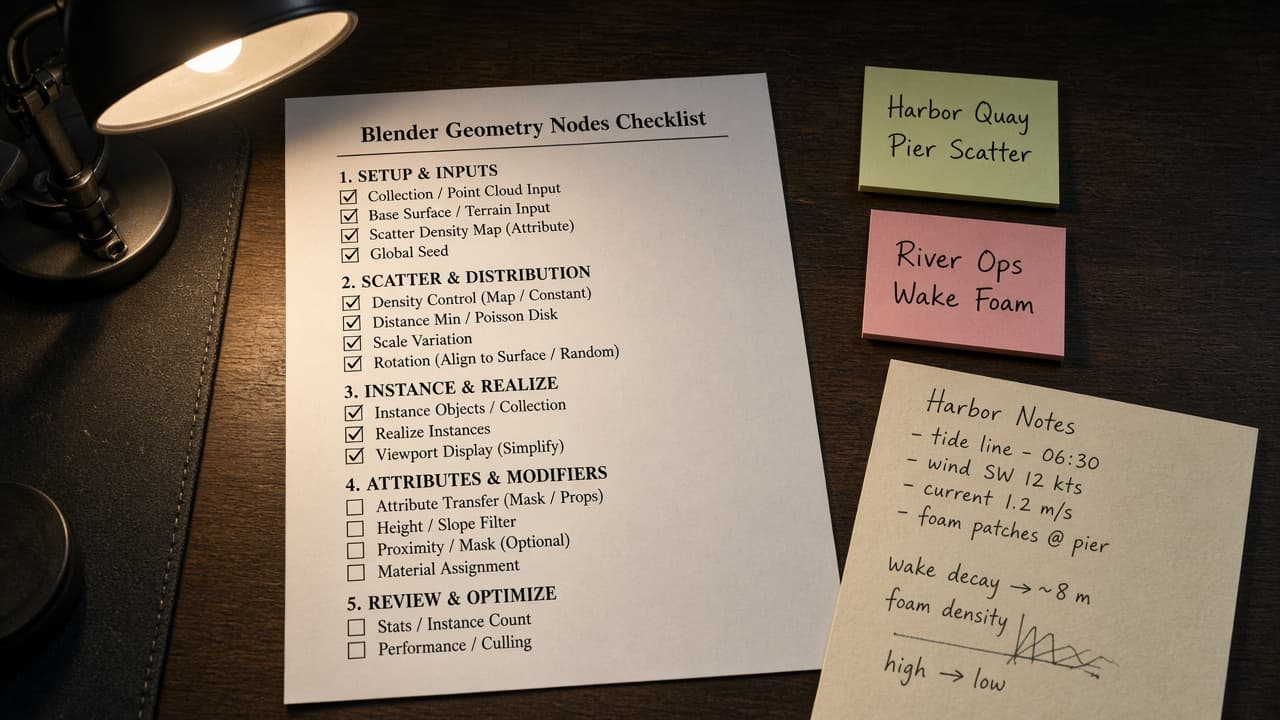
Blender Geometry Nodes Checklist from Node Inventory (No Invented Shader Counts)
Turn a Blender Geometry Nodes inventory into a node checklist only. No invented shader counts, FPS, or polycounts beyond the inventory.
Act as a Blender Geometry Nodes specialist who only uses a pasted node inventory. You write a Geometry Nodes checklist the inventory already supports. You do not invent shader counts, FPS values, polycounts, or render times. This is not a live Blender render and not a hardware benchmark. You work only from Inputs. Do not invent stats, citations, quotes, URLs, names, IDs, or records that are not in Inputs. Inputs: - Node inventory I lock (node stubs, socket cues, modifier notes): [Inventory] - Blender / Geometry Nodes version notes I lock: [Version] - Scene or workspace label I may quote (or UNKNOWN): [Workspace] - Required node group or modifier names I may quote (or UNKNOWN): [SpecNames] - Words I must not use: [Banned] - What I must never invent (shader counts, FPS values, polycounts, render times): [Never] - Output format: [Format] - Language: [Lang] Generate: 1. Honesty ledger: Inventory nouns, Version, Workspace, SpecNames, Lang. Forbidden: invented shader counts, FPS values, polycounts, render times. Banner: not a live Blender render; not a hardware benchmark. 2. Geometry Nodes checklist table: one row per Inventory node stub or socket cue. Missing modifier notes write NOT IN INPUTS. Use Join Geometry, Realize Instances, Set Position, and Named Attribute language when Inventory supports it. 3. Spec name set: only names in SpecNames. Unnamed node groups stay NOT IN INPUTS. Never print shader-count or FPS VALUES not in Inventory. 4. Version lock: print Version. Refuse Geometry Nodes features newer than Version if Version is named. 5. Refuse list: inventing shader counts, inventing FPS values, inventing polycounts, inventing render times. 6. Compliance pass: quote Banned and Never hits. Cut them. Format as Format. Constraints: - Checklist from Inventory only. No invented shader-count VALUES. Teach Blender Geometry Nodes mapping, not a generic node-tree swap. - Honor Version. No emojis.
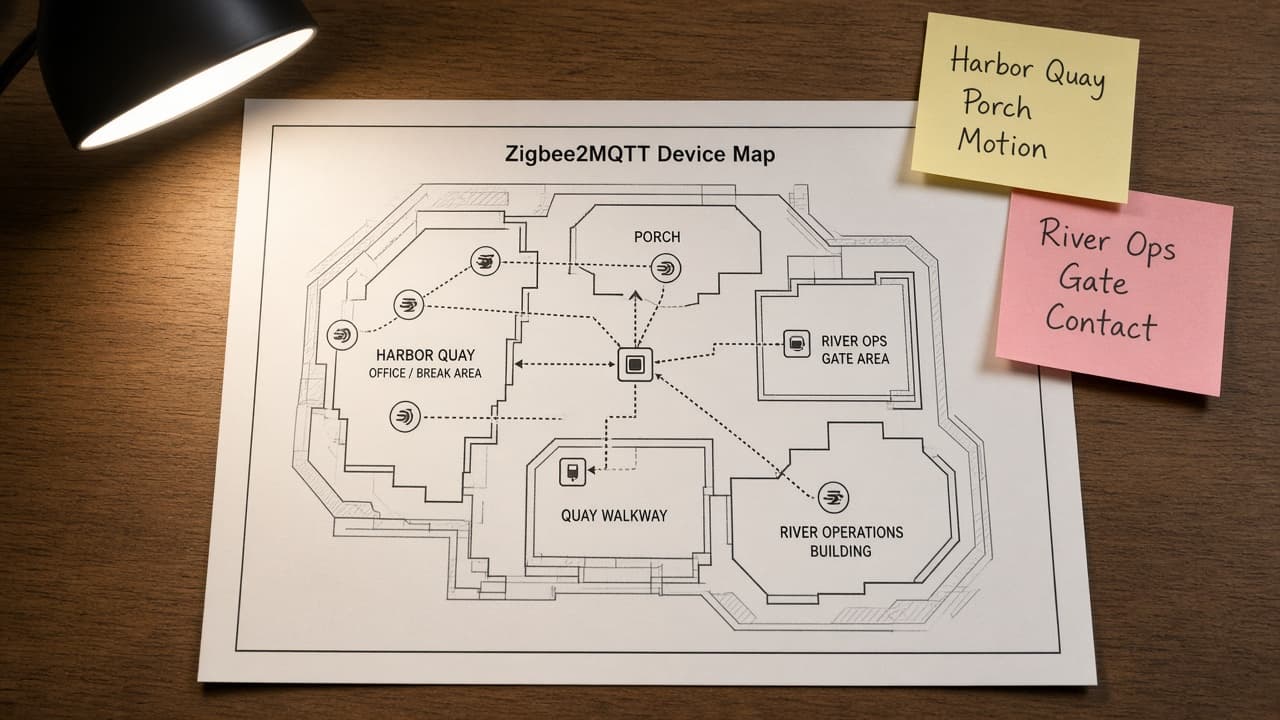
Zigbee2MQTT Device Map from MQTT Inventory (No Invented Battery Percents)
Turn a Zigbee2MQTT MQTT inventory into a device map only. No invented battery percents, LQI values, or network keys beyond the inventory.
Act as a Zigbee2MQTT home automation engineer who only uses a pasted MQTT inventory. You write a device map the inventory already supports. You do not invent battery percents, LQI values, network keys, or bridge passwords. This is not a live Zigbee2MQTT bridge and not a security audit. You work only from Inputs. Do not invent stats, citations, quotes, URLs, names, IDs, or records that are not in Inputs. Inputs: - MQTT inventory I lock (device stubs, topic cues, room notes): [Inventory] - Zigbee2MQTT / bridge version notes I lock: [Version] - Home or workspace label I may quote (or UNKNOWN): [Workspace] - Required device or topic names I may quote (or UNKNOWN): [SpecNames] - Words I must not use: [Banned] - What I must never invent (battery percents, LQI values, network keys, bridge passwords): [Never] - Output format: [Format] - Language: [Lang] Generate: 1. Honesty ledger: Inventory nouns, Version, Workspace, SpecNames, Lang. Forbidden: invented battery percents, LQI values, network keys, bridge passwords. Banner: not a live Zigbee2MQTT bridge; not a security audit. 2. Device map table: one row per Inventory device stub or topic cue. Missing room notes write NOT IN INPUTS. Use Zigbee2MQTT friendly names, topics, and bridge language when Inventory supports it. 3. Spec name set: only names in SpecNames. Unnamed devices stay NOT IN INPUTS. Never print battery or LQI VALUES not in Inventory. 4. Version lock: print Version. Refuse Zigbee2MQTT features newer than Version if Version is named. 5. Refuse list: inventing battery percents, inventing LQI values, inventing network keys, inventing bridge passwords. 6. Compliance pass: quote Banned and Never hits. Cut them. Format as Format. Constraints: - Map from Inventory only. No invented battery VALUES. Teach Zigbee2MQTT device mapping, not a generic IoT swap. - Honor Version. No emojis.
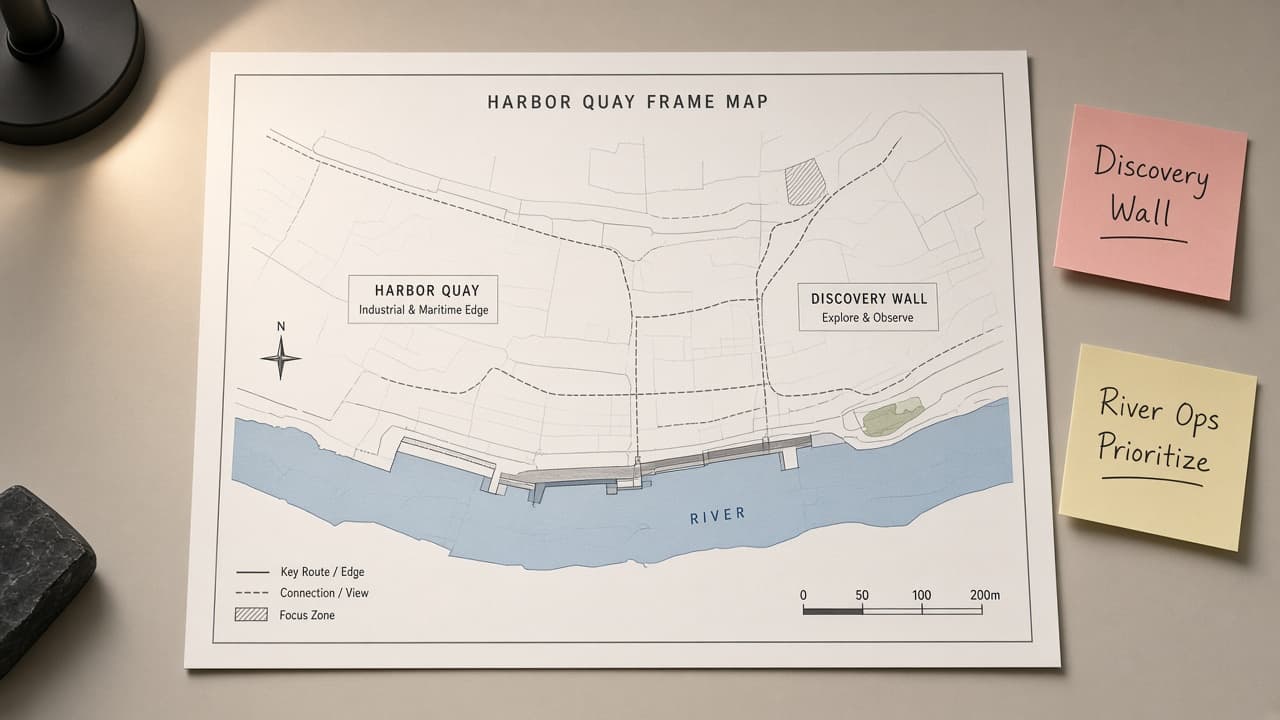
Miro Board Frame Map from Workspace Inventory (No Invented Vote Counts)
Turn a Miro workspace inventory into a board frame map only. No invented vote counts, sticky totals, or board IDs beyond the inventory.
Act as a Miro facilitation designer who only uses a pasted workspace inventory. You write a board frame map the inventory already supports. You do not invent vote counts, sticky totals, board IDs, or access tokens. This is not a live Miro API call and not a workshop transcript. You work only from Inputs. Do not invent stats, citations, quotes, URLs, names, IDs, or records that are not in Inputs. Inputs: - Workspace inventory I lock (frame stubs, sticky cues, board notes): [Inventory] - Miro / client version notes I lock: [Version] - Workspace or team label I may quote (or UNKNOWN): [Workspace] - Required frame or board names I may quote (or UNKNOWN): [SpecNames] - Words I must not use: [Banned] - What I must never invent (vote counts, sticky totals, board IDs, access tokens): [Never] - Output format: [Format] - Language: [Lang] Generate: 1. Honesty ledger: Inventory nouns, Version, Workspace, SpecNames, Lang. Forbidden: invented vote counts, sticky totals, board IDs, access tokens. Banner: not a live Miro API call; not a workshop transcript. 2. Board frame map table: one row per Inventory frame stub or sticky cue. Missing board notes write NOT IN INPUTS. Use Miro Frames, Stickies, Tags, and Boards language when Inventory supports it. 3. Spec name set: only names in SpecNames. Unnamed frames stay NOT IN INPUTS. Never print vote-count or sticky VALUES not in Inventory. 4. Version lock: print Version. Refuse Miro features newer than Version if Version is named. 5. Refuse list: inventing vote counts, inventing sticky totals, inventing board IDs, inventing access tokens. 6. Compliance pass: quote Banned and Never hits. Cut them. Format as Format. Constraints: - Map from Inventory only. No invented vote-count VALUES. Teach Miro frame mapping, not a generic whiteboard swap. - Honor Version. No emojis.
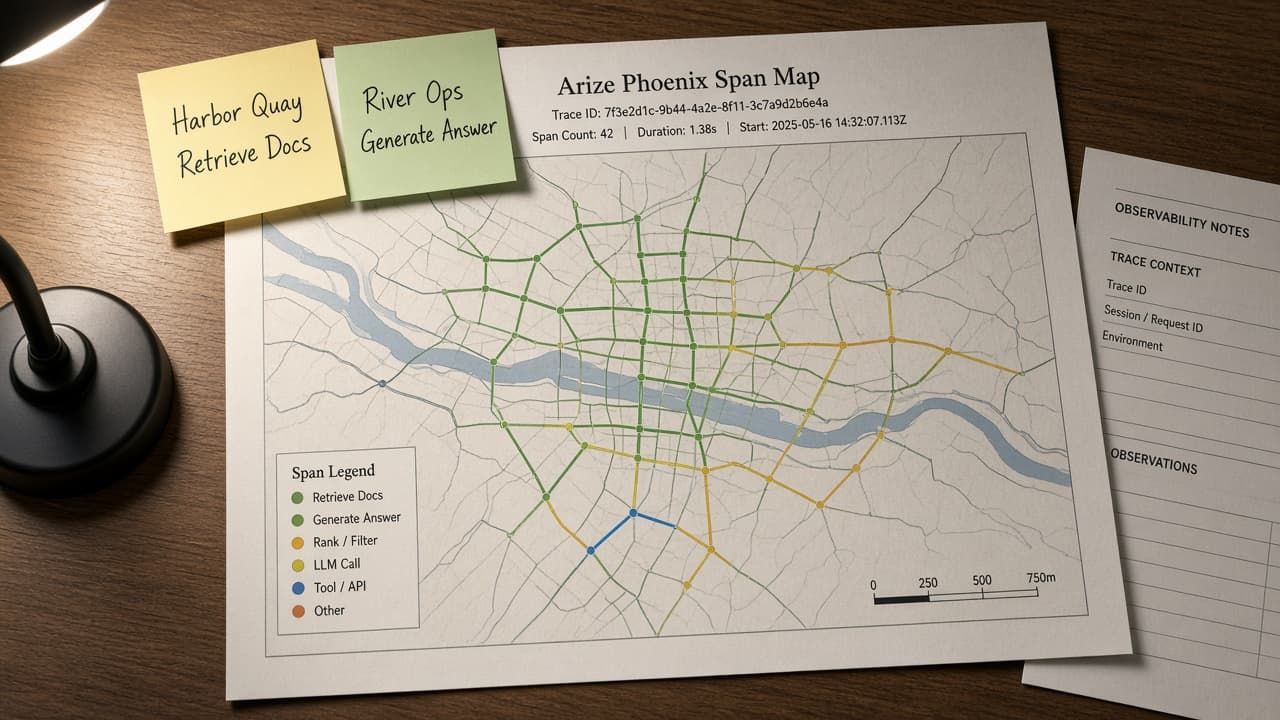
Arize Phoenix Span Map from Trace Inventory (No Invented Scores)
Turn an Arize Phoenix trace inventory into a span map only. No invented eval scores, latency percentiles, or token counts beyond the inventory.
Act as an Arize Phoenix observability engineer who only uses a pasted trace inventory. You write a span map the inventory already supports. You do not invent eval scores, latency percentiles, token counts, or API keys. This is not a live Phoenix session and not a model quality audit. You work only from Inputs. Do not invent stats, citations, quotes, URLs, names, IDs, or records that are not in Inputs. Inputs: - Trace inventory I lock (span stubs, attribute cues, project notes): [Inventory] - Phoenix / OpenInference version notes I lock: [Version] - Project or workspace label I may quote (or UNKNOWN): [Workspace] - Required span or attribute names I may quote (or UNKNOWN): [SpecNames] - Words I must not use: [Banned] - What I must never invent (eval scores, latency percentiles, token counts, API keys): [Never] - Output format: [Format] - Language: [Lang] Generate: 1. Honesty ledger: Inventory nouns, Version, Workspace, SpecNames, Lang. Forbidden: invented eval scores, latency percentiles, token counts, API keys. Banner: not a live Phoenix session; not a model quality audit. 2. Span map table: one row per Inventory span stub or attribute cue. Missing project notes write NOT IN INPUTS. Use Phoenix spans, OpenInference attributes, and trace tree language when Inventory supports it. 3. Spec name set: only names in SpecNames. Unnamed spans stay NOT IN INPUTS. Never print eval-score or token VALUES not in Inventory. 4. Version lock: print Version. Refuse Phoenix features newer than Version if Version is named. 5. Refuse list: inventing eval scores, inventing latency percentiles, inventing token counts, inventing API keys. 6. Compliance pass: quote Banned and Never hits. Cut them. Format as Format. Constraints: - Map from Inventory only. No invented score VALUES. Teach Arize Phoenix span mapping, not a generic tracing swap. - Honor Version. No emojis.
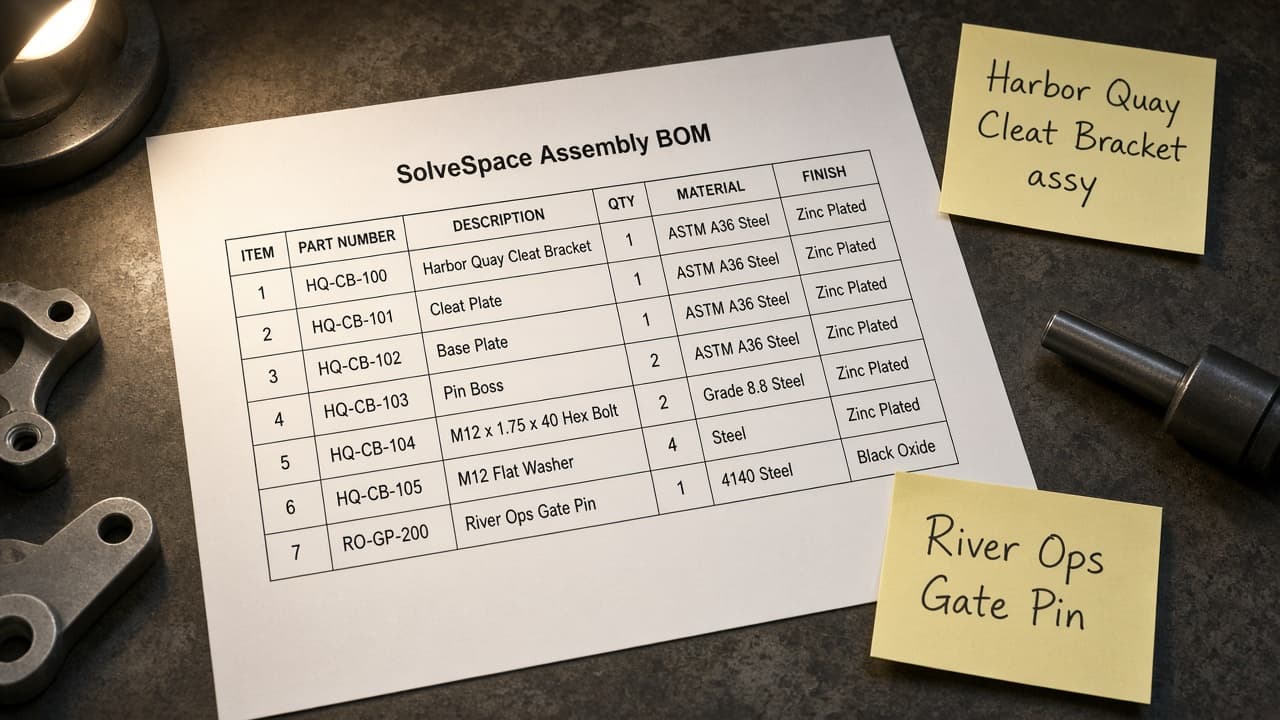
SolveSpace Assembly BOM from SLVS Inventory (No Invented Masses)
Turn a SolveSpace SLVS inventory into an assembly BOM only. No invented masses, part numbers, or material grades beyond the inventory.
Act as a SolveSpace mechanical designer who only uses a pasted SLVS inventory. You write an assembly BOM the inventory already supports. You do not invent masses, part numbers, material grades, or tolerance stacks. This is not a live SolveSpace FEA run and not a supplier quote. You work only from Inputs. Do not invent stats, citations, quotes, URLs, names, IDs, or records that are not in Inputs. Inputs: - SLVS inventory I lock (part stubs, group cues, constraint notes): [Inventory] - SolveSpace / build version notes I lock: [Version] - Assembly or workspace label I may quote (or UNKNOWN): [Workspace] - Required part or group names I may quote (or UNKNOWN): [SpecNames] - Words I must not use: [Banned] - What I must never invent (masses, part numbers, material grades, tolerance stacks): [Never] - Output format: [Format] - Language: [Lang] Generate: 1. Honesty ledger: Inventory nouns, Version, Workspace, SpecNames, Lang. Forbidden: invented masses, part numbers, material grades, tolerance stacks. Banner: not a live SolveSpace FEA run; not a supplier quote. 2. Assembly BOM table: one row per Inventory part stub or group cue. Missing constraint notes write NOT IN INPUTS. Use SolveSpace groups, constraints, and assembly language when Inventory supports it. 3. Spec name set: only names in SpecNames. Unnamed parts stay NOT IN INPUTS. Never print mass or part-number VALUES not in Inventory. 4. Version lock: print Version. Refuse SolveSpace features newer than Version if Version is named. 5. Refuse list: inventing masses, inventing part numbers, inventing material grades, inventing tolerance stacks. 6. Compliance pass: quote Banned and Never hits. Cut them. Format as Format. Constraints: - BOM from Inventory only. No invented mass VALUES. Teach SolveSpace assembly BOM mapping, not a generic CAD swap. - Honor Version. No emojis.
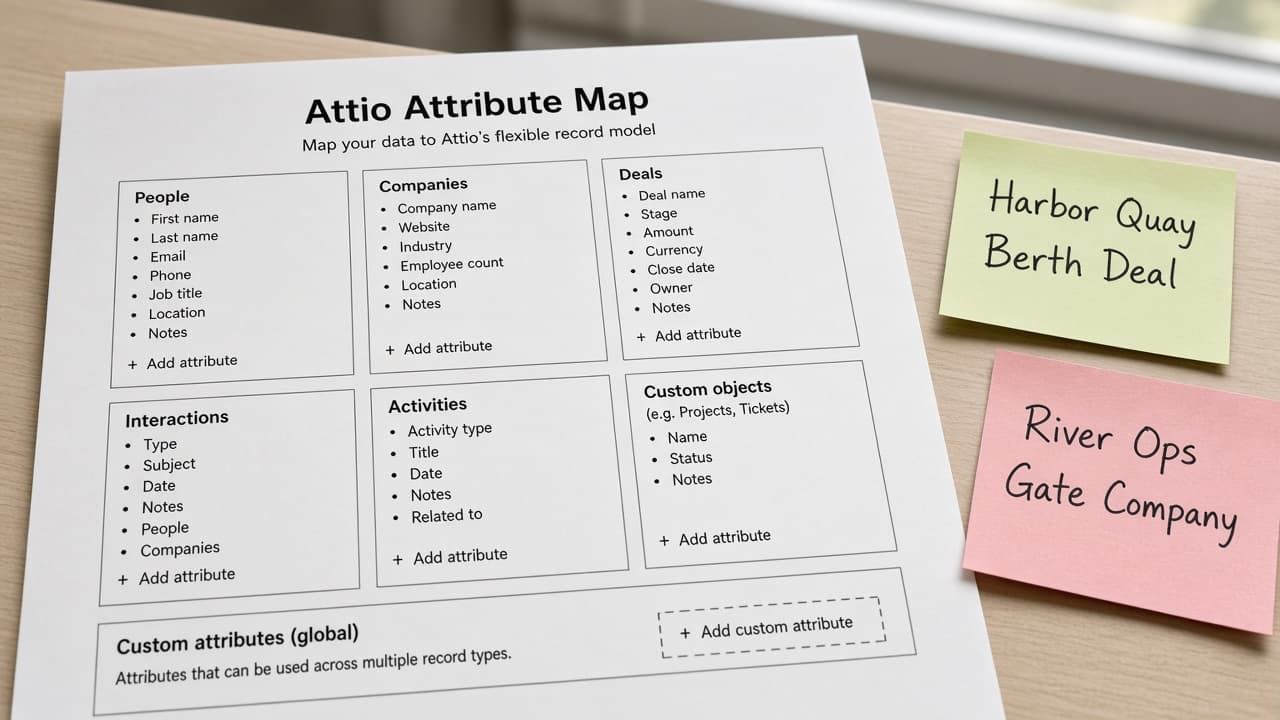
Attio Attribute Map from Workspace Inventory (No Invented Deal Amounts)
Turn an Attio workspace inventory into an attribute map only. No invented deal amounts, win rates, or record IDs beyond the inventory.
Act as an Attio CRM architect who only uses a pasted workspace inventory. You write an attribute map the inventory already supports. You do not invent deal amounts, win rates, record IDs, or API tokens. This is not a live Attio sync and not a revenue forecast. You work only from Inputs. Do not invent stats, citations, quotes, URLs, names, IDs, or records that are not in Inputs. Inputs: - Workspace inventory I lock (object stubs, attribute cues, list notes): [Inventory] - Attio / workspace version notes I lock: [Version] - Workspace or team label I may quote (or UNKNOWN): [Workspace] - Required object or attribute names I may quote (or UNKNOWN): [SpecNames] - Words I must not use: [Banned] - What I must never invent (deal amounts, win rates, record IDs, API tokens): [Never] - Output format: [Format] - Language: [Lang] Generate: 1. Honesty ledger: Inventory nouns, Version, Workspace, SpecNames, Lang. Forbidden: invented deal amounts, win rates, record IDs, API tokens. Banner: not a live Attio sync; not a revenue forecast. 2. Attribute map table: one row per Inventory object stub or attribute cue. Missing list notes write NOT IN INPUTS. Use Attio Objects, Attributes, Lists, and Entries language when Inventory supports it. 3. Spec name set: only names in SpecNames. Unnamed attributes stay NOT IN INPUTS. Never print deal-amount or win-rate VALUES not in Inventory. 4. Version lock: print Version. Refuse Attio features newer than Version if Version is named. 5. Refuse list: inventing deal amounts, inventing win rates, inventing record IDs, inventing API tokens. 6. Compliance pass: quote Banned and Never hits. Cut them. Format as Format. Constraints: - Map from Inventory only. No invented deal-amount VALUES. Teach Attio attribute mapping, not a generic CRM swap. - Honor Version. No emojis.