ChatGPT Prompt for Aesthetic Photo: 12 Edit Prompts
12 ChatGPT prompts for aesthetic photo edits: mood, light, color and crop plans from a photo you own or have clear consent to edit carefully.
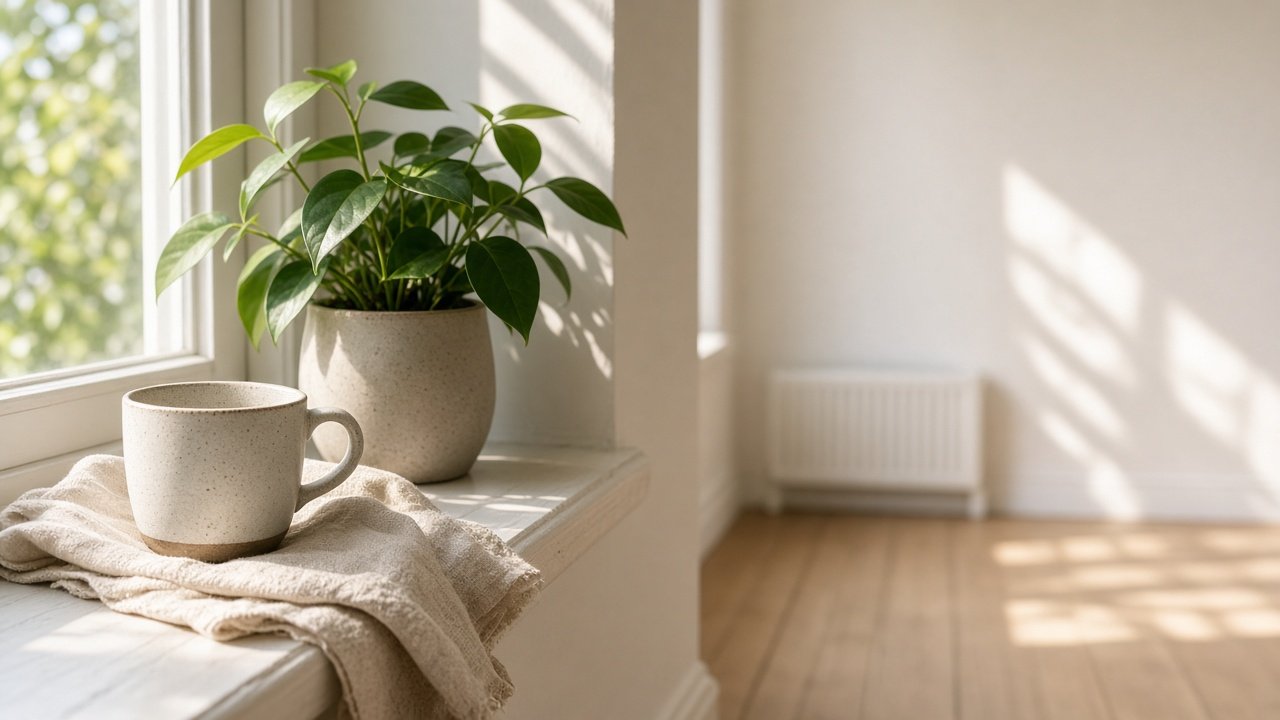
A ChatGPT prompt for aesthetic photo edits works best when it plans light, color, crop and mood for a photo you already own or have consent to change. It should not invent people, logos or famous-photographer clones. The 12 prompts below help you brief an edit before you touch sliders or an image model.
The flagship is the aesthetic photo prompt for an edit plan from your own shot. Describe the frame, aesthetic goal, tools and hard limits, and it returns a step order, crop notes and a before/after checklist. Own photos or consent only.
Brief the frame
1. Scene inventory
Describe my photo in bullets: subject, light direction, clutter, colors I see. Photo notes: [paste]. Do not invent objects outside the frame.
2. Aesthetic goal lock
I want this mood: [words]. Translate it into contrast, saturation, temperature and grain targets. No named photographer clones.
3. Hard limits
Hard limits for this edit: [list]. Restate them as a Do-not list and refuse anything that adds fake people or logos.
Build the edit plan
4. Step order for my tools
Tools: [Lightroom / ChatGPT / Gemini / other]. Write a numbered edit sequence for [aesthetic goal] on this scene: [notes]. One action per step.
5. Crop for output
Output use: [Instagram 4:5 / print / portfolio]. Suggest crops that keep [must-keep elements]. Do not invent edges.
6. Local fixes only
List local fixes that stay honest to the file (spot, dodge, burn). Skip generative fill unless I explicitly allow it for [area].
Match a look without copying people
7. Soft morning path
Plan a soft morning aesthetic for [scene]. Warm but not orange. Keep skin or product shape true if present.
8. Film-like mute path
Plan a muted film-like grade for [scene] with fine grain. For era-specific film cues, I can also use the vintage photo editing era film look prompt.
9. Monochrome path
Plan a black-and-white aesthetic for [scene]. For a dedicated restyle card, use the black and white photo monochrome restyle.
Export and judge
10. Before/after checklist
Give me 5 yes/no checks to decide if the aesthetic edit succeeded for [output use].
11. Multi-tool handoff
I will rough in Lightroom then finish in [ChatGPT or Gemini]. Split the plan across tools. For Gemini orderings, see the Gemini image editing ordered edit plan.
12. Consent reminder
Rewrite this plan with an opening line that states I own the file or have consent, and that chats may store images so I should avoid sensitive faces I lack permission to share.
Worked example
A home cook described their own iPhone shot of a latte cup on a sunny oak sill with a blurred plant and one window water spot. The flagship prompt ordered Lightroom steps for a soft morning grade, offered optional spot cleanup, planned a 4:5 post crop with a 3:4 profile grid check and refused fake steam or added people. It kept the plant recognizable and warned against orange oak.
Variations
- Portraits: add a keep-likeness limit and see the portrait photography shoot plan for capture-time tips.
- General edits: start from the photo edit recipe from notes and goal or the ChatGPT prompt for photo editing list.
- Client previews: say OutputUse is client preview and ban beauty filters the client did not approve.
- No generative fill: put that in HardLimits so the model stays on classic edits.
Practical tips
- Own photos or consent only. Do not paste other people's frames without permission.
- Describe the frame even if you attach the image; the text keeps the plan auditable.
- Judge success with a checklist, not vibes alone.
- Skip celebrity names and brand logos in edit prompts.
- Instagram now previews posts as 3:4 on the profile grid, so keep key details centered in a 4:5 post.
- PromptDig is independent and not affiliated with Adobe, Apple, Instagram, OpenAI or Google; product names belong to their owners.
Related prompts
Continue with the photo edit recipe from notes and goal, ChatGPT prompt for photo editing, the portrait photography shoot plan, ChatGPT prompts for portrait photography, the vintage photo editing era film look, the black and white photo monochrome restyle, the Gemini image editing ordered edit plan and Gemini prompts for image editing.
Find more photo prompts in the Photography prompts hub, browse every prompt on PromptDig, or share a prompt that helped you.