Gemini Prompts for Image Editing: 12 Prompts to Copy Today
12 Gemini prompts for image editing: straighten, remove objects, fix light, warm a sky, add a film look, reframe, and keep what matters unchanged across turns.
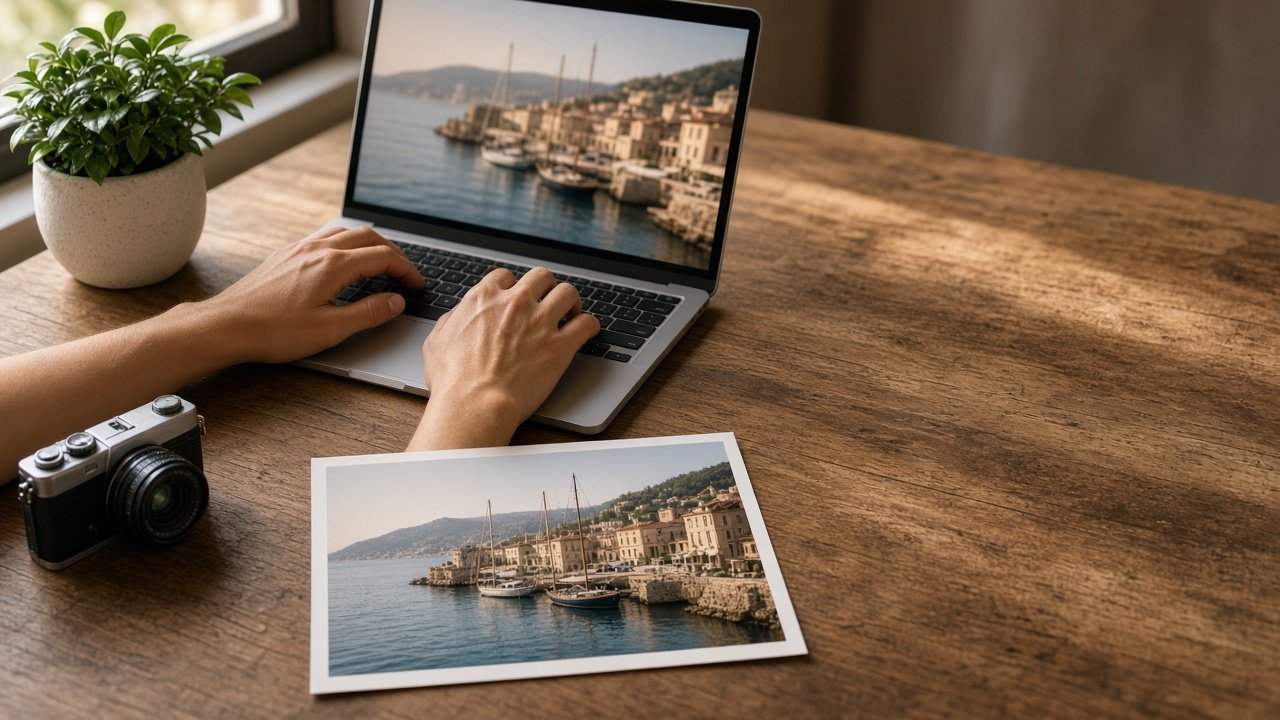
The best Gemini prompts for image editing ask for one change at a time, say exactly where in the photo to make it, and name what must stay the same. Upload your photo in the Gemini app, paste one prompt, check the result, then move to the next. Below are 12 copy-paste prompts grouped by type of edit, plus a flagship prompt that plans a whole edit in the right order.
Only edit photos you took or have permission to use, and do not use edits to mislead people about a real person or event. Fill in the [brackets] with details from your own photo.
Prompts for structure
1. Straighten the horizon
Rotate this photo slightly so the [horizon or building edge] is perfectly level. Keep every object, color, and the lighting exactly the same.
2. Remove an object
Remove the [object] in the [location in frame] and fill the area with the [surface or background] that continues around it. Change nothing else.
3. Remove strangers from a travel photo
Remove the people in the [location] and continue the [ground, water, or wall] behind them naturally. Keep [main subject] unchanged.
4. Reframe for a new shape
Reframe this image to a [ratio] [landscape or portrait] format, keeping [subject] fully in frame. Extend the [sky or background] if needed.
Prompts for light and color
5. Warm up a sunset
Make the sky warmer and richer, with [color] near the horizon fading to [color] above. Leave the [foreground subjects] and their colors unchanged.
6. Fix a dark photo
Brighten the shadows in [area] so details are visible, without making the highlights look washed out. Keep the mood of [time of day].
7. Even out mixed lighting
The [area] has a strong [color] cast from [light source]. Neutralize it so whites look white, and keep the rest of the scene as is.
8. Clear a gray sky
Replace the flat gray sky with a [sky description] that matches the light direction in the scene. Keep the [skyline or trees] edges clean.
Prompts for style
9. Film look
Give the whole photo a [warm, cool, or faded] film look with fine grain, without over saturating. Keep all shapes and the composition the same.
10. Black and white
Convert this to black and white with deep blacks and soft highlights, keeping texture in the [important area].
11. Seasonal change
Change the season in this scene from [season] to [season]: adjust the [trees, ground, light] only. Keep the buildings and people exactly as they are.
Prompt for when Gemini changes too much
12. Narrow the edit
That changed more than I asked. Go back to the previous version and edit only the [small area]. Do not change any other part of the image.
Get the full edit planner
The Gemini Image Editing Prompt: Ordered Edits for One Photo writes the whole sequence for you. You describe the photo, your edit goals, what must stay the same, where the image will be used, the look you want, and who is in the photo. It returns a fit check, an edit order, one Gemini instruction per turn with a preservation line, a check after each turn, a narrower rewording, and a final framing turn. The example on the page cleans up and warms a harbor sunset for a framed print.
Tips for editing photos in Gemini
- Do structural edits first. Removing objects after color work can leave patches that do not match.
- Repeat what must stay the same in every turn. It keeps faces, boats, or buildings from drifting.
- Compare the final image with the original side by side before you share or print it.
- Use a regular photo editor for exact colors, sharpening, and print sizing.
Related prompts
Fixing a family photo? Try the Old Photo Restoration Prompt for ChatGPT Image Editing. Creating a new scene instead of editing one? Use the Nano Banana 2 Gemini Scene Still Compiler, or the Nano Banana 2 Product Packshot Prompt for products. Find more in the Image Generation prompts hub, browse more prompts, or share a prompt that gave you a clean edit.