ChatGPT Prompts for Business Card Design: 12 Prompts to Copy
12 ChatGPT prompts for business card design: layout ideas, color and type, text-free mockups, front and back specs, print setup, and a proof checklist to run.
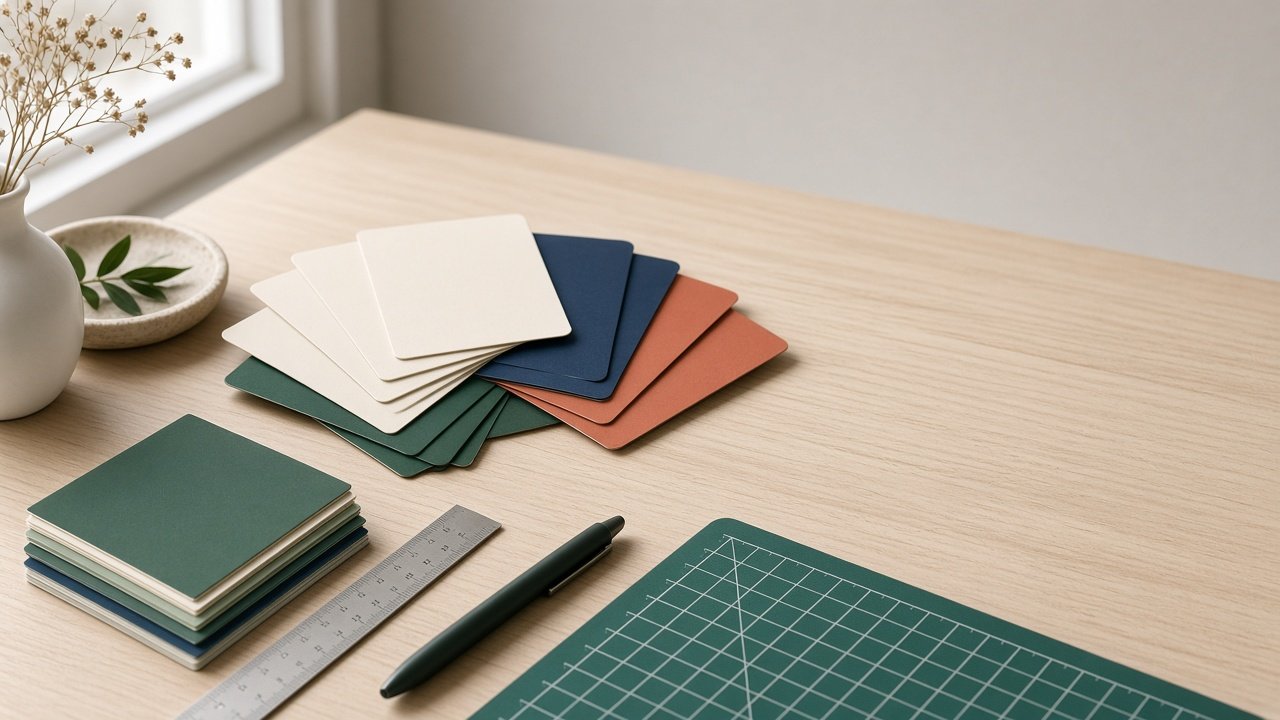
ChatGPT prompts for business card design work best when you split the job in two: ChatGPT writes the layout, colors, and print setup in words, and its image generation makes a text-free mockup that shows the look. Then you set the real name, phone, and email in a design tool on your printer's template, because image models still garble small text. Below are 12 copy-paste prompts grouped by design step, plus a flagship prompt that turns your brand facts into a front and back layout spec, a mockup prompt, and a proof checklist.
Two rules apply to all of them. Keep your card text out of image prompts and type it yourself so every letter and digit is exact. And use only your own logo or mark: no other company's logo, look-alikes, or celebrity images on a mockup.
Prompts for ideas and direction
1. Three directions
I run [business, what it does]. Suggest three business card design directions, each with a name, a one-line idea, two or three colors with HEX codes, and a type pairing (serif, sans serif, or script). Avoid [what to avoid].
2. Colors from my brand
My brand colors are [HEX codes]. Tell me which color to use for the card background, the name, and the details, and flag any pair that may be hard to read in print.
3. What goes on the card
Here is everything I could put on my card: [lines]. Recommend what to keep for a [role] who mostly meets people at [where], what to cut, and the order of the lines.
Prompts for layout and type
4. Front and back layout
Write a front and back layout spec for a [size, orientation] business card with this text: [exact lines]. Say what goes on each side, alignment, suggested type sizes and weights, and the color of each element from [colors].
5. Minimal one-side card
Design a one-sided layout with only [name, role, one contact line] and plenty of empty space. Describe the placement in words and explain how the empty space keeps it readable.
6. Vertical version
Turn this landscape card layout: [spec] into a vertical layout with the same text and colors, and list every change to alignment and spacing.
Prompts for mockups
7. Text-free mockup photo
Write a photorealistic image prompt for exactly [number] business cards on [surface], one showing the front ([color, mark, finish]) and one showing the back ([color], no printing). [Light]. No readable text, letters, numbers, QR codes, or logos except my mark described as [description].
8. Finish close-up
Write an image prompt for a macro close-up of a [paper color] card with [foil, embossing, or spot gloss] on [element], raking light from the [side] to show texture, and no text anywhere.
9. Card in context
Write an image prompt showing my blank card style ([description]) on [a desk, a shop counter, or a leather card holder] with [two props with counts], natural light, and no hands, people, or text.
Prompts for print files and proofing
10. Print setup notes
My printer is [printer] and the finish is [paper and effects]. List what I must check in their template (size, bleed, safe area, color mode, special-effect layers) and the questions to ask them before ordering.
11. Proof checklist
Write eight yes or no checks for my business card print file with this text: [exact lines], covering spelling, a test call and email, safe area, color mode, effects, size, a test print at 100%, and the back side.
12. Fix the mockup
The mockup from this prompt: [prompt] came out with [problem, for example fake text on the back]. Write a one-line follow-up that removes only that problem and keeps the rest the same.
Design one card from start to finish
The Business Card Design Prompt: Layout Spec and Clean Mockup combines prompts 2, 4, 7, 10, 11, and 12. You paste your brand facts, colors and type style, the exact card text, the size and printer, the paper and finish, a style direction, and a mockup scene. It returns a concept, a front and back layout spec, a contrast check, print setup notes, a text-free mockup prompt, a leave-out line, an eight-point proof checklist, and two alternate directions. The example is a forest green and cream card for a small landscape design studio with a brass foil mark on the front and all details on the back.
Tips for better business cards
- Decide what goes on the card before you pick colors.
- Download your printer's template first; it sets the size, bleed, and safe area.
- Print one copy at 100% and read every line at arm's length.
Related prompts and guides
No mark yet? Start with ChatGPT Prompt for Logo Design and the ChatGPT Logo Design Prompt: Brief to Three Concepts, then hand a designer the Logo Design Brief with Usage Rules. For the full look across your materials, use the Brand Identity Design Brief Generator, and for merch mockups, the Print-on-Demand Mock Prompt. Find more in the Design prompts hub, browse all prompts, or share a prompt behind a card you love.