ChatGPT Prompt for Logo Design: 10 Prompts That Work Well
A ChatGPT prompt for logo design plus 9 more: write the brief, explore three concepts, render clean drafts, test small sizes and one color, and refine safely.
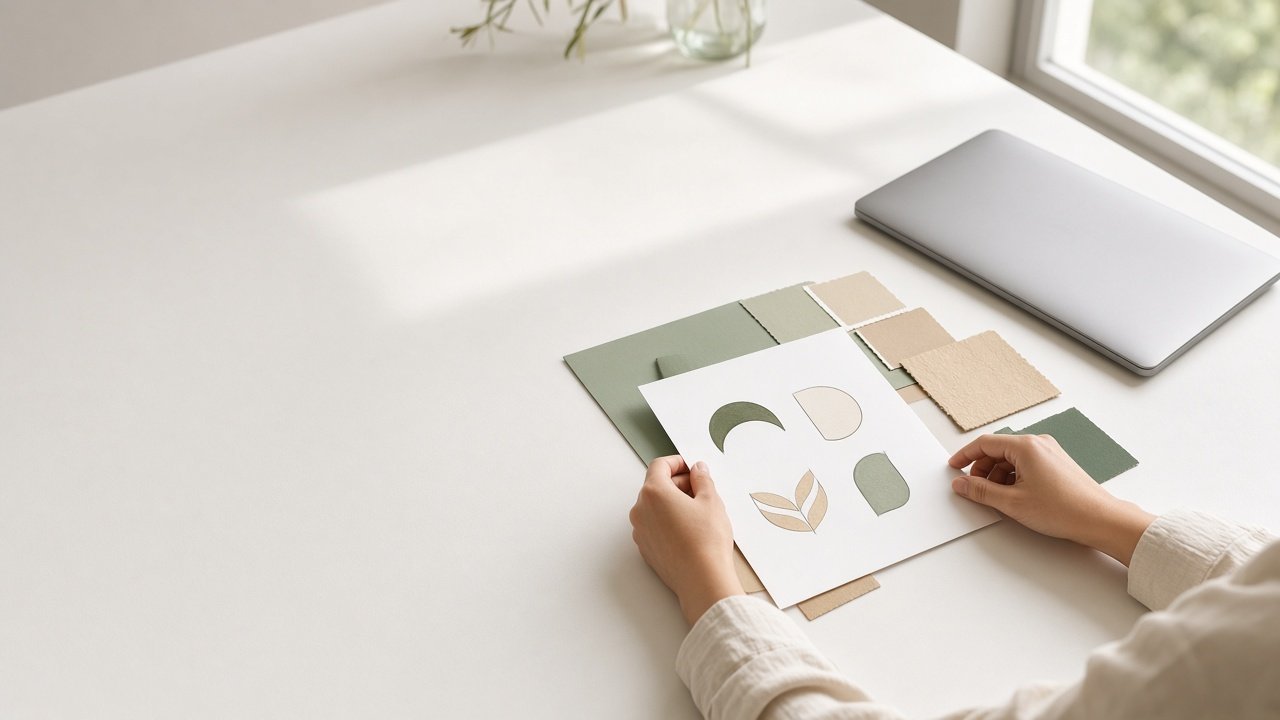
The best ChatGPT prompt for logo design starts with a brief, not a style. Tell ChatGPT what the business does, who it serves, three personality words, and where the logo has to work, and ask for three different concepts before rendering any images. The 10 prompts below take you from that brief to a clean concept draft you can hand to a designer.
Keep expectations honest: ChatGPT images are concept drafts. Letters can render wrong, and a final logo should be redrawn as a vector file and checked against trademarks before you print anything.
Prompts to write the brief
1. Full logo concept prompt
I need a logo for [name], a [business] for [audience]. Personality: [three words]. Not: [three words]. It must work on [uses]. Give me three different concepts (wordmark, symbol plus wordmark, emblem) with shape, type direction, and hex colors, then an image prompt for each. Do not render yet.
2. Find the single idea
Here is what my business does and why: [paste]. What is the one idea a logo should communicate? Give me three options in one sentence each.
3. Translate likes into qualities
I like logos that feel [descriptions] and dislike [descriptions]. Turn these into design qualities (line weight, shape, type style) without naming or copying any brand.
Prompts to render drafts
4. Clean vector style render
Render concept [A, B, or C] as a flat vector style logo on a plain white background, centered, no mockup, no extra words. Spell the name exactly: [name].
5. Symbol only version
Render only the symbol from this concept, with no letters, on plain white, for use as an app icon.
6. Palette variations
Show the same logo in three palettes: [palette 1], [palette 2], and one color [color]. Change nothing else.
Prompts to test the drafts
7. Small size check
How will this concept read at 32 pixels as a favicon or avatar? What should I simplify for small sizes?
8. One color and reverse check
Describe how this logo works in black only and in white on a dark background, and on [embroidery, signage, stamps]. What breaks?
9. Critique like a designer
Critique this draft for legibility, detail at small size, balance, and any accidental resemblance to well known marks. Be direct.
Prompt to refine
10. Change one thing at a time
Keep this logo exactly as it is. Change only [one element]. Same colors, same layout, same spelling.
Get the full brief to concepts prompt
The ChatGPT Logo Design Prompt: Brief to Three Rendered Concepts runs the whole process in one paste. You give it the name, business, personality words, use cases, color rules, and style likes and dislikes. It returns a brief summary, three distinct concepts with hex palettes, an image prompt for each, small size and one color checks, a review checklist, a refine prompt, and next steps for a final file. The example on the page explores three directions for a neighborhood sourdough bakery.
Tips for logo design with ChatGPT
- Decide on a concept in text before you render. It saves many rounds of images.
- Check the spelling of the name on every render.
- Never ask for a logo "like" a famous brand. Describe qualities instead.
- Run a trademark search and get a vector redraw before you print signs or packaging.
- Save every prompt and render you like in one document, so you can explain to a designer why a direction worked and what you want kept in the final version.
Related prompts
Once you pick a direction, set the rules with the Logo Design Brief, Mark Usage Rules and Don'ts prompt. Find more in the Design prompts hub, browse more prompts, or share a prompt that helped your brand.