ChatGPT Photo Prompts for Christmas: 12 Holiday Photo Ideas
12 ChatGPT photo prompts for Christmas: holiday portraits from your own photo, family and pet sets, snowy scenes, card layouts, and a likeness check to run.
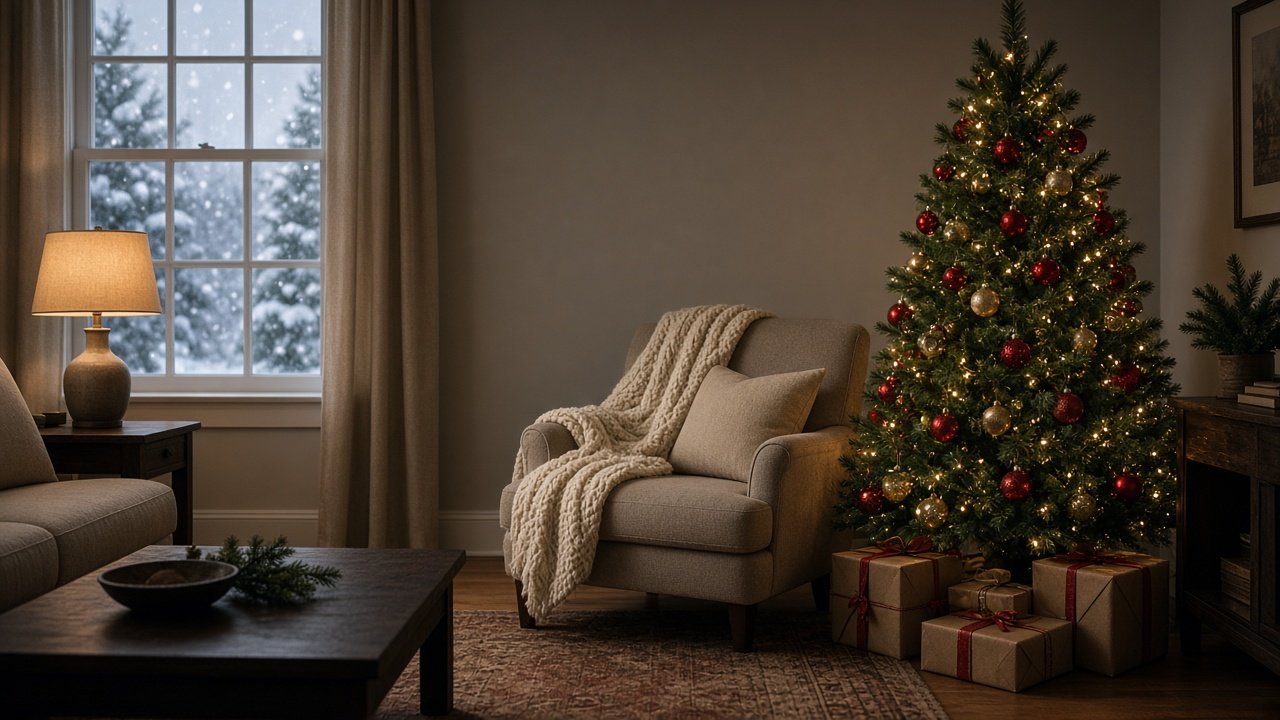
ChatGPT photo prompts for Christmas turn a photo you already have into a holiday portrait: you upload the picture, say what must stay the same, describe the tree, lights, and props with exact counts, and ChatGPT's image generation builds the scene around the person, family, or pet. Check the face against the original, then add your greeting in a design tool. Below are 12 copy-paste prompts grouped by who is in the photo, plus a flagship prompt that plans one Christmas portrait from start to finish.
Two rules apply to every prompt here. Use only photos you took or have permission to use, ask everyone in the photo before you edit them, and get a parent's OK for children. And keep words out of the image, along with celebrities, studio-owned characters, and brand logos. If you want cards in the mail before the holidays, start by mid-November so there is time to fix and print.
Prompts for your own holiday portrait
1. Likeness lock
Before you change anything in my uploaded photo, keep my face, hair, eye shape, skin tone, and expression exactly as they are. Change only [clothing], the background, and the light. Confirm what you will keep before you make the image.
2. Cozy sweater portrait
Using my uploaded photo and the likeness lock above, put me in a [color] knit sweater beside a decorated tree with [lights and ornaments], warm lamp light from the [direction], 85 mm portrait look, and the [side] of the frame soft and empty.
3. Snowy outdoor portrait
Using my uploaded photo, place me on [a snowy street, porch, or forest path] at dusk with light snow falling, a [color] coat and scarf, and warm string lights behind me. Keep my face unchanged and add no text.
Prompts for family and couples
4. Family by the tree
Using our uploaded family photo, keep every person's face, height, and position the same and seat us in front of a decorated tree in [matching or coordinated outfits]. Exactly [number] people, no one added or removed.
5. Matching pajamas morning
Using our uploaded photo, dress all [number] of us in [color and pattern] pajamas on Christmas morning by a window with soft sunrise light, [number] open gifts with tissue paper, and mugs in our hands. Keep every face unchanged.
6. Couple under the lights
Using our uploaded photo, place the two of us under warm string lights at a [winter market or porch] at night, [outfits], bokeh lights behind us. Keep both faces and our heights exactly as in the photo.
Prompts for pets and kids
7. Pet by the fireplace
Using my uploaded photo of my [pet], keep the face, coat color, and markings exactly the same. Seat them on [rug] wearing [scarf or bow] with a lit fireplace and a decorated tree behind them, and exactly [number] gifts beside them.
8. Pet in the snow
Using my uploaded photo of my [pet], place them in fresh snow in front of [a cabin or a wreathed door], with soft blue dusk light and warm windows. Do not change the breed, size, or markings.
9. Child's Christmas morning
Using the uploaded photo of my child (I am the parent), keep the face and age exactly the same and place them by the tree on Christmas morning in [pajamas], holding [one simple gift], with soft window light. No added people.
Prompts for cards and checks
10. Card layout
Rewrite this Christmas photo prompt: [prompt] for a [5:7 portrait or 16:9 landscape] card, keep the subject the same, and leave the [top or side] [percent] empty for a greeting I will add later.
11. Likeness checklist
Write six yes or no questions to compare the new Christmas photo with my original photo: faces or markings, number of people or pets, outfit, prop counts, empty greeting space, and no text.
12. Fix the face
The new photo changed [what changed, for example my nose or the dog's ear color]. Write a one-line follow-up that restores it from my uploaded photo and keeps the rest of the Christmas scene the same.
Plan one Christmas portrait from start to finish
The Christmas Photo Prompt: Holiday Portrait From Your Own Photo combines prompts 1, 7, 10, 11, and 12. You describe the subject and what must not change, the wardrobe, the set, the props with counts, the light, where you will share it, and the greeting space. It returns a likeness lock, the main prompt, two alternate sets, a leave-out line, a six-question checklist, a fix line, and a greeting note. The example is a golden retriever with darker ears and a white chest patch in a red knit scarf, sitting on a cream rug by a lit tree with three wrapped gifts and a fireplace behind him.
Tips for better Christmas photos
- Start from a sharp, well-lit photo where the face is easy to see.
- Count people, pets, and gifts in the prompt, then count them again in the result.
- Compare faces and markings side by side with the original before you share.
Related prompts and guides
For a two-person shoot any time of year, see ChatGPT Photo Prompts for Couples and the Couples Photo Prompt. For playful edits, try ChatGPT Prompts for Fun Photos. To bring an old family Christmas print back to life, read ChatGPT Prompt to Restore Old Photos, and if you shoot holiday minis for clients, see ChatGPT Prompts for Photographers. Find more in the Photography prompts hub, browse all prompts, or share a prompt that made your favorite holiday photo.