Video Prompts for Google Flow: 12 Shot-Ready Clips
12 video prompts for Google Flow with Veo 3.1: one shot each with camera, subject, action, setting, style and native audio for 4 to 8 second clips.
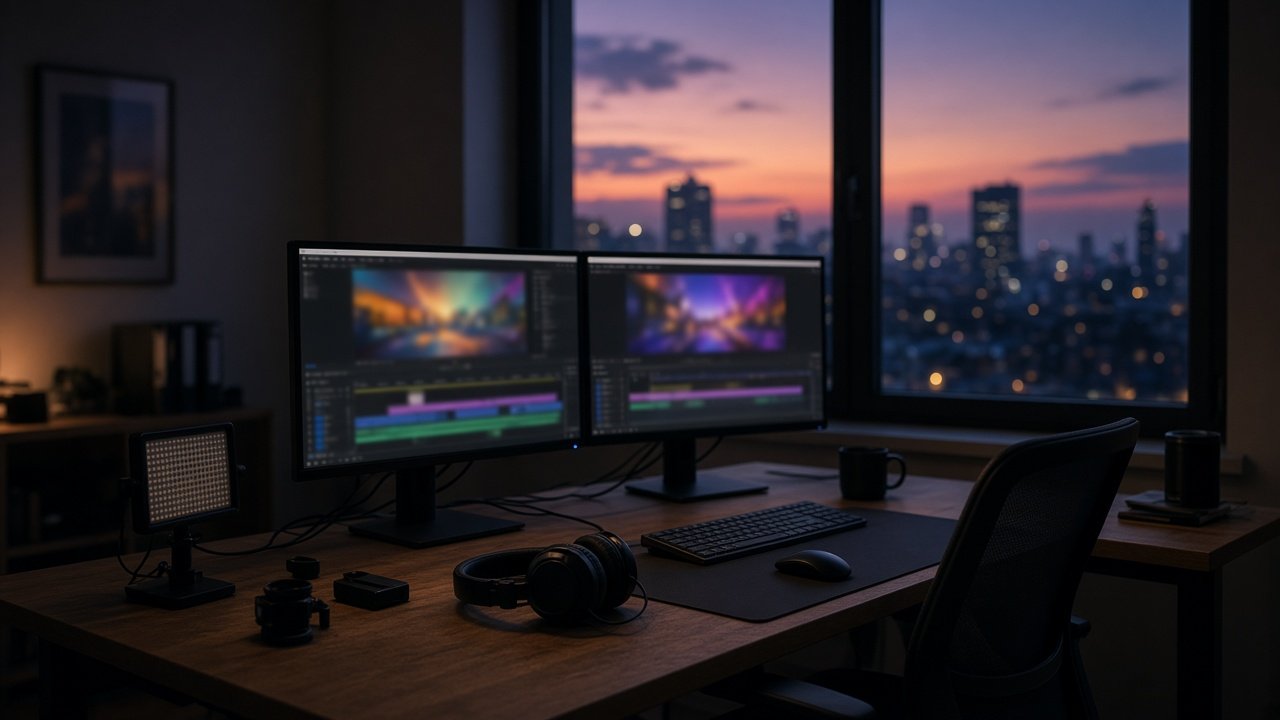
Video prompts for Google Flow work best as one clear Veo 3.1 shot: cinematography, subject, action, context, style and native audio in a 4, 6 or 8 second clip. They should not try to tell a whole scene in one generate. The 12 prompts below are ready to paste into Flow's Video mode.
The flagship is the Google Flow video prompt for a cinematic shot and audio. Paste subject, action, camera, style and audio cues, and it returns a Flow-ready paragraph plus variations. Veo 3.1 inside Flow is current; the Gemini API Veo 3.1 preview shut down on 2026-10-22, so do not treat that API preview as available.
How Flow expects a shot
Google Flow help describes creating videos from the project prompt box: choose Video, set aspect ratio, length and a Veo 3.1 model (Lite, Fast or Quality), then generate. You can also add start and end frames, or ingredients for 8s clips on Lite or Fast (Quality does not take ingredients). Flow also lists Gemini Omni Flash for video; these prompts target Veo 3.1. Keep dialogue in quotes, name the speaker and say "no music" when you want silence under the SFX.
Write the core shot
1. Five-part formula
Write a Google Flow Veo 3.1 prompt: [camera], [subject], [action], [place and time], [style]. Add audio: [dialogue/SFX/ambience]. Length [4/6/8]s, [16:9 or 9:16].
2. Action trim
This action may be too long for [N]s: [action]. Suggest a tighter single action that still matches [intent].
3. Audio pass
Rewrite this Flow prompt with clearer audio: [prompt]. Put dialogue in quotes, name the speaker, list SFX and ambience, and say no music if none.
Camera and light
4. Tracking product
Low tracking shot around [product] on [surface], slow orbit, soft studio softbox light, shallow focus, subtle cloth rustle SFX, no music, 6s, 16:9. No logos.
5. Hero push-in
Slow push-in on [subject] as they [action] in [place], warm practical lights, filmic contrast, ambience [ambience], 8s, 9:16.
6. Crane reveal
Crane shot starting low on [subject] and rising to reveal [landscape], sunrise, epic but natural sound of wind only, no music, 8s, 16:9.
Frames and ingredients
7. First to last frame
I will upload a start frame and end frame in Flow. Write a motion-only prompt that connects them: [what should happen]. Do not re-describe appearance.
8. Ingredient character lock
I will attach an ingredient image of [character/object]. Write a Flow prompt that reuses that reference while they [action] in [place], with audio [cues].
9. Extend plan
I have an 8s Veo 3.1 clip of [summary]. Propose one extend prompt that continues the same action. Extensions run on Veo 3.1 Lite, so remind me to confirm the extend button in Flow.
Quality control
10. Logo and likeness scrub
Scrub this prompt for logos, celebrity likeness and readable signs: [prompt]. Return a clean Flow version.
11. Vertical short
Convert [prompt] to 9:16 for a phone story, keep one camera move, tighten the action for 4s.
12. Shot list from a beat
Break this story beat into 3 separate Flow prompts (one shot each): [beat]. Keep continuity of wardrobe and place.
Worked example
A cyclist in a yellow rain jacket brakes on wet cobblestones at dusk while a low tracker pushes in. The flagship prompt ordered camera, subject, action, context and style, then added tire hiss, thunder and the line "Did you hear that?" with no music. It reminded the user to pick Veo 3.1 inside Flow for a 6s 16:9 clip and flagged the retired Gemini API preview so nobody chases a shut-down endpoint.
Variations
- Dialogue heavy: keep lines short enough to speak inside 4 to 8 seconds.
- Silent B-roll: SFX and ambience only; say no music.
- Other tools: for Runway or Seedance, use their dedicated PromptDig pages instead of Flow menu names.
- Car spots: see the AI video prompt for car list for vehicle-specific shots.
Practical tips
- One camera move and one action per clip.
- Check model, length and credits in the Flow prompt box settings before you generate; per Google Flow help, Lite, Fast and Quality cost different credit amounts and everyone gets a small daily free allowance.
- Verify feature support (frames, ingredients, extend) on Google Flow help the day you shoot.
- Do not paste celebrity names or brand logos.
Related prompts
For other AI video tools, try the Runway prompt examples by shot type, the Runway prompts examples blog, the Seedance shot plan prompt, the Seedance prompts blog, the realistic AI video prompt, the cinematic AI video prompt, the Hailuo AI prompt builder and the Hailuo AI prompts blog.
Find more video prompts in the Video prompts hub, browse every prompt on PromptDig, or share a prompt that helped you.