Runway Prompts Examples: 10 Shot Types to Copy and Adapt
10 Runway prompt examples by shot type: establishing, tracking, push-in, orbit, reveal, and image-to-video motion, each with camera move, action, and light.
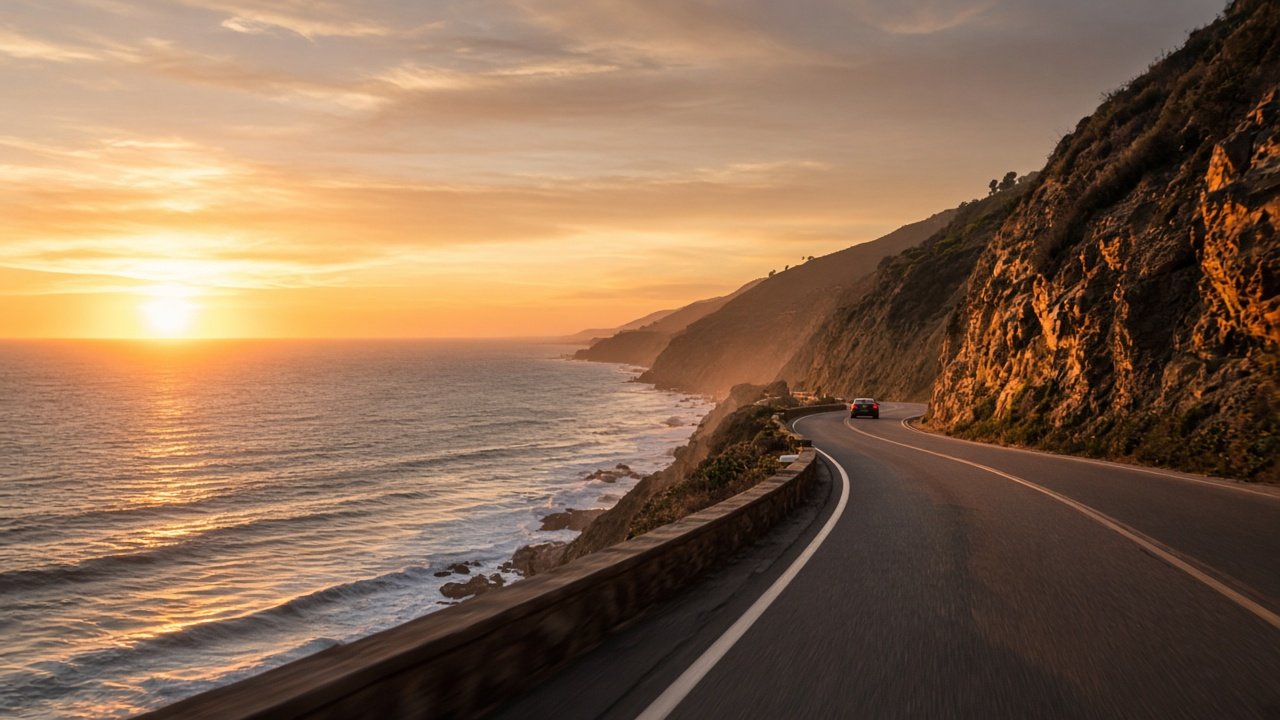
The best Runway prompts examples describe one shot at a time: the camera move and framing, the subject and its single action, the setting, and the light. Short, concrete prompts like that are easier for Runway to finish cleanly in a short clip than a whole story in one paragraph. Below are 10 Runway prompt examples grouped by shot type, each with [variables] you can swap for your own scene.
Runway's current flagship video model is Gen-4.5, which makes 2 to 10 second clips from text or an image. Use only photos you own or have consent for, and never make an image or video meant to pass as real footage of a real person or event.
Set the scene
1. Wide establishing shot
Static wide shot of [place] at [time of day]. [One small motion, for example steam from a vent or leaves in the wind]. [Light and color]. Calm, no people moving.
2. Aerial-style overview
High wide shot slowly gliding forward over [landscape or town] at [time]. [Key feature] in the center of the frame. [Weather and light]. Smooth, steady motion.
Move with the subject
3. Side tracking shot
Side tracking shot following [subject] as they [walk, run, carry something] along [setting]. Camera keeps pace at [height]. [Light from which side]. One continuous action.
4. Follow from behind
Camera follows behind [subject] at shoulder height as they walk into [place]. The space opens up ahead of them. [Light]. Steady, slightly handheld feel.
5. Slow orbit
Slow half orbit around [subject or object] on [surface or setting], keeping it centered. [Light], soft background. The subject stays still; only the camera moves.
Get close
6. Slow push-in
Slow push-in toward [subject] as they [small action, for example look up or open a door]. [Light on their face]. Background softly blurred. Calm and intimate.
7. Close-up detail
Close-up of [object or hands] as [small action, for example steam rising, a pen writing, water pouring]. Shallow depth of field, [light], fine texture visible.
Reveal and finish
8. Reveal shot
Camera starts on [foreground object] and slowly rises to reveal [main scene] behind it. [Light and time]. One smooth move, no cuts.
9. Image-to-video motion only
[Camera move, for example slow push-in]. [The one thing that moves, for example her hair lifts in the wind and the curtain sways]. Everything else stays still.
Use this one when you start from your own still image: the image already sets the look, so spend the words on motion and camera.
10. Locked-off fix prompt
Locked-off camera, no shake. [Subject] [one simple action]. [Setting] is empty except for [subject]. [Light].
Reach for this when a clip warps, drifts, or adds extra people: fewer moving parts usually means a cleaner clip.
Turn your scene into Runway shots with one prompt
The flagship Runway Prompt Examples: Shot-Type Prompts From Your Scene reads your scene back, writes one Runway prompt per shot type, rewrites them for image-to-video when you start from a still, suggests a cut order, and adds a fix list. Its example builds four shots of a baker pulling sourdough from the oven at dawn.
Related prompts
For travel and location footage, use the Runway b-roll shot list from location notes. For product clips that loop, try the Kling or Runway product loop shot list, and if you also work in Google's video model, see how to build a Veo shot list from a product video brief.
For tool-neutral camera, light, and physics prompts, see AI prompts for realistic video.
Find more in the Video category, look through Browse, or post your own on Share.