AI Prompts for Realistic Video: 12 Realism Builders
12 AI prompts for realistic video in tools like Veo 3.1: plan lens and camera height, motivate the light, give motion weight, and fix waxy or floaty clips.
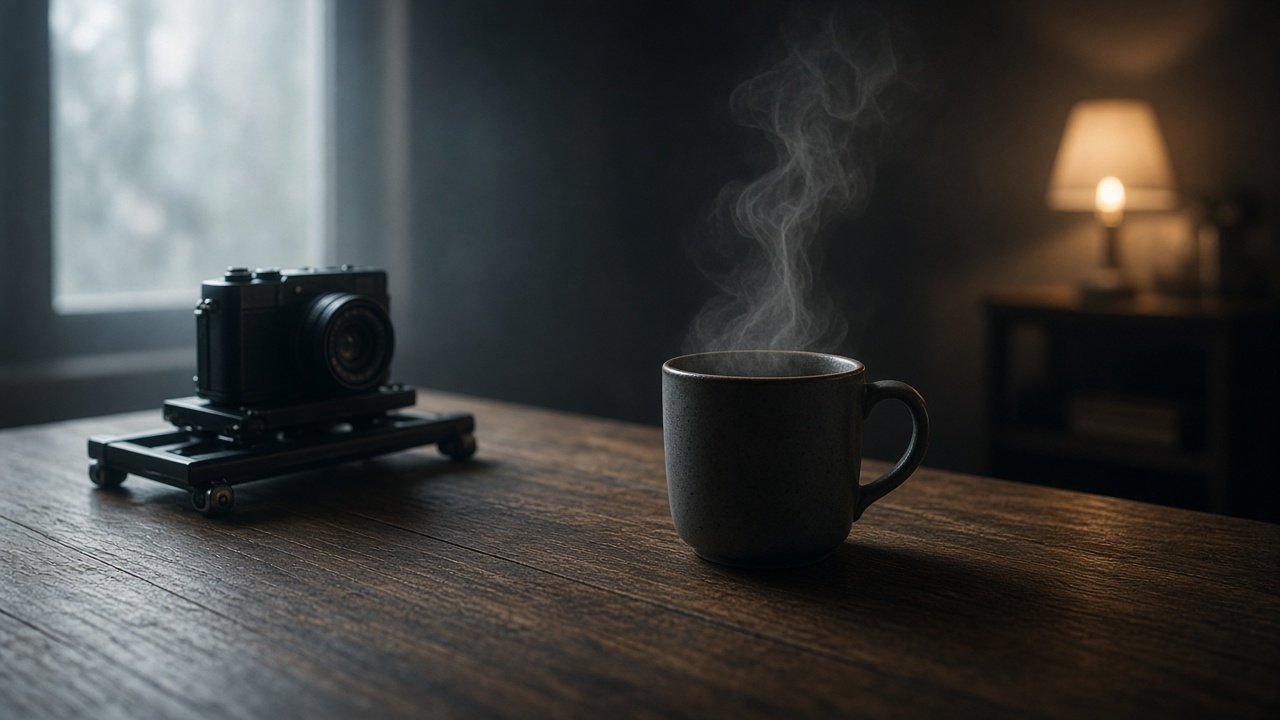
AI prompts for realistic video work best when you write them like a camera report, in a video tool you can still access today such as Veo 3.1 or Gemini Omni Flash: one lens, one camera height, one motivated light source, and motion that has weight. Adjectives such as cinematic or hyperreal do little. The 12 prompts below help you plan the shot, the light, and the physics, then fix clips that come back waxy or floaty.
Plan the camera before the subject
1. Lens and height picker
My scene: [scene brief]. Suggest one lens in mm, a camera height, and a distance to the subject that a real crew would use. Explain in one line why each choice looks filmed, not rendered.
2. Start and end frame writer
For a [duration] shot of [subject], describe exactly what the frame holds at the first second and at the last second, and the single camera move that connects them.
3. Camera move speed check
Here is my move: [push-in, pan, orbit, handheld]. Rewrite it with a real speed and distance, such as 20 cm over 8 seconds, and remove any move a real rig could not do in [location].
Light it like a real location
4. Motivated light block
Light sources that exist in this scene: [windows, lamps, weather, time of day]. Write a lighting block with the key direction, color temperature in plain words, and where the shadows fall. Add one honest imperfection such as haze or uneven window light.
5. Overlit clip rescue
My AI video clip looks flat and overlit. Here is the prompt: [prompt]. Change only the light sentences so the scene is darker, with one stronger key and deeper shadows. Keep everything else word for word.
6. Time of day consistency pass
Check this prompt for light that contradicts the stated time: [prompt]. List each conflict, such as noon shadows at dusk, and rewrite those lines.
Give motion real weight
7. Physics beat sheet
Actions in my scene: [pours, steam, fabric, footsteps, wind]. For each, describe cause, weight, timing, and follow-through in one sentence a cinematographer would write.
8. Fluid and smoke realism lines
Rewrite these motion lines so liquid stays thin and steam fades within a short distance: [lines]. Avoid words that make water look like rope or steam look like smoke.
9. Hands and faces risk cropper
My scene includes [hands, faces, crowds, labels]. Reframe the shot so each risk stays at the edge, out of focus, or out of frame, without changing the story of [scene brief].
Write, check, and retry
10. Film-order prompt compiler
Combine [shot plan], [lighting block], and [physics beats] into one video paragraph in this order: shot type, subject, action, environment, light, camera move, texture and grain. No logos, brand names, or real people.
11. Banned content sweep
Scan this video prompt for real people, lookalikes, logos, brand names, copyrighted characters, and readable text: [prompt]. Remove each one and tell me what replaced it.
12. One-variable retry ladder
The clip from [prompt] looks [waxy, floaty, too smooth, overlit]. Give me a numbered retry ladder where each step changes one line only, in the order most likely to fix it.
Run the full realism pass with one prompt
The flagship Realistic AI Video Prompt: Camera, Light, and Physics runs the audit, shot plan, light, physics, video prompts, risk pass, and retry ladder in one go. Its example films a pour-over coffee bloom by a rainy dawn window in two shots.
A note on rights: keep real people, lookalikes, and brand marks out of your prompts unless you hold the rights, and check your video tool for the durations and aspect ratios it actually supports. Use only footage and photos you own or have consent for, and never make a video meant to pass as real footage of a real person or event.
Related prompts
For a shot list from a scene brief, use the camera shot list from a scene brief. Product teams can start from the product ad video shot list or the UGC testimonial shot list. To turn beats into a sequence, read the video storyboard guide, and for scripts and edits see ChatGPT prompts for video content creation.
Find more in the Video category, look through Browse, or post your own on Share.