ChatGPT Prompts for Video Content Creation: 12 to Copy
12 ChatGPT prompts for video content creation: ideas, hooks, timed scripts, shot lists, b-roll, short-form cutdowns, titles, thumbnails, and posting plans.
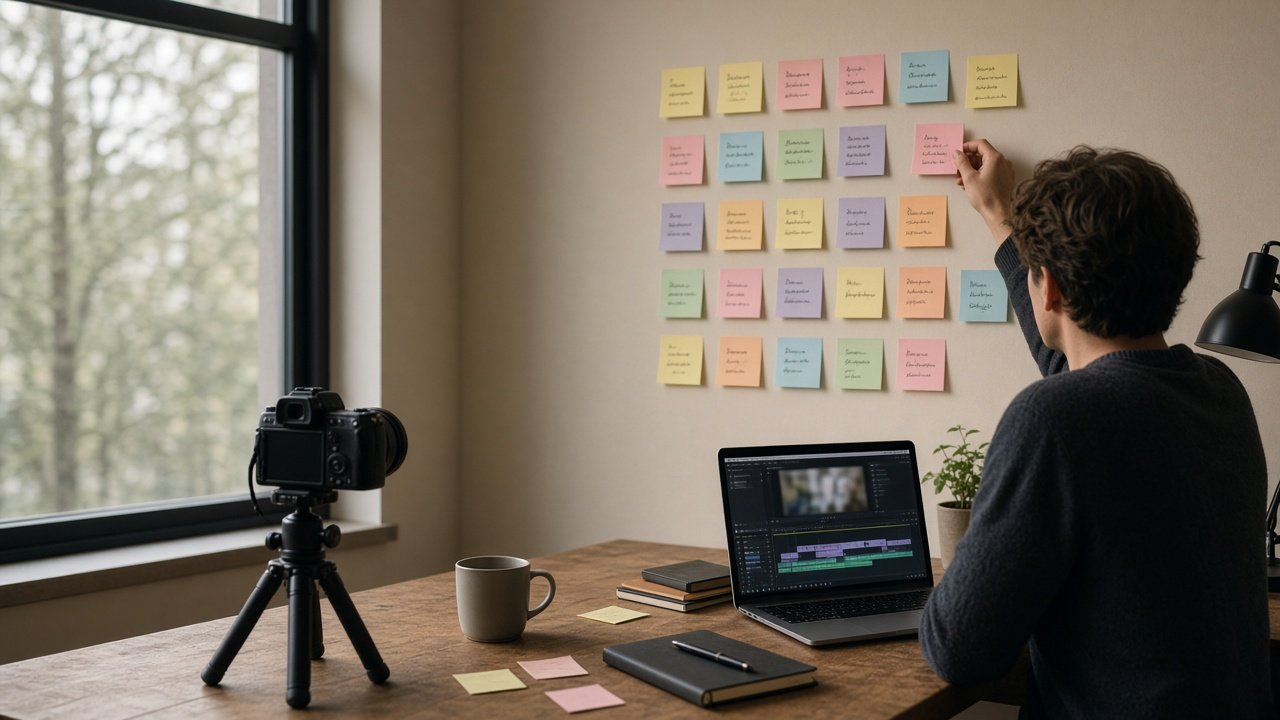
The most useful ChatGPT prompts for video content creation handle the planning around the camera: picking an angle, writing hooks, drafting a script you can say out loud, listing shots, and turning one long video into short cutdowns. ChatGPT does not film or edit for you, so give it your real idea, audience, and footage, then ask for one piece of the package at a time. Below are 12 copy-paste prompts, grouped by stage, plus a flagship prompt that builds the whole package in one run.
Replace every [bracket] with your own details. Paste the facts you want in the video, and tell the model not to add statistics or quotes you did not give it.
Prompts for video ideas and angles
1. Ideas from audience questions
Here are questions my viewers asked this month: [questions]. Group them into themes and suggest 10 video ideas, each with the one question it answers and who it is for.
2. Three angles for one idea
My video idea is [idea] for [audience]. Give me three different angles, each with a one sentence viewer promise, and tell me which one fits a beginner audience best and why.
3. Series plan
Turn [topic] into a 6 episode series for [platform]. For each episode give a working title, the single takeaway, and how it links to the next episode.
Prompts for hooks and scripts
4. Hook options
Write five openings for a video about [topic]. For each, give the first line I say and what is on screen in the first 5 seconds. Avoid clickbait claims the video does not deliver.
5. Timed script from my notes
Write a [length] script for [platform] using only these points: [notes]. Add start times per section, short spoken sentences, and an on-screen note for each section. Mark any claim that needs a source with [check].
6. Make it sound spoken
Rewrite this script so it sounds natural when read aloud: [script]. Shorter sentences, no words I would trip over, and keep every fact the same.
Prompts for shooting and editing plans
7. Shot list by location
Here is my script: [script]. Here is what I can film: [people, locations, gear]. Make a shot list grouped by location so I can film everything in one day.
8. B-roll ideas
For each section of this script: [script], suggest two b-roll shots I can film with [gear] at [location], plus one screen recording or photo insert if useful.
9. Edit plan
From this transcript of my raw footage: [transcript], list the parts to keep, the parts to cut, where to add b-roll, and where captions or on-screen text help. I will do the edit myself.
Prompts for repurposing and publishing
10. Short-form cutdowns
From this long video script: [script], pick three moments that work as standalone clips for [Shorts, Reels, or TikTok]. For each give the new first line, the length, and a caption.
11. Titles and thumbnail concept
Write 10 title options for a video about [topic] for [audience], then describe one thumbnail in words: subject, expression, background, and at most four words of text.
12. Posting plan
I have one long video and [number] cutdowns. Make a one week posting plan for [platforms] that says what goes out each day and how each clip points back to the full video.
Build the full video package in one prompt
The Video Content Creation Prompt: One Idea to Script and Cuts combines prompts 2, 4, 5, 7, 10, 11, and 12. You paste your idea, audience, platform and length, what you can film, the key points, your call to action, and your short-form platforms. It returns angles, hooks, a timed script, a shot list, three cutdowns, titles, a thumbnail concept, and a posting plan. The example plans a balcony garden video filmed on one phone.
Working on a narrower piece? Plan a vertical clip with the YouTube Shorts Storyboard with Beat Timings, write titles from your real hook with the YouTube Title Prompt, or brief an AI video tool with the Sora 2 and Veo 3.1 Product Ad Shot List.
Tips for video content creation with ChatGPT
- Paste your real notes and footage list. Generic input gives a generic video.
- Read the script out loud before filming and cut anything you stumble on.
- Plan cutdowns before the shoot so you film the moments they need.
- For an edit plan, work from a transcript. The model cannot watch your files.
Related prompts and guides
Summarize long videos for research with ChatGPT Prompt for YouTube Summary. Find more in the Video prompts hub, browse all prompts, or share a prompt that works for your channel.