ChatGPT Prompts for Portrait Photography: 12 Shoot Prompts
12 ChatGPT prompts for portrait photography: read the light, set up one light or a window, pick starting settings, direct poses and cull a real camera session.
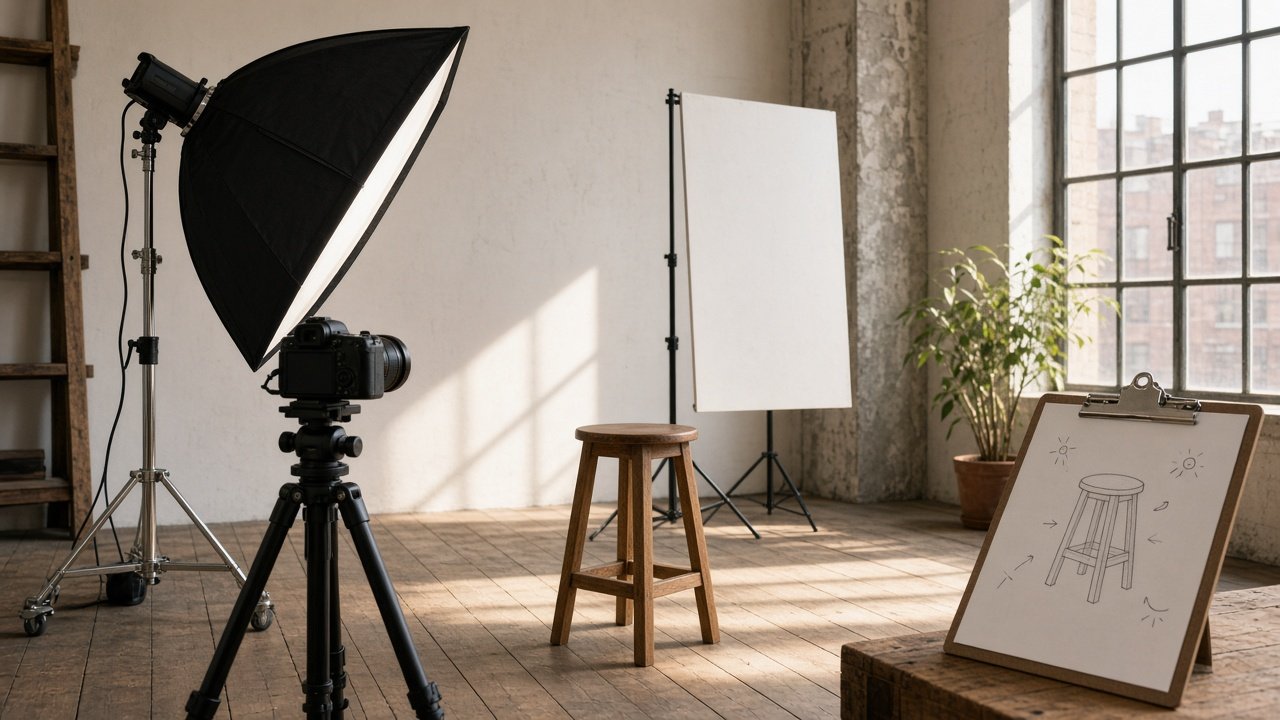
ChatGPT prompts for portrait photography are most useful before and after a real shoot: they help you read the light at a location, plan a setup with the gear you own, pick starting camera settings, and direct someone who is nervous in front of the lens. They cannot see your scene, so describe the room, the windows, the time of day and your kit as precisely as you can. The 12 prompts below follow a session from planning to culling.
The flagship is the portrait photography shoot plan prompt, which turns your subject, location and gear into a light read, a setup with distances, a pose flow and a timed shot list.
Read the light before you arrive
1. Window light read
I am shooting a portrait in [room] with a [direction]-facing window at [time] on a [weather] day. Describe what the light will likely do, where to place the person relative to the window, and when I would need a reflector or a flag.
2. Outdoor light plan
I can only shoot outdoors at [location] between [start] and [end]. Suggest where to put the person at each part of that window (open shade, backlight, building shadow), what to bring, and the one hour I should protect.
3. Mixed light fix
My indoor location has [light sources, for example daylight from a window plus warm ceiling bulbs]. Tell me how to avoid mixed color on skin, which lights to switch off, and how to set white balance.
Build the setup with your own gear
4. One-light setup
I own [camera, lenses, one light and modifiers]. Give me a one-light portrait setup for a [look] in a room about [size]. Describe positions of subject, light, reflector, background and camera with rough distances.
5. Starting settings
Body: [full frame or crop sensor]. Lens: [lens]. Light: [setup]. Give starting aperture, shutter speed, ISO and focus mode for a [framing] portrait, explain each choice in one line, and tell me what to check on the histogram.
6. Lens choice
I have [lenses] and I am shooting [headshots, waist-up, or environmental] in a space about [size]. Which lens should I use for each frame and why? Give the full-frame equivalent if my body is crop sensor.
Direct the person in front of the camera
7. Pose flow for a shy subject
Write a 6-pose flow for [person and what they do], who is shy on camera. Start with a task using their hands, give the exact words I can say for each pose, and note one thing to watch per pose.
8. Couple or family direction
I am photographing [number] people: [who they are]. Give me 5 groupings from formal to relaxed, with prompts that get real interaction instead of stiff smiles, and where to put the tallest person.
9. Glasses and other details
My subject [wears glasses, uses a wheelchair, or dislikes their left profile]. Adjust my setup and pose flow so it works for them, with practical fixes for glare or angles, and no comments on their appearance.
After the shoot
10. Culling criteria
I shot [number] frames of [session]. Turn these goals into a culling checklist: [deliverables and look]. Rank what matters most (focus on the near eye, expression, hands, background) and give me a 3-pass method.
11. Editing notes for a consistent set
Here is how I edited my favorite frame: [settings in words]. Write editing notes that keep the other [number] images consistent in color, contrast and skin tone, plus what to check when I export for [use].
12. Crop map for deliverables
My client needs [list of uses and aspect ratios]. For each, tell me which frame type works (wide, medium, tight, detail) and how much room to leave around the person so one shot can be cropped two ways.
Worked example: a pottery studio session
Lena, a ceramicist, needed six images for her shop's About page and a makers' fair press kit. Her studio has one large north-facing window and shelves of bowls on the back wall. The photographer pasted that, plus a full-frame body, an 85mm and a 35mm lens, one speedlight and a 5-in-1 reflector, into the flagship prompt.
The plan put Lena about 1 m from the window with the window on camera left, the white reflector 1 m away on camera right, and the shelves 2 to 3 m behind her so they would fall darker than her face. It suggested starting at f/2, 1/250 s and ISO 800 on the 85mm, then checking the histogram. The pose flow opened with her hands on clay, then moved her to the window with a cue to look outside for a moment before turning back. The 60-minute shot list reserved ten minutes for a wide 35mm frame of the whole studio and ten for hand details.
The image at the top of the prompt page is an AI-generated still that shows the hero frame the plan describes: soft side light, gaze toward the window, bowls behind her.
Variations
- Headshot day: ask the flagship prompt for one fixed setup and a 5-minute pose flow per person, so a team of ten fits in a morning.
- Outdoor session: swap Location for a park or street and give the exact time you can shoot; prompt 2 refines the plan for the light.
- Studio with a softbox: list the softbox in GearList and ask for a second setup with the softbox as key and the window as fill.
Practical tips
- Light gets weaker quickly as you move away from a window or a light, so small changes in distance matter more than you expect. Move the person before you change settings.
- On a crop sensor, multiply focal length by the crop factor (about 1.5x on most APS-C bodies, 1.6x on Canon APS-C) to compare framing with a full-frame plan.
- Read the pose cues aloud once before the shoot so they sound like you, not a script.
- Get a signed model release that says where images will appear, especially for business use.
Related photography prompts
For the business side of a session, such as inquiries, booking and gallery delivery, see the ChatGPT prompts for photographers, the client inquiry to shoot brief prompt, and the ChatGPT prompts for a photography business. If you want a generated portrait instead of a camera session, use the ChatGPT image generation prompts for portraits or the ChatGPT portrait image prompt.
Find more in the Photography prompts hub, browse all prompts, or share a prompt you use on shoots.