ChatGPT Image Generation Prompts for Portraits: 10 Prompts
10 ChatGPT image generation prompts for portraits: named lighting setups, lens and framing, poses, and own-photo restyles, with fix-it lines for common flaws.
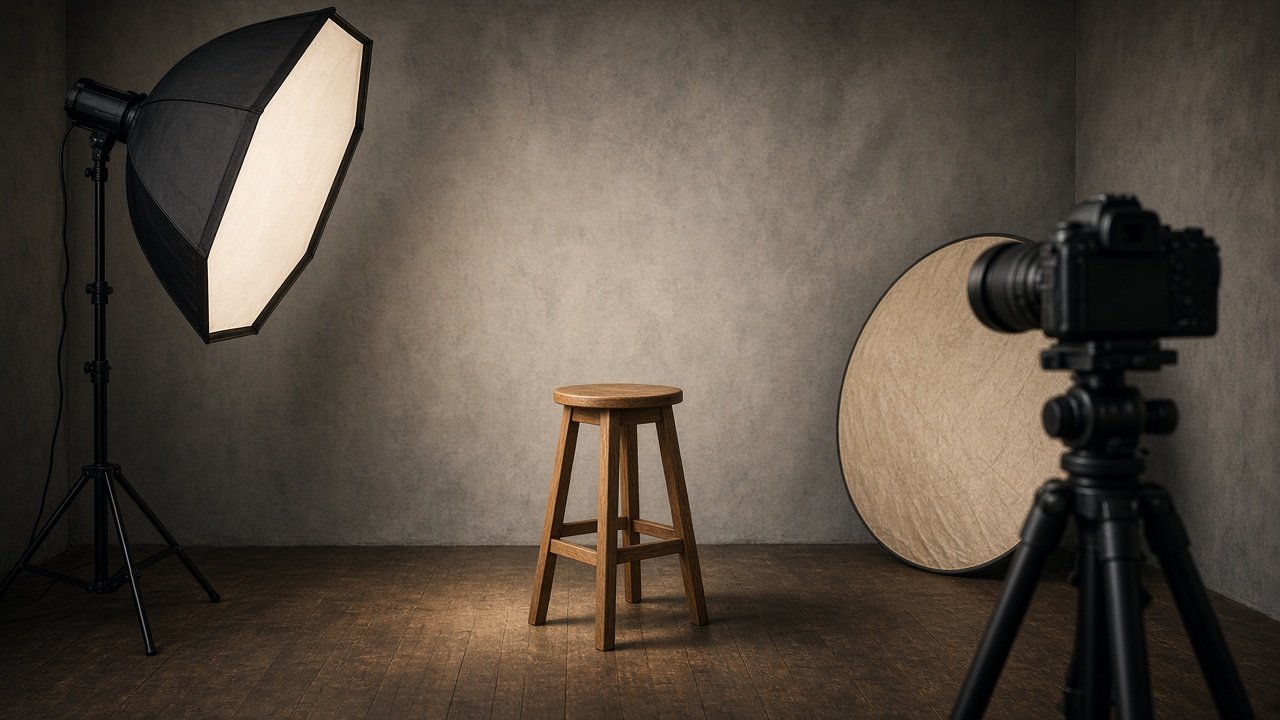
The best ChatGPT image generation prompts for portraits read like a photographer's notes: who the subject is, where the light comes from, which lens, how they pose, and what they wear. Name the lighting setup and describe it from the camera's point of view, and ChatGPT will place shadows where you expect. The 10 prompts below cover lighting, lenses, poses, and restyling your own photo.
Never make a portrait meant to pass as a real photo of a real person who did not agree, or to deceive anyone about who someone is.
Light the portrait
1. Rembrandt window light
Photorealistic portrait of [fictional subject]. Rembrandt lighting from a window on camera left, a small triangle of light on the shadow-side cheek, no fill, dark background. 85mm lens, chest-up, eye level. Natural skin texture, no text.
2. Butterfly beauty light
Studio portrait of [fictional subject] with butterfly lighting: a soft light directly above the camera, a small shadow under the nose, even light on both cheeks, light gray backdrop. [Wardrobe]. Headshot framing, 3:4.
3. Golden hour backlight
Outdoor portrait of [fictional subject] at golden hour, sun low behind them for a warm rim light on the hair, face lit softly by bounced light. [Setting]. 50mm lens, f/1.8 look, waist-up.
4. Moody split light
Dramatic portrait of [fictional subject] with split lighting: one hard light from camera right lighting exactly half the face, the other half in deep shadow, black background. [Expression]. Close headshot.
Choose the lens and framing
5. Environmental portrait
Environmental portrait of [fictional subject], a [profession], in [workplace]. 35mm lens, three-quarter length, tools of the trade visible but softly blurred. [Lighting]. Candid, not posed to camera.
6. Tight headshot
Close headshot of [fictional subject], 105mm lens look, eyes in sharp focus, shoulders cropped at the frame edge, background fully blurred to [color]. [Lighting]. Neutral expression with a slight smile.
Direct the pose
7. Pose and expression director
Rewrite this portrait prompt so the pose is specific: body angle, where the hands are, gaze direction, and expression. Keep everything else the same: [prompt].
8. Editorial magazine portrait
Editorial portrait of [fictional subject] in [outfit], seated on [prop], leaning slightly forward, looking straight into the lens, hard flash from camera right, plain [color] backdrop. 3:4, magazine style, no text.
Restyle your own photo
9. Own photo relight
Using my uploaded photo, keep my face shape, eyes, nose, skin tone, and hairline exactly the same. Change only the lighting to [setup] and the background to [setting]. Photorealistic, natural skin.
10. Fix-it follow-up
Keep everything in this portrait the same, but fix [problem: plastic skin, odd hands, wrong light direction]. Change nothing else.
Build a full portrait prompt from a brief
The flagship ChatGPT Portrait Prompt: Lighting, Lens, and Pose in One turns a short brief into a lighting translation, a camera block, a pose block, and one final prompt, plus two variations and a fix-it list. Its example is a fictional retired boat builder in soft side window light, shot like an 85mm environmental portrait, with a Rembrandt variation.
A consent note: use fictional people or your own photos, or photos you have permission to edit. Do not create portraits of celebrities or real people without their consent.
Related prompts
For style packs from your own photo, see ChatGPT image prompts for men and ChatGPT image prompts for women. For a film look, read the 35mm documentary portrait guide. Need a work photo? Try the selfie to LinkedIn headshot prompt, or the holiday portrait prompt for the season.
Find more in the Image Generation category, look through Browse, or post your own on Share.