ChatGPT Photo Prompts Black and White: 10 Monochrome Edits
10 ChatGPT photo prompts for black and white edits of your own photos: film portraits, street contrast, low-key moods, filter looks, and keep-lists.
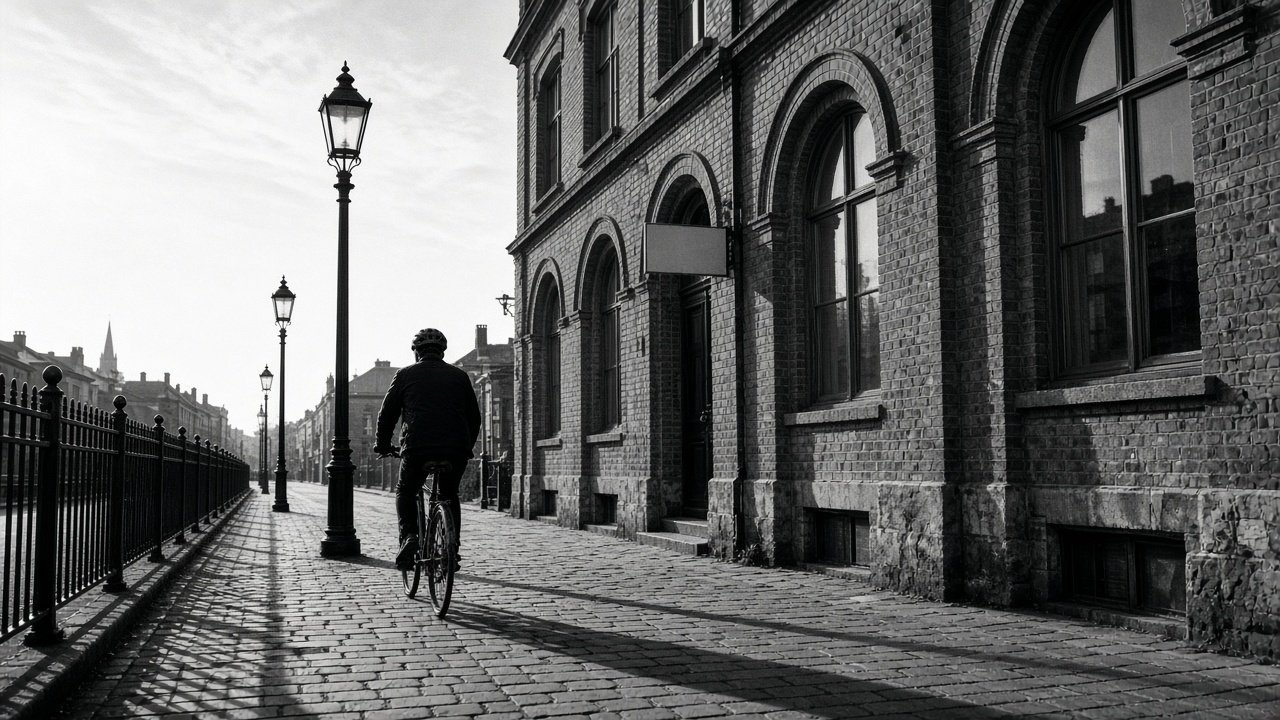
ChatGPT photo prompts for black and white work best as edit requests on a photo you upload: tell ChatGPT to keep everything the same except the conversion, then say which areas should be brightest and darkest, how much contrast and grain you want, and what must not change. Use only your own photos or ones you have permission to edit. The 10 prompts below cover portraits, street and travel shots, and fixes after the first result.
Portraits
1. Soft film portrait
Edit this photo; keep everything the same except: convert it to a soft black-and-white film portrait with smooth midtones and fine grain. Make [face or subject] the brightest area and [background area] the darkest. Keep the face, expression, hands, and crop exactly as they are.
2. Low-key moody portrait
Edit this photo; keep everything the same except: convert it to a low-key black-and-white portrait. Keep light only on [face and one detail], let the background fall to near black, and keep detail in the hair and clothing. No vignette, no tint.
3. Family photo, gentle and timeless
Edit this family photo; keep everyone's faces, expressions, and positions exactly the same. Convert it to a gentle black-and-white with low contrast and lifted shadows so no one's face falls into darkness. No grain.
Street, travel, and places
4. High-contrast street
Edit this street photo; keep everything the same except: convert it to high-contrast black and white with deep blacks, bright highlights, and visible film grain. Emphasize the shadows on [surface]. Keep all people, signs, and the crop unchanged.
5. Red filter look for dramatic skies
Edit this landscape; keep everything the same except: convert it to black and white as if shot with a red filter, so the blue sky turns dark gray and the clouds stand out. Keep [foreground subject] in mid gray with full detail.
6. Green filter look for foliage
Convert this garden or forest photo to black and white as if shot with a green filter, so leaves render lighter and [subject] stands apart from them. Keep every object and the crop exactly as in the original.
7. Architecture with clean lines
Convert this building photo to crisp black and white with strong contrast between [lit side] and [shaded side]. Keep the lines straight and every window, sign, and person exactly as in the original. No grain.
Fix and finish
8. Tone map from my notes
Here is what is in my photo from left to right: [contents]. Before editing, tell me how each area will render in gray (light, mid, dark) for a [look] black-and-white, then write the edit request I should send.
9. Undo a change after the edit
In the black-and-white version, [part, for example the face or hand] changed from my original. Undo that change and keep it exactly as in my uploaded photo, while keeping the black-and-white look everywhere else.
10. Soft vs strong comparison
Give me two edit requests for this photo: one soft black-and-white with low contrast and one strong version with deep shadows. Change only the contrast and tone sentences between them so I can compare.
Build the full edit request in one run
The flagship Black and White Photo Prompt: ChatGPT Monochrome Restyle reads back what is in your photo, maps each area to light, mid, or dark gray, writes one edit request with a keep list, gives a softer and a stronger variation, and lists what to compare against your original afterward. Its example turns a porch photo of a dad and his golden retriever into a soft film portrait.
ChatGPT image edits can change small details, so always compare with your original. When every pixel must stay the same, use a regular photo editor's black-and-white mixer instead.
Related prompts
For color edits and retouching, see the ChatGPT prompt for photo editing and the photo edit recipe from photo notes. For portrait looks, try the 35mm documentary portrait from window light, and for the business side of photography, ChatGPT prompts for photographers.
Find more in the Photography category, look through Browse, or post your own on Share.