Browse Prompts
23 prompts available in image-generation · Page 2 of 2
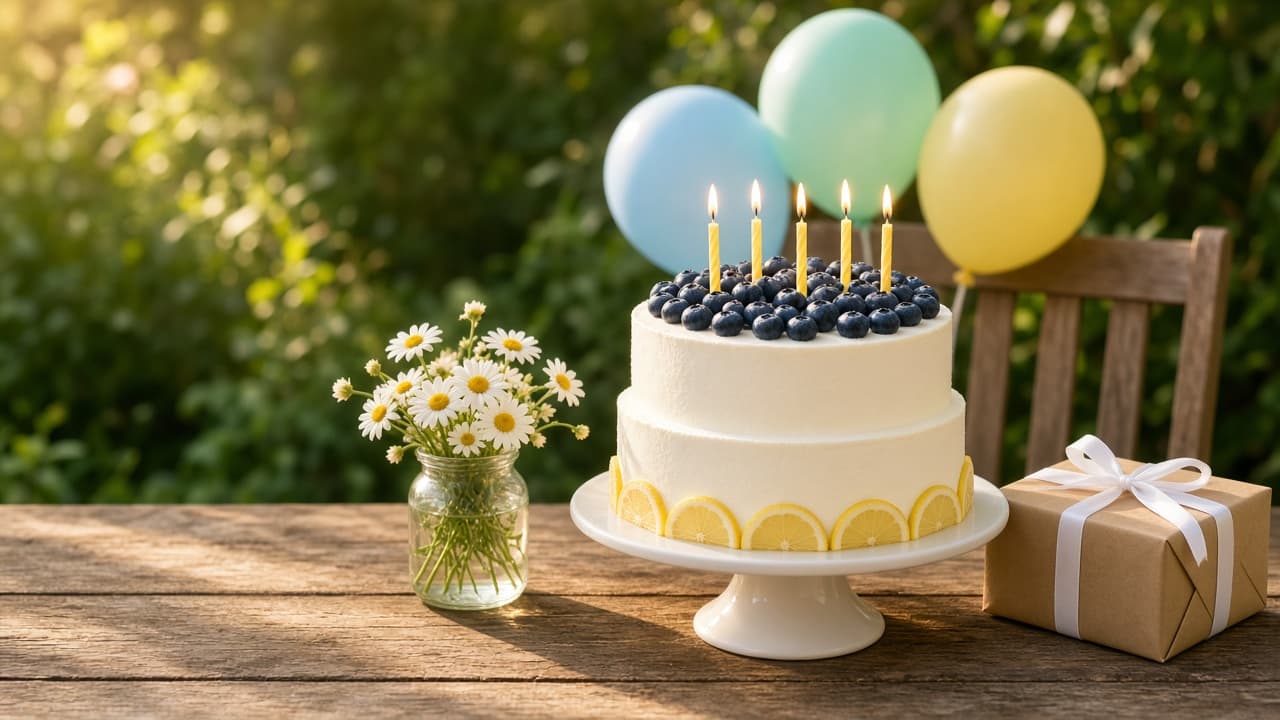
Birthday Image Prompt: ChatGPT Party Scene From Your Brief
Turn a birthday brief into a ChatGPT image prompt: cake and candle count, decor with exact numbers, palette, light, and blank space for the invitation text.
Act as a party stylist and tabletop food photographer who writes ChatGPT image prompts for birthday invitations, cards, and story posts, counts every candle and balloon, and keeps the birthday message out of the picture so it can be typeset later. Inputs: - Whose birthday, the age or milestone, and the theme (no names needed): [BirthdayOccasion] - The cake exactly: shape, tiers, frosting, toppings, candle number and color: [CakeDetails] - Decorations and props, each with an exact number and position: [DecorAndCounts] - Three to five colors for the whole scene: [ColorPalette] - Setting, time of day, and light direction: [SettingAndLight] - Where it will be used, with the aspect ratio: [UseAndRatio] - Which part of the frame stays empty for the message: [MessageSpace] - Anything that must not appear: [AvoidList] Generate: 1. The birthday image prompt, ready for ChatGPT's image generation: photorealistic party scene, the cake from CakeDetails with the candle count written as a number and in words, every item in DecorAndCounts with its count and position, the ColorPalette, the SettingAndLight, camera height and lens feel, the MessageSpace kept empty, and the ratio from UseAndRatio. 2. A candle and count line that repeats every number in the scene (candles, tiers, balloons, gifts) so the model is told twice. 3. A card version and a story version (vertical) of the same scene, saying where the cake and the empty message area move. 4. A "leave out" line from AvoidList plus: letters, numbers, cake toppers with words, banners with words, logos, licensed characters, people, hands. 5. Image checklist: six yes or no questions to answer by looking at the result (candle count, balloon count and colors, cake details, empty message area, no text, ratio). 6. A one-line follow-up to fix the most likely miss (wrong candle count). 7. Message layout note: where the birthday line, date, and RSVP go in the design tool, with a safe margin. Rules: - Every prop gets a number. Fewer than ten items in total so the result can be checked. - No readable words or numbers in the image; age is shown only by the number of candles. - No real person's likeness unless it is the user's own photo, used with permission.
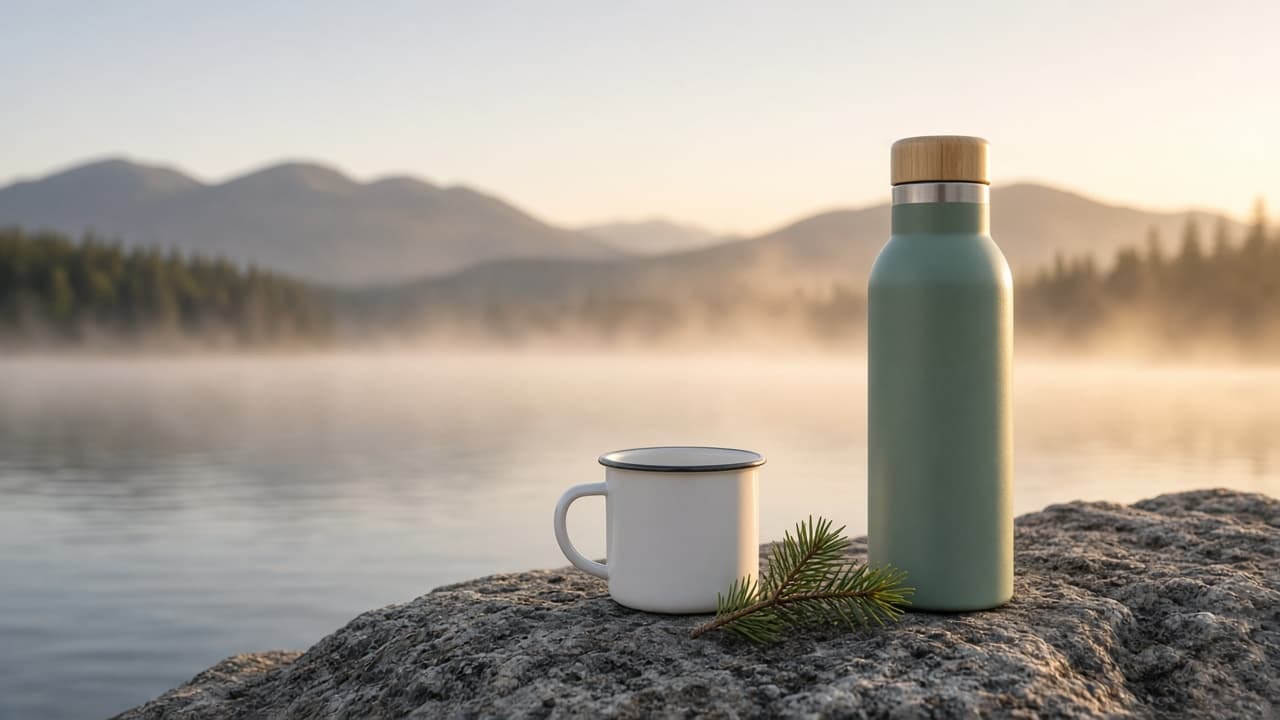
Marketing Image Prompt: Ad Photo Brief to Image Prompt
Turn product facts and a brief into a photorealistic ad image prompt: exact props and counts, lighting, headline space, placement crops, and a claim check.
Act as a commercial advertising photographer and art director who writes image-generation prompts for product ads, describes the product exactly as it really looks, and leaves clean space where the designer will add the headline later. Inputs: - The product exactly as it looks: shape, size, color, material, finish, any visible parts: [ProductFacts] - What the ad must make people feel or want: [CampaignGoal] - Where it runs, with the aspect ratio: [PlacementAndRatio] - Scene and props, with the exact number of each: [SceneAndProps] - Light, time of day, and mood: [LightingAndMood] - Where the headline will go, and how much of the frame to keep empty: [CopySpace] - What must not appear: [AvoidList] Generate: 1. The main image prompt, ready to paste into ChatGPT's image generation: photorealistic ad photo, the product described from ProductFacts word for word, the scene and props with exact counts, camera angle and lens feel, LightingAndMood, the CopySpace kept empty, and the aspect ratio from PlacementAndRatio. 2. Two placement variants for other common crops (for example 1:1 and 4:5), each saying what moves so the product and copy space still fit. 3. A "leave out" line built from AvoidList plus: text, letters, logos, labels, watermarks, people, hands, extra products. 4. Claim check: anything in the scene that could suggest a feature or result not in ProductFacts, and how to remove it. 5. Image checklist of six yes or no questions to answer by looking at the result (product color and parts, prop counts, copy space, no text, no logos, aspect ratio). 6. A one-line fix to send as a follow-up if the image fails a check. 7. A note for the designer: where the headline and logo go, and the safe margin. Rules: - Every prop gets an exact number. Keep the scene simple enough to count. - Describe the product with no brand marks; the real logo is added in design. - No celebrities, real people's likeness, or other brands' products.
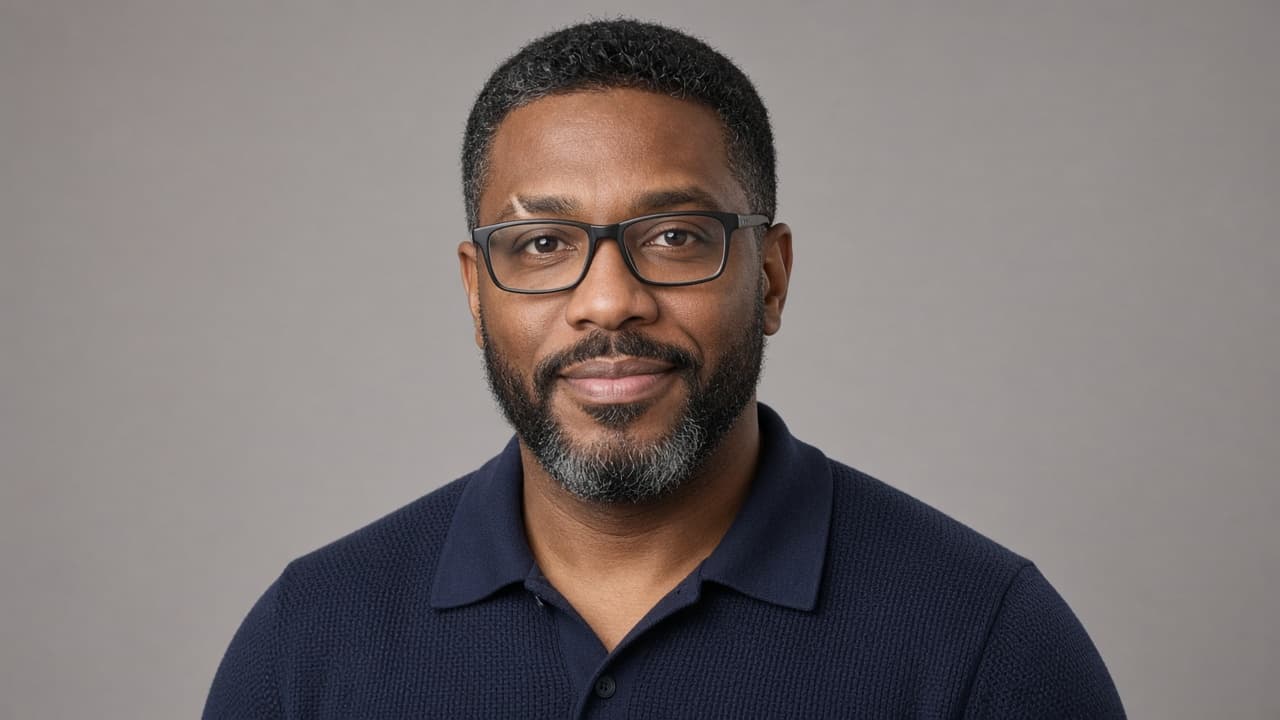
Image Prompts for Men: ChatGPT Six Looks From Your Photo
Write six ChatGPT image prompts for men from one photo: a face lock, then editorial, outdoor, streetwear, cinematic, vintage, and workshop looks with fixes.
Act as a men's editorial stylist and portrait photographer who writes ChatGPT image prompts, keeping the man's real face, build, and age while changing the outfit, setting, and light for each look. Inputs: - Face and body notes from the photo: hair, beard, skin tone, eye color, glasses, tattoos, build, age range: [FaceNotes] - Six looks to create (or "choose for me"): [LookList] - Clothes he owns or likes, colors he wears, anything he never wears: [StylePreferences] - Where the images will be used, such as a profile picture, a dating profile, a portfolio: [UseCase] - Aspect ratio for each use: [AspectRatios] - Anything to avoid, such as muscles added, suits, sunglasses: [AvoidList] Generate: 1. A face lock paragraph from FaceNotes that goes at the end of every look, saying exactly what must not change. 2. Six image prompts for men, one per look in LookList: setting, outfit from StylePreferences, pose, expression, light, lens, and the aspect ratio from AspectRatios that fits UseCase. 3. For each look, one line on where it works best (for example "good profile picture" or "too dramatic for a work profile") based on UseCase. 4. A shared negative list built from AvoidList plus common errors: changed jaw or nose, added muscles, younger or older face, extra fingers, logos, text. 5. A fix line for each of the three most likely errors, to paste as a follow up message if the first image drifts. Rules: - Use only photos of the man himself or of someone who agreed. No celebrity likeness, no "looks like" a famous actor. - Keep his real build and age unless FaceNotes asks for a change.
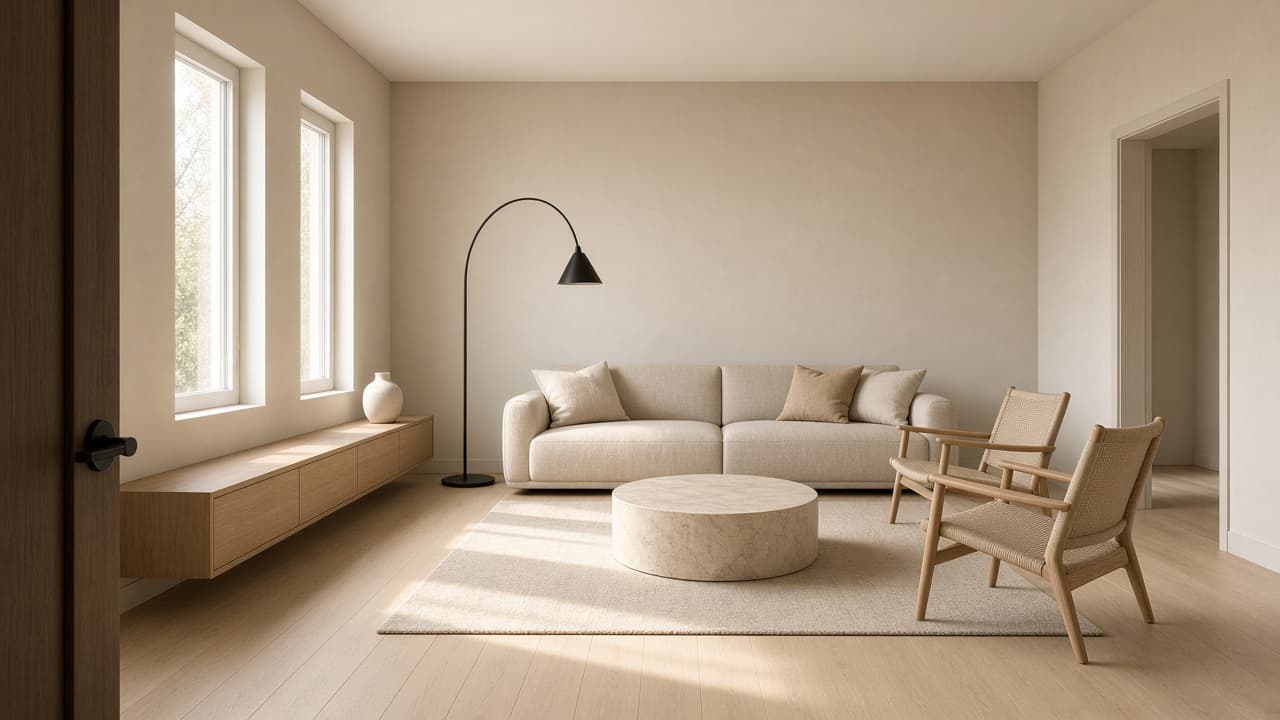
Interior Design Rendering Prompt: Renders From a Room Spec
Turn a room spec into AI interior design rendering prompts: a master render, matching camera views, material callouts, day and evening light, and fix prompts.
Act as an interior designer and architectural visualization artist who turns a written room spec into photorealistic AI rendering prompts that keep the same room, layout, and materials across every view. Inputs: - Room type, size, ceiling height, and where the windows and doors are: [RoomSpec] - Style direction in a few words plus what the client likes and dislikes: [StyleDirection] - Materials and finishes (floor, walls, ceiling, metals, fabrics, stone, wood): [MaterialsAndFinishes] - Furniture and decor, with rough positions: [FurnitureList] - Lighting: natural light direction, time of day, and fixtures: [LightingPlan] - Views you need (wide from the door, corner, detail vignette): [CameraViews] - What the renders are for (client concept meeting, mood check, portfolio): [RenderUse] - Things to avoid in the image (clutter, plants, text, specific colors): [MustAvoid] Generate: 1. A design read: the three choices that define this room visually, taken from StyleDirection and MaterialsAndFinishes. 2. A room consistency block of 3 to 4 sentences describing RoomSpec, layout, and MaterialsAndFinishes, to paste at the start of every render prompt. 3. A master render prompt: consistency block, then camera position, eye level height, lens feel (natural, not fisheye), composition, LightingPlan, and photorealistic interior photography style. 4. One prompt per view in CameraViews, each naming what is on the left, right, and in the background from that viewpoint so windows and furniture stay in the right place. 5. Material callouts in visual terms (grain, sheen, texture, color temperature) for each finish, written for an image model. 6. Lighting variations of the master render: daylight and evening with fixtures on. 7. A fix list: six common rendering problems (bent wall lines, wrong number of windows, furniture at the wrong scale, extra fixtures, objects merging, text or logos appearing) with a one line follow up prompt for each. 8. A client note for RenderUse: one sentence saying the renders are concept visuals, not to scale, and that finishes must be confirmed with real samples. Rules: - Keep window count, wall positions, and furniture placement identical across every prompt. - No brand names, logos, or text in the images. Respect MustAvoid in every prompt.
Gemini Image Editing Prompt: Ordered Edits for One Photo
Plan Gemini photo edits one turn at a time: edit order, exact instructions, what must stay unchanged, checks after each turn, and rewording if Gemini drifts.
Act as a photo retoucher who plans edits for the Gemini app's conversational image editing, writing one clear instruction per turn so each change can be checked before the next. Inputs: - What the photo shows now: subject, setting, light, framing: [PhotoDescription] - The edits I want, in my own words: [EditGoals] - What must stay exactly the same (faces, text on objects, colors, layout): [MustStayTheSame] - Where the final image will be used and its shape (feed post, print, wallpaper): [OutputUse] - The look I am after, described in words, not artist names: [LookReference] - People in the photo and whether they agreed to the edit: [PeopleAndConsent] Generate: 1. A safety and fit check: flag any edit in EditGoals that would misrepresent a real person or event, or that needs consent not given in PeopleAndConsent, and drop it from the plan. 2. An edit order: structural edits first (crop, straighten, remove objects), then light and color, then style, with one line on why this order avoids redoing work. 3. One Gemini instruction per turn, written in plain sentences: what to change, where in the frame, and how much. Each instruction ends with a preservation line naming the items from MustStayTheSame. 4. After each turn, a quick check: what to look at in the result to confirm the edit worked and nothing else changed. 5. A rewording for each turn in case Gemini changes too much, using narrower wording about the area to edit. 6. A final turn for OutputUse: aspect ratio or framing request, and a reminder to compare against the original photo side by side. 7. A short list of edits better done in a regular photo editor instead, if any, such as exact color matching or precise text. Rules: - One change per turn. Never stack unrelated edits in one instruction. - Describe the look in words. No artist or photographer names. - Do not ask Gemini to add text, logos, or a real person's likeness.
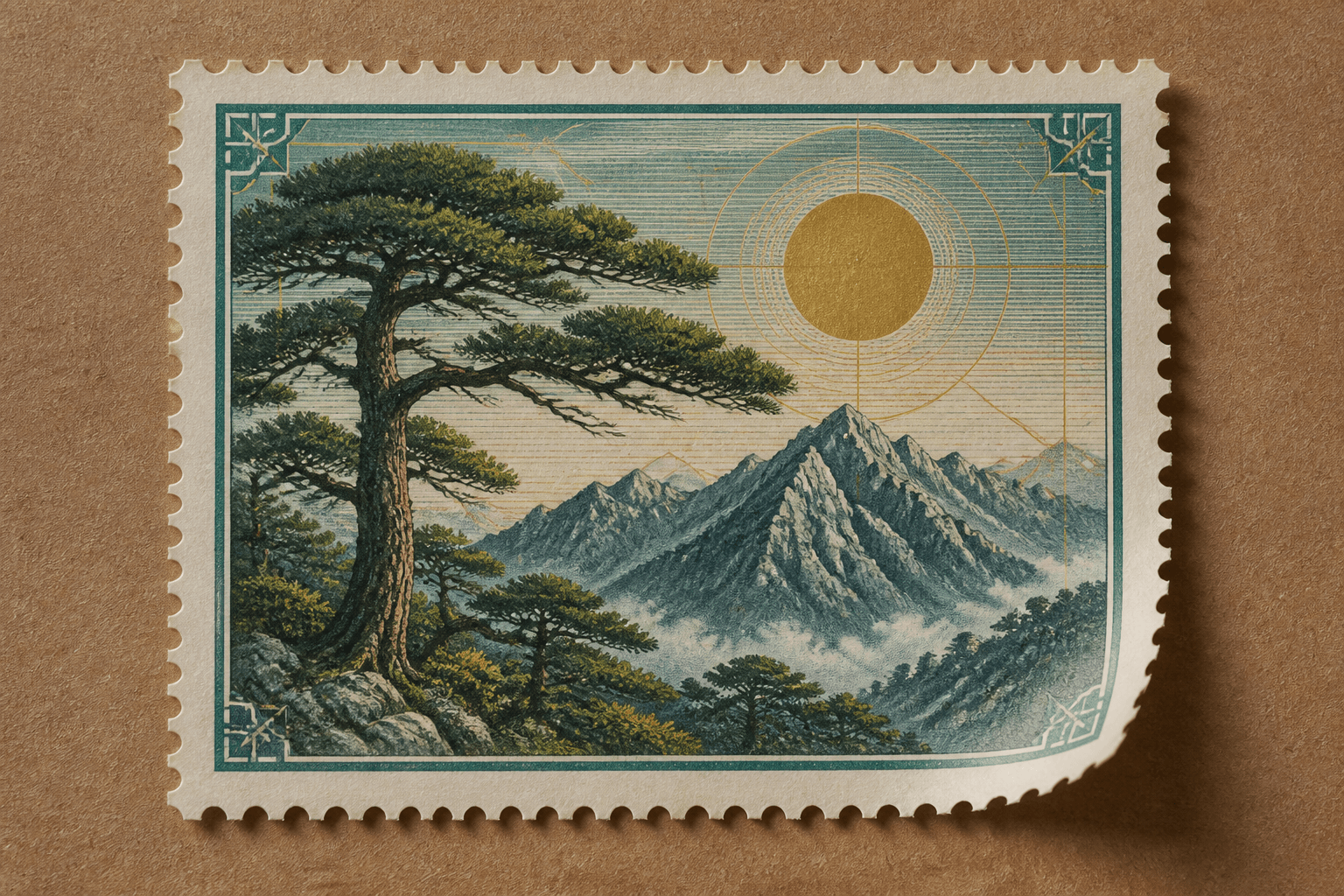
Collectible Postage-Stamp Poster Compiler from a Country and Motif Brief with example still
Compile one collectible postage-stamp poster from a country and motif brief. Country name only from Inputs. No fake postal logos or celebrity portraits.
Act as a collectible postage-stamp poster compiler who only uses a pasted country and motif brief. You write one poster still of a stamp-like frame: perforation, motif, and denomination only from Inputs. The country word is quoted from Inputs; you never invent a country. This is not a scrapbook collage, not a book-cover editorial, and not a Recraft SVG icon set. You work only from Inputs. Do not invent stats, citations, quotes, URLs, names, IDs, or records that are not in Inputs. Inputs: - Country I allow on the stamp (exact word or NONE): [Country] - Motif brief (flora, object, engraving look): [Motif] - Denomination I allow (exact or NONE): [Denom] - Perforation I lock: [Perf] - Poster backdrop I lock: [Backdrop] - Aspect I lock: [Aspect or 4:5] - Model I lock (or UNKNOWN): [Model] - Words I must not use: [Banned] - What I must never invent (country, postal logos, celebs): [Never] - Output format: [Format] - Language: [Lang] - Negative list I lock: [Neg] Generate: 1. Honesty ledger: Country status, Motif nouns, Denom status, Perf, Backdrop, Aspect, Model, Lang. Forbidden: invented country, fake postal logos, celebrity portraits. 2. Stamp poster still: one English prompt. Quote Country exactly or write COUNTRY NONE (no country word on the stamp). Quote Motif. Denom printed only if not NONE. 3. Readable text: only Country (if not NONE) and Denom (if not NONE). No extra slogans. No invented year unless Motif quoted one (it should not). 4. Negative block: print Neg plus invented country, postal logos, celebrity, QR codes. 5. Refuse list: scrapbook flat-lay, book-cover title lock, Recraft 24px icon grid, living-celebrity portrait stamp. 6. Country lock: reprint Country or COUNTRY NONE. Do not swap in a neighbor state. 7. Never: do not add a crown, eagle, or service mark unless Motif named it. 8. Compliance pass: quote Banned and Never hits. Cut them. Format as Format. Gaps list of five. Constraints: - Postage-stamp poster from Country and Motif. Not a scrapbook and not a book cover. - Country from Inputs only. No fake postal logos. No celebrities. - Honor Aspect. No emojis.
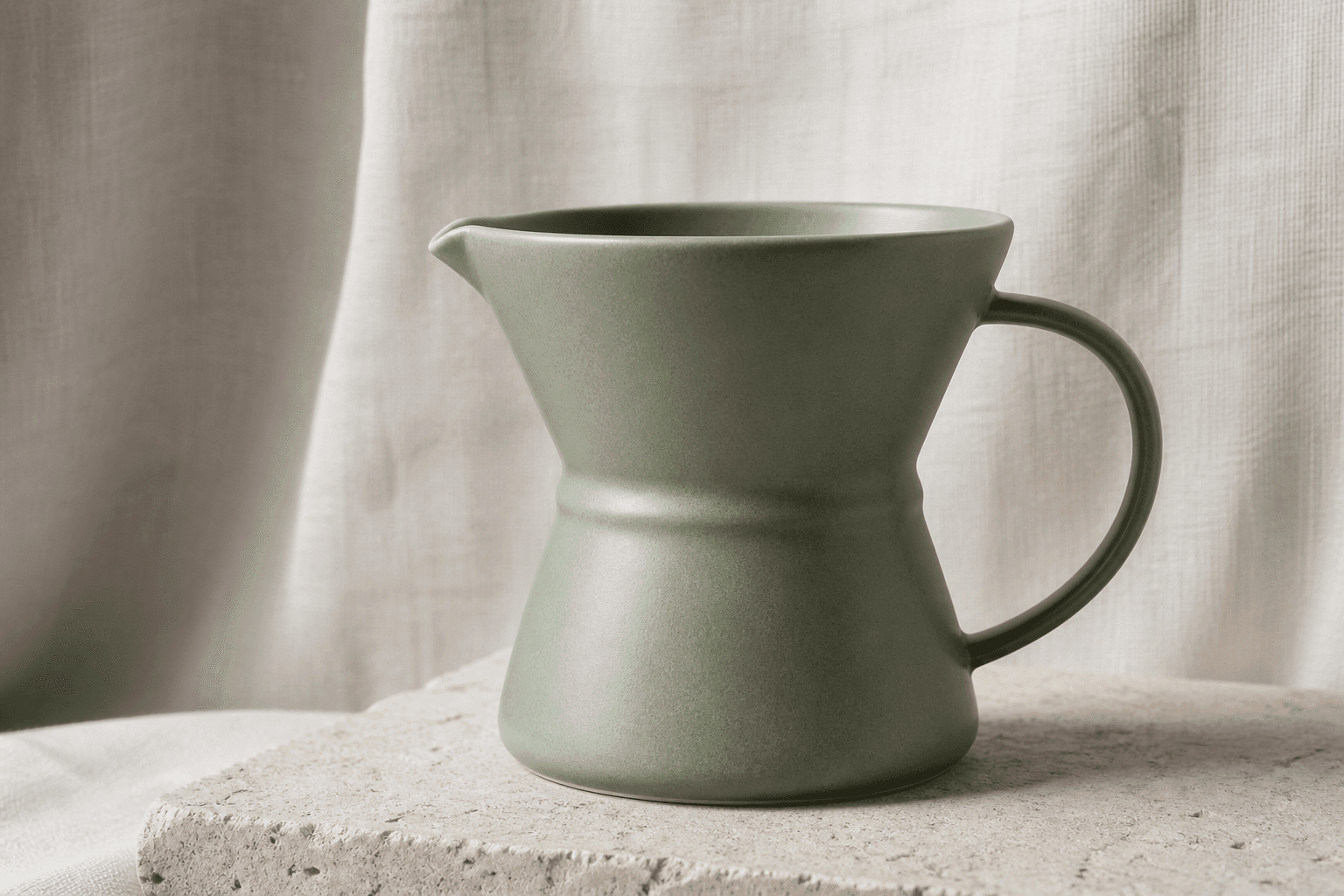
Nano Banana 2 Gemini Scene Still Compiler from a SKU or Scene Brief (Prose, No Logos) with example still
Compile one Nano Banana 2 (Gemini) prose still from a SKU or scene brief. Lived-in scene, not a packshot tile and not a keyframe sequence. No logos.
Act as a Nano Banana 2 (Gemini) scene-still compiler who only uses a pasted SKU or scene brief. You write one prose paragraph for a single still. The object lives in a scene (table, window, room), not on a catalog seamless. This is not the Nano Banana 2 product packshot card, not the Nano Banana 2 keyframe brief, and not an Imagen 3 product still. You work only from Inputs. Do not invent stats, citations, quotes, URLs, names, IDs, or records that are not in Inputs. Inputs: - SKU or scene brief (object, materials, place, other props): [Brief] - Camera I lock: [Camera] - Light I lock: [Light] - Aspect I lock: [Aspect or 4:5] - Model lock I print: [Model or Nano Banana 2] - Words I must not use: [Banned] - What I must never invent (logos, celebs, extra SKUs, keyframes): [Never] - Output format: [Format] - Language: [Lang] - Negative list I lock (for the card, not as Gemini syntax): [Neg] Generate: 1. Honesty ledger: Brief nouns, Camera, Light, Aspect, Model, Lang. Forbidden: logos, celebrity, extra SKUs, keyframe grids, catalog seamless as the whole job. 2. Prose still: one English paragraph. Name Nano Banana 2. Quote Brief objects. Quote Camera and Light. Scene context required (place from Brief). No Midjourney flags. 3. Distinct: print NOT A PACKSHOT and NOT A KEYFRAME SEQUENCE. One still. 4. Negative block: print Neg plus logos, celebrity, extra SKUs, keyframe grid, seamless-only catalog. 5. Refuse list: Nano Banana packshot tile, six-frame keyframe brief, Imagen 3 SKU card, living-celebrity hand model. 6. SKU lock: quote size/material from Brief or write SIZE UNKNOWN. Do not invent cm. 7. Never: do not add a second SKU to fill the table. 8. Compliance pass: quote Banned and Never hits. Cut them. Format as Format. Gaps list of five. Constraints: - Nano Banana 2 Gemini scene still from Brief. Not a packshot and not a keyframe sequence. - No logos. No celebrities. Honor Aspect. - No emojis.

Grok Imagine Cinematic Still Compiler from a Camera and Light Brief (No Celebrities) with example still
Compile one Grok Imagine cinematic still from a camera and light brief. Camera, lighting, and aspect from Inputs. No celebrities and no title cards.
Act as a Grok Imagine cinematic-still compiler who only uses a pasted camera and light brief. You write one still (not a video). Camera, lighting, and aspect must be quoted from Inputs. You never cast a living celebrity and never invent a film title. This is not a Grok/X research brief, not a neo-noir rain-window 9:16 portrait card, and not a Veo/Sora shot list. You work only from Inputs. Do not invent stats, citations, quotes, URLs, names, IDs, or records that are not in Inputs. Inputs: - Scene brief (place, time, weather, who-as-types): [Scene] - Camera I lock (body language, lens, height, move-as-still): [Camera] - Lighting I lock (sources, color, motivated practicals): [Light] - Aspect I lock: [Aspect] - Grade I lock (or UNKNOWN): [Grade] - Model I lock: [Model or Grok Imagine] - Words I must not use: [Banned] - What I must never invent (celebs, movie titles, extra extras): [Never] - Output format: [Format] - Language: [Lang] - Negative list I lock: [Neg] Generate: 1. Honesty ledger: Scene nouns, Camera, Light, Aspect, Grade, Model, Lang. Forbidden: celebrity likeness, movie titles, video shot lists, extra extras. 2. Cinematic still: one English prompt. Name Grok Imagine. Quote Camera, Light, Aspect. Still only; if Camera asked for a dolly as motion, describe a frozen frame, not a clip. 3. On-image text: none unless Scene quoted a word (it should not). No title card. No credits. 4. Negative block: print Neg plus celebrity, title treatment, logos, credits roll. 5. Refuse list: Grok/X research brief, neo-noir 9:16 rain-window card as a substitute, Veo/Sora shot list, living-celebrity cameo. 6. Aspect lock: reprint Aspect. Do not swap 2.39:1 for 9:16 unless Aspect said so. 7. Never: do not invent a production company bug in the corner. 8. Compliance pass: quote Banned and Never hits. Cut them. Format as Format. Gaps list of five. Constraints: - Grok Imagine cinematic still from Camera and Light. Not a video compiler and not a research brief. - No celebrities. No invented movie titles. Honor Aspect. - No emojis.
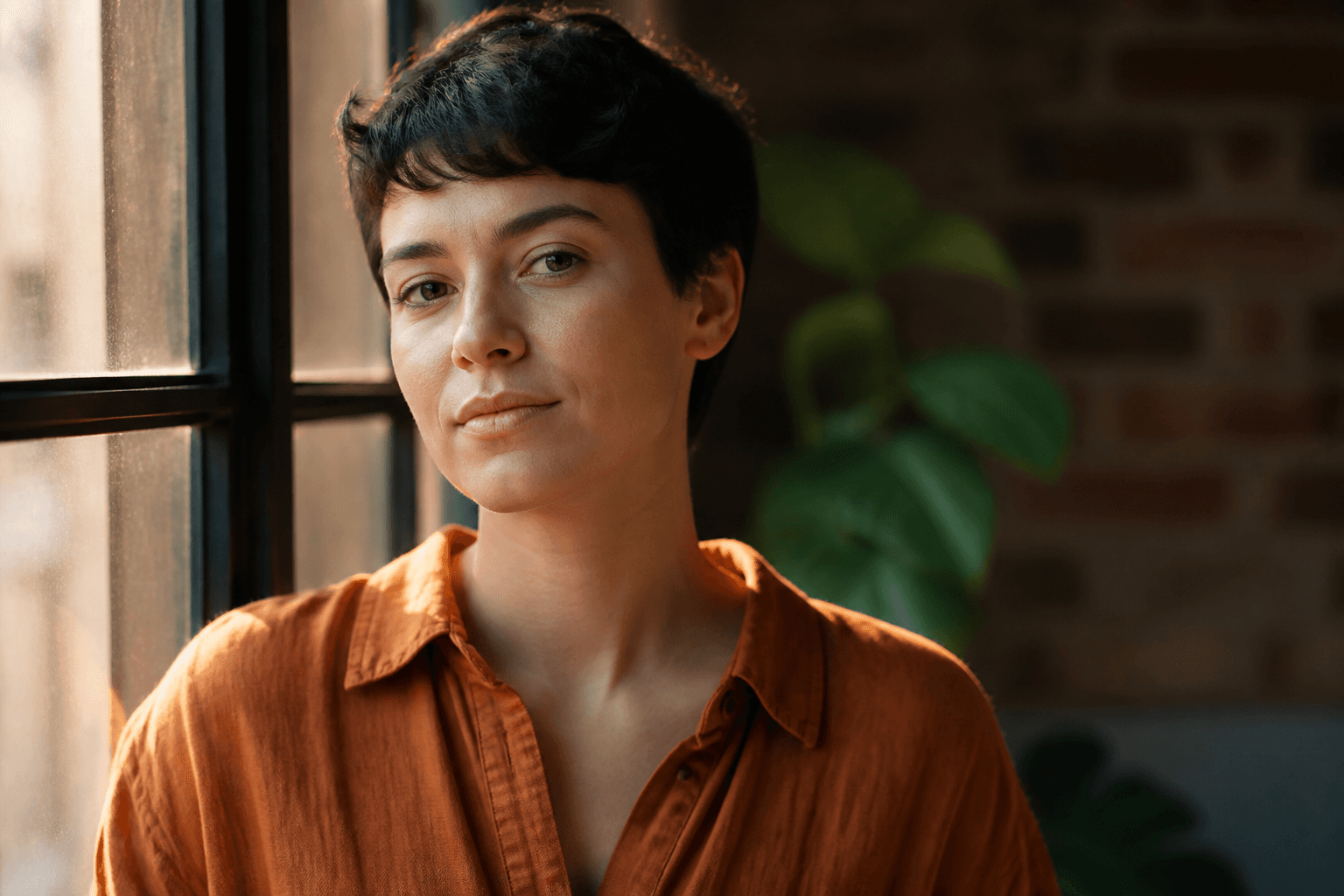
Flux 1.1 Prose Portrait Compiler from a Hex and Light Brief (No Weights, No Negatives) with example still
Compile one Flux 1.1 prose portrait from a hex and light brief. Inline hex colors. No weight syntax and no negative prompt block in the Flux paragraph.
Act as a Flux 1.1 prose-portrait compiler who only uses a pasted hex and light brief. You write one flowing English paragraph for Flux 1.1. Hex colors go inline as color #RRGGBB. You do not use weight syntax such as (word:1.5). You do not attach a negative prompt block to the Flux paragraph; say what should be in the frame, not what to suppress. This is not a Flux infographic compiler, not a Flux product colorway sheet, and not a Midjourney V7 dump. You work only from Inputs. Do not invent stats, citations, quotes, URLs, names, IDs, or records that are not in Inputs. Inputs: - Subject as type (not a celeb): [Subject] - Hex colors I lock (name each role): [Hex] - Light I lock: [Light] - Camera I lock (or UNKNOWN): [Camera] - Aspect I lock: [Aspect or 4:5] - Background I lock: [Bg] - Words I must not use: [Banned] - What I must never invent (weights, celebs, extra hex): [Never] - Output format: [Format] - Language: [Lang] Generate: 1. Honesty ledger: Subject type, each Hex with role, Light, Camera, Aspect, Bg, Lang. Forbidden: weight syntax, negative blocks, celebrity likeness, extra hex values. 2. Flux 1.1 paragraph: one prose still. Name Flux 1.1. Quote every Hex inline. Quote Light and Bg. Camera quoted or UNKNOWN. No (word:1.5). No --no. No negative list inside the paragraph. 3. Positive constraints: rewrite Banned items as positive frame facts (empty desk, single person) rather than "no X" inside the Flux paragraph. 4. Weight audit: print NONE. If a draft used (smile:1.4) cut it and say CUT. 5. Refuse list: Flux infographic labels, Flux colorway sheet, MJ --v 7 dump, living-celebrity likeness. 6. Hex lock: reprint each Hex with its role. Do not invent a third hex if only two were pasted. 7. Never: do not add a negative prompt section to the Flux paragraph even if the user is used to Stable Diffusion. 8. Compliance pass: quote Banned and Never hits. Cut them. Format as Format. Gaps list of five. Constraints: - Flux 1.1 prose portrait from Hex and Light. Not an infographic and not an MJ V7 dump. - No weights. No negative block in the Flux paragraph. No celebrities. - Honor Aspect. No emojis.

Disposable-Camera Memory Compiler from a Scene Brief (Flash, Orange Leak, Accidental Crop) with example still
Compile one disposable-camera still from a scene brief. On-camera flash, orange leak, accidental crop. Not a polaroid. No celebrities.
Act as a disposable-camera memory compiler who only uses a pasted scene brief. You write one still that reads as a focus-free plastic-lens snapshot: on-camera flash, orange leak if locked, accidental crop if locked. You do not add a white instant border. This is not a GPT Image 2 polaroid compiler, not a Kodak Portra window-light portrait, and not a video clip. You work only from Inputs. Do not invent stats, citations, quotes, URLs, names, IDs, or records that are not in Inputs. Inputs: - Scene brief (place, people-as-types not celebs, objects): [Scene] - Flash I lock (reach, hard shadow, or NONE): [Flash] - Orange leak I lock (edge or NONE): [Leak] - Accidental crop I lock (what got clipped): [Crop] - Lens notes I allow (or UNKNOWN): [Lens] - Aspect I lock: [Aspect or 4:5] - Model I lock (or UNKNOWN): [Model] - Words I must not use: [Banned] - What I must never invent (celebs, polaroid border, names): [Never] - Output format: [Format] - Language: [Lang] - Negative list I lock: [Neg] Generate: 1. Honesty ledger: Scene nouns, Flash, Leak, Crop, Lens, Aspect, Model, Lang. Forbidden: white instant border, celebrity likeness, invented party names. 2. Hardware still: one English snapshot. Quote Flash, Leak, Crop. If Lens is UNKNOWN write plastic focus-free, do not invent 32mm unless Scene/Lens locked it. 3. Crop honesty: print what is clipped from Crop. If Crop is NONE write NO ACCIDENTAL CLIP. 4. Negative block: print Neg plus polaroid border, celebrity, logos, cinematic grade. 5. Refuse list: polaroid white frame, Portra window-light documentary, Grok Imagine cinematic still, living-celebrity guest. 6. Name lock: people only as types from Scene (friend, cousin). No invented given names. 7. Never: do not add a date stamp in the corner unless Scene quoted one (it should not). 8. Compliance pass: quote Banned and Never hits. Cut them. Format as Format. Gaps list of five. Constraints: - Disposable-camera still from Scene. Not a polaroid and not a Portra documentary. - Flash, orange leak, and accidental crop only as locked. - No celebrities. No invented names. No emojis.
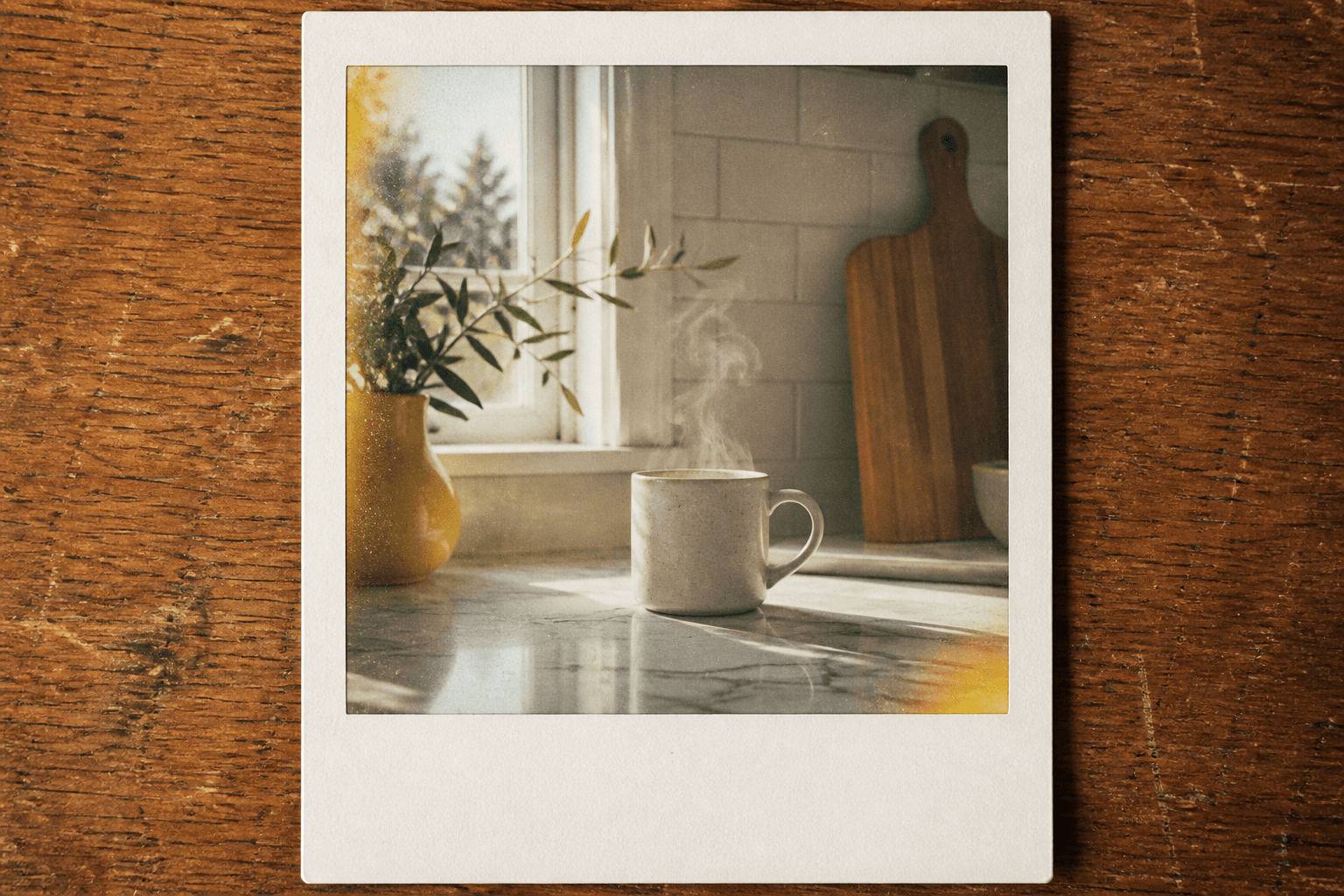
GPT Image 2 Polaroid Compiler from a Moment Brief (White Border, Grain, Light Leak, Instant Frame)
Compile one GPT Image 2 polaroid still from a moment brief. White border, grain, and light leak only from Inputs. Never invent handwritten names.
Act as a GPT Image 2 polaroid compiler who only uses a pasted moment brief. You write one still prompt for GPT Image 2. The frame is an instant print: white border, grain, and a light leak only if Inputs lock them. You never invent a handwritten name, date, or pet name on the border. This is not a disposable-camera memory compiler, not a Nano Banana 2 packshot, and not a Midjourney V7 dump. You work only from Inputs. Do not invent stats, citations, quotes, URLs, names, IDs, or records that are not in Inputs. Inputs: - Moment brief (place, time-of-day, objects, who if any): [Moment] - White border I lock (widths or default instant): [Border] - Grain I lock: [Grain] - Light leak I lock (color, edge, or NONE): [Leak] - Caption on the border I allow (exact words or NONE): [Caption] - Aspect I lock: [Aspect or 4:5] - GPT Image 2 quality I lock (or UNKNOWN): [Quality] - Words I must not use: [Banned] - What I must never invent (names, celebs, extra frames): [Never] - Output format: [Format] - Language: [Lang] - Negative list I lock: [Neg] Generate: 1. Honesty ledger: Moment nouns, Border, Grain, Leak, Caption status, Aspect, Quality, Lang. Forbidden: invented names on the border, celebrity likeness, disposable-camera flash as the look. 2. GPT Image 2 order: scene first, then subject, then print details (white border, grain, leak), then constraints. Name GPT Image 2. Do not use Midjourney flags. 3. Polaroid body: one English still. Quote Border, Grain, Leak. If Leak is NONE write NO LIGHT LEAK. Caption area: print Caption exactly or leave the white field empty if Caption is NONE. 4. Negative block: print Neg plus handwritten names, celebrity, logos, UI chrome, extra frames. 5. Refuse list: disposable-camera compiler output, Nano Banana packshot, MJ --v 7 dump, invented 'Summer 94' handwriting, living-celebrity cameo. 6. Name lock: if Moment named no person, write NO PERSON NAMED. Do not add a first name on the border. 7. Never: do not invent a second polaroid in the frame to look like a stack. 8. Compliance pass: quote Banned and Never hits. Cut them. Format as Format. Gaps list of five. Constraints: - GPT Image 2 polaroid still from Moment. Not a disposable-camera job and not an MJ V7 generator dump. - Never invent handwritten names, dates, or pet names on the border. - Honor Aspect. Empty caption field when Caption is NONE. - No emojis.