AI Prompts for Video Generation: 12 Text and Image Prompts
12 AI prompts for video generation: text-to-video and image-to-video prompts, consistency locks, camera moves, fixes for warped takes, and multi-clip plans.
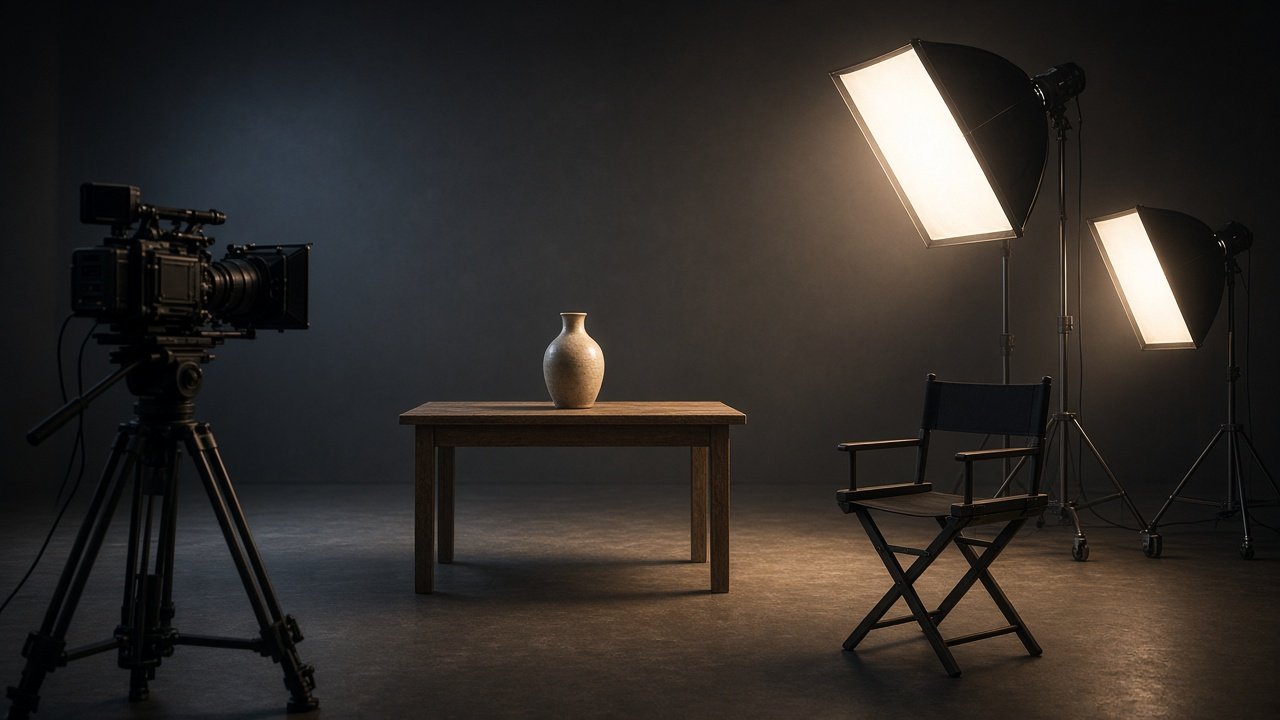
AI prompts for video generation work best when each prompt describes one subject, one action, one camera move, and the light, then repeats those details in every clip. Use the text-to-video prompts below when you start from words, the image-to-video prompts when you start from a still frame, and the fix prompts when a take warps or drifts. The 12 prompts work in any video tool that accepts text or image prompts, so fill in the clip length and aspect ratio your own tool shows.
Use current tools such as Veo 3.1, Gemini Omni Flash, or Runway Gen-4.5. Get written consent before showing any real person, and never present an AI clip as real footage.
Text-to-video prompts
1. One shot from a sentence
Rewrite this idea as a single text-to-video prompt: [idea]. Include the subject with colors and materials, the setting and time of day, one action, one camera move, the light direction, and a [seconds] second length. Keep it under 80 words.
2. Camera move menu
For a shot of [subject] in [setting], give me five versions of the same prompt that differ only in the camera move: locked off, slow push in, slow pan, orbit, and crane up. Say which one suits a calm mood and which suits energy.
3. Mood and light variants
Keep this prompt [paste] the same except for the light. Write three variants: golden hour, overcast daylight, and night with practical lamps, and tell me what else in the prompt has to change so the scene stays believable.
Image-to-video prompts
4. Start frame first
I want to animate [concept]. Write an image prompt for the start frame: framing, where the subject sits, light, and depth of field. Then write the motion prompt that animates it in [seconds] seconds with one action and one camera move.
5. Motion prompt for my own image
Here is a description of my image [describe]. Write a motion prompt that keeps everything in it unchanged except [what moves]. List the parts that must stay still and the pacing second by second.
6. Product turntable from a photo
From this photo description of my product [describe], write an image-to-video prompt for a slow [degrees] degree turn on a plain [color] background with soft light, no hands, no text, and no change to the product's shape or color.
Keep clips consistent
7. Consistency lock
From these notes [paste], write one consistency block for my subject, wardrobe or materials, colors, setting, light direction, and lens feel that I can paste unchanged into every clip prompt.
8. Multi-clip sequence
Plan [number] clips of [seconds] seconds for [concept]. For each clip, give the action, the camera move, the first and last frame, and how the last frame leads into the next clip. Check that clips times seconds equals [total] seconds.
Fix bad takes
9. Diagnose a failed take
My prompt was [paste] and the result had [problem: warped hands, morphing object, flicker, wrong count]. Explain the likely cause in the prompt and rewrite it with one change at a time I can test.
10. Avoid list builder
For a video of [subject] in [setting], list the failures I should check for in each take and write an avoid line I can add to the prompt, including no text, no logos, and no real people.
Plan the whole video
11. Shot list from a script
Turn this script [paste] into a shot list for AI video generation: shot number, seconds, framing, action, camera move, and whether to use text-to-video or a start frame. Flag any shot with more than one action.
12. Edit plan for generated clips
I generated these clips [list with lengths]. Suggest an order, where to trim, where a crossfade or hard cut works, and the total length after trims, for a [platform] video of [target seconds] seconds.
Plan a start frame and motion in one prompt
The flagship Video Generation Prompt: Start Frame, Motion, and Clip Plan takes your concept, video tool settings, subject, setting, camera style, and clip plan, and returns a consistency lock, a start frame image prompt, motion prompts, text-to-video fallbacks, a timing check, and a test plan. Its example plans a 24 second pottery studio loop from three 8 second clips.
Use AI video generation responsibly
Only animate people who are fictional or who gave consent, and keep logos, brand names, and copyrighted characters out of prompts. Clip lengths and settings differ by tool and plan, so use the options your tool shows rather than numbers from a guide.
Related prompts
For film-style shots, use the cinematic AI video prompt, and for believable motion and light, the realistic AI video prompt. Tool-specific options include the AI prompts for cinematic video and the AI prompts for realistic video. For vertical clips, see AI video prompts for YouTube Shorts.
Find more in the Video category, look through Browse, or post your own on Share.