AI Prompt for Cinematic Video: 10 Film-Style Shot Prompts
10 AI prompts for cinematic video: establishing shots, slow push-ins, tracking shots, night scenes, and color grades, written in film language you can copy.
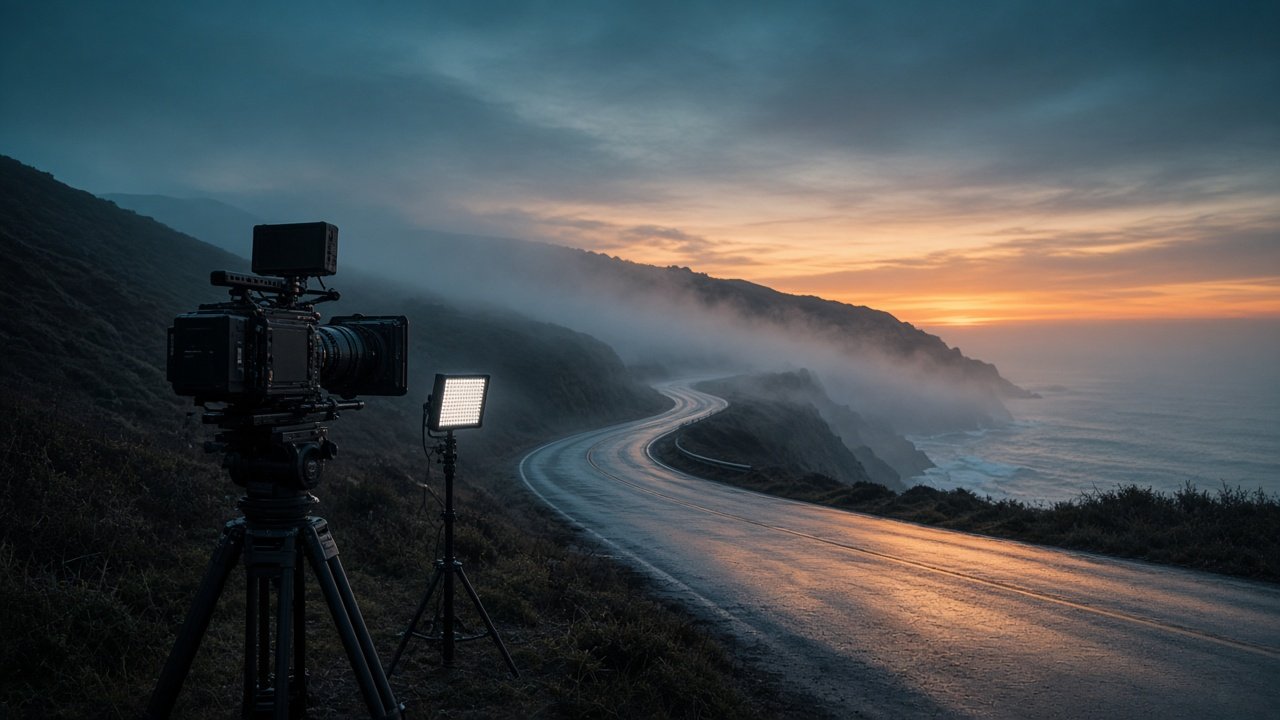
An AI prompt for cinematic video describes a shot the way a cinematographer would: shot size, lens feel, camera move, light direction, color grade, and one clear action. Write one prompt per shot, keep the subject description identical across shots, and paste the same look paragraph into each one so the clips match when you edit them together. The 10 prompts below are film-style shots you can copy into most text-to-video tools and change with your own scene.
These prompts work with current tools such as Veo 3.1, Gemini Omni Flash, and Runway Gen-4.5. Get written consent before showing any real person, and never present AI clips as real footage of actual events.
Opening and establishing shots
1. Slow aerial reveal without a drone look
Wide establishing shot, 24mm lens feel, camera slowly rises over [foreground object] to reveal [location] at [time of day]. Soft haze, [color grade]. Quiet mood. No text, no logos.
2. Locked-off wide at blue hour
Wide shot, locked-off camera. [Subject] sits small on the right of the frame at [location], blue hour just after sunset, light fog, cool blue shadows with one warm light source. Only [water, fog, or smoke] moves.
Character moments
3. Slow push-in on a decision
Medium close-up, 50mm lens feel, very slow push-in. [Subject description] looks down at [object], then up past the camera. Soft key light from the left, dark background, film grain.
4. Hands close-up
Close-up, 85mm lens feel, shallow depth of field. The hands of [subject] [action, for example tying a knot or striking a match]. Warm practical light, background blurred. Natural finger movement.
5. Over-the-shoulder look
Over-the-shoulder shot from behind [subject] looking at [what they see], 35mm lens feel, locked-off. Background sharp, shoulder soft in the foreground. [Mood] tone.
Movement shots
6. Side tracking shot
Tracking shot moving left to right beside [subject] walking through [location], 35mm lens feel, steady camera at shoulder height, [time of day] light from behind. Background passes at an even speed.
7. Dolly out to reveal
Close-up of [object] that slowly dollies back to reveal [subject] and [location] around it, 35mm lens feel, smooth and continuous, [color grade].
Light and atmosphere
8. Rainy night street
Medium wide shot of [subject] under a single streetlight on a rainy night street, wet ground reflecting the light, rain visible in the beam, camera still, cool shadows with warm light. No readable signs.
9. Golden hour silhouette
Wide shot, low angle, [subject] in silhouette against a low golden hour sun at [location], lens flare kept subtle, slow camera drift to the right. Warm, hopeful mood.
10. Your look paragraph
[Time of day and weather]. Key light from the [left or right], [color grade, for example cool blue shadows and warm highlights], [film texture, for example soft grain], [contrast]. Paste this sentence at the end of every shot prompt.
Plan a full cinematic scene in one run
The flagship Cinematic AI Video Prompt: Scene Brief to Film-Style Shots turns your scene beats into a shot list with lens and camera moves, a look sheet, one prompt per shot, motion notes, a continuity check, sound lines, and one-change fixes. Its example builds three shots of an old fisherman lighting a lantern on a foggy harbor wall.
Tips that make video look cinematic
Give each shot one main action and one camera move. Name the light direction and keep it the same in every shot. Use film words such as wide, close-up, push-in, and locked-off instead of "epic" or "beautiful". Check your tool's own guide for clip length and aspect ratio, and leave out real people, film titles, and logos.
Related prompts
For physical realism, read AI prompts for realistic video and use the realistic AI video prompt for camera, light, and physics. For tool-specific shot lists, see the realistic AI video prompt for camera, light, and physics and Runway prompts examples. For vertical clips, read the AI video prompt for YouTube Shorts.
Find more in the Video category, look through Browse, or post your own on Share.