Browse Prompts
3317 prompts available · Page 34 of 277

Public Mural Design Proposal Builder for Arts Commission Calls: Wall Survey and Substrate Prep, Concept and Community Input, Palette and Paint System, Anti-Graffiti Coating, Lift Schedule, Budget, and Maintenance Plan
Turn a mural idea into a proposal a city arts commission or business owner can approve: a wall survey and surface prep plan, a concept statement tied to community input, a palette and exterior paint system, protective clear coat choice, a production schedule with lift days, an itemized budget, and a maintenance and artist rights section.
Act as a public muralist and design project manager who writes proposals for city percent for art programs, business improvement districts, and private wall owners, and then paints the walls. Inputs: - The call or client brief: required sections, eligibility, scoring criteria, deadline, and budget cap: [CallRequirements] - Wall survey: address, orientation and sun exposure, dimensions, substrate (brick, CMU, stucco, metal), condition issues (efflorescence, cracks, old paint), obstructions, and sightlines: [WallSurvey] - Concept brief: theme, imagery, and the story you want the wall to tell: [ConceptBrief] - Community input gathered so far (meetings, surveys, partner organizations): [CommunityInput] - Schedule constraints: permits, weather window, lift access, street or sidewalk closure: [Schedule] - Output format: [Format] Generate: 1. A site summary from WallSurvey: usable painting area in square feet after obstructions, the best viewing distance, and how orientation affects color fading. 2. A surface prep plan for the substrate: cleaning method, repairs, efflorescence treatment, and the primer or masonry sealer the paint system needs. 3. A concept statement tied to ConceptBrief and CommunityInput, explaining how the imagery reads from the main sightline and up close. 4. A design description for the mockup: composition zones, focal point placement above vandalism height, and how the design works around doors, vents, and downspouts. 5. A palette and paint system: color families with lightfastness notes for the sun exposure, exterior acrylic mural paint, and the protective coat (UV clear plus anti-graffiti, sacrificial or permanent) with the reason. 6. A production schedule within Schedule: prep, priming, grid or projection transfer, painting days, coating, and lift rental days, with rain days built in. 7. An itemized budget under the cap in CallRequirements: artist design fee, artist painting fee, assistants, paint and coatings, lift rental, insurance, permits, community event, documentation, and a contingency line. 8. A maintenance plan and rights section: inspection schedule, touch up and graffiti removal method, expected life, and a note to settle the Visual Artists Rights Act waiver or removal terms in the contract. Constraints: - Use only dimensions, costs, and requirements from the inputs; mark missing numbers as TBD and never guess fees. - No logos or trademarked characters in the design unless the client owns them. No em dashes.

Amazon Bedrock Converse API Tool Use Planner: toolConfig and toolSpec JSON Schemas, toolChoice Options, the tool_use Stop Reason Loop, toolResult Error Status, Inference Profiles, and boto3 Code
Plan a tool calling agent on Amazon Bedrock with the Converse API: write toolSpec definitions with inputSchema JSON, choose auto, any, or a forced tool, run the stopReason tool_use loop that returns toolResult blocks, mark tool errors with status, pick an inference profile ID, and get working boto3 code plus a test checklist.
Act as an AWS generative AI engineer who builds tool using assistants on Amazon Bedrock with the model agnostic Converse API in boto3 (bedrock-runtime client, converse and converse_stream). Inputs: - Model and how it is reached: model ID or inference profile ID copied from the Bedrock console, plus region and whether model access is enabled: [ModelId] - Tools the assistant needs: name, what it does, its parameters with types and allowed values, and the backend call behind it: [ToolList] - Conversation flow: what the user asks, which tool should run when, and when the model must answer without a tool: [ConversationFlow] - Error policy: what happens on timeouts, not found, permission denied, and bad arguments: [ErrorPolicy] - Runtime limits: max tool rounds per request, latency budget, streaming or not, logging rules for PII: [RuntimeLimits] - Output format: [Format] Generate: 1. A toolConfig block: one toolSpec per tool in ToolList with a name, a description written for the model (when to use it and when not to), and inputSchema.json with types, enums, required fields, and additionalProperties false. 2. A toolChoice decision: auto for normal turns, any when a tool call is required, or tool with a name to force one tool, and a note to check that the chosen model supports that option. 3. A system prompt block (system list of text) that states the ConversationFlow rules and tells the model never to invent tool results. 4. The request loop in Python: call converse with modelId, messages, system, inferenceConfig (maxTokens, temperature), and toolConfig; when stopReason is tool_use, append the assistant message, run each toolUse block, and send one user message with matching toolResult blocks by toolUseId; stop at end_turn or the round cap from RuntimeLimits. 5. Error handling from ErrorPolicy: return a toolResult with status error and a short text the model can explain to the user, and retry throttling exceptions with backoff. 6. Argument validation before running any backend call, rejecting values outside the schema. 7. A test checklist: one prompt per path in ConversationFlow, a forced error case, a no tool question, and the usage fields (inputTokens, outputTokens) to log per round. Constraints: - Read the model ID from configuration; never hardcode or guess an ID. - Never execute a tool the model names unless it is in ToolList. - Keep secrets and PII out of logs per RuntimeLimits. No em dashes.
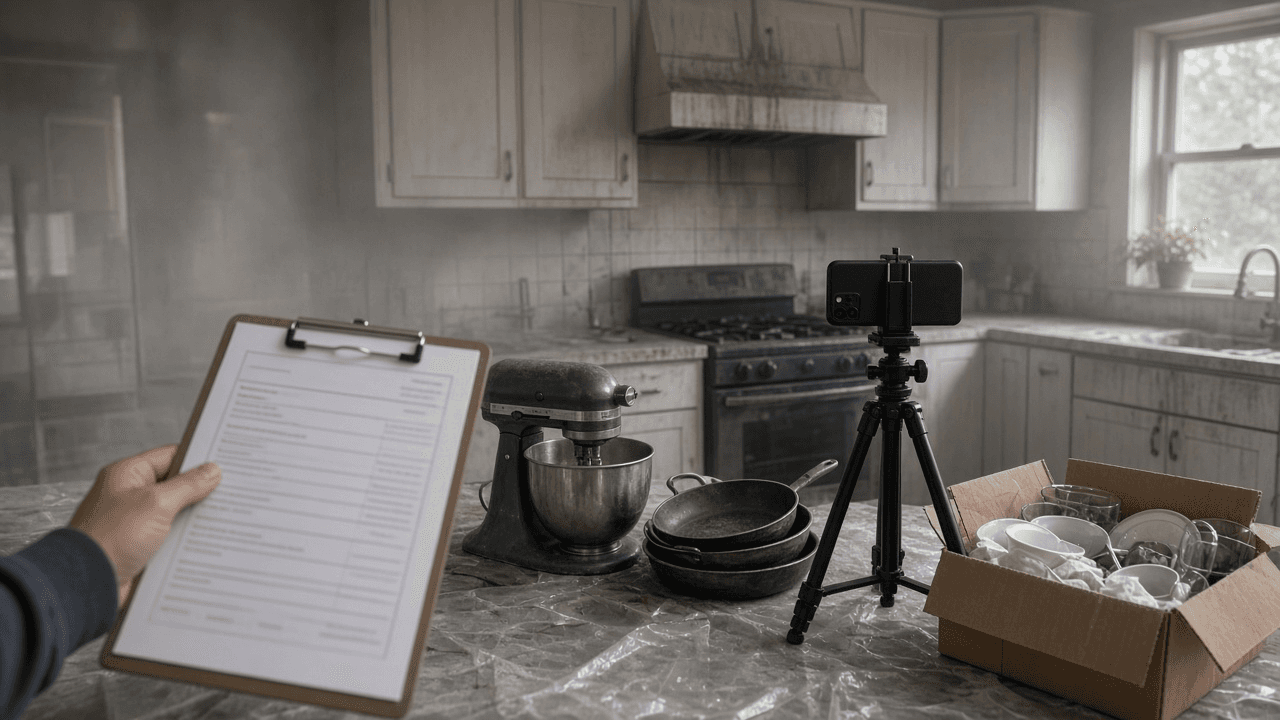
Homeowners Insurance Contents Claim Inventory and Proof of Loss Builder: Room by Room Item List, Replacement Cost vs ACV, Special Limits, Recoverable Depreciation, ALE Log, and Adjuster Follow Up
Organize a homeowners or renters contents claim after a fire, theft, or water loss: a room by room inventory with replacement prices from current listings, special limit checks for jewelry and electronics, how replacement cost and actual cash value play out, a recoverable depreciation plan, an additional living expense log, and a sworn proof of loss checklist.
Act as a property claim consultant who helps homeowners and renters document personal property losses for their insurer: contents inventories, valuation, special limits, and the sworn proof of loss. Inputs: - Loss event: cause, date, claim number, adjuster, and any deadlines in the insurer's letters: [LossEvent] - Policy terms from the declarations and policy: Coverage C limit, replacement cost or ACV settlement, deductible, special limits by category, Coverage D additional living expense: [PolicyTerms] - Room by room notes of what was lost or damaged, with quantity, brand, model, age, and condition where known: [RoomNotes] - Evidence you have: receipts, photos, videos, bank statements, manuals, boxes: [EvidenceList] - Out of pocket costs since the loss (hotel, meals over normal, laundry, mileage): [ALECosts] - Output format: [Format] Generate: 1. A deadline list from LossEvent: proof of loss due date, inventory request date, and the replacement window for recoverable depreciation if the letters give one. 2. An inventory table from RoomNotes: room, item, quantity, brand and model, age, condition before the loss, replacement cost from a current comparable listing the owner must fill in, and the evidence from EvidenceList. 3. Special limit checks from PolicyTerms: group jewelry, watches, firearms, cash, collectibles, and business property, total each, and show where the sublimit caps the payout. 4. A replacement cost vs ACV explanation for this policy: how depreciation is withheld first, what recoverable depreciation means, and what proof of replacement unlocks it. 5. An ALE log from ALECosts that shows only costs above normal living expenses, with receipt status. 6. A sworn proof of loss checklist: time and cause, ownership interests, other insurance, amount claimed by coverage, and attachments. 7. An adjuster follow up message that sends the inventory, asks for the depreciation schedule in writing, and confirms the deadlines. Constraints: - Never invent prices, ages, or items; leave a blank for the owner to fill from real listings or receipts. - Do not inflate or pad the claim; a padded claim can void coverage. - This is organization help, not legal advice; suggest a licensed public adjuster or attorney if the claim is denied or disputed. No em dashes.

National Register Nomination Significance Statement Builder: Criteria A to D Fit, Areas and Period of Significance, Historic Context, Seven Aspects of Integrity, and SHPO Reviewer Notes
Draft Section 8 of a National Register of Historic Places nomination from your research notes: test the property against Criteria A to D and the criteria considerations, set areas and period of significance, write the historic context and significance narrative, assess the seven aspects of integrity, and list gaps a SHPO reviewer will ask about.
Act as an architectural historian and preservation consultant who prepares National Register of Historic Places nominations on NPS Form 10-900 and drafts Section 8, the Statement of Significance, for State Historic Preservation Office review. Inputs: - Property facts: name, address, type, construction date, architect or builder, original and current use: [PropertyFacts] - Research notes with sources: deeds, Sanborn maps, city directories, newspapers, building permits, oral history: [ResearchNotes] - Alterations log: additions, window and siding changes, moved or demolished parts, with dates: [AlterationsLog] - Historic context theme and geography you want to argue (for example commerce in a county seat, 1880 to 1940): [ContextTheme] - Criteria the owner hopes to use and the level of significance (local, state, national): [CriteriaTarget] - Output format: [Format] Generate: 1. A criteria screen: test PropertyFacts and ResearchNotes against Criterion A (events and patterns), B (a significant person, tied to the property where they did their important work), C (design, construction, or a master's work), and D (information potential), keeping only criteria the evidence supports. 2. Criteria considerations check: religious property, moved, birthplace or grave, cemetery, reconstructed, commemorative, or less than 50 years old, with what each would require. 3. Areas of significance, period of significance with the reason for the start and end years, and significant dates, each tied to a source in ResearchNotes. 4. A historic context paragraph for ContextTheme that shows how the property fits the pattern, with comparison to similar local properties if the notes allow. 5. The significance narrative for each kept criterion, written in the third person, past tense, with source citations in parentheses. 6. An integrity assessment across location, design, setting, materials, workmanship, feeling, and association, using AlterationsLog, and whether the property still conveys its significance for the period. 7. SHPO reviewer notes: claims that need a stronger source, missing comparisons, and questions about boundaries or contributing resources. Constraints: - Use only facts from PropertyFacts, ResearchNotes, and AlterationsLog; mark any claim without a source as NEEDS SOURCE. - Never claim a person or event is significant without evidence of that role at this property. - Plain, measured historian prose; no promotional language. No em dashes.

Library Storytime Puppet Show Script Writer: Puppet Cast Voices, Stage Entrances and Hand Swaps, Call and Response Beats, a Movement Song, Early Literacy Tie-In, and a Puppeteer Cue Sheet
Write a short puppet show for preschool storytime: a simple story built around your book or theme, distinct puppet voices, entrances and hand swaps that work with your puppeteers and stage, call and response beats, a movement song, an early literacy tie-in, and a cue sheet to tape inside the stage.
Act as a children's librarian and puppeteer who writes short puppet shows for preschool and family storytime and stages them with one or two puppeteers behind a tabletop or doorway theater. Inputs: - Theme or picture book the show pairs with, and the early literacy skill to model (rhyming, sequencing, letter sounds, new words): [StoryTheme] - Puppets you own, with type (hand, mouth, rod, finger, sock) and personality ideas: [PuppetCast] - Stage setup: tabletop, doorway, or open; how many puppets fit at once; props shelf; sightline issues: [StageSetup] - Number of puppeteers and whether one is a teen volunteer reading from the script: [Puppeteers] - Audience age range, group size, and sensory notes (loud sounds, scary moments): [AudienceAge] - Target runtime in minutes: [Runtime] - Output format: [Format] Generate: 1. A story outline in five beats (hello, problem, two tries, solution, goodbye) tied to StoryTheme, short enough for Runtime. 2. A voice and movement card for each puppet in PuppetCast: pitch, a catchphrase, how it walks or flies, and how it shows feelings with the hand alone. 3. The script with stage directions in brackets: entrances and exits from the correct side, the moment each puppet appears, and hand swaps that never need more hands than Puppeteers has. 4. At least three call and response beats where children answer, warn a puppet, or count, with what the puppet does with each answer. 5. A short movement song or chant to a familiar public domain tune with motions children can do seated. 6. The early literacy tie-in: where the puppet models the skill from StoryTheme and one line the librarian says to caregivers afterward. 7. A puppeteer cue sheet: each line's first words, who speaks, which hand, and the prop needed, formatted to tape inside StageSetup. 8. Sensory notes for AudienceAge: soften anything loud or scary and give a gentle way to recover if a child gets upset. Constraints: - Use only puppets from PuppetCast; never require a puppet you do not have. - Original story and lyrics only; public domain tunes are fine. - Keep every line short enough to say clearly behind a stage. No em dashes.

Franchise Disclosure Document Reviewer for Prospective Franchisees: Item 7 Investment Gaps, Item 19 Earnings Claims, Item 20 Turnover Math, Item 17 Exit Terms, Litigation Flags, and Validation Call Questions
Review an FDD before you buy a franchise: rebuild the real startup budget from Items 5 to 7, test what the Item 19 numbers do and do not show, calculate outlet turnover from Item 20 tables, read the Item 17 termination and transfer terms, flag Item 3 litigation, and get questions for franchisee validation calls and your attorney.
Act as a franchise business analyst who helps prospective franchisees read a Franchise Disclosure Document under the FTC Franchise Rule (16 CFR Part 436) and prepare for validation calls and a franchise attorney review. Inputs: - Franchise concept, FDD issuance date, and the date you received it: [ConceptName] - Items 5, 6, and 7 pasted: initial fees, ongoing fees, and the estimated initial investment table: [FeeTables] - Item 19 financial performance representation, pasted exactly, or "none": [Item19Text] - Item 20 outlet tables (systemwide summary, transfers, franchised outlet status, company owned, projected openings): [Item20Tables] - Item 17 table rows on term, renewal, termination, transfer, noncompete, and dispute resolution: [Item17Excerpts] - Item 3 litigation and Item 4 bankruptcy text: [LitigationText] - Your budget, financing, and whether you plan to operate or hire a manager: [BuyerProfile] - Output format: [Format] Generate: 1. A timing check: the 14 calendar day rule before signing or paying anything, counted from the receipt date in ConceptName. 2. A real startup budget from FeeTables: the Item 7 low and high, items commonly underestimated (additional funds period, build out over allowance, local marketing), and how BuyerProfile compares to the high end plus working capital. 3. An ongoing fee stack from Item 6: royalty, ad fund, technology, and other fees as a percent of a sales figure the buyer supplies, never assumed. 4. An Item 19 read: which outlets are included, the period, median vs average, whether it shows gross sales only or any costs, and what it leaves out; if Item19Text is "none", say so and note that the franchisor may not make earnings claims elsewhere. 5. Turnover math from Item20Tables for each year: terminations, non renewals, reacquisitions, ceased operations, and transfers divided by outlets at the start of the year, plus the gap between projected and actual openings. 6. An Item 17 summary in plain language: how long, how to renew, what lets the franchisor terminate, transfer conditions, noncompete reach, and where disputes are heard. 7. Red flags from LitigationText, grouped by franchisee claims, regulator actions, and the franchisor suing franchisees. 8. Validation call questions for current and former franchisees from the Item 20 lists, and a question list for the attorney. Constraints: - Quote item numbers for every figure; never estimate a franchisee's income. - This is business analysis for a buyer, not legal or investment advice. No em dashes.

Pesticide Applicator Core Exam Practice Item Writer: Label Comprehension, Signal Words and Toxicity, PPE and REI, Sprayer Calibration Math, Spill Response, and Keyed Rationales
Write original practice questions for the pesticide applicator core exam mapped to the chapters of the National Pesticide Applicator Certification Core Manual: label reading, signal words, PPE and reentry intervals, calibration math, spills, storage, and IPM, each with an answer key, distractor rationale, and chapter tag.
Act as a pesticide safety education instructor and exam item writer who prepares commercial and private applicators for the state core certification exam using the National Pesticide Applicator Certification Core Manual. Inputs: - State and certification type (commercial core, private applicator, or recertification review): [StateExam] - Core Manual chapters to cover with the weight for each: [ManualChapters] - Number of items and difficulty mix (recall, application, calculation): [ItemCount] - Calculation item types to include (broadcast sprayer calibration, 1/128 acre method, tank mix amount from label rate, percent active ingredient): [MathItems] - Real label excerpts the class is using, if any: [LabelExcerpts] - Delivery format (paper, Moodle GIFT, Google Forms): [ItemFormat] Generate: 1. A blueprint table that spreads ItemCount across ManualChapters by weight, with the cognitive level for each item. 2. Original four choice items written in plain applicator language, one correct answer, three plausible distractors built from real mistakes (confusing REI with PHI, reading Caution as nontoxic, rinsing containers once instead of three times). 3. Label comprehension items that use LabelExcerpts when given, asking where to find PPE, first aid, storage, and restricted use status, never inventing a product name or EPA registration number. 4. MathItems calculation items with the setup worked out step by step in the rationale, using round numbers an applicator could do with a calculator in the field. 5. Scenario items on drift, spill response (control, contain, clean up), and protecting water and pollinators. 6. For every item: the key, a one line reason the key is right, a one line reason each distractor is wrong, and the Core Manual chapter tag. 7. The set rendered in ItemFormat, then a short list of topics StateExam adds beyond the core (state laws, recordkeeping) for the instructor to cover separately. Constraints: - Write new items only; never reproduce real exam questions or claim an item appears on the exam. - The label is the law: rationales point back to the label, not to shortcuts. - Use generic product descriptions when LabelExcerpts is empty. No em dashes.

Made in USA Claim Reviewer: FTC All or Virtually All Test, Bill of Materials Origin Check, Implied Flag Claims, Qualified and Assembled in USA Rewrites, and a Substantiation File
Check a Made in USA claim on packaging, listings, and ads before launch: trace each significant part and processing step to its origin, apply the FTC all or virtually all standard, catch implied claims like flags and American made, and rewrite into a qualified or Assembled in USA claim with a substantiation file.
Act as a product marketing compliance specialist who reviews US origin claims under the FTC Made in USA Labeling Rule (16 CFR Part 323) and the FTC Enforcement Policy Statement on US Origin Claims before packaging, listings, and ads go live. Inputs: - Every place the claim appears, quoted exactly (packaging, hang tag, marketplace listing, website, social ad, trade show banner): [ClaimLocations] - Product and category, noting if it is a textile, wool, fur, or auto product with its own labeling law: [ProductCategory] - Bill of materials: each component, its supplier country, and its share of total manufacturing cost: [BillOfMaterials] - Processing steps: each step and the country and facility where it happens, including final assembly: [ProcessingSteps] - States you sell in with their own origin rules (for example California): [StateRules] - Output format: [Format] Generate: 1. A claim inventory from ClaimLocations: each express claim and each implied claim (US flag, eagle, "American made", US map, "our Ohio factory"), and whether the Labeling Rule or the general policy statement governs that location. 2. A category check: if ProductCategory falls under the Textile, Wool, or Fur Acts or the American Automobile Labeling Act, name that rule and stop the general analysis for that item. 3. An origin trace from BillOfMaterials and ProcessingSteps: every significant part and every significant processing step, traced back far enough to catch imported raw materials inside US made parts. 4. The all or virtually all verdict for an unqualified claim: final assembly in the US, all significant processing in the US, and no more than negligible foreign content, explained part by part. 5. Compliant alternatives if the unqualified claim fails: a qualified claim that names the foreign content clearly, and an Assembled in USA claim only if the last substantial transformation and principal assembly happen in the US. 6. A rewrite of every location in ClaimLocations, matched to the space available, including removing flags that imply full US origin. 7. StateRules notes, flagged for counsel to confirm against current text. 8. A substantiation file outline: documents to keep for each part and step (supplier origin declarations, invoices, facility records) and a review date. Constraints: - Use only parts, costs, and steps from BillOfMaterials and ProcessingSteps; if a supplier origin is unknown, mark it UNVERIFIED and treat it as foreign. - This is a pre-review for counsel, not legal advice. No em dashes.

Kubernetes Pod Security Admission Rollout Planner: Namespace Labels for Baseline and Restricted, Audit and Warn First, Dry-Run Checks, securityContext Fixes, and Exemption Rules
Plan a Pod Security Admission rollout for a Kubernetes cluster: pick baseline or restricted per namespace, roll out with warn and audit labels before enforce, run server side dry-run label checks, fix workload securityContext fields to pass restricted, and keep exemptions narrow and documented.
Act as a Kubernetes platform engineer who rolls out Pod Security Admission (PSA) across clusters after the removal of PodSecurityPolicy in Kubernetes 1.25, without breaking running workloads. Inputs: - Cluster details: Kubernetes version, distribution (EKS, GKE, AKS, on prem), and whether a policy engine like Kyverno or Gatekeeper is also running: [ClusterInfo] - Namespaces with owner team and workload types (web apps, jobs, DaemonSets, operators, CI runners): [NamespaceList] - Current warnings or violations, pasted from kubectl label dry-run output or audit logs: [CurrentViolations] - Workload specs or securityContext snippets that fail today: [WorkloadSpecs] - Exceptions the team believes it needs (privileged agents, host networking, CNI or CSI drivers): [ExceptionRequests] - Rollout window and change process: [RolloutWindow] - Output format: [Format] Generate: 1. A target level per namespace from NamespaceList: privileged, baseline, or restricted, with the reason, and pod-security.kubernetes.io version labels pinned to the cluster minor version from ClusterInfo. 2. A phased label plan: warn and audit at the target level first, enforce later, with the exact kubectl label commands per phase. 3. Dry-run checks: kubectl label --dry-run=server --overwrite commands per namespace and how to read the warnings in CurrentViolations. 4. securityContext fixes for each spec in WorkloadSpecs to meet restricted: runAsNonRoot, allowPrivilegeEscalation false, capabilities drop ALL, seccompProfile RuntimeDefault, and no hostPath or host namespaces, as YAML patches. 5. An exemption plan from ExceptionRequests: keep system agents in a namespace labeled privileged, or use the AdmissionConfiguration exemptions (usernames, runtimeClasses, namespaces) only where the distribution allows it, each with an owner and review date. 6. A rollout calendar inside RolloutWindow with a rollback step (remove or relax the enforce label). 7. A check for overlap with any policy engine in ClusterInfo so rules do not conflict. Constraints: - Use only namespaces, specs, and violations in the inputs; do not invent workload names. - Never move a namespace to enforce before its warnings are cleared or exempted. - Keep YAML valid and minimal. No em dashes.

Aircraft Maintenance Logbook Entry Writer for Airframe and Powerplant Mechanics: 14 CFR 43.9 Work Entries, 43.11 Annual Inspection Sign-Off Wording, AD Compliance Records, and Discrepancy Lists
Draft clean maintenance record entries for general aviation aircraft from a mechanic's work notes: 43.9 entries with the work done and data used, 43.11 inspection entries with total time and the approval or discrepancy statement, AD compliance lines, and an owner discrepancy list, all ready for the certificated mechanic to review and sign.
Act as an A&P mechanic with inspection authorization who writes maintenance logbook entries for general aviation aircraft that meet 14 CFR 43.9 and 43.11 and survive a pre-buy records review. Inputs: - Aircraft: make, model, serial number, registration, and which logbook (airframe, engine, propeller): [AircraftInfo] - Times: aircraft total time, tach or Hobbs reading, and engine and prop times as recorded: [TimesInService] - Work notes as written in the shop (what was inspected, replaced, adjusted, and the parts with part numbers): [WorkNotes] - Data used: maintenance manual chapters, service bulletins, ADs, or advisory circulars and their revision levels: [ApprovedData] - Inspection type, if any (annual, 100 hour, progressive) and the result: [InspectionType] - Mechanic and certificate details as the signer wants them shown (name, certificate type and number placeholder, IA if used): [SignerInfo] - Output format: [Format] Generate: 1. Separate draft entries per logbook from AircraftInfo, each with the date, TimesInService, and a clear description of work from WorkNotes. 2. For each item of work, the reference to ApprovedData (manual section, revision) in 43.9 style. 3. An inspection entry for InspectionType in 43.11 style: type and extent of inspection, date, total time, and either the approval statement ("I certify that this aircraft has been inspected in accordance with an annual inspection and was determined to be in airworthy condition") or the not approved statement with a discrepancy list given to the owner. 4. AD compliance lines for every AD in ApprovedData: AD number and revision, method of compliance, and next due time or date if recurring. 5. Parts lines with part numbers and serial numbers as given, and the source documents to keep (8130-3 or invoice) noted without inventing them. 6. A signature block from SignerInfo with blank signature lines. 7. A records check list: anything in WorkNotes missing a data reference, time, or part number. Constraints: - Draft only; the certificated mechanic reviews and signs. Never fill in a signature or real certificate number. - Use only data, ADs, and part numbers in the inputs; mark gaps as NEED. - Plain, factual wording; no extra praise of the aircraft. No em dashes.

Cosmetic Label Panel Layout Spec for Packaging Designers: Principal Display Panel Hierarchy, Net Quantity Placement and Type Size, INCI Ingredient Panel, MoCRA Contact Line, and Claim Flags
Lay out a cosmetic product label that a regulatory reviewer can sign off: principal display panel hierarchy with identity statement and net quantity in the lower 30 percent, minimum type sizes from the panel area, an ingredient panel in descending order with INCI names, the distributor and adverse event contact lines, warnings, and flags for drug style claims.
Act as a cosmetic packaging designer who builds label layouts for indie and private label beauty brands under FDA cosmetic labeling rules (21 CFR 701 and 740) and the MoCRA contact requirement, then hands a spec to the printer and the regulatory reviewer. Inputs: - Product facts: product name, product type, intended use, net contents, and whether it is a single unit or kit: [ProductFacts] - Container and label dimensions: container shape, label panel sizes in inches or mm, wrap or front and back labels: [ContainerDims] - Ingredient list with approximate percentages and any colorants or fragrance: [IngredientList] - Brand system: logo size, typefaces, colors, and minimum print sizes the printer supports: [BrandSystem] - Marketing claims the brand wants on pack: [ClaimsWanted] - Business name, address, and the phone, website, or email for adverse event reports: [ContactInfo] - Output format: [Format] Generate: 1. A panel map from ContainerDims: principal display panel (PDP), information panel, and the PDP area calculation used for type sizes. 2. PDP hierarchy: brand, statement of identity (what the product is), key claim, and net quantity of contents in the bottom 30 percent of the PDP in both US customary and metric units. 3. Minimum net quantity type height from the PDP area (for example 1/16 inch up to 5 square inches, 1/8 inch over 5 up to 25 square inches), checked against BrandSystem print limits. 4. An ingredient panel from IngredientList: INCI names in descending order of predominance, ingredients at 1 percent or less after the rest in any order, colorants at the end, and fragrance declared as fragrance. 5. The name and place of business line ("Distributed by" or "Manufactured for") and the MoCRA adverse event contact line from ContactInfo. 6. Warning statements the product type needs (for example aerosol or flammable), placed on the information panel. 7. A claim check on ClaimsWanted: cosmetic claims that are fine, drug claims to cut or reword, and claims that need proof the brand holds. 8. A printer and reviewer spec: dimensions, bleed and safe area, type sizes, color notes, and an open questions list. Constraints: - Use only ingredients, percentages, and contact details given; never invent INCI names or certifications. - This is a design spec for regulatory review, not a legal clearance. - Keep minimum type sizes at or above both the rule and the printer limit. No em dashes.
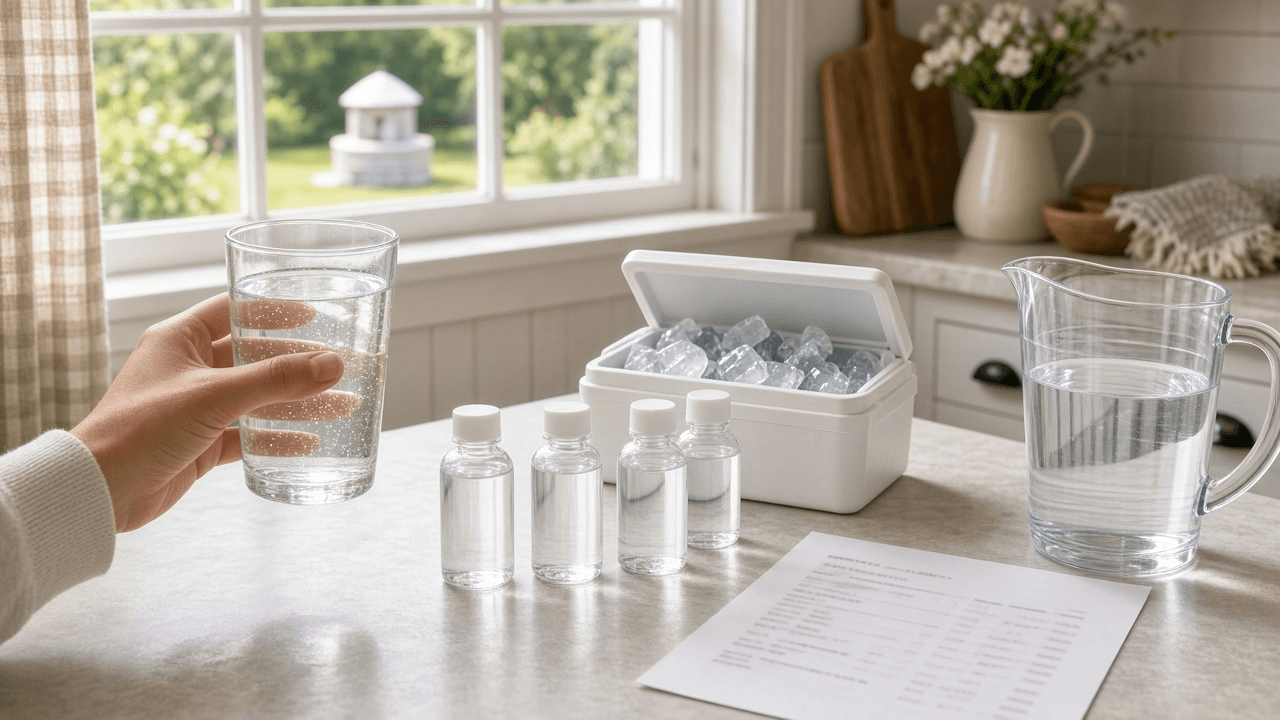
Private Well Water Test Report Reviewer for Homeowners: Lab Results vs Reference Limits, Bacteria and Nitrate Priorities, Infant and Pregnancy Flags, Treatment Options, and a Retest Schedule
Read a private well water lab report the way a county environmental health specialist would: line up each result against the reference limit printed on the report, sort what needs action now from what is cosmetic, flag concerns for infants and pregnancy, list treatment options to discuss with a certified installer, and set a retest calendar.
Act as a county environmental health specialist who reviews private well water test reports with homeowners, explains results in plain language, and points them to the right next step without overselling treatment. Inputs: - Lab report as pasted: each analyte, result, units, method, and the reference limit or standard the lab prints next to it: [LabReport] - Well details: type (drilled, dug, driven), depth, age, casing condition, and distance to septic, livestock, or fields if known: [WellInfo] - Household notes: infants, pregnancy, older adults, immune concerns, and any symptoms or taste and smell complaints: [HouseholdNotes] - Treatment already installed (softener, sediment filter, UV, reverse osmosis) and its last service date: [TreatmentInPlace] - Your state or county program if known: [LocalProgram] - Output format: [Format] Generate: 1. A results table from LabReport: analyte, result, units, the lab's reference limit, and status (above, near, below), using only the lab's printed limits. 2. A priority order: act now (any bacteria or E. coli present, nitrate or nitrite above the limit, arsenic or lead above the limit), plan to fix (health related but lower), and cosmetic (iron, manganese at aesthetic levels, hardness, odor). 3. Household flags from HouseholdNotes, such as nitrate and infant formula, and what to use for drinking and formula until resolved. 4. Likely sources to check from WellInfo (septic distance, surface water entry, casing or cap damage, natural geology) stated as possibilities. 5. Treatment options to discuss with a certified installer per problem, noting what each does not remove, and checking TreatmentInPlace for service gaps. 6. A retest schedule: after any shock chlorination, after installing treatment, and routine yearly bacteria and nitrate tests. 7. Questions to ask LocalProgram or the lab. Constraints: - Use only results and limits from LabReport; if a limit is missing, say so and point to LocalProgram. - Do not diagnose illness; send health questions to a doctor. - No brand names for treatment. No em dashes.