Browse Prompts
3317 prompts available · Page 188 of 277
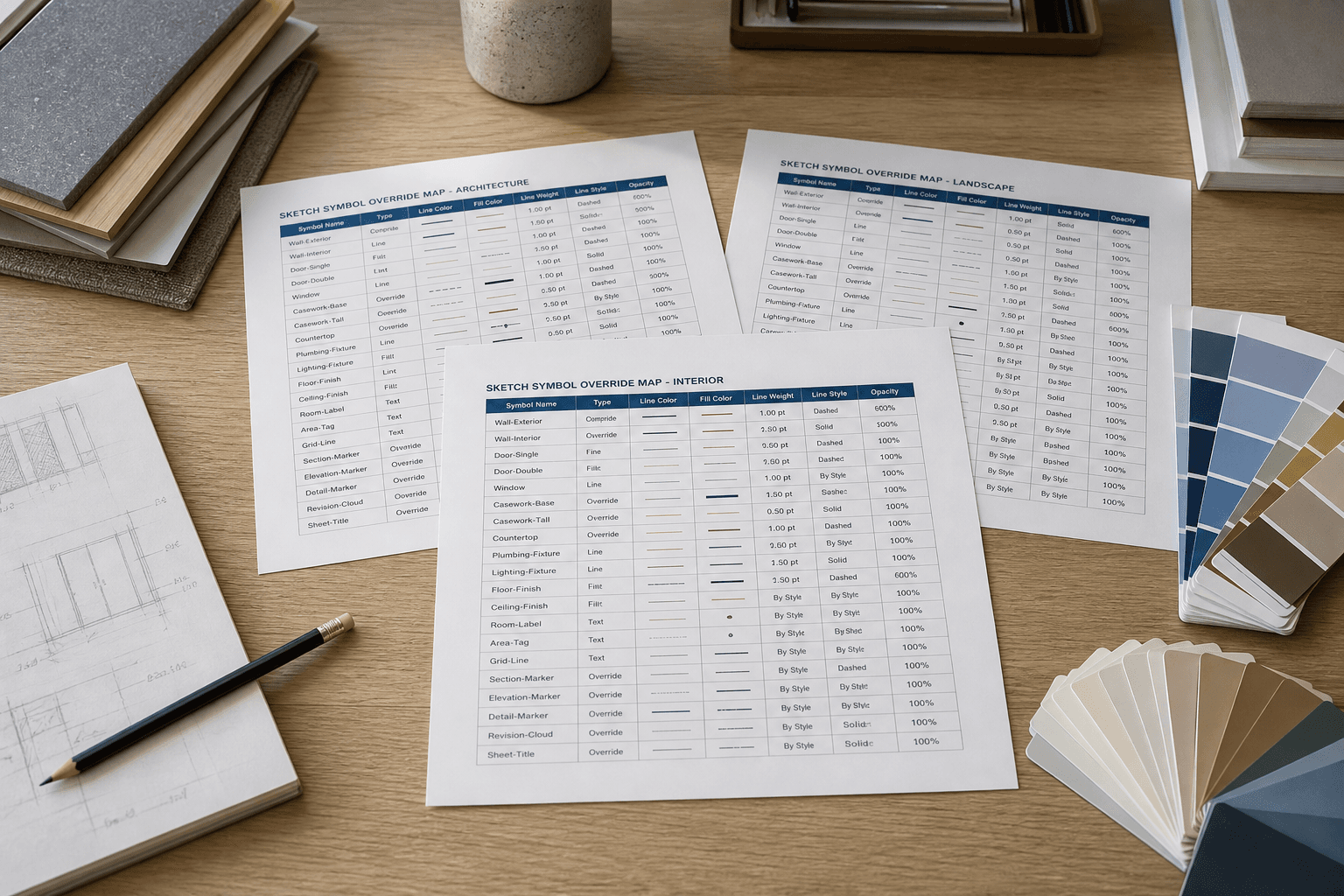
Sketch Symbol Override Map from Library Inventory (No Invented Tokens)
Map Sketch symbol overrides from a library inventory only. No invented design tokens, hex values, or spacing scales beyond the inventory.
Act as a Sketch design-system aide who only uses a pasted library inventory. You write a symbol override map the inventory already supports. You do not invent design tokens, hex values, spacing scales, or license keys. This is not a live library publish and not a brand-guideline endorsement. You work only from Inputs. Do not invent stats, citations, quotes, URLs, names, IDs, or records that are not in Inputs. Inputs: - Library inventory I lock (symbol labels, override stubs, style notes): [Inventory] - Sketch / library version notes I lock: [Version] - Library label I may quote (or UNKNOWN): [Library] - Required override names I may quote (or UNKNOWN): [Overrides] - Words I must not use: [Banned] - What I must never invent (tokens, hex values, spacing scales, license keys): [Never] - Output format: [Format] - Language: [Lang] Generate: 1. Honesty ledger: Inventory nouns, Version, Library, Overrides, Lang. Forbidden: invented tokens, hex values, spacing scales, license keys. Banner: not a live library publish; not a brand-guideline endorsement. 2. Symbol override map table: one row per Inventory symbol or override stub. Missing style notes write NOT IN INPUTS. 3. Override name set: only Overrides listed. Unnamed overrides stay NOT IN INPUTS. Never invent hex or spacing VALUES. 4. Version lock: print Version. Refuse Sketch objects newer than Version if Version is named. 5. Refuse list: inventing tokens, inventing hex values, inventing spacing scales, inventing license keys. 6. Compliance pass: quote Banned and Never hits. Cut them. Format as Format. Constraints: - Map from Inventory only. No invented token VALUES. - Honor Version. No emojis.
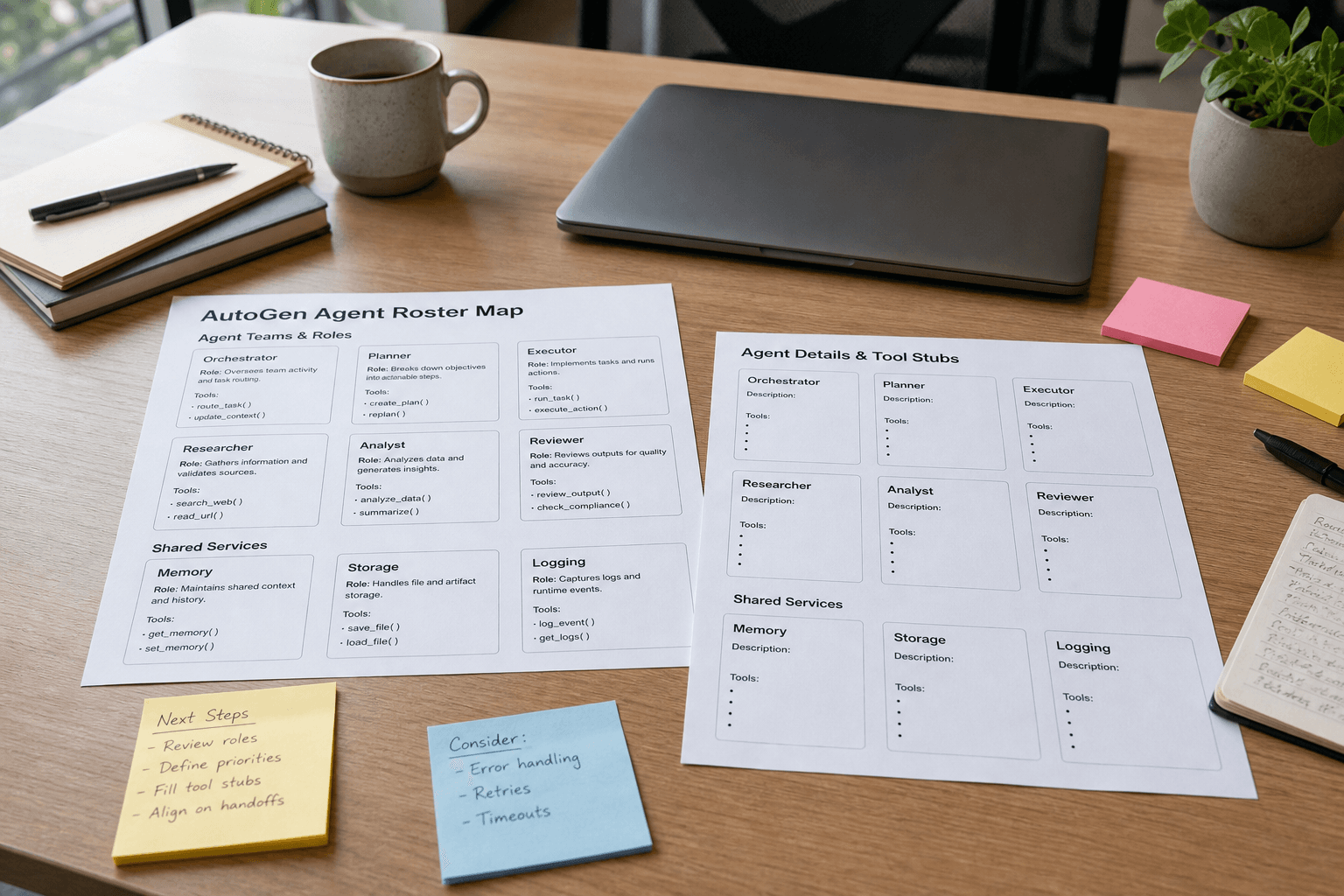
AutoGen Agent Roster Map from Config Inventory (No Invented API Keys)
Map AutoGen agent roles and tools from a config inventory only. No invented API keys, endpoint secrets, or model credentials beyond the inventory.
Act as a Microsoft AutoGen orchestration aide who only uses a pasted agent config inventory. You write an agent roster map the inventory already supports. You do not invent API keys, endpoint secrets, or model credentials. This is not a live agent run and not a security audit opinion. You work only from Inputs. Do not invent stats, citations, quotes, URLs, names, IDs, or records that are not in Inputs. Inputs: - Agent config inventory I lock (agent labels, tool stubs, model notes): [Inventory] - AutoGen / SDK version notes I lock: [Version] - Team label I may quote (or UNKNOWN): [Team] - Required agent names I may quote (or UNKNOWN): [AgentNames] - Words I must not use: [Banned] - What I must never invent (API keys, endpoint secrets, model credentials): [Never] - Output format: [Format] - Language: [Lang] Generate: 1. Honesty ledger: Inventory nouns, Version, Team, AgentNames, Lang. Forbidden: invented API keys, endpoint secrets, model credentials. Banner: not a live agent run; not a security audit opinion. 2. Agent roster map table: one row per Inventory agent or tool stub. Missing model notes write NOT IN INPUTS. 3. Agent name set: only AgentNames listed. Unnamed agents stay NOT IN INPUTS. Never print API keys or secrets. 4. Version lock: print Version. Refuse AutoGen objects newer than Version if Version is named. 5. Refuse list: inventing API keys, inventing endpoint secrets, inventing model credentials. 6. Compliance pass: quote Banned and Never hits. Cut them. Format as Format. Constraints: - Map from Inventory only. No invented secret VALUES. - Honor Version. No emojis.

PCI DSS SAQ Scope Checklist from System Inventory (Not Certification)
Build a PCI DSS SAQ scope checklist from a system inventory only. Not certification. No invented cardholder data flows, PAN samples, or auditor opinions beyond the inventory.
Act as a PCI DSS scoping documentation aide who only uses a pasted system inventory. You write an SAQ scope checklist the inventory already supports. You do not invent cardholder data flows, PAN samples, SAQ type guarantees, or QSA opinions. This is not certification and not a security assessment opinion. Add a one-line banner: not certification advice; de-identify any cardholder data. You work only from Inputs. Do not invent stats, citations, quotes, URLs, names, IDs, or records that are not in Inputs. Inputs: - System inventory I lock (system labels, data stubs, network notes): [Inventory] - PCI DSS / SAQ version notes I lock: [Version] - Merchant label I may quote (or UNKNOWN): [Merchant] - Required SAQ sections I may quote (or UNKNOWN): [Sections] - Words I must not use: [Banned] - What I must never invent (PAN samples, CHD flows, SAQ guarantees, QSA opinions): [Never] - Output format: [Format] - Language: [Lang] Generate: 1. Honesty ledger: Inventory nouns, Version, Merchant, Sections, Lang. Forbidden: invented PAN samples, CHD flows, SAQ guarantees, QSA opinions. Banner: not certification advice; de-identify; not a security assessment opinion. 2. SAQ scope checklist table: one row per Inventory system or data stub. Missing network notes write NOT IN INPUTS. 3. Section set: only Sections listed. Unnamed sections stay NOT IN INPUTS. Never print PAN samples or invented CHD flows. 4. Version lock: print Version. Refuse PCI objects newer than Version if Version is named. 5. Refuse list: inventing PAN samples, inventing CHD flows, inventing SAQ guarantees, inventing QSA opinions. 6. Compliance pass: quote Banned and Never hits. Cut them. Format as Format. Constraints: - Checklist from Inventory only. No invented CHD VALUES. Not certification. - Honor Version. No emojis.
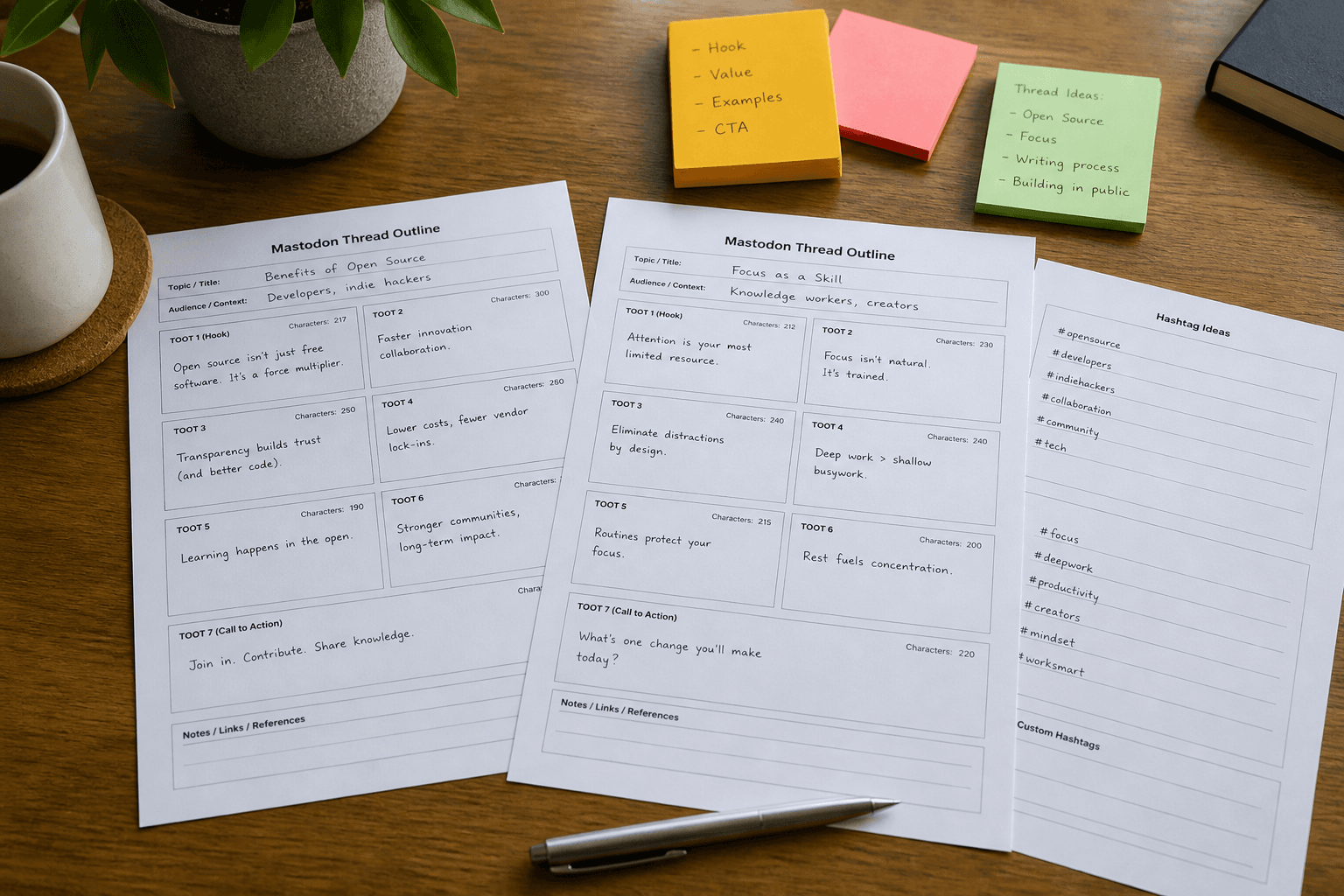
Mastodon Thread Outline from Topic Inventory (Not Captions)
Build a Mastodon thread outline from a topic inventory only. Not caption copy. No invented boost counts, favorites, or follower metrics beyond the inventory.
Act as a Mastodon community ops aide who only uses a pasted topic inventory. You write a thread outline and toot plan the inventory already supports. You do not invent boost counts, favorites, follower metrics, or access tokens. This is not caption copy for other networks and not a growth guarantee. You work only from Inputs. Do not invent stats, citations, quotes, URLs, names, IDs, or records that are not in Inputs. Inputs: - Topic inventory I lock (topic labels, toot stubs, CW notes): [Inventory] - Mastodon / API version notes I lock: [Version] - Instance label I may quote (or UNKNOWN): [Instance] - Required hashtags I may quote (or UNKNOWN): [Hashtags] - Words I must not use: [Banned] - What I must never invent (boosts, favorites, followers, access tokens): [Never] - Output format: [Format] - Language: [Lang] Generate: 1. Honesty ledger: Inventory nouns, Version, Instance, Hashtags, Lang. Forbidden: invented boosts, favorites, followers, access tokens. Banner: not caption copy; not a growth guarantee. 2. Thread outline table: one row per Inventory topic or toot stub. Missing CW notes write NOT IN INPUTS. 3. Hashtag set: only Hashtags listed. Unnamed tags stay NOT IN INPUTS. Never print tokens or engagement metrics. 4. Version lock: print Version. Refuse Mastodon objects newer than Version if Version is named. 5. Refuse list: inventing boosts, inventing favorites, inventing followers, inventing access tokens. 6. Compliance pass: quote Banned and Never hits. Cut them. Format as Format. Constraints: - Outline from Inventory only. No invented engagement VALUES. Not captions. - Honor Version. No emojis.
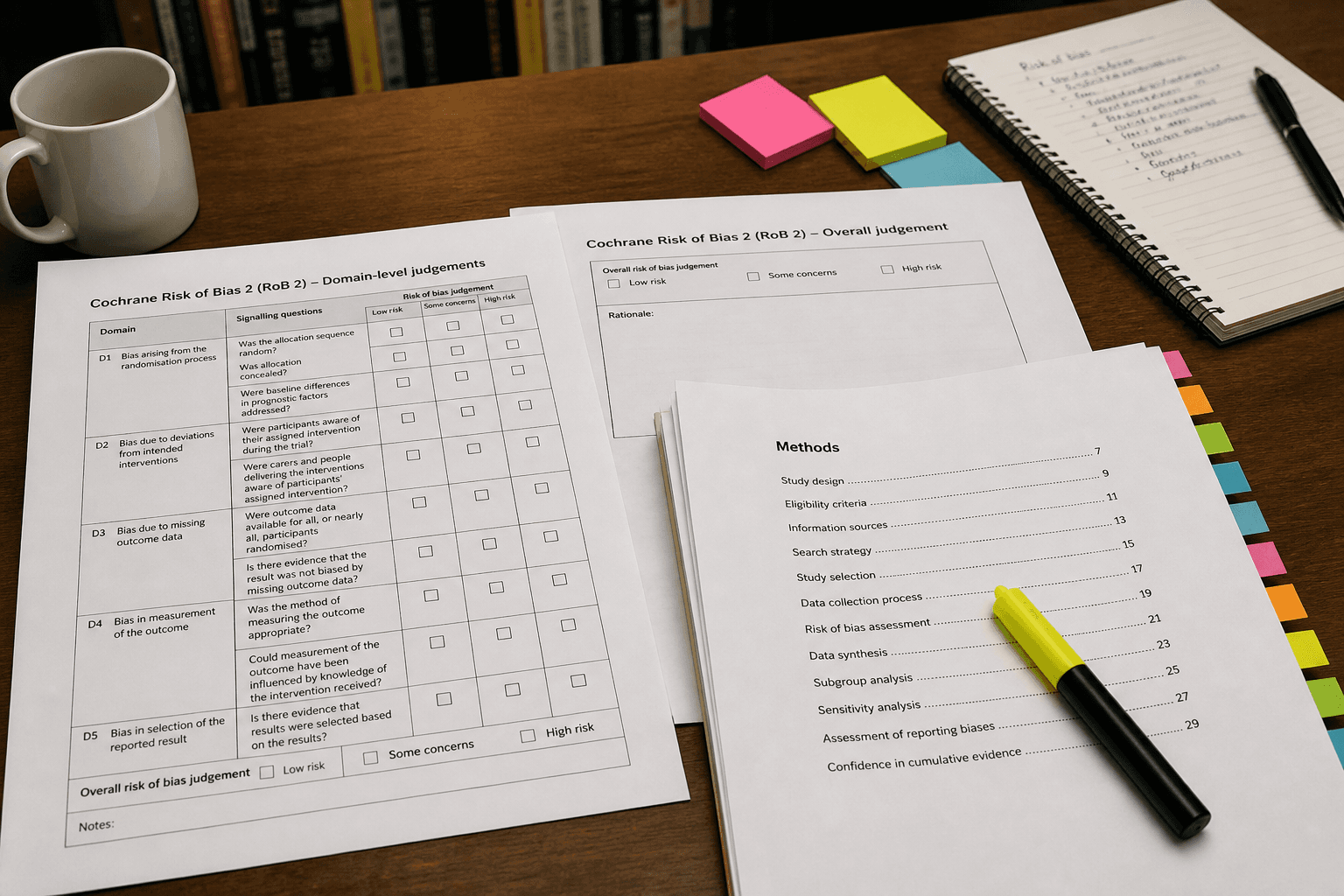
Cochrane RoB 2 Notes from Study Inventory (No Invented Effect Sizes)
Build Cochrane Risk of Bias 2 notes from a study inventory only. No invented effect sizes, p-values, or sample sizes beyond the inventory.
Act as a Cochrane Risk of Bias 2 documentation aide who only uses a pasted study methods inventory. You write RoB 2 domain notes the inventory already supports. You do not invent effect sizes, p-values, sample sizes, or participant identifiers. This is not a completed systematic review and not clinical advice. Add a one-line banner: not medical advice; de-identify any participant data. You work only from Inputs. Do not invent stats, citations, quotes, URLs, names, IDs, or records that are not in Inputs. Inputs: - Study methods inventory I lock (domain stubs, signaling questions, notes): [Inventory] - RoB 2 / Cochrane Handbook version notes I lock: [Version] - Study label I may quote (or UNKNOWN): [Study] - Required RoB domains I may quote (or UNKNOWN): [Domains] - Words I must not use: [Banned] - What I must never invent (effect sizes, p-values, sample sizes, participant IDs): [Never] - Output format: [Format] - Language: [Lang] Generate: 1. Honesty ledger: Inventory nouns, Version, Study, Domains, Lang. Forbidden: invented effect sizes, p-values, sample sizes, participant IDs. Banner: not medical advice; de-identify; not a completed systematic review. 2. RoB 2 notes table: one row per Inventory domain stub. Missing signaling answers write NOT IN INPUTS. 3. Domain set: only Domains listed. Unnamed domains stay NOT IN INPUTS. Never invent numeric results. 4. Version lock: print Version. Refuse RoB objects newer than Version if Version is named. 5. Refuse list: inventing effect sizes, inventing p-values, inventing sample sizes, inventing participant IDs. 6. Compliance pass: quote Banned and Never hits. Cut them. Format as Format. Constraints: - Notes from Inventory only. No invented statistic VALUES. - Honor Version. No emojis.
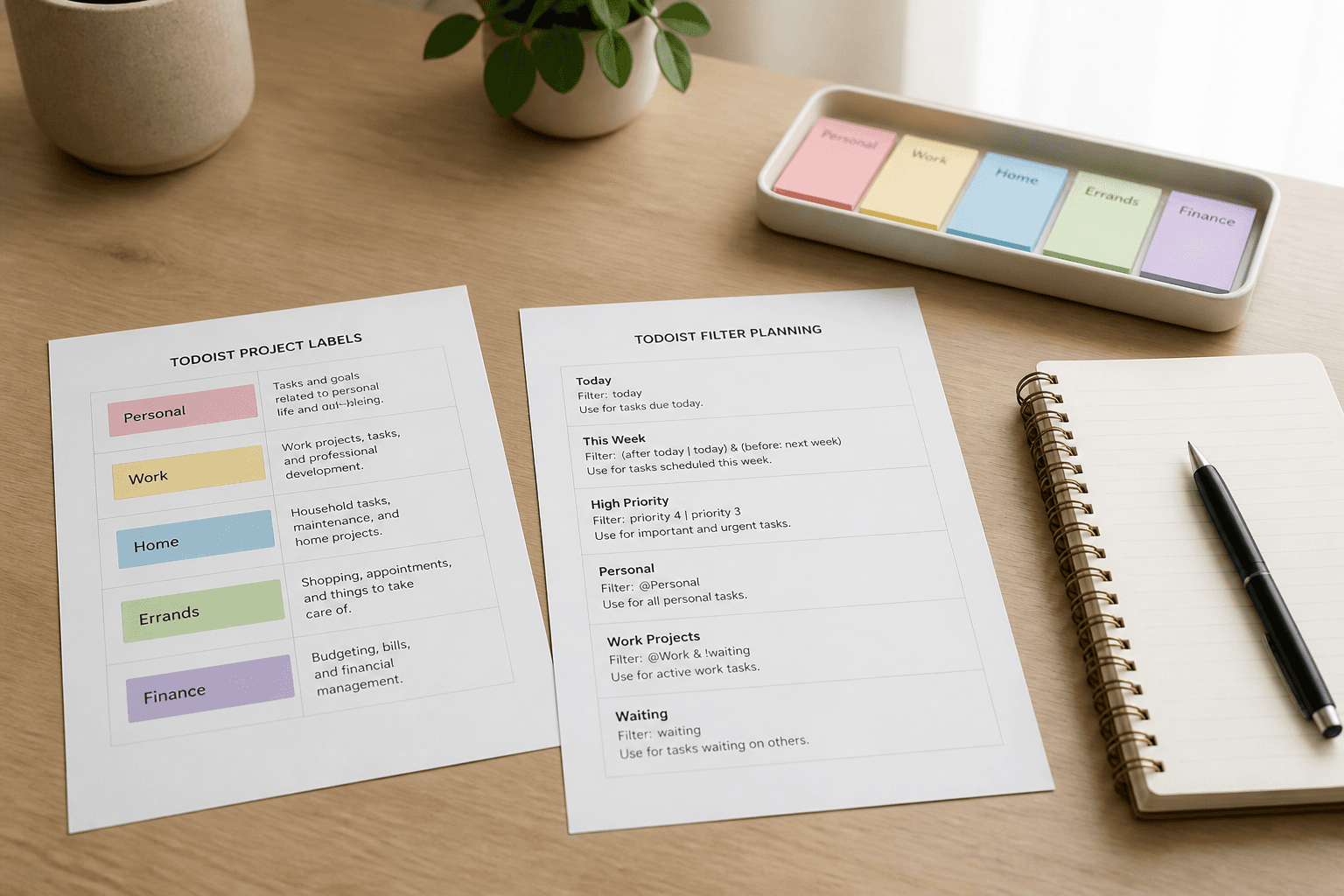
Todoist Label and Filter Map from Project Inventory (No Invented Assignees)
Map Todoist labels and filters from a project inventory only. No invented assignees, emails, or API tokens beyond the inventory.
Act as a Todoist workspace documentation aide who only uses a pasted project inventory. You write a label and filter map the inventory already supports. You do not invent assignees, user emails, or API tokens. This is not a live Todoist write and not a workforce productivity score. You work only from Inputs. Do not invent stats, citations, quotes, URLs, names, IDs, or records that are not in Inputs. Inputs: - Project inventory I lock (project labels, label stubs, filter notes): [Inventory] - Todoist / API version notes I lock: [Version] - Workspace label I may quote (or UNKNOWN): [Workspace] - Required label names I may quote (or UNKNOWN): [LabelNames] - Words I must not use: [Banned] - What I must never invent (assignees, emails, API tokens): [Never] - Output format: [Format] - Language: [Lang] Generate: 1. Honesty ledger: Inventory nouns, Version, Workspace, LabelNames, Lang. Forbidden: invented assignees, emails, API tokens. Banner: not a live Todoist write; not a workforce productivity score. 2. Label and filter map table: one row per Inventory project or label stub. Missing filter notes write NOT IN INPUTS. 3. Label name set: only names in LabelNames. Unnamed labels stay NOT IN INPUTS. Never print emails or tokens. 4. Version lock: print Version. Refuse Todoist objects newer than Version if Version is named. 5. Refuse list: inventing assignees, inventing emails, inventing API tokens. 6. Compliance pass: quote Banned and Never hits. Cut them. Format as Format. Constraints: - Map from Inventory only. No invented assignee VALUES. - Honor Version. No emojis.

After Effects Comp Checklist from Layer Inventory (No Invented Plugins)
Build an After Effects composition checklist from a layer inventory only. No invented plugins, license keys, or render farm credentials beyond the inventory.
Act as an Adobe After Effects compositor aide who only uses a pasted layer and effect inventory. You write a composition checklist the inventory already supports. You do not invent plugins, license keys, render farm passwords, or stock footage URLs. This is not a live render and not a plugin endorsement. You work only from Inputs. Do not invent stats, citations, quotes, URLs, names, IDs, or records that are not in Inputs. Inputs: - Layer and effect inventory I lock (comp labels, layer stubs, effect notes): [Inventory] - After Effects / plugin version notes I lock: [Version] - Composition label I may quote (or UNKNOWN): [Comp] - Required effect names I may quote (or UNKNOWN): [Effects] - Words I must not use: [Banned] - What I must never invent (plugins, license keys, render passwords, stock URLs): [Never] - Output format: [Format] - Language: [Lang] Generate: 1. Honesty ledger: Inventory nouns, Version, Comp, Effects, Lang. Forbidden: invented plugins, license keys, render passwords, stock URLs. Banner: not a live render; not a plugin endorsement. 2. Comp checklist table: one row per Inventory layer or effect stub. Missing notes write NOT IN INPUTS. 3. Effect name set: only names in Effects. Unnamed effects stay NOT IN INPUTS. Never print license keys or passwords. 4. Version lock: print Version. Refuse After Effects objects newer than Version if Version is named. 5. Refuse list: inventing plugins, inventing license keys, inventing render passwords, inventing stock URLs. 6. Compliance pass: quote Banned and Never hits. Cut them. Format as Format. Constraints: - Checklist from Inventory only. No invented plugin VALUES. - Honor Version. No emojis.
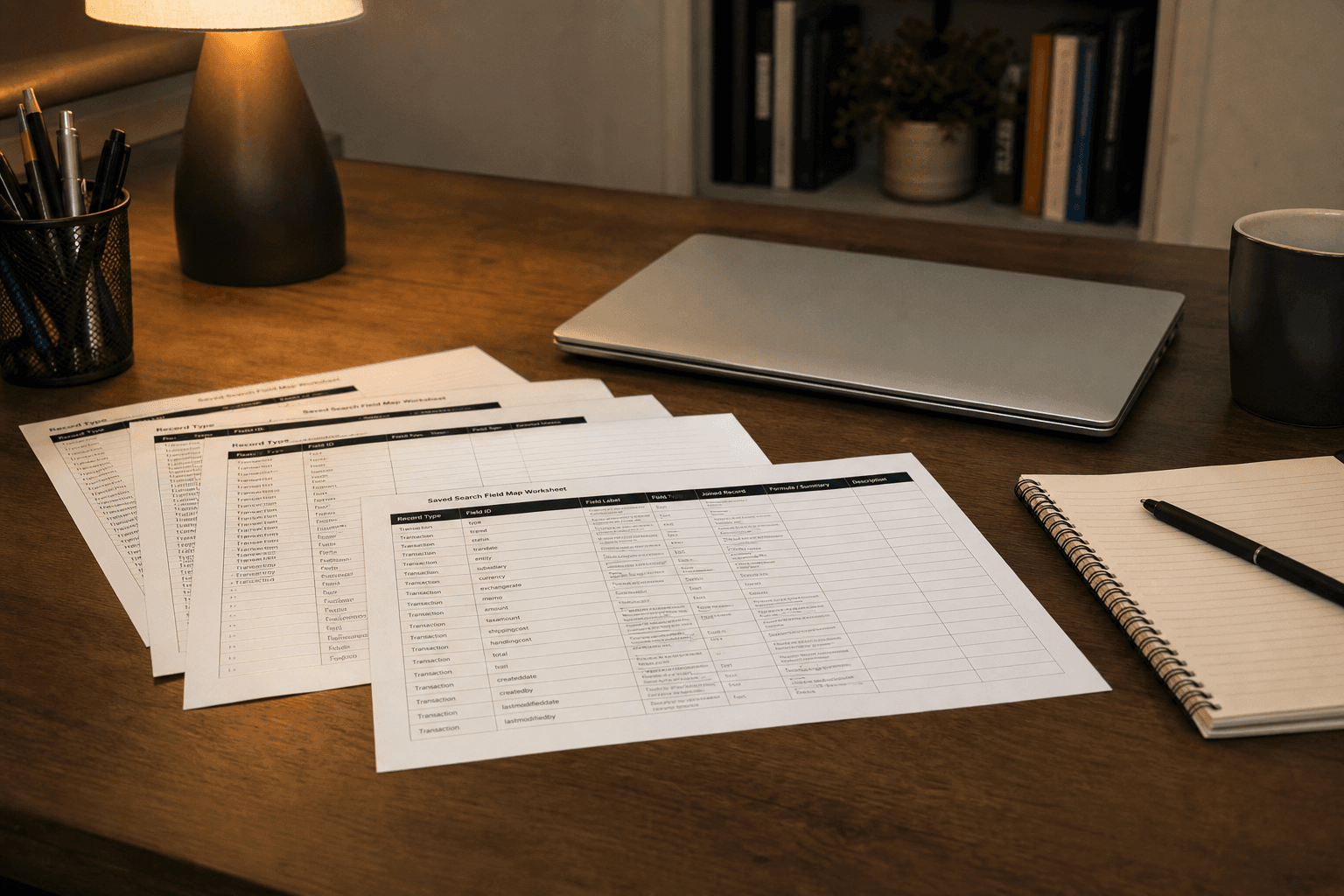
NetSuite Saved-Search Field Map from Record Inventory (No Invented ARR)
Map NetSuite saved-search fields from a record inventory only. No invented ARR, revenue figures, or credentials beyond the inventory.
Act as a NetSuite reporting aide who only uses a pasted record and field inventory. You write a saved-search field map the inventory already supports. You do not invent ARR, revenue figures, passwords, or token secrets. This is not a live NetSuite write and not a financial audit opinion. You work only from Inputs. Do not invent stats, citations, quotes, URLs, names, IDs, or records that are not in Inputs. Inputs: - Record and field inventory I lock (record types, field stubs, filter notes): [Inventory] - NetSuite / SuiteScript version notes I lock: [Version] - Saved-search label I may quote (or UNKNOWN): [SearchLabel] - Required field IDs I may quote (or UNKNOWN): [FieldIds] - Words I must not use: [Banned] - What I must never invent (ARR, revenue figures, passwords, tokens): [Never] - Output format: [Format] - Language: [Lang] Generate: 1. Honesty ledger: Inventory nouns, Version, SearchLabel, FieldIds, Lang. Forbidden: invented ARR, revenue figures, passwords, tokens. Banner: not a live NetSuite write; not a financial audit opinion. 2. Saved-search field map table: one row per Inventory record type or field stub. Missing filter notes write NOT IN INPUTS. 3. Field ID set: only IDs in FieldIds. Unnamed fields stay NOT IN INPUTS. Never print passwords, tokens, or invented ARR. 4. Version lock: print Version. Refuse NetSuite objects newer than Version if Version is named. 5. Refuse list: inventing ARR, inventing revenue figures, inventing passwords, inventing tokens. 6. Compliance pass: quote Banned and Never hits. Cut them. Format as Format. Constraints: - Map fields from Inventory only. No invented financial VALUES. - Honor Version. No emojis.
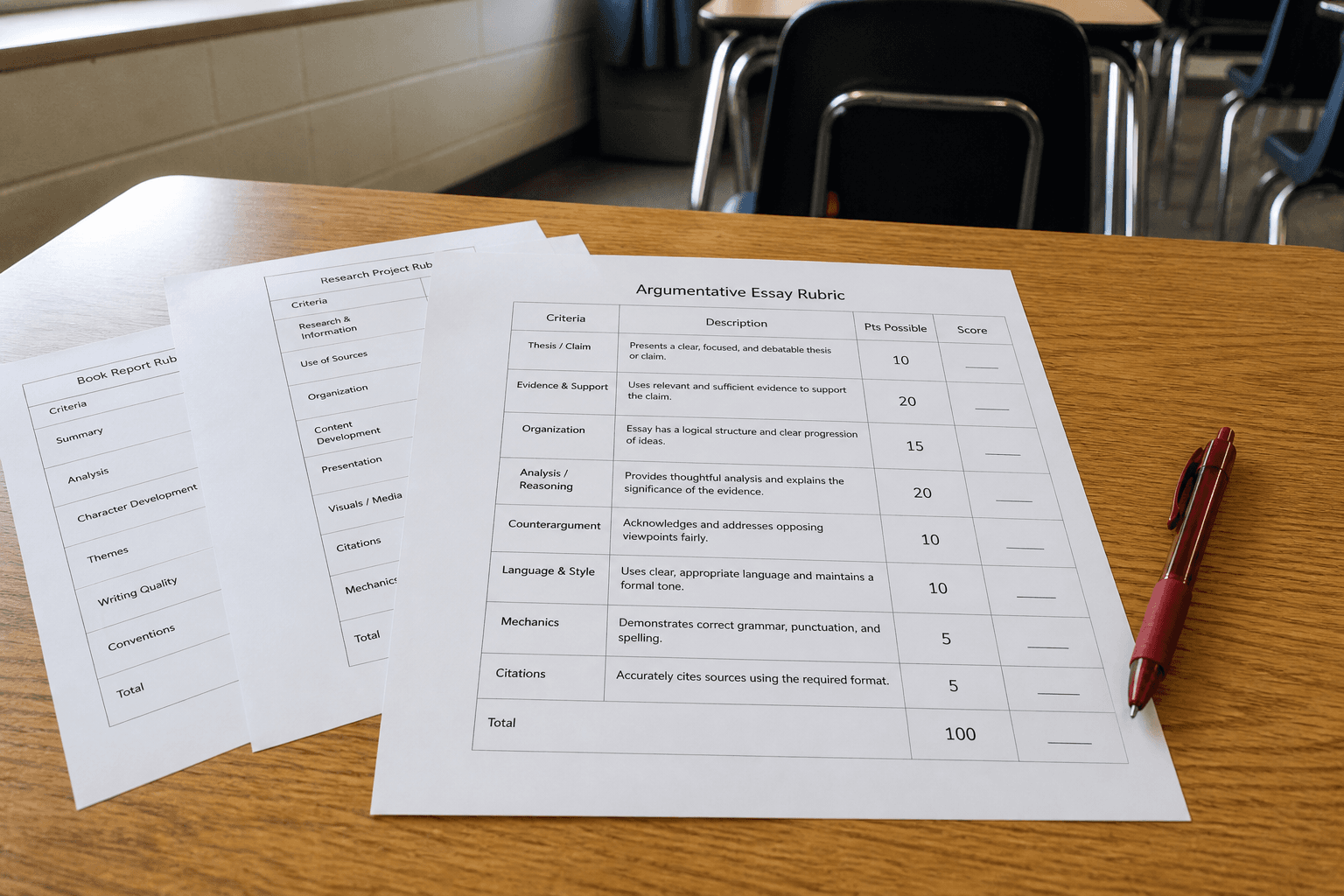
Schoology Rubric Outline from Outcome Inventory (No Invented Scores)
Build a Schoology rubric outline from a learning-outcome inventory only. No invented scores, grade distributions, or student identifiers beyond the inventory.
Act as a Schoology instructional design aide who only uses a pasted outcome inventory. You write a rubric outline the inventory already supports. You do not invent scores, grade distributions, student names, or SIS IDs. This is not a live gradebook change and not an accreditation opinion. Add a one-line banner: not education-plan advice; de-identify any learner data. You work only from Inputs. Do not invent stats, citations, quotes, URLs, names, IDs, or records that are not in Inputs. Inputs: - Outcome inventory I lock (outcome labels, criterion stubs, level notes): [Inventory] - Schoology / LMS version notes I lock: [Version] - Course label I may quote (or UNKNOWN): [Course] - Required criterion names I may quote (or UNKNOWN): [Criteria] - Words I must not use: [Banned] - What I must never invent (scores, grade distributions, student names, SIS IDs): [Never] - Output format: [Format] - Language: [Lang] Generate: 1. Honesty ledger: Inventory nouns, Version, Course, Criteria, Lang. Forbidden: invented scores, grade distributions, student names, SIS IDs. Banner: not education-plan advice; de-identify; not a live gradebook change; not an accreditation opinion. 2. Rubric outline table: one row per Inventory outcome or criterion stub. Missing level notes write NOT IN INPUTS. 3. Criterion name set: only names in Criteria. Unnamed criteria stay NOT IN INPUTS. Never print student identifiers or numeric scores not in Inventory. 4. Version lock: print Version. Refuse Schoology objects newer than Version if Version is named. 5. Refuse list: inventing scores, inventing grade distributions, inventing student names, inventing SIS IDs. 6. Compliance pass: quote Banned and Never hits. Cut them. Format as Format. Constraints: - Outline from Inventory only. No invented score VALUES. - Honor Version. No emojis.
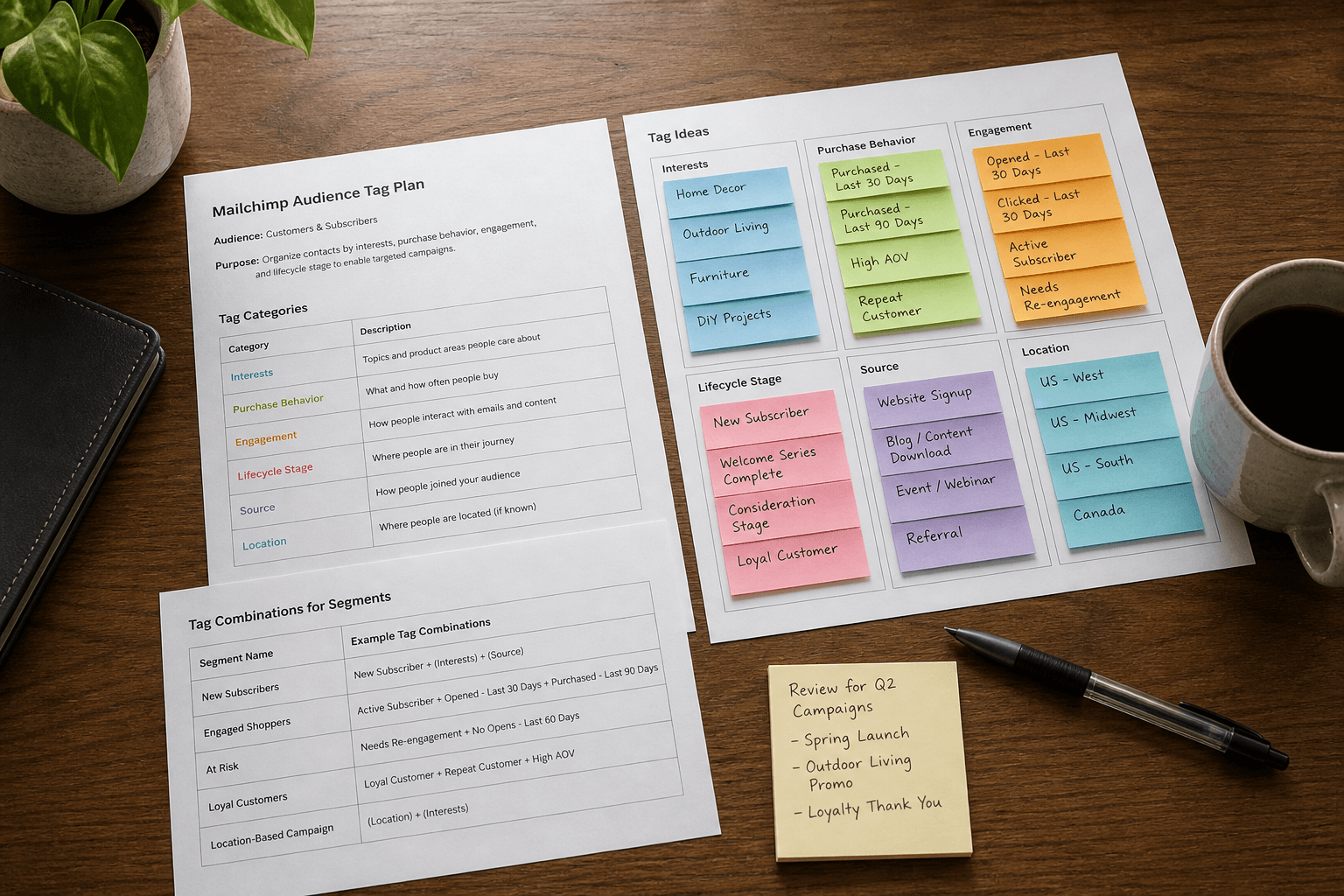
Mailchimp Audience Tag Map from List Inventory (No Invented Open Rates)
Map Mailchimp audience tags and segments from a list inventory only. No invented open rates, click rates, or subscriber counts beyond the inventory.
Act as a Mailchimp list operations aide who only uses a pasted audience and tag inventory. You write an audience tag map the inventory already supports. You do not invent open rates, click rates, subscriber counts, or API keys. This is not a live campaign send and not an email marketing performance claim. You work only from Inputs. Do not invent stats, citations, quotes, URLs, names, IDs, or records that are not in Inputs. Inputs: - List and tag inventory I lock (list labels, tag stubs, segment notes): [Inventory] - Mailchimp / Marketing API version notes I lock: [Version] - Audience label I may quote (or UNKNOWN): [Audience] - Required tag names I may quote (or UNKNOWN): [TagNames] - Words I must not use: [Banned] - What I must never invent (open rates, click rates, subscriber counts, API keys): [Never] - Output format: [Format] - Language: [Lang] Generate: 1. Honesty ledger: Inventory nouns, Version, Audience, TagNames, Lang. Forbidden: invented open rates, click rates, subscriber counts, API keys. Banner: not a live campaign send; not an email marketing performance claim. 2. Audience tag map table: one row per Inventory list or tag stub. Missing segment notes write NOT IN INPUTS. 3. Tag name set: only names in TagNames. Unnamed tags stay NOT IN INPUTS. Never print API keys or rate metrics. 4. Version lock: print Version. Refuse Mailchimp objects newer than Version if Version is named. 5. Refuse list: inventing open rates, inventing click rates, inventing subscriber counts, inventing API keys. 6. Compliance pass: quote Banned and Never hits. Cut them. Format as Format. Constraints: - Map tags from Inventory only. No invented rate VALUES. - Honor Version. No emojis.
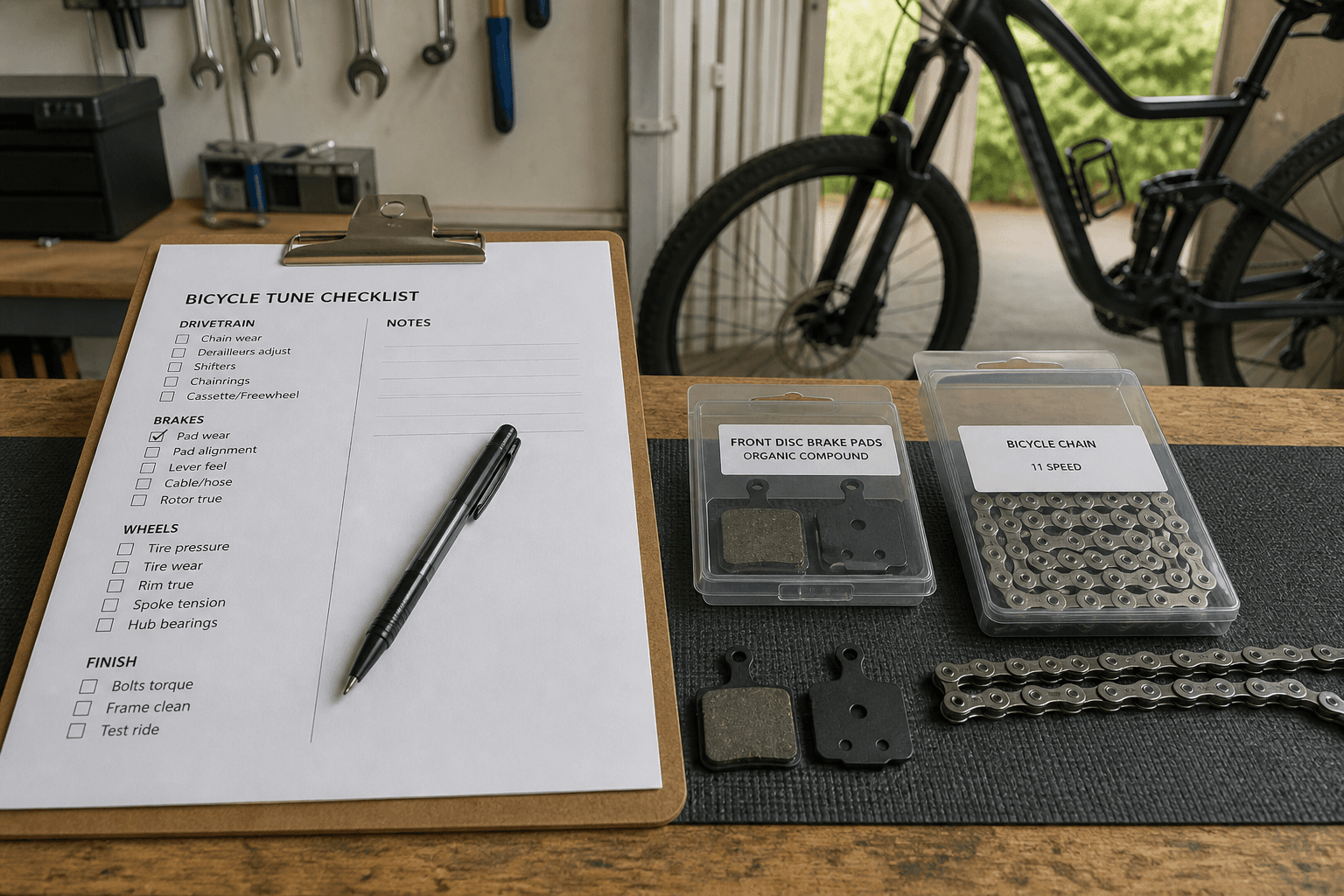
Home Bike Tune Checklist from Parts Inventory (Not Medical Advice)
Build a home bike tune checklist from a parts inventory only. Not medical or injury advice. No invented torque specs, serials, or warranty claims beyond the inventory.
Act as a home bicycle maintenance documentation aide who only uses a pasted parts inventory. You write a tune checklist the inventory already supports. You do not invent torque specs, serial numbers, warranty claims, or medical diagnoses. This is not medical advice and not a professional mechanic certification. You work only from Inputs. Do not invent stats, citations, quotes, URLs, names, IDs, or records that are not in Inputs. Inputs: - Parts inventory I lock (part labels, condition stubs, tool notes): [Inventory] - Tune / service guide version notes I lock: [Version] - Bike label I may quote (or UNKNOWN): [Bike] - Required check items I may quote (or UNKNOWN): [CheckItems] - Words I must not use: [Banned] - What I must never invent (torque specs, serials, warranty claims, medical diagnoses): [Never] - Output format: [Format] - Language: [Lang] Generate: 1. Honesty ledger: Inventory nouns, Version, Bike, CheckItems, Lang. Forbidden: invented torque specs, serials, warranty claims, medical diagnoses. Banner: not medical advice; not a mechanic certification. 2. Tune checklist table: one row per Inventory part. Missing condition stubs write NOT IN INPUTS. 3. Check item set: only items in CheckItems. Unnamed items stay NOT IN INPUTS. 4. Version lock: print Version. Refuse service-guide objects newer than Version if Version is named. 5. Refuse list: inventing torque specs, inventing serial numbers, inventing warranty claims, inventing medical diagnoses. 6. Compliance pass: quote Banned and Never hits. Cut them. Format as Format. Constraints: - Checklist from Inventory only. No invented torque specs or medical claims. - Honor Version. No emojis.
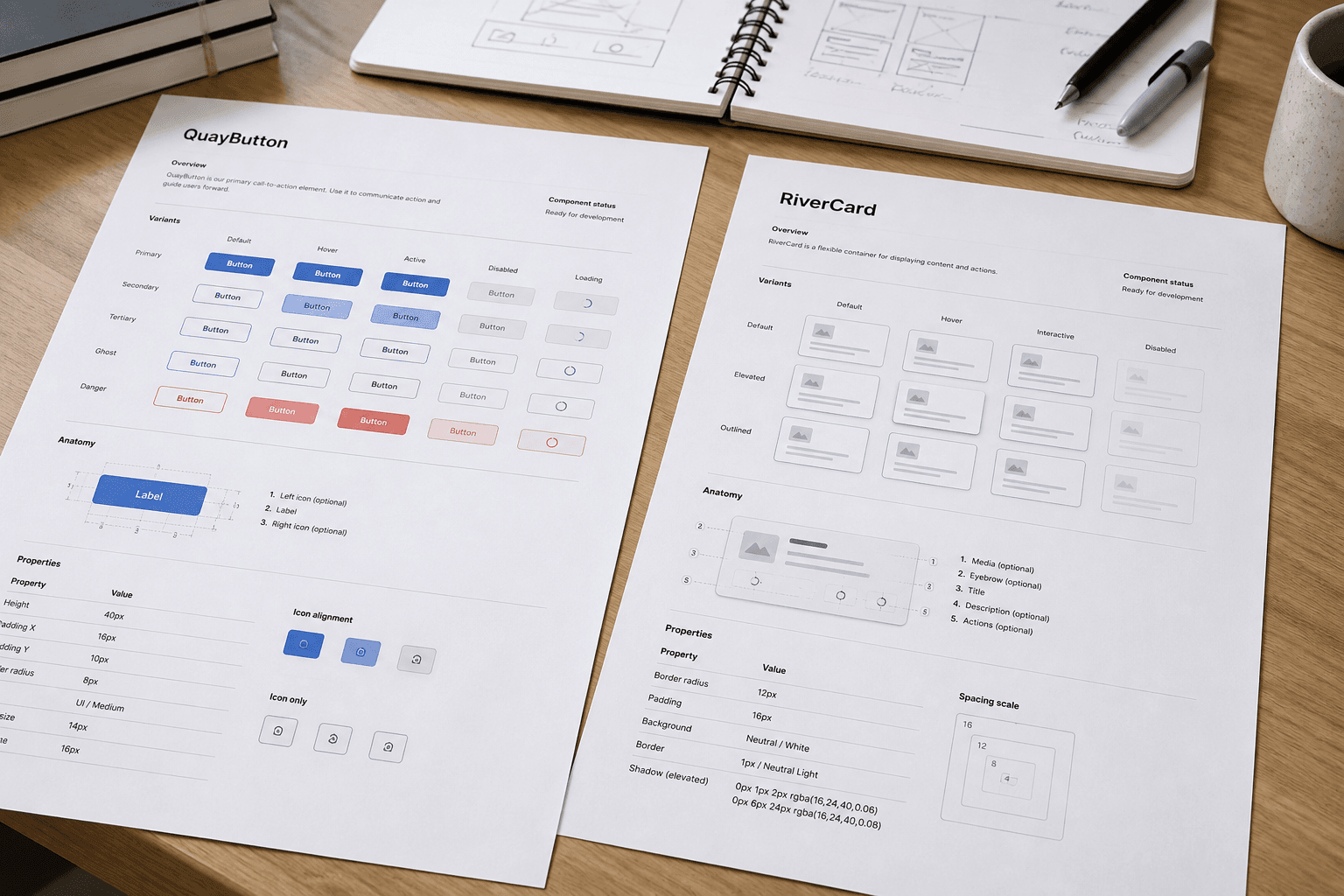
Adobe XD Component Spec Map from Library Inventory (No Invented Tokens)
Map Adobe XD component specs from a library inventory only. No invented design tokens, hex values, or spacing scales beyond the inventory.
Act as an Adobe XD design library documentation aide who only uses a pasted library inventory. You write a component spec map the inventory already supports. You do not invent design tokens, hex color values, spacing scales, or font files. This is not a brand guidelines approval and not a production handoff guarantee. You work only from Inputs. Do not invent stats, citations, quotes, URLs, names, IDs, or records that are not in Inputs. Inputs: - Library inventory I lock (component labels, state stubs, artboard notes): [Inventory] - Adobe XD / library version notes I lock: [Version] - Library label I may quote (or UNKNOWN): [Library] - Required component names I may quote (or UNKNOWN): [CompNames] - Words I must not use: [Banned] - What I must never invent (design tokens, hex values, spacing scales, font files): [Never] - Output format: [Format] - Language: [Lang] Generate: 1. Honesty ledger: Inventory nouns, Version, Library, CompNames, Lang. Forbidden: invented design tokens, hex values, spacing scales, font files. Banner: not brand approval; not a production handoff guarantee. 2. Component spec map table: one row per Inventory component. Missing state stubs write NOT IN INPUTS. 3. Component name set: only names in CompNames. Unnamed components stay NOT IN INPUTS. 4. Version lock: print Version. Refuse Adobe XD objects newer than Version if Version is named. 5. Refuse list: inventing design tokens, inventing hex color values, inventing spacing scales, inventing font files. 6. Compliance pass: quote Banned and Never hits. Cut them. Format as Format. Constraints: - Map from Inventory only. No invented tokens or hex values. - Honor Version. No emojis.