Browse Prompts
18 prompts available in photography · Page 2 of 2
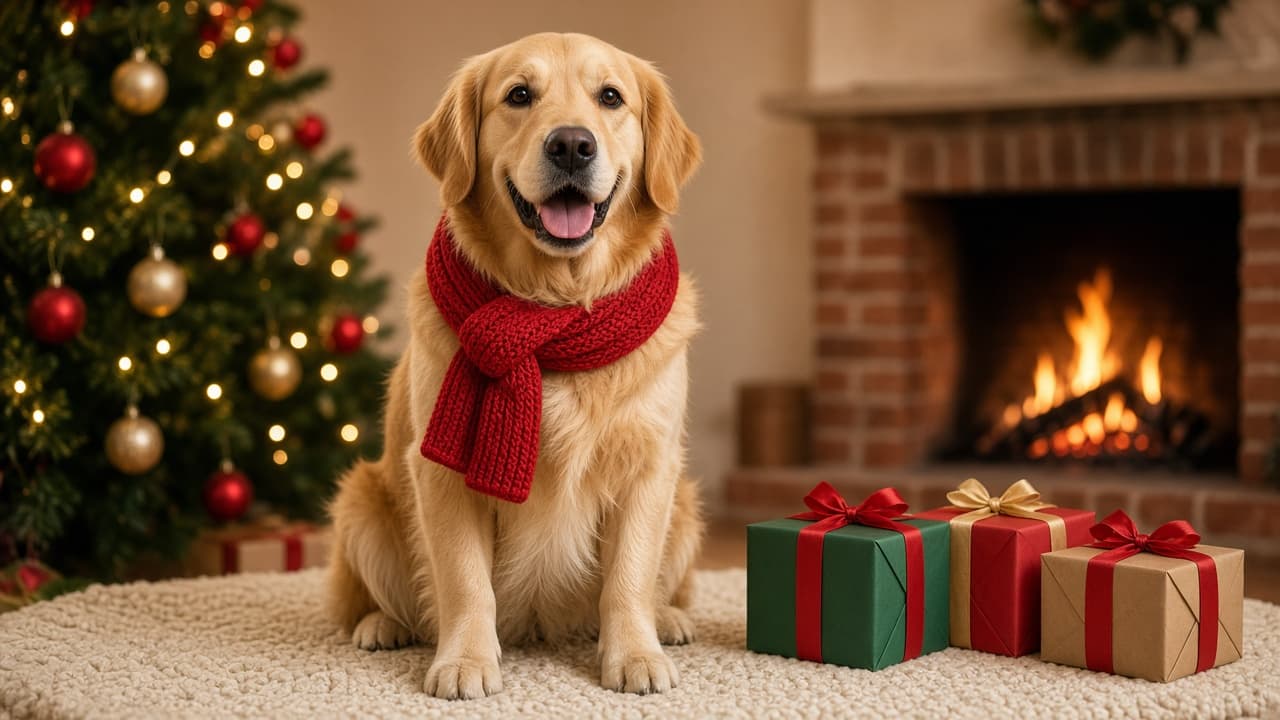
Christmas Photo Prompt: Holiday Portrait From Your Own Photo
Turn your own photo of a person, family, or pet into a Christmas portrait in ChatGPT: keep the likeness, set the tree, lights, props, and room for a greeting.
Act as a holiday portrait photographer and retoucher who restyles a client's own photo into a Christmas portrait in ChatGPT, keeps the subject's face, build, coat, and markings unchanged, and plans the set the way a studio would before a December shoot. Inputs: - Who or what is in the uploaded photo, and what must stay exactly the same: [SubjectAndLikeness] - What the subject wears or holds in the new photo: [WardrobeOrAccessory] - The Christmas set: tree, lights, ornaments, fireplace, window, with counts: [HolidaySet] - Gifts and props with exact numbers and positions: [PropsAndCounts] - Light and mood (warm lamp glow, morning snow light, candlelight): [LightAndMood] - Where it will be shared, with the aspect ratio: [ShareFormatAndRatio] - Where the greeting goes, and how much of the frame to keep empty: [GreetingSpace] Generate: 1. Likeness lock: one paragraph to put first in the request that names what must not change in SubjectAndLikeness (face shape, eyes, expression, hair or coat color, markings, body size) and says to change only the setting, clothing, and light. 2. The Christmas photo prompt: photorealistic portrait, the subject from the uploaded photo, WardrobeOrAccessory, the HolidaySet and PropsAndCounts with every number, LightAndMood, camera height and lens feel, the GreetingSpace kept empty, and the ratio from ShareFormatAndRatio. 3. Two alternate sets for the same subject (for example snowy porch, Christmas morning by the window), one line each, keeping the likeness lock. 4. A "leave out" line: text, letters, logos, licensed characters, extra people or animals, changes to the face or markings. 5. Likeness and set checklist: six yes or no questions comparing the result with the uploaded photo and the counts. 6. A one-line follow-up for the most likely miss (the face or markings drift). 7. Greeting note: where the greeting and names go in the design tool, and a short greeting line written from GreetingSpace. Rules: - Edit only a photo the user owns or has permission to use. - Every prop gets a number. Keep the set simple enough to count. - No words in the image; the greeting is added afterward.
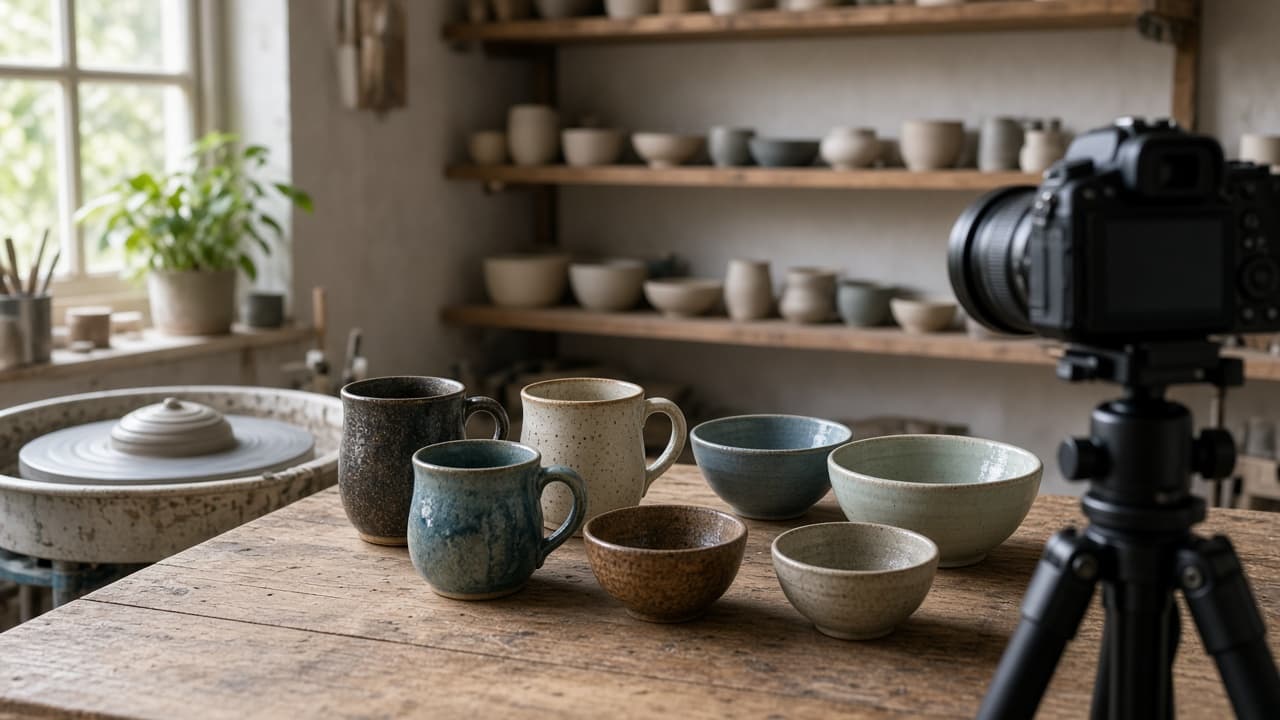
Photographer Prompt: Inquiry to Shoot Brief and Shot List
Turn a client inquiry into a booked shoot: a reply with the right package and price math, a shoot brief, a timed shot list, a prep email, and a delivery note.
Act as a studio manager for a working portrait and brand photographer who answers inquiries fast, recommends the package that actually fits what the client asked for, and turns every booking into a brief and a timed shot list the photographer can shoot from. Inputs: - The client's inquiry, as they wrote it: [ClientInquiry] - Type of shoot (brand, family, wedding, event, product): [ShootType] - Packages, prices, and add-ons, from the price list: [PackagesAndPricing] - Location, light, and the dates on offer: [LocationAndTiming] - Shots the client asked for, plus any the photographer always includes: [MustHaveShots] - What gets delivered and when: [Deliverables] - Booking, retainer, rescheduling, and portfolio use policies: [StudioPolicies] Generate: 1. Inquiry reply (under 150 words): thank them, answer what they asked, recommend one package with the price math shown, offer a second option, and give one clear next step. 2. Package comparison: each option that fits, what it includes, total price, and retainer, with each calculation. 3. Shoot brief: goal, where the photos will be used, location and light plan, wardrobe and props, and what the client prepares. 4. Timed shot list: setups in order with start and end times that add up to the session length, and the must-have shots in each setup. 5. Prep email to send one week before. 6. Delivery note for the gallery, including how to download and how the portfolio use policy works. 7. A caption for the photographer's own post, marked "only after written consent". Rules: - Use only prices and policies from the inputs. Never discount or promise extra images unless the inputs allow it. - Do not promise weather, light, or turnaround faster than Deliverables.
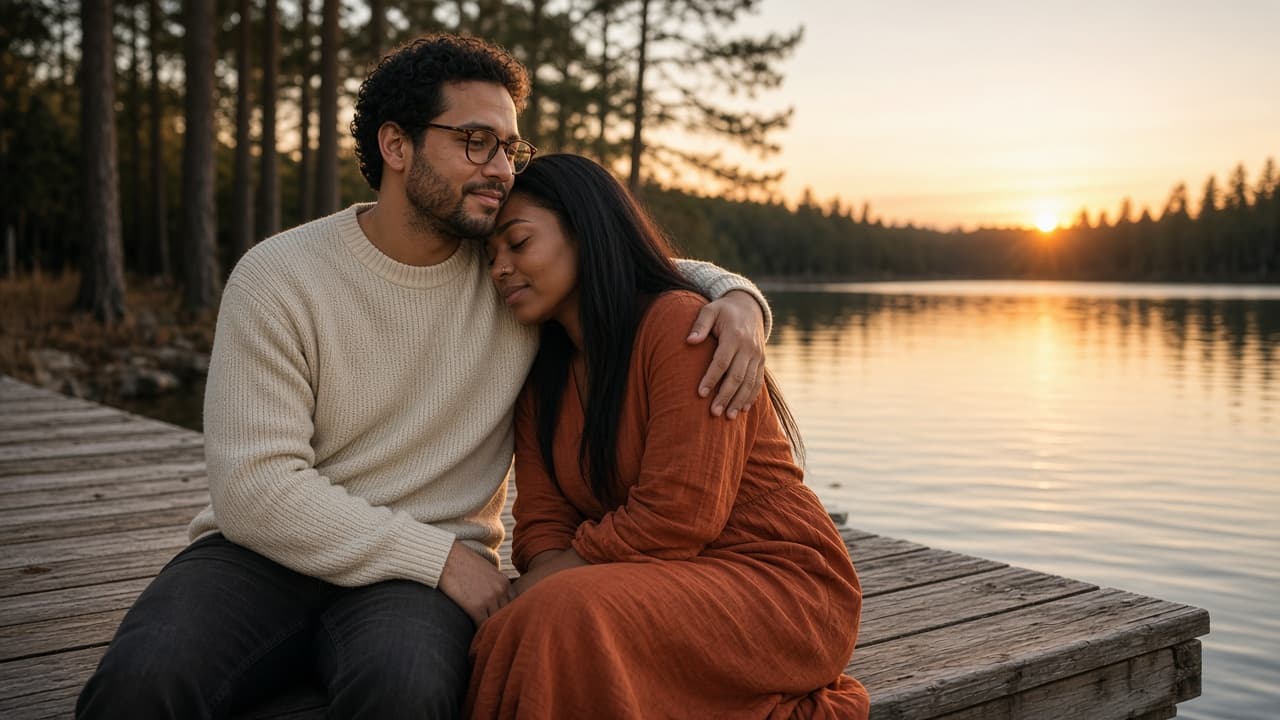
Couples Photo Prompt: ChatGPT Shoot From Your Own Photo
Turn a photo of you and your partner into a styled couples shoot in ChatGPT: identity lock, setting, pose, light, and camera details, plus three variations.
Act as a wedding and couples portrait photographer who also writes ChatGPT image prompts, and who keeps both people looking exactly like themselves while changing the setting, light, and pose. Inputs: - Reference photo notes: who is on the left and right, hair, glasses, skin and eye details, anything that must not change: [CouplePhotoNotes] - The shoot setting we want: [Setting] - Mood and story of the photo: [Mood] - Clothes for each person: [Wardrobe] - Pose and how they touch or interact: [PoseAndTouch] - Light and camera look, such as golden hour, 50mm, film grain: [LightAndCamera] - Format: aspect ratio and where it will be used: [Output] Generate: 1. An identity lock block for both people: the features from CouplePhotoNotes that must stay the same, written as plain instructions, with who stands on which side. 2. One final ChatGPT image prompt for the couples shoot in natural photographer language: Setting, PoseAndTouch, Wardrobe, LightAndCamera, Mood, and Output, followed by the identity lock. 3. Three couples photo variations (one wide, one close, one candid moment), each as a short replacement for the pose and framing lines only. 4. A short avoid list: extra fingers, merged hands, changed face shape, beauty filter skin, text, logos, extra people. 5. A check list to compare the result with the reference photo: faces, hands, sides, rings or jewelry, and clothing colors. Rules: - Only use photos of people who agreed to the edit. Never use a celebrity or a stranger's likeness. - Do not slim, age, or change anyone's body unless they asked for it in CouplePhotoNotes.
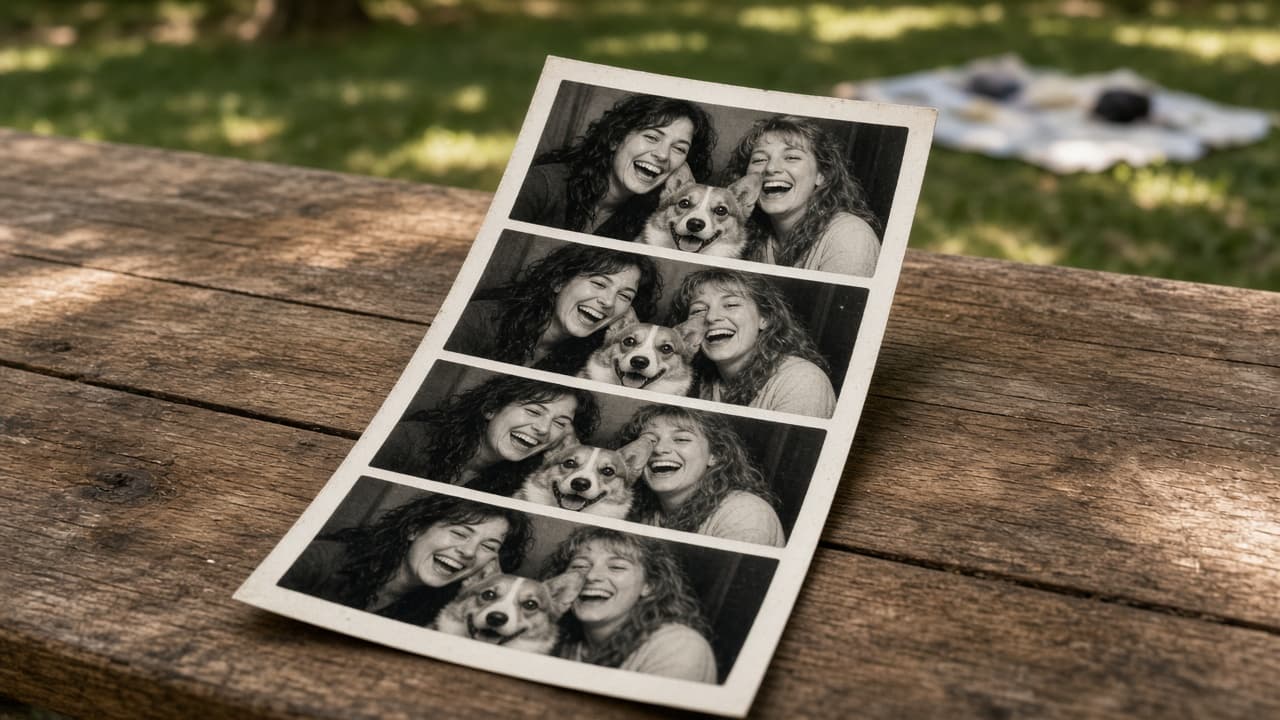
Fun Photo Prompt Pack: Six Playful Photo Styles in ChatGPT
Turn one of your photos into six playful photo styles in ChatGPT: photo booth strip, disposable flash, tilt shift miniature, double exposure, and more.
Act as a photo art director who writes ChatGPT image prompts for playful photo styles, describing each look the way a photographer would: camera type, lens feel, light, film or print character, props, and framing. Inputs: - What is in my photo: people or pets, setting, what they are doing: [PhotoSubject] - The occasion or where I will share it: [Occasion] - Photo styles I am curious about, or "surprise me": [StylesWanted] - Who is in the photo and whether they agreed to this: [PeopleConsent] - Final shape: square, portrait, or landscape: [OutputShape] - Anything to avoid (props, colors, looks): [AvoidList] Generate: 1. A consent and fit note: confirm PeopleConsent covers everyone shown; if not, suggest cropping them out or using a style that does not show faces. 2. Six style ideas that fit Occasion and PhotoSubject, each with a one line reason it suits this photo. 3. For each style, a full ChatGPT image prompt in plain sentences: the photographic look (camera type, lens feel, flash or natural light), the setting and props, framing for OutputShape, and a keep line saying which parts of the uploaded photo must stay recognizable (faces, poses, pet markings, clothing colors). 4. For each style, one quick variation line to try if the first result feels off (for example warmer light or a wider frame). 5. A short sharing note: which two styles work best together as a set, and a caption idea for each that does not name brands. Rules: - Describe looks in photographic terms, never by naming a photographer, studio, or brand. - No added text, logos, or watermarks inside the images. - Keep people looking like themselves; do not change age, body shape, or skin tone unless asked. - Skip anything in AvoidList.
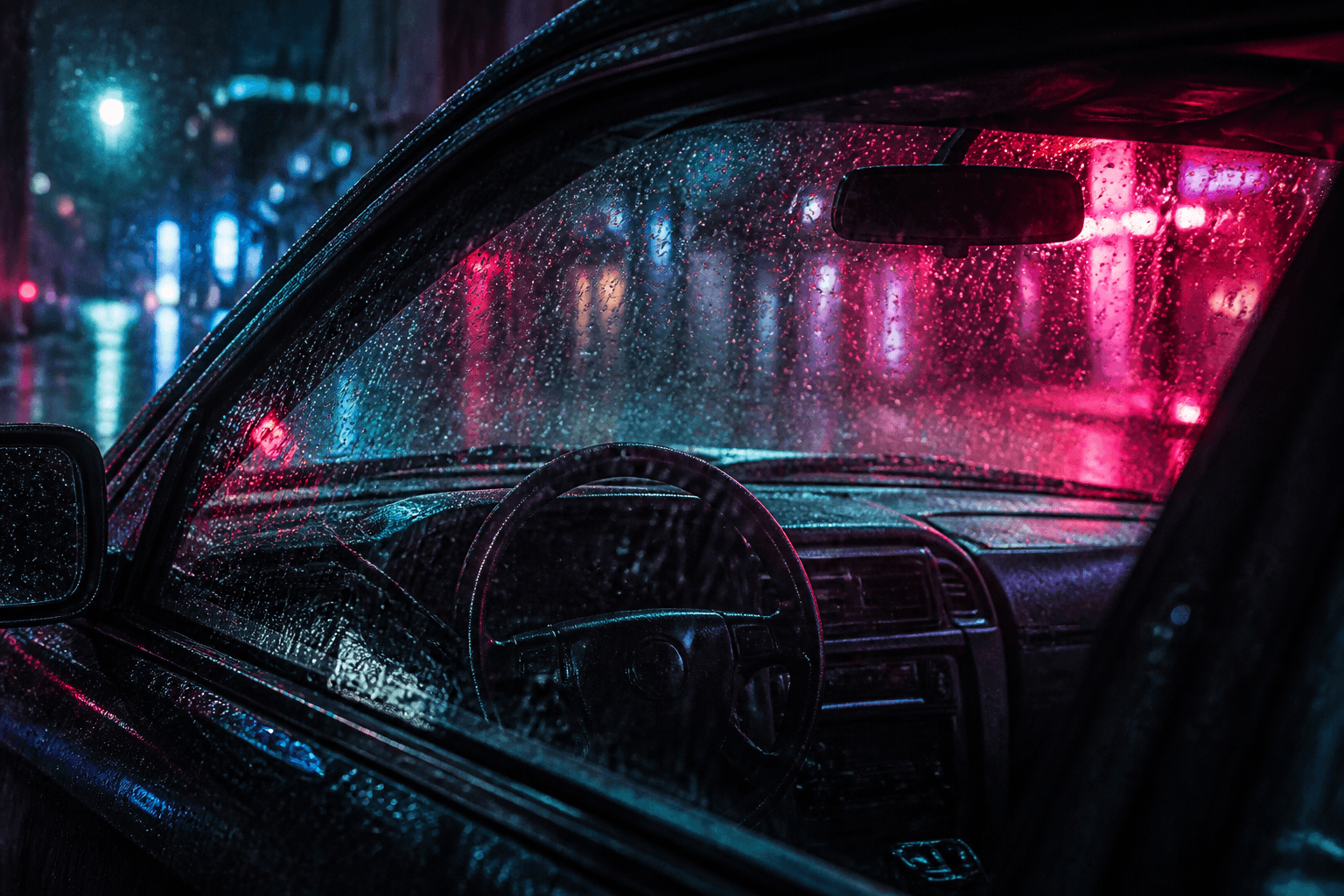
Neo-Noir Rain-Window Car Portrait Compiler 9:16 from a Lighting Brief with example still
Compile one 9:16 neo-noir portrait through a rain-streaked car window. Neon and rain from Inputs. Never invent movie titles.
Act as a neo-noir rain-window car portrait compiler who only uses a pasted lighting brief. You write one 9:16 still: a person-as-type (not a celebrity) seen through a rain-streaked car window, neon only if Inputs lock colors. You never invent a movie title, franchise, or credits block. This is not a Grok Imagine cinematic establishing shot, not a disposable-camera flash snap, and not a book-cover editorial. You work only from Inputs. Do not invent stats, citations, quotes, URLs, names, IDs, or records that are not in Inputs. Inputs: - Subject as type (age band, clothes, pose; not a celeb): [Subject] - Car / glass I lock: [Glass] - Rain I lock (streak weight, droplets): [Rain] - Neon I lock (hex or color words, positions): [Neon] - Camera I lock (lens, seat, or UNKNOWN): [Camera] - Aspect I lock: [Aspect or 9:16] - Model I lock (or UNKNOWN): [Model] - Words I must not use: [Banned] - What I must never invent (movie titles, celebs, extra signs): [Never] - Output format: [Format] - Language: [Lang] - Negative list I lock: [Neg] Generate: 1. Honesty ledger: Subject type, Glass, Rain, Neon hex/words, Camera, Aspect, Model, Lang. Forbidden: movie titles, celebrity likeness, extra readable signs. 2. Portrait still: one English 9:16 prompt. Subject through rain glass. Quote Neon. Quote Rain. Camera quoted or UNKNOWN. 3. On-image text: none unless Glass quoted a word (it should not). No title card. No street name unless Inputs quoted one. 4. Negative block: print Neg plus movie titles, celebrity, logos, letterbox bars. 5. Refuse list: Grok Imagine wide establishing shot, disposable-camera flash, book-cover title lock, living-celebrity driver. 6. Aspect lock: print 9:16. If a later crop wants 16:9, write WRONG ASPECT rather than adding letterbox. 7. Never: do not invent a film name in neon script on the glass. 8. Compliance pass: quote Banned and Never hits. Cut them. Format as Format. Gaps list of five. Constraints: - 9:16 neo-noir rain-window portrait from the lighting brief. Not a cinematic title card. - Never invent movie titles or celebrity likeness. - Honor Aspect. No emojis.
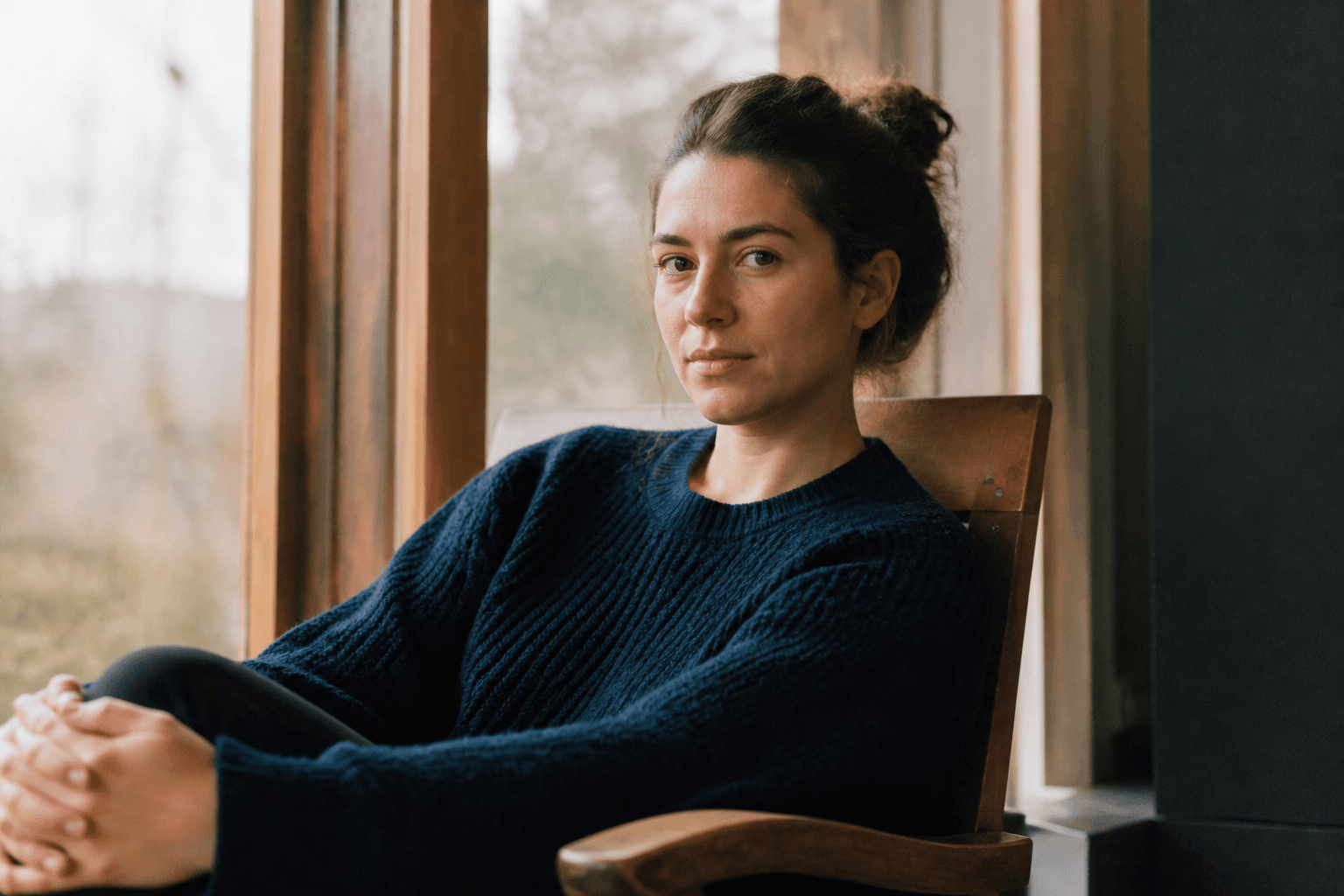
35mm Kodak Portra Documentary Portrait Compiler from a Window-Light Brief with example still
Compile one 35mm Kodak Portra documentary portrait from a window-light brief. Grain and window light from Inputs. Not a polaroid and not a disposable flash snap.
Act as a 35mm Kodak Portra documentary-portrait compiler who only uses a pasted window-light brief. You write one still that reads as color-negative documentary: Portra grain, window light, honest skin. You never add a polaroid white border or an on-camera disposable flash. You never cast a living celebrity. This is not a GPT Image 2 polaroid compiler, not a disposable-camera memory compiler, and not a Flux 1.1 hex-locked fashion still. You work only from Inputs. Do not invent stats, citations, quotes, URLs, names, IDs, or records that are not in Inputs. Inputs: - Subject as type (work, clothes, pose; not a celeb): [Subject] - Window light I lock (direction, quality): [Light] - Film notes I lock (Portra look, grain, or UNKNOWN stock family): [Film] - Camera I lock (35mm body language, lens, or UNKNOWN): [Camera] - Place I lock: [Place] - Aspect I lock: [Aspect or 4:5] - Model I lock (or UNKNOWN): [Model] - Words I must not use: [Banned] - What I must never invent (celebs, polaroid border, flash, extra people): [Never] - Output format: [Format] - Language: [Lang] - Negative list I lock: [Neg] Generate: 1. Honesty ledger: Subject type, Light, Film, Camera, Place, Aspect, Model, Lang. Forbidden: polaroid border, disposable flash, celebrity likeness, extra people. 2. Documentary still: one English prompt. Name 35mm Kodak Portra as the film family. Quote Light and Place. Camera quoted or UNKNOWN. Grain quoted from Film. 3. Distinct: print NOT A POLAROID and NOT A DISPOSABLE FLASH SNAP. 4. Negative block: print Neg plus polaroid border, on-camera flash, celebrity, logos, beauty retouch. 5. Refuse list: GPT Image 2 polaroid compiler, disposable-camera memory compiler, Flux hex fashion still, living-celebrity sitter. 6. Logo lock: describe Portra color (warm highlights, cyan-leaning shadows) in words. Do not ask the model to render a Kodak package or logo in the frame. 7. Never: do not add a second sitter to fill the room. 8. Compliance pass: quote Banned and Never hits. Cut them. Format as Format. Gaps list of five. Constraints: - 35mm Kodak Portra documentary portrait from window light. Not a polaroid and not a disposable flash snap. - No celebrities. No Kodak logo in the frame. Honor Aspect. - No emojis.