ChatGPT Prompts for Virtual Staging: 10 Listing Briefs
10 ChatGPT prompts for virtual staging: scale furniture to real room sizes, keep windows and floors untouched, write MLS disclosures, and pass Fair Housing.
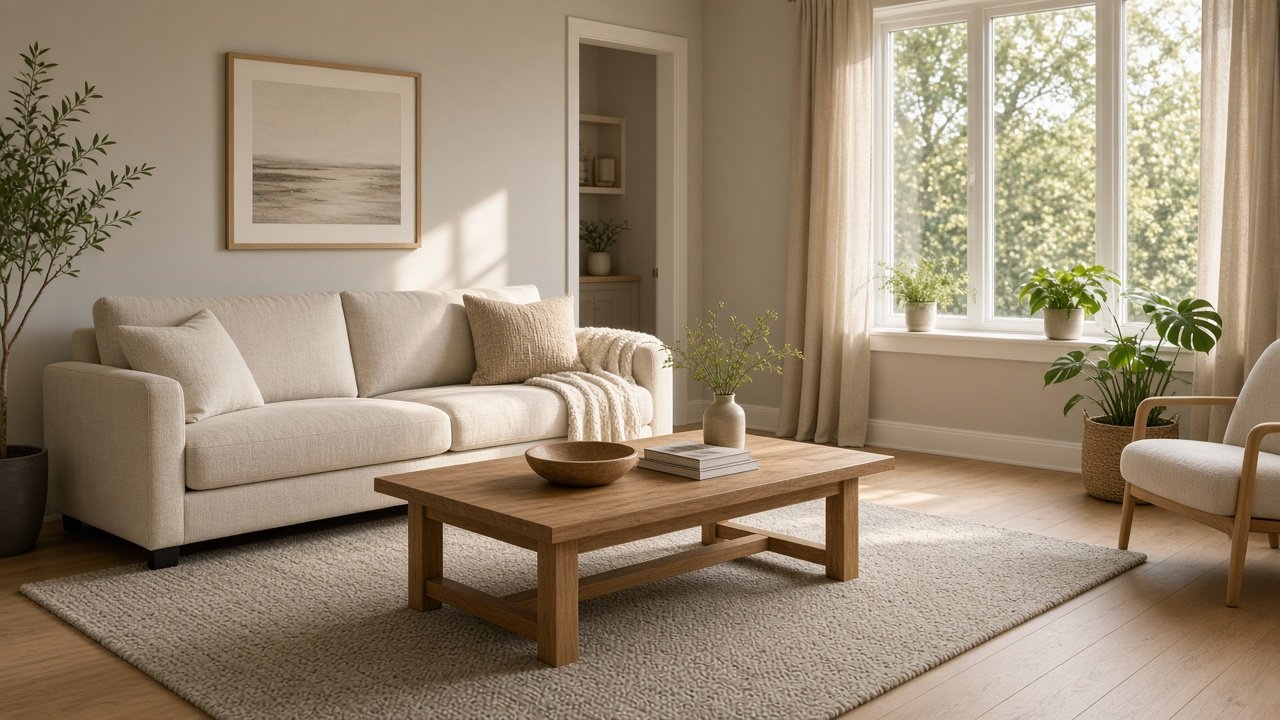
ChatGPT prompts for virtual staging work when they add movable furniture to a real empty room and change nothing else. Give ChatGPT the room size, the camera angle, and a list of fixed elements, then ask it to keep windows, floors, and flaws exactly as photographed. The 10 prompts below cover planning, the image edit itself, disclosure, and a Fair Housing check on your captions.
Label every virtually staged photo as your MLS and NAR practice require, and never hide or cover defects.
Plan the room before you edit
1. Room fact sheet
Here are the facts for this room: [room type, dimensions, ceiling height, flooring, walls, windows, doors, vents]. Restate them as a fact sheet and mark anything I did not give as UNKNOWN.
2. Scaled furniture plan
Room size: [dimensions]. Style: [staging style]. List furniture with real-world sizes, which wall each piece sits on, and the walkway left. Nothing should be too big to fit a real room this size.
3. Life-safety placement check
Check this furniture plan: [plan]. Flag anything that blocks a door, an egress window, a heat register, or the electrical panel, or covers a smoke or CO detector. Suggest a new position for each.
Write the staging edit
4. Image edit prompt with a keep list
Write a ChatGPT image-edit prompt for this empty [room type] photo in [style]. Add only the furniture in [plan]. Match the existing window light. End with a sentence that keeps [fixed elements] exactly as they appear.
5. Do-not-alter list
Write a short do-not-alter list for this room: [room facts]. Include windows, view, floors, walls, ceiling, fixtures, and any visible wear such as [defects]. Staging must not hide condition.
6. Two style variants, same room
Here is my staging prompt: [prompt]. Write two variants in [style A] and [style B] that change only furniture and decor sentences. Every line about fixed elements stays word for word.
7. Before and after review checklist
I will compare the original photo and the staged edit of [room]. Give me a checklist to spot changes to windows, floors, walls, lighting direction, room size, or the view, so I can reject a bad edit.
Disclose and caption honestly
8. MLS disclosure line
My MLS rule on virtual staging, as written: [rule]. Write a disclosure line for [MLS, flyer, listing site] that follows it. If my rule is missing a detail, tell me to confirm it with my broker.
9. Feature-only photo caption
Write a 15-word caption for this staged [room type] that describes features only: [features]. No words about who should live there and none of these: [banned phrases].
10. Fair Housing caption scan
Scan these captions and photo notes for words that describe people instead of the property: [captions]. Flag each one and rewrite it to describe the room or location features.
Run the full staging brief with one prompt
The flagship Virtual Staging Prompt: Empty Room to Staged Photo Brief builds the fact sheet, scaled plan, life-safety check, edit prompt, do-not-alter list, disclosure, and style variants together. Its example stages an 11 ft 6 in by 12 ft 2 in bedroom while keeping the egress window and a baseboard scuff untouched.
A Fair Housing note: describe the property, never the people you imagine living in it, and avoid decor that signals a type of buyer. Follow your MLS and state rules on staged photo labels, and ask your broker when in doubt. This is not legal advice.
Related prompts
For listing copy, pair this with the Fair Housing MLS listing description prompt. Design-focused renders work well with the interior design rendering from a room spec prompt and the AI prompts for interior design rendering guide. Before the listing appointment, try listing presentation prep, and for promotion see ChatGPT prompts for real estate marketing.
Find more in the Real Estate category, look through Browse, or post your own on Share.