AI Prompts for Interior Design Rendering: 12 to Copy
12 AI prompts for interior design rendering: room renders from a written spec, matching camera views, material callouts, lighting moods, and fix prompts.
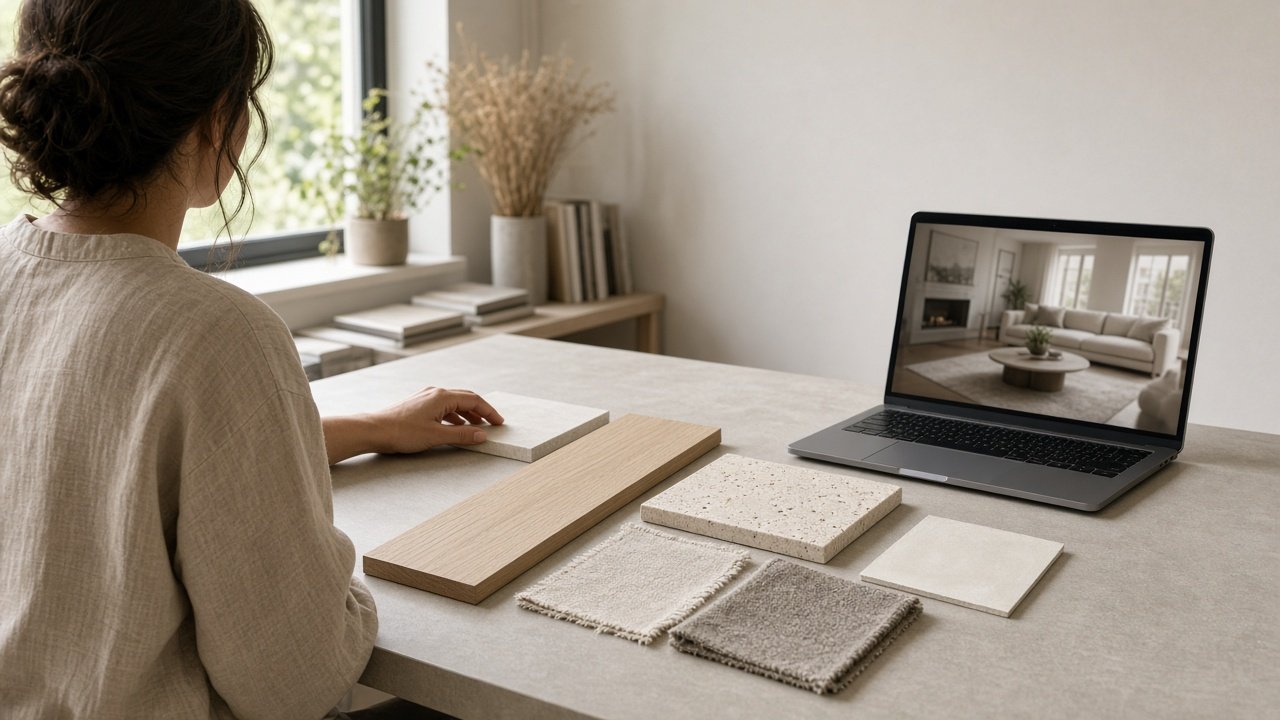
The best AI prompts for interior design rendering describe the room like a spec sheet: size, where the windows and doors are, every material, furniture positions, the light, and exactly where the camera stands. Image generators drift between views, so start each prompt with the same short room description and say what sits on the left, right, and back wall. Below are 12 copy-paste prompts for concept renders, grouped by task, plus a flagship prompt that writes a full set of matching render prompts from your room spec.
Paste these into the AI image generator you use, such as ChatGPT image generation or Gemini, and replace every [bracket]. AI renders are concept visuals: they are not to scale and do not replace plans, so confirm sizes and finishes with real samples before anyone orders anything.
Prompts for the first render
1. Room consistency block
Write a 3 sentence description of this room that I can paste at the start of every render prompt: [size, ceiling height, window and door positions, floor, walls, main furniture and positions].
2. Master render
[Consistency block] Photorealistic interior photograph from [camera position] at standing eye level, natural lens, straight vertical lines, [time of day] light from [direction]. Calm and uncluttered. No text or logos.
3. Style from client notes
My client likes [likes] and dislikes [dislikes]. Turn that into a style description for an image prompt in visual terms: colors, textures, furniture height, and amount of decor.
Prompts for matching views
4. Second camera angle
[Consistency block] Same room from [new camera position]. From here, [item] is on the left, [item] is on the right, and [item] is in the background. Keep every window and piece of furniture where it is.
5. Detail vignette
[Consistency block] Close view of [piece of furniture or corner], showing [materials], soft light from [direction], shallow depth of field.
6. Top down layout view
[Consistency block] Simple top down view of the room showing furniture placement only, clean and diagrammatic, no labels or text.
Prompts for materials and options
7. Material callouts
Describe these finishes for an image model in visual terms: grain, sheen, texture, and color temperature: [list of materials].
8. Two finish options
[Master render prompt] Render the same view twice, changing only the [floor, cabinets, or sofa fabric] from [option A] to [option B]. Keep everything else identical.
Prompts for light and mood
9. Day and evening
[Master render prompt] Now the same view at dusk: blue light in the windows and warm light from [fixtures]. No other changes.
10. Seasonal styling
[Master render prompt] Style the room for [season or event] with no more than [number] added objects, keeping the furniture and finishes the same.
Prompts for fixing renders
11. Geometry fix
Keep everything the same, but make all vertical lines straight, show exactly [number] windows on the [wall], and make the [furniture] the right scale for a [size] room.
12. Clean up
Remove [extra lamps, clutter, plants, text on objects], and leave clear floor space between [items]. Do not change the camera angle.
Write a full render set in one prompt
The Interior Design Rendering Prompt: Renders From a Room Spec combines prompts 1, 2, 4, 5, 7, 9, and 11. Run it in a chat model with your room spec, style direction, materials, furniture list, lighting plan, camera views, purpose, and things to avoid. It returns a design read, a consistency block, a master render prompt, one prompt per view, material callouts, day and evening versions, a fix list, and a client note. The example renders a warm minimalist living room with a travertine coffee table.
Have a photo of the current room instead of a spec? Use the Interior Room Makeover from One Photo prompt for a before and after.
Tips for AI interior renders
- Say where the camera stands and what is on each side of the frame.
- Paste the same consistency block into every prompt.
- Change one thing per follow up prompt.
- Count windows and doors in every render before you show a client.
Related prompts and guides
Render buildings with the Midjourney V6 Photorealistic Architecture Prompt Maker, see more room before and afters in Before and After Image Prompts, or edit an existing render step by step with Gemini Prompts for Image Editing. Find more in the Image Generation prompts hub, browse all prompts, or share a prompt and your render.