ChatGPT Prompts for Marketing Images: 12 Ad Photo Prompts
12 ChatGPT prompts for marketing images: product ad photos, lifestyle scenes, social crops, banners with headline space, seasonal ads, and pre-post checks.
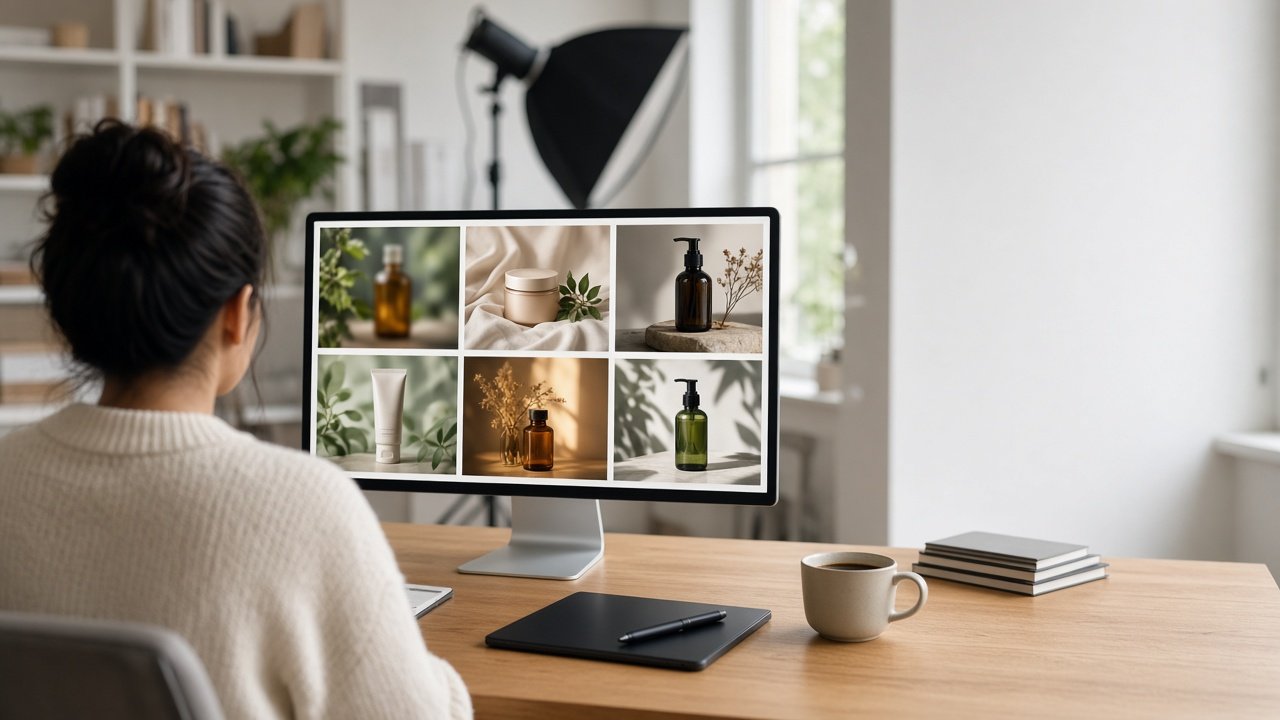
ChatGPT prompts for marketing images help you brief product ad photos, lifestyle scenes, social posts, and banners that look like a real photo shoot. You describe the product exactly as it looks, the scene, the props with exact counts, and where the headline will go, and ChatGPT writes an image prompt you can paste into its image generation or another image tool; you check the result before it runs. Below are 12 copy-paste prompts grouped by ad format, plus a flagship prompt that turns a product brief into one finished ad photo prompt with crops and checks.
Two rules apply to all of them. Add headlines and logos later in a design tool so the words are exact. And under the FTC Act, an ad must not mislead, so the image has to show your real product as it actually looks and works, with no celebrities, real people's likeness, or other brands' logos.
Prompts for product ad photos
1. Hero product photo
Write a photorealistic image prompt for an ad photo of [product, exact color, material, and parts] on [surface] in [setting]. One product only, [lighting], sharp focus on the product, and the [left or right] third of the frame left empty for a headline.
2. Clean studio shot
Write an image prompt for [product] on a seamless [color] background with soft studio light from [direction], a gentle shadow under it, and no props. Describe the product exactly as: [product facts].
3. Detail close-up
Write an image prompt for a macro close-up of [product part, for example the lid or the stitching] that shows [material or texture] in sharp detail, with the rest of the product softly out of focus.
Prompts for lifestyle and scene images
4. Lifestyle scene with counted props
Write an image prompt for [product] in use in [scene], with exactly these props: [prop and number]. No people. [Time of day and light]. Keep the scene simple enough that every prop can be counted.
5. Seasonal version
Rewrite this image prompt: [prompt] for [season or holiday] using only [two or three seasonal props]. Keep the product, angle, and copy space exactly the same.
6. Flat lay
Write an overhead flat lay image prompt for [product] on [surface] with [number] related items: [items]. Even spacing, soft daylight, and an empty area at the [position] for text.
Prompts for social posts and banners
7. One image, three crops
Take this image prompt: [prompt] and write versions for 16:9, 1:1, and 4:5. For each, say where the product sits and where the empty copy space goes.
8. Banner with headline space
Write a wide banner image prompt for [placement] showing [product] in [scene], with [percent] of the frame empty on the [side] for a headline added later. No text in the image.
9. A/B test backgrounds
Write three versions of this image prompt: [prompt] that change only the background ([option A], [option B], [option C]) so I can test which one performs better. Everything else stays identical.
Prompts for checks and fixes
10. Claim check
Here is my ad image prompt: [prompt] and the product facts: [facts]. List anything in the scene that could suggest a feature or result the product does not have (steam, ice, size, extra parts), and rewrite the prompt without it.
11. Image checklist
Write six yes or no questions I can answer by looking at the image made from this prompt: [prompt], covering product color and parts, prop counts, copy space, text, logos, and aspect ratio.
12. Fix a failed image
The image from this prompt: [prompt] came out with [problem]. Write a one-line follow-up that fixes only that problem and keeps everything else the same.
Brief one ad photo from start to finish
The Marketing Image Prompt: Ad Photo Brief to Image Prompt runs prompts 1, 4, 7, 8, 10, 11, and 12 together. Paste your product facts, campaign goal, placement and ratio, scene and props with counts, lighting and mood, copy space, and what to avoid. It returns the main image prompt, two placement crops, a leave-out line, a claim check, an image checklist, a fix line, and a note for the designer. The example creates a 16:9 website hero of a sage green water bottle on a lakeside rock at sunrise, with the left third left open for the headline.
For a product on white for a store listing, use the Nano Banana 2 Product Packshot Prompt. If you already have a phone photo of the product, the Amateur Product Photo to Catalog Hero Shot prompt starts from that.
Tips for better marketing images
- Describe the product the same way every time. Copy the exact wording into every prompt.
- Count every prop. Fewer props means fewer mistakes to fix.
- Keep the copy space empty in the image and add the headline in your design tool.
- Compare the result with the real product before you post it.
Related prompts and guides
Midjourney users can start from the Midjourney V7 Prompt Generator from a Creative Brief. To edit photos you already have, see Gemini Prompts for Image Editing and Before-and-After Image Prompts. Find more in the Image Generation prompts hub, browse all prompts, or share a prompt that made a great ad.