ChatGPT Prompt for Storyboard: 12 Storyboarding Prompts
ChatGPT prompt for storyboard planning: 12 copy-paste prompts to break down a script, build a timed shot list, write frame notes and check continuity.
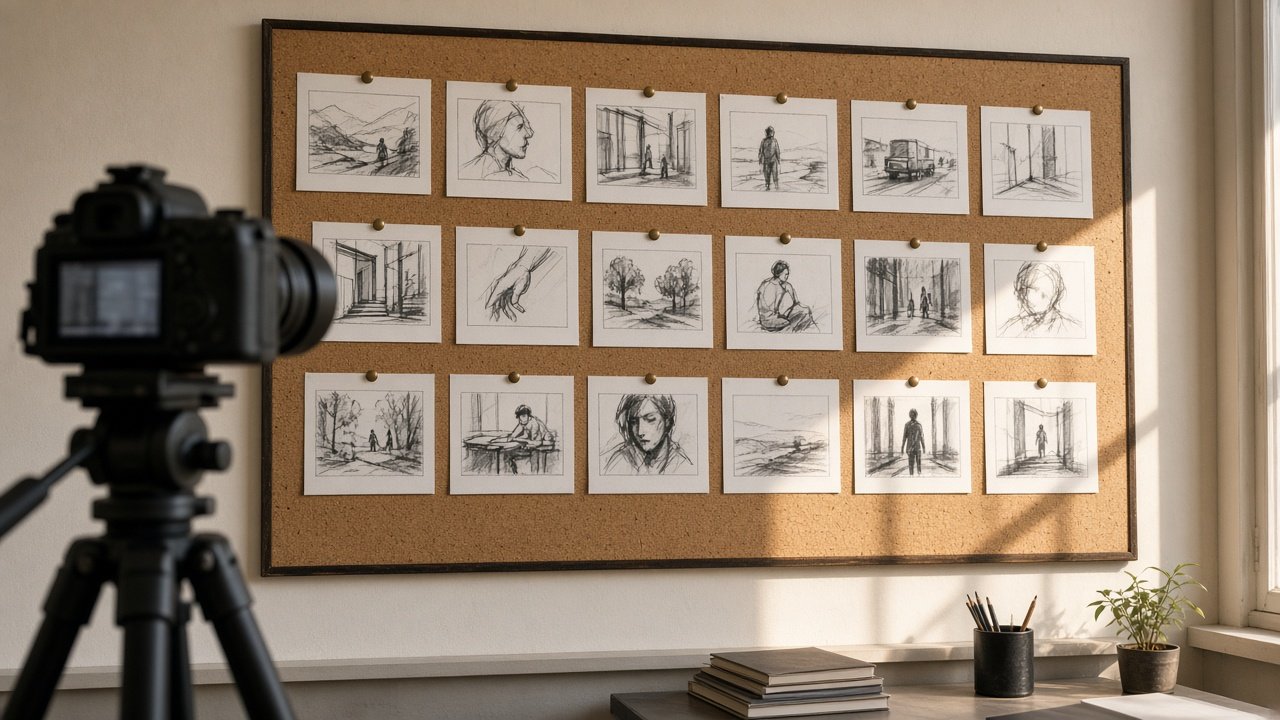
A ChatGPT prompt for storyboard planning turns a finished script into numbered frames with shot sizes, angles and timings your whole crew can follow. The 12 prompts below take you from script breakdown to a timed shot list, frame notes, continuity checks and an animatic. Replace each [variable] with details from your own script.
Rights and consent note: Board original characters and settings, not characters, logos or worlds from existing films, shows or games. If a frame is drawn or generated from a real person, such as an actor or a customer, get their written consent first, and never show someone saying or doing something they did not agree to.
Keep the model tied to your script: ask it to flag anything it would add rather than invent new scenes.
Break down the script
1. Scene breakdown
Read this script [paste] and list each scene with location, time of day, characters and the one story job the scene does.
2. Story beats
List the story beats in this script [paste] in order, one line each, and mark which beat is the turning point.
Plan the shots
3. Numbered shot list
Turn scene [number] of this script [paste] into a shot list numbered 1.1, 1.2 and so on, with shot size, angle, movement, action and dialogue for each.
4. Timing to runtime
Give every shot in this list [paste] a duration in seconds, show the sum, and adjust until the total is exactly [runtime] seconds.
5. Camera choices
For each shot in [shot list], suggest one camera angle and one movement that fits a [style] look, with a one line reason.
Describe the frames
6. Frame notes for an artist
Write two sentences per shot in [shot list] describing what is in the frame, where the subject sits and which way they look, for a [aspect ratio] frame.
7. Character look sheet
Write a short look sheet for each character in [characters] so their hair, clothes and props stay the same in every frame.
8. Image prompts per frame
Write one short image prompt per shot in [shot list] in a [style] style, keeping each character's look from [look sheet] identical, with no logos, readable signs or real people.
Check continuity
9. Continuity check
Check this shot list [paste] for screen direction, the 180 degree line in dialogue, matching props and wardrobe, and list every problem.
10. Location check
Compare these shots [paste] with the locations we can use [locations] and flag any shot that needs a place we do not have.
Hand off to the crew
11. Animatic timing sheet
Turn this storyboard [paste] into an animatic timing sheet with shot number, start time, end time, voiceover line and sound notes.
12. Shoot day order
Reorder these shots [paste] for an efficient shoot day by location and camera setup, and keep the original shot numbers.
Use the full storyboard prompt
The flagship Storyboard Prompt: Script to Numbered Frames and Shot Notes runs every step from one script: scene breakdown, a numbered shot list, a timing check that matches your runtime, frame notes, continuity, optional frame prompts and open questions. Its example boards a 30 second library tool lending spot in nine shots.
Related prompts
If you start from a scene list instead of a script, try the storyboard beat sheet prompt. For vertical video, use the YouTube Shorts storyboard prompt. Once the footage is shot, the video editing prompt turns your transcript into a cut list and captions. For moving pictures, see the ChatGPT prompt for animation video and the AI prompts for video generation.
Find more in the Video category, look through Browse, or post your own on Share.