ChatGPT Prompt for Animation Video: 12 Planning Prompts
12 ChatGPT prompts for animation video: write timed voiceover scripts, build scene lists, set a style sheet, list assets, and write prompts for each scene.
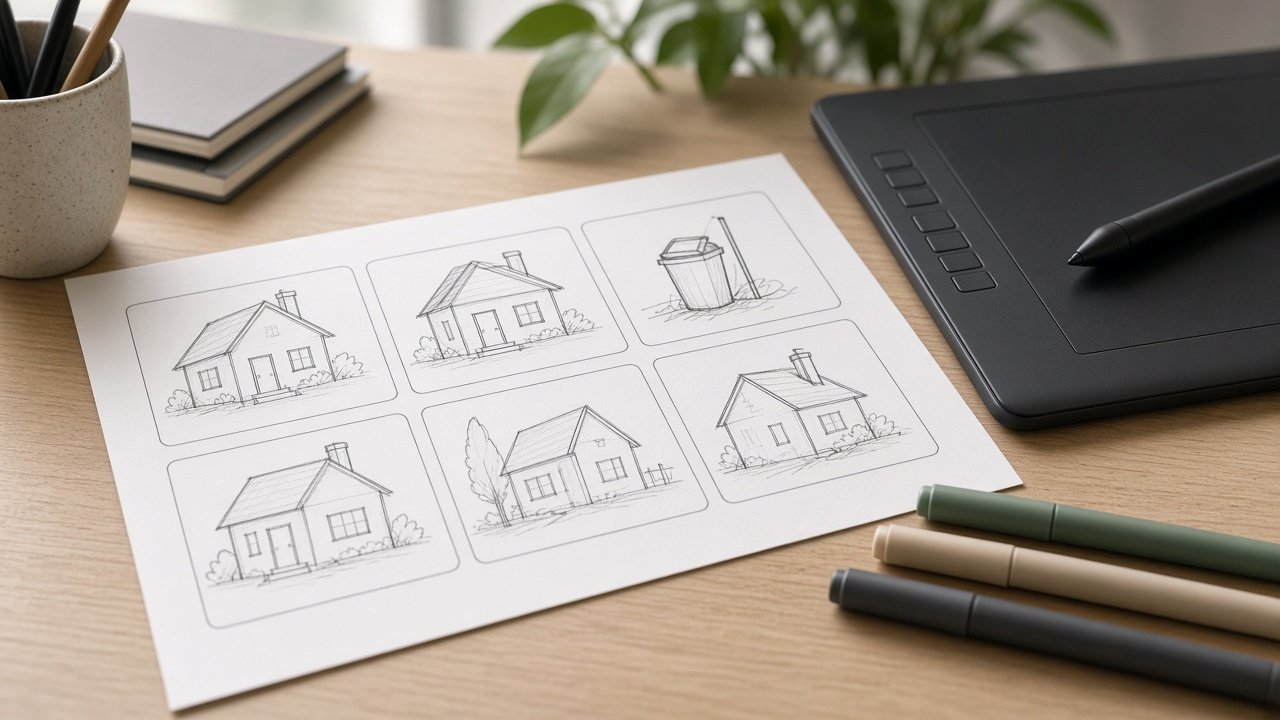
A ChatGPT prompt for animation video helps you plan the script, scenes, and style of a short animated video before you open your animation tool. ChatGPT does the planning, and your animation or video tool does the moving pictures. The 12 prompts below cover messages, timed voiceover, scene lists, style sheets, assets, and per-scene prompts.
Keep characters original, get consent before using a real person's face or voice, and if you generate motion with AI, use a current tool such as Veo 3.1, Gemini Omni Flash, or Runway Gen-4.5.
Plan the message
1. One-line message
Here are the facts for my video [facts]. Write five one-sentence messages the whole video could serve, and pick the clearest for [audience].
2. Video length check
I want to explain [topic] to [audience] on [platform]. Suggest a length in seconds and how many scenes fit, with one idea per scene.
Write the script
3. Timed voiceover script
Write a voiceover script for a [length] second animated video about [message]. My narrator speaks at [words per minute]. Give each line a word count and spoken time, and leave room for pauses.
4. Text-only version
Turn this voiceover [paste] into short on-screen text cards of three to five words, so the video works with the sound off.
5. Hook options
Write five opening lines for the first 5 seconds of my animated video about [topic], each one a question or a surprising picture.
Build the scenes
6. Scene list with timing
Turn my script [paste] into a scene table: scene number, time range, what we see, what moves, on-screen text, and sound. Make the times add up to [length] seconds exactly.
7. Motion notes
For each scene [paste], suggest simple motion an animator can build in [tool]: what enters, how it moves, and the transition to the next scene.
8. Style sheet
Write a style sheet for a [style] animation using my colors [colors] and font [font]: shapes, line weight, character look, type rules, and transitions.
9. Asset list
From this scene list [paste], list every character, prop, background, and icon to build, and which scenes use each one.
Make the frames
10. Per-scene image prompts
Write one prompt per scene [paste] for [image or video tool], in the same [style] and palette, with no text inside the images.
11. Character turnaround
Describe my original character [description] from front, side, and back for an animator, with colors and three expressions.
12. Captions and accessibility
Check my animation plan [paste] for accessibility: captions, how long text stays on screen, color contrast, and any fast flashing to remove.
Plan the whole video in one prompt
The flagship Animation Video Prompt: Script, Scene List, and Style Sheet takes your message and facts, audience, length, style, tool, brand kit, voiceover plan, and call to action. It returns a message line, a timed voiceover script, a scene list, a style sheet, an asset list, per-scene prompts, and accessibility notes. Its example plans a 60-second explainer for a town's new food scrap pickup.
Tips for animated video planning
Time the script before you animate: count the words, divide by your narrator's pace, and leave room for pauses. Keep one idea per scene and only a few words of text on screen. Use original characters, not copyrighted ones or studio styles.
Related prompts
Sketch the shots with the storyboard beat sheet prompt or, for vertical video, the YouTube Shorts storyboard prompt. Design your cast with the cartoon character design sheet prompt, and read AI prompts for video generation for AI video.
Find more in the Video category, look through Browse, or post your own on Share.