ChatGPT Prompt for Habit Tracker: 12 Ways to Track Habits
12 ChatGPT prompts for a habit tracker: set weekly targets, build a printable or spreadsheet grid, write streak rules, plan hard days, and review each week.
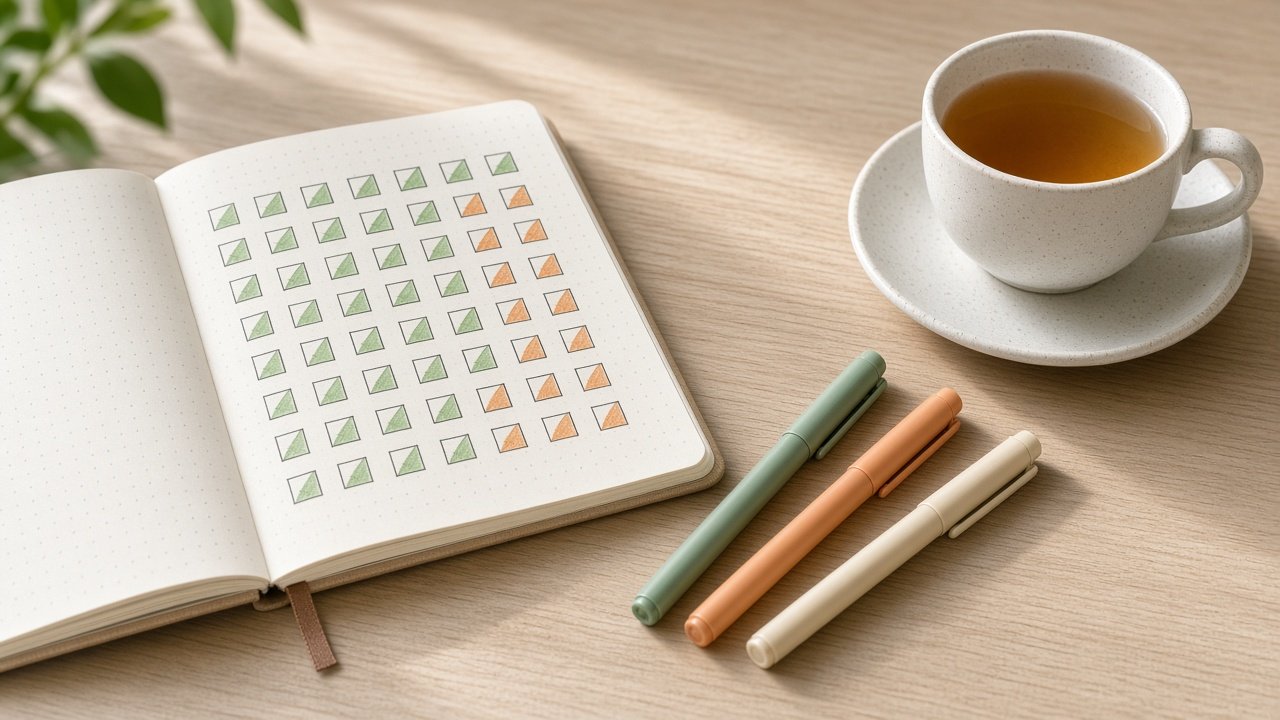
A ChatGPT prompt for habit tracker setup turns the habits you want into a simple grid with realistic targets, rules for missed days, and a weekly review. The 12 prompts below help you pick targets, build a printable page or spreadsheet, plan for busy days, and check your progress each week. Track a few habits well rather than many habits badly.
A habit tracker is a planning tool, not medical or mental health advice. Talk with a professional before changing sleep, diet, or medication, and if you are struggling, call or text 988 in the US.
Choose habits and targets
1. Habit list to targets
Here are the habits I want [list with how often]. Give each a weekly target and a target for [number] weeks, and tell me if any target is too ambitious to start with.
2. Minimum versions
For each habit [list], write a minimum version I can do in under five minutes on a bad day.
3. Why it matters
Help me write one short reason for each habit [list] that I can put on my tracker, based on what I want [goals].
Build the tracker
4. Printable page layout
Design a printable habit tracker for [number] habits over [number] weeks: page orientation, rows, day boxes, week totals, and how to mark a full or minimum day.
5. Google Sheets tracker
Set up a Google Sheets habit tracker for [habits]: columns, checkboxes, and formulas to count ticks per week and show the percent of each target.
6. Excel version
Build the same tracker in Excel with checkboxes or "x" marks, weekly totals, and conditional formatting that turns a week green at [percent] of target.
7. Bullet journal spread
Describe a monthly habit tracker spread for my bullet journal with [habits], sized for a [notebook size] page.
Keep it going
8. Streak rules
Write simple streak rules for my habits [list]: what counts, whether the minimum version counts, and what to do after a missed day.
9. Hard day plan
My habits usually slip on [days and reasons]. Plan which habits drop to their minimum version on those days.
10. Habit stacking
Attach each habit [list] to something I already do every day [routine], written as "after I [routine], I will [habit]".
Review your progress
11. Weekly review
Last week: [habit, ticks, target for each]. Show percent per habit and overall with the math, one thing that worked, and one change for next week.
12. Four-week reset
Here are my four weeks of results [paste]. Which habits should I keep, raise, lower, or drop for the next four weeks, and why?
Build the whole tracker in one prompt
The flagship Habit Tracker Prompt: Printable Grid, Streak Rules, Review takes your habits, reasons, tracker format, length, hard days, and last week's results. It returns a habit table with minimum versions, a tracker layout, streak rules, a spreadsheet setup with formulas, a hard day plan, and a weekly review. Its example scores a week at 17 of 23 ticks and fixes the weakest habit with one small change.
Tips for tracking habits
Keep the tracker where you will see it every day, such as the fridge or your phone's home screen. Count the minimum version as a win so a busy day does not break the chain. Review once a week, change one thing at a time, and remember a tracker is a planning tool, not medical advice.
Related prompts
To design the habits themselves, use the habit system with if-then plans. Notion users can try the Notion habit tracker checklist. Pair your tracker with the weekly review and next week plan generator, and plan your days with ChatGPT prompts for time blocking.
To set the goals behind your habits, see ChatGPT prompts for goal setting.
Find more in the Productivity category, look through Browse, or post your own on Share.