ChatGPT Prompts for Pet Photos: 12 Portrait and Scene Ideas
12 ChatGPT prompts for pet photos: portraits, seasonal scenes, costumes, painted styles, and likeness checks that keep your own cat or dog looking like them.
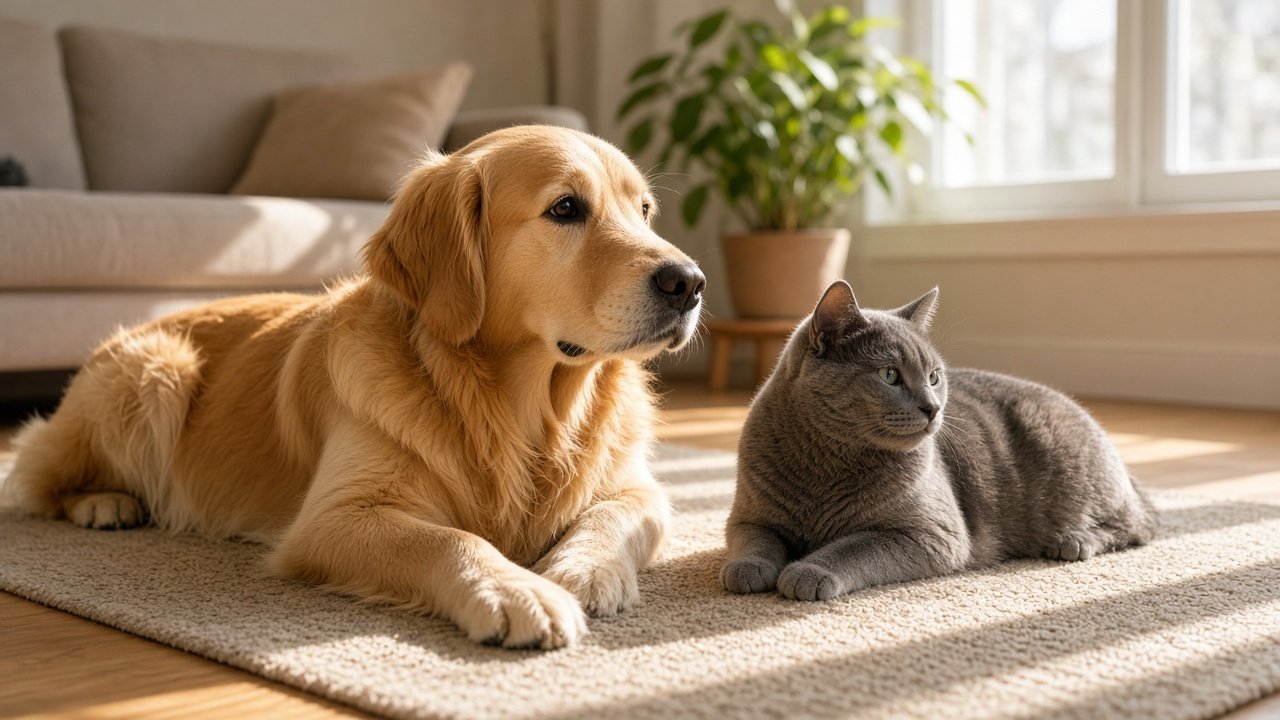
ChatGPT prompts for pet photos turn a picture of your own cat, dog, or other pet into a new portrait or scene that still looks like them. The 12 prompts below cover portraits, seasonal scenes, fun costumes, art styles, and checks that keep markings and eye color right. Upload a clear photo of your pet with each prompt, and only use photos of pets you own or have permission to use.
Portraits
1. Classic studio portrait
Use the pet in my photo and keep its exact markings [markings]. Make a photorealistic studio portrait on a [color] backdrop, soft key light, sharp focus on the eyes. No text.
2. Window light close-up
Keep my pet's exact look [markings]. Create a close-up portrait by a window in soft natural light, shallow depth of field, calm mood.
3. Regal pet portrait
Keep my [species]'s face and markings [markings]. Show it seated on a velvet cushion in a grand room with warm painterly light, photorealistic.
Scenes and seasons
4. Autumn scene
Place my pet [markings] in an autumn scene: [place, such as a windowsill or park path] with fallen leaves and golden hour light.
5. Snow day
Show my pet [markings] in fresh snow, mid-step, with soft overcast light and a few snowflakes in the air.
6. Holiday card
Make a holiday card photo of my pet [markings] next to [props], with warm lights blurred in the background and empty space at the top for my own text.
Fun and art styles
7. Costume portrait
Dress my pet [markings] as a [costume, such as a pilot or chef] in a photorealistic portrait. Keep its face and coat unchanged.
8. Watercolor style
Turn my pet's photo into a soft watercolor painting on white paper, keeping its markings [markings] and expression.
9. Pet and owner style match
Using my pet photo and my own photo, create a matching portrait of us both in [setting]. Keep both of our faces and my pet's markings unchanged.
Keep it looking like your pet
10. Feature lock
Look at my pet photo and list the features that make it recognizable: coat colors and pattern, eye color, ear shape, face width, and any scars. I will paste this list into every prompt.
11. Likeness fix
Keep everything else the same, but match the pet in my uploaded photo exactly: [the feature that changed, such as eye color or a white paw].
12. Safe staging check
I want to recreate this scene [scene] as a real photo of my [species]. Flag any prop, plant, or food that could be unsafe for it and suggest a safe swap.
Make one finished portrait in one prompt
The flagship Pet Photo Prompt: Portrait Scene From Your Pet's Own Photo takes your pet's details, markings, scene, pose and mood, lighting, and where you will use the image. It returns a feature lock, a paste-ready portrait prompt, two variations, a likeness check with a fix line, and safety notes. Its example puts an orange and white tabby on an autumn windowsill while keeping its white chest and white front paws.
Tips for pet photos with ChatGPT
Start with a sharp, well-lit photo where your pet's face and markings are easy to see. Put the feature lock at the top of every prompt, and change only one thing at a time when you ask for edits. If you stage a real photo, keep your pet's comfort and safety first.
Related prompts
Dog owners can go deeper with ChatGPT photo prompts for dogs and the dog photo portrait prompt, which focus on dog breeds and poses.
Find more in the Photography category, look through Browse, or post your own on Share.