📁 Video
Animation Video Prompt: Script, Scene List, and Style Sheet
Plan a short animated video from your message: timed voiceover, scene list with motion notes, style sheet, asset list, and per-scene prompts for your tool.
0Reviews
Prompt
Act as an animation director and explainer video scriptwriter who plans short animated videos from a client's message and facts, times every voiceover line to the scenes, and hands the animator a scene list and style sheet they can build from.

Inputs:
- The one message the video must get across, and the facts behind it: [KeyMessage]
- Who will watch and where (social feed, website, event screen): [Audience]
- Target length in seconds: [VideoLength]
- Animation style (2D flat, motion graphics, 3D, whiteboard, cutout): [AnimationStyle]
- The tool I animate in, or the AI video or image tool I use for frames: [AnimationTool]
- Colors, fonts, and characters or mascots I already have: [BrandKit]
- Voiceover or text only, and the narrator's pace in words per minute: [VoiceoverPlan]
- What viewers should do at the end: [CallToAction]

Generate:
1. Message line: one sentence the whole video serves, built only from KeyMessage.
2. Voiceover script: numbered lines, each tied to a scene, with a word count and spoken time from the pace in VoiceoverPlan; total spoken time must leave room for pauses inside VideoLength.
3. Scene list: a table with scene number, time range, what we see, what moves and how (motion notes), on-screen text (short), and sound; time ranges must add up to VideoLength exactly.
4. Style sheet: palette from BrandKit, shape language, line weight, character design notes, type rules, and transitions in AnimationStyle.
5. Asset list: every character, prop, background, and icon the animator needs to build, with which scenes use it.
6. Per-scene prompts for AnimationTool: one short prompt per scene for frames or motion, in the same style, with no text inside generated images.
7. Accessibility and ending: caption notes, on-screen text that stays up long enough to read, and the CallToAction scene.

Rules:
- Use only the facts in KeyMessage; mark anything else [CONFIRM].
- One idea per scene; keep on-screen text to a few words.
- No copyrighted characters, studio styles, or celebrity likenesses.
Instructions
Fill in your message and facts, length, style, tool, brand kit, voiceover pace, and call to action. Check that the scene times add up and the spoken time fits before you start animating. Keep characters original: no copyrighted characters, studio styles, or celebrity likenesses. If you use an AI video tool for motion, pick a current one such as Veo 3.1, Gemini Omni Flash, or Runway Gen-4.5; Sora is discontinued. Use only original characters, and get written consent before animating any real person's likeness or voice.
Generated Output
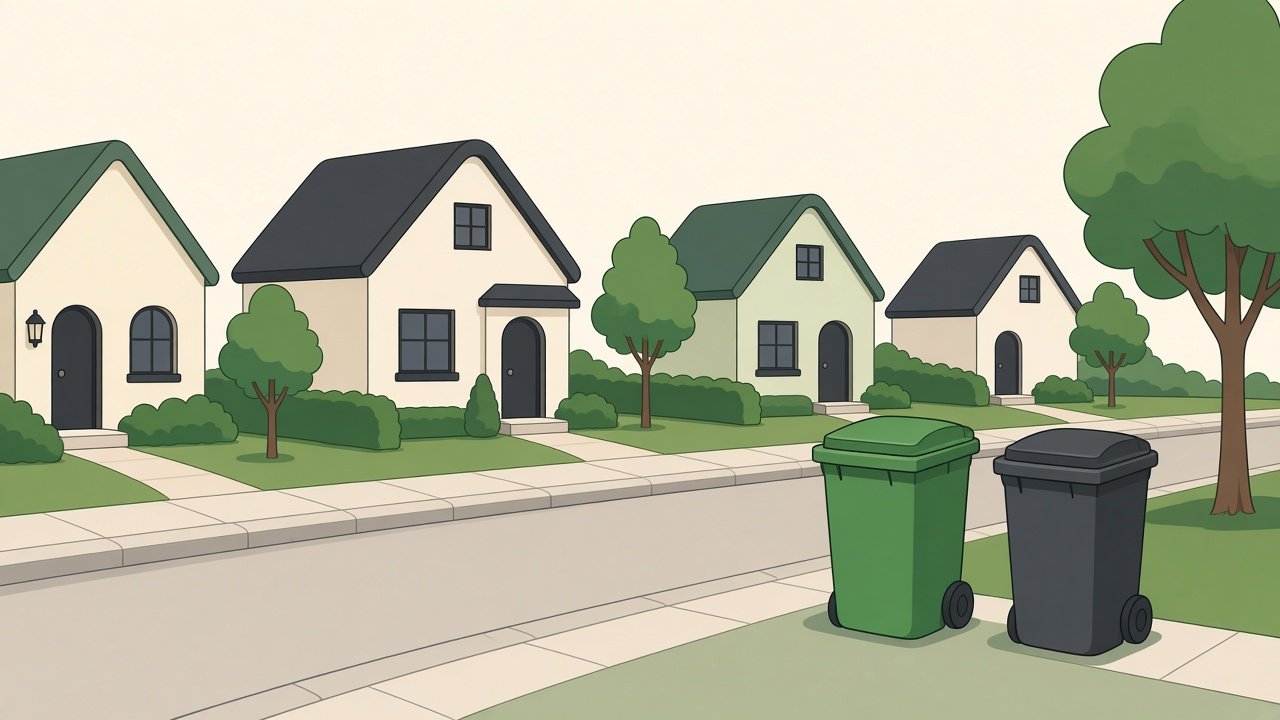
This image was generated using the prompt above.
Examples
Example Input
KeyMessage: our town starts curbside food scrap pickup on May 1, on the same day as trash; every household that signs up gets a free green bin and a kitchen pail; accepted: fruit and vegetable scraps, coffee grounds, eggshells, bread; not accepted: plastic, plastic bags, pet waste; scraps go to a regional compost site and residents can pick up finished compost in spring; sign-up deadline April 15 on the town website
Audience: residents, shown on the town's social pages and the library lobby screen
VideoLength: 60 seconds
AnimationStyle: 2D flat motion graphics with simple characters
AnimationTool: I animate in my own 2D software and use an image generator for background frames
BrandKit: town green, cream, and charcoal; rounded sans-serif font; no mascot
VoiceoverPlan: one narrator at 150 words per minute
CallToAction: sign up on the town website by April 15
Example Output
1. MESSAGE LINE
Sign up by April 15 and your food scraps get picked up at the curb, starting May 1, then come back as compost.

2. VOICEOVER SCRIPT (150 wpm = 2.5 words per second)
V1 (9 words, 3.6 s): "What if your banana peels could become garden soil?"
V2 (20 words, 8.0 s): "Starting May 1, our town will pick up food scraps at the curb, on the same day as your trash."
V3 (14 words, 5.6 s): "Sign up, and every household gets a free green bin and a kitchen pail."
V4 (13 words, 5.2 s): "Fill the pail with fruit and vegetable scraps, coffee grounds, eggshells, and bread."
V5 (9 words, 3.6 s): "Please keep out plastic, plastic bags, and pet waste."
V6 (19 words, 7.6 s): "When the pail is full, empty it into the green bin, and roll the bin out on trash day."
V7 (20 words, 8.0 s): "Your scraps go to a regional compost site, and in spring, the compost comes back for you to pick up."
V8 (9 words, 3.6 s): "Sign up on the town website by April 15."
Total: 113 words, about 45 seconds spoken, leaving about 15 seconds for pauses and music.

3. SCENE LIST
| # | Time | We see | Motion | On-screen text | Sound |
| 1 | 0-6 s | A banana peel on a cream background | Peel drops, melts into a small soil pile with a sprout | none | Light pluck |
| 2 | 6-15 s | Street of simple houses, a green bin by the curb next to a trash can | Camera slides along the street; calendar page flips to May 1 | May 1 | Soft beat starts |
| 3 | 15-22 s | Green bin and kitchen pail | Both pop in and bounce | Free bin + pail | Pop |
| 4 | 22-29 s | Pail on a counter | Icons fall in one by one: apple core, coffee grounds, eggshell, bread | What goes in | Taps |
| 5 | 29-35 s | Plastic bag, bottle, pet waste icon | Each bounces off the pail lid and fades | Keep out | Soft buzz |
| 6 | 35-44 s | A resident empties the pail into the bin, rolls it to the curb | Walk cycle, bin wheels turn | Trash day | Rolling wheels |
| 7 | 44-54 s | Truck drives to a compost site; season changes to spring; a resident fills a bucket with compost | Wipe transition, flowers bloom | Compost in spring | Birds |
| 8 | 54-60 s | Green bin centered with a sign-up button shape | Button pulses | Sign up by April 15 | Beat resolves |
Total: 60 seconds.

4. STYLE SHEET
Palette: town green for bins and key shapes, cream backgrounds, charcoal for outlines and text. Shapes: rounded corners, no sharp angles. Lines: 4 px charcoal outlines. Characters: simple, faceless or dot eyes, varied ages and skin tones. Type: rounded sans-serif, three words max per card. Transitions: slides and wipes, no spins.

5. ASSET LIST
Banana peel, soil pile, sprout (1); street and houses (2); green bin (2, 3, 6, 8); trash can (2); kitchen pail (3, 4, 6); food icons (4); plastic bag, bottle, pet waste icon (5); resident character (6, 7); truck, compost site, spring background, bucket (7); sign-up button shape (8).

6. PER-SCENE PROMPTS (background frames)
Scene 2: flat 2D illustration of a quiet street of simple houses, cream sky, town green accents, rounded shapes, charcoal outlines, no text.
Scene 7: flat 2D illustration of a compost site with soft mounds of soil and a small truck, same palette and style, no text.

7. ACCESSIBILITY AND ENDING
Burn in captions from the voiceover script. Keep each on-screen text card up for at least 2 seconds. The library lobby screen may play without sound, so text cards carry the key facts: May 1, free bin and pail, keep out, sign up by April 15.