📁 Video
Video Editing Prompt: Transcript to Cut List and Captions
Turn a timecoded transcript and clip log into a paper edit: a cut list with in and out points, runtime math, b-roll placement, captions, and audio notes.
0Reviews
Prompt
Act as a YouTube video editor who builds a paper edit from a timecoded transcript before touching the timeline, so the first cut lands close to the target length and every b-roll shot is one that was actually filmed.

Inputs:
- What the video is for and who watches it: [VideoGoal]
- Target runtime and where it will be published: [TargetLengthAndPlatform]
- Transcript of the main camera, with timecodes, including retakes: [TranscriptWithTimecodes]
- B-roll and insert clips we shot, with file names and what each shows: [ClipLog]
- Editing software we use: [EditingSoftware]
- Music, lower thirds, and caption style rules: [StyleRules]

Generate:
1. Story spine: the hook, the steps or beats, and the ending, each in one line.
2. Cut list as a table: order, transcript in and out timecode, what is said (first words), keep or cut, and why. Choose the best take when there are retakes.
3. Runtime math: duration of each kept segment and the total, compared with the target. If the total is over, list which segments to trim first.
4. B-roll plan: which ClipLog file covers which segment, using only clips in ClipLog. Flag any segment that needs a shot we do not have.
5. Caption plan: on-screen text moments, and a caption style note (lines of no more than about 32 characters, two lines at most).
6. Audio notes: where music ducks under speech, and any line to re-record.
7. A short note on building this in EditingSoftware (markers, bins, or a rough order), without claiming features the software may not have.

Rules:
- Only use timecodes from TranscriptWithTimecodes. Do not invent clips, quotes, or timecodes.
- Show every duration calculation.
Instructions
Paste a transcript with timecodes (many editing apps and transcription tools can export one) and a log of the clips you actually shot. ChatGPT, Claude, or Gemini cannot open or cut your video file; they plan the edit on paper, and you make the cuts in your own editor. Replace every [bracket] and check each timecode against your timeline before you cut.
Generated Output
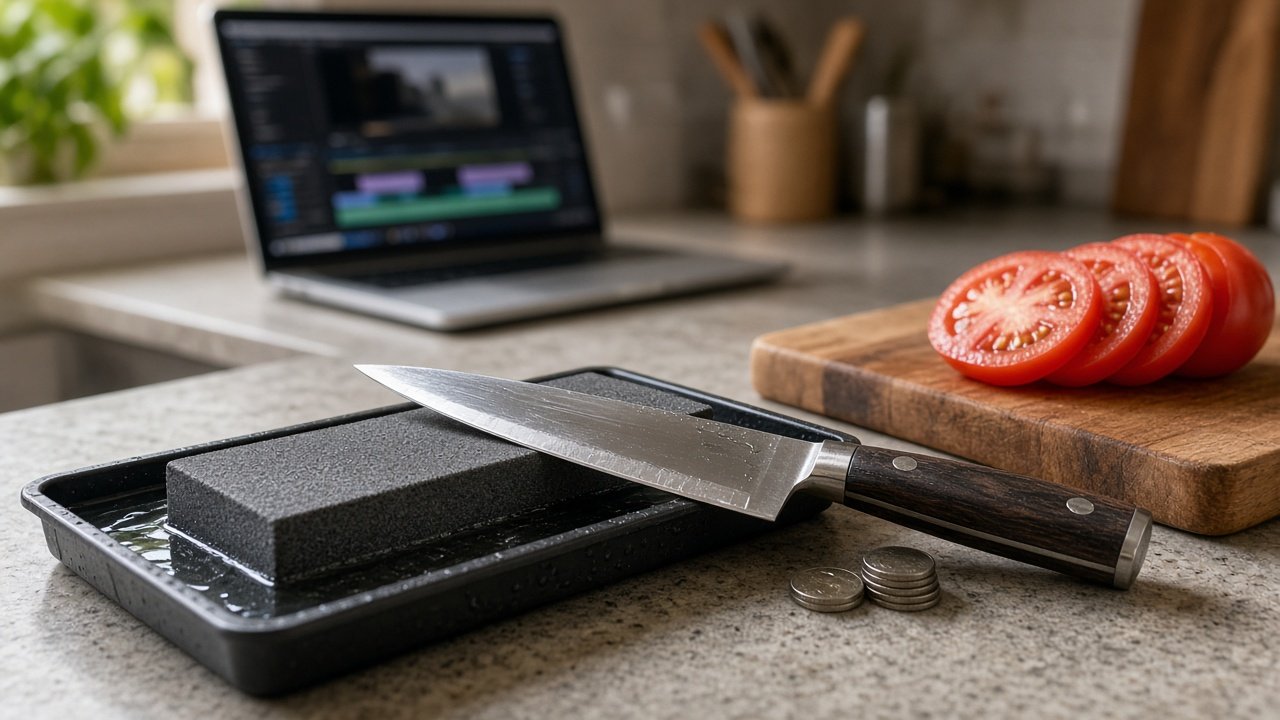
This image was generated using the prompt above.
Examples
Example Input
VideoGoal: A beginner tutorial on sharpening a kitchen knife on a whetstone, for home cooks on our cooking channel.
TargetLengthAndPlatform: about 4 minutes, YouTube (16:9).
TranscriptWithTimecodes:
00:00:05 to 00:00:21 Take 1: "Most kitchen knives get dull because..." (stumbles at the end)
00:00:30 to 00:00:44 Take 2: "Most kitchen knives get dull because nobody shows you the angle. Let's fix that."
00:01:10 to 00:01:52 "First, soak the stone for ten minutes..."
00:02:05 to 00:03:20 "Hold the blade at about fifteen degrees..."
00:03:30 to 00:04:40 "Now the other side, same number of strokes..."
00:05:00 to 00:05:45 "To check, slice a sheet of paper..."
00:06:10 to 00:06:30 "That's it. Hone it weekly and it stays sharp."
ClipLog: A01 stone soaking in a tray of water. A02 close-up of the blade on the stone at an angle. A03 coin stack under the spine to show the angle. A04 paper being sliced cleanly. A05 knife on a cutting board with sliced tomato.
EditingSoftware: DaVinci Resolve.
StyleRules: soft acoustic music under speech, lower third with the step name, captions in white with a dark outline.
Example Output
1. STORY SPINE
Hook: dull knives come from not knowing the angle.
Beat 1: soak the stone. Beat 2: hold the angle. Beat 3: the other side. Beat 4: the paper test.
Ending: hone weekly.

2. CUT LIST
| # | In | Out | First words | Keep | Why |
| 1 | 00:00:05 | 00:00:21 | "Most kitchen knives..." (take 1) | Cut | Stumbles at the end |
| 2 | 00:00:30 | 00:00:44 | "Most kitchen knives..." (take 2) | Keep | Clean hook |
| 3 | 00:01:10 | 00:01:52 | "First, soak the stone..." | Keep | Step 1 |
| 4 | 00:02:05 | 00:03:20 | "Hold the blade..." | Keep | Step 2 |
| 5 | 00:03:30 | 00:04:40 | "Now the other side..." | Keep | Step 3 |
| 6 | 00:05:00 | 00:05:45 | "To check, slice..." | Keep | Step 4 |
| 7 | 00:06:10 | 00:06:30 | "That's it..." | Keep | Ending |

3. RUNTIME MATH
Hook: 00:00:30 to 00:00:44 = 14 s
Soak: 00:01:10 to 00:01:52 = 42 s
Angle: 00:02:05 to 00:03:20 = 75 s
Other side: 00:03:30 to 00:04:40 = 70 s
Paper test: 00:05:00 to 00:05:45 = 45 s
Ending: 00:06:10 to 00:06:30 = 20 s
Total: 14 + 42 + 75 + 70 + 45 + 20 = 266 s = 4:26
Target about 4:00, so trim about 26 s. Trim first: the other side (70 s; viewers saw the motion in the angle step), then the soak (42 s).

4. B-ROLL PLAN
- Soak: A01 stone soaking in the tray.
- Angle: A03 coin stack under the spine, then A02 blade on the stone.
- Other side: A02 again, flipped or a different section.
- Paper test: A04 paper being sliced.
- Ending: A05 knife with sliced tomato.
- Hook: no clip in ClipLog shows a dull knife. Either stay on the main camera or film a quick shot of a knife crushing a tomato.

5. CAPTION PLAN
On-screen text: "Step 1: Soak", "Step 2: Angle", "Step 3: Other side", "Step 4: Paper test" as lower thirds.
Captions: white with a dark outline, two lines at most, about 32 characters per line, e.g. "Hold the blade at about" / "fifteen degrees".

6. AUDIO NOTES
Soft acoustic music under the whole video, ducked under speech, a little louder over A01 and A05.
No re-record needed; take 2 of the hook is clean.

7. BUILDING IT IN DAVINCI RESOLVE
Put a marker on each kept in point from the cut list, keep the B-roll clips A01 to A05 in their own bin, and lay down segments 2 to 7 in order before placing B-roll.