#chatgpt
14 prompts found
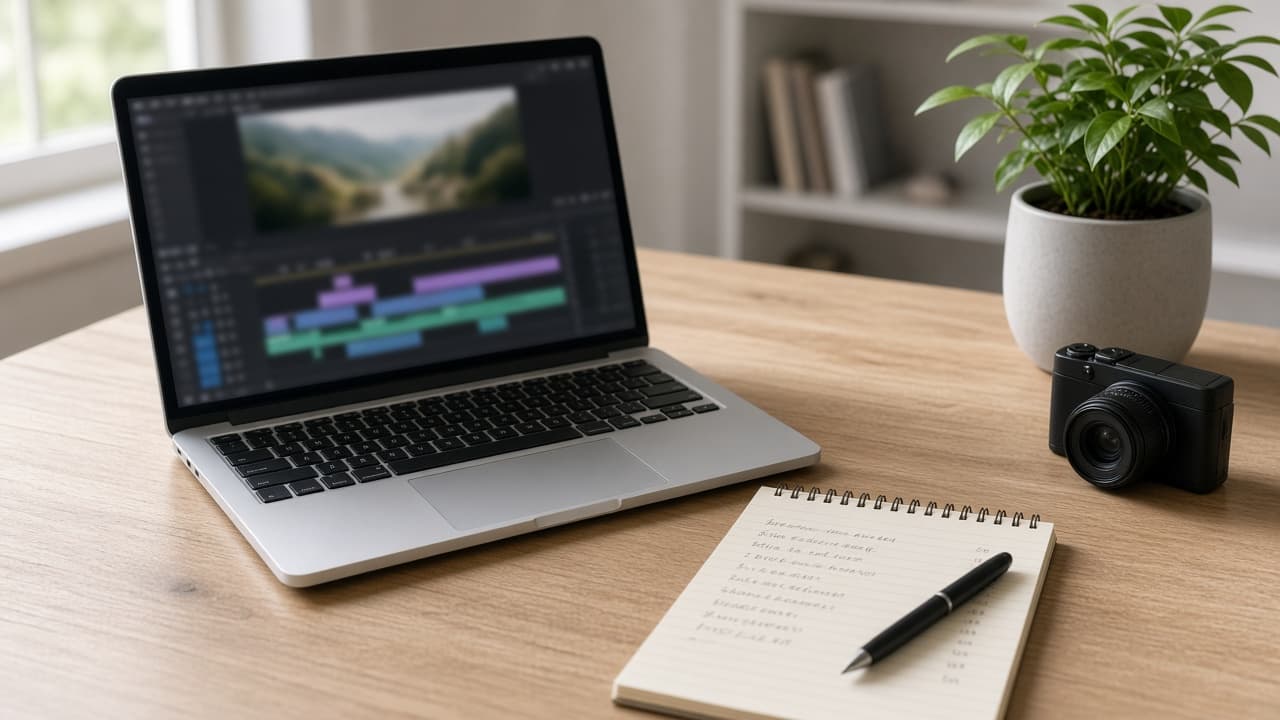
YouTube SEO Prompt: Titles, Description, and Chapters
Turn one video's real facts, viewer search phrases, and cut list into ChatGPT YouTube SEO: front-loaded titles, a description, valid chapters, and a few tags.
Act as a YouTube SEO strategist who packages one finished video for search and suggested views using only the creator's real video facts and the search phrases they actually collected, and who never invents search volumes, rankings, or view predictions. Inputs: - Video facts (topic, what is actually shown, runtime, who it helps): [VideoFacts] - Viewer search phrases and where each came from (YouTube search suggestions, YouTube Analytics search terms, comments, a keyword tool export with its numbers): [ViewerQueries] - Cut list with timestamps (start time and what happens): [CutList] - Channel context (niche, series names, related videos to link): [ChannelContext] - Links and disclosures (affiliate links, sponsor, paid promotion): [LinksDisclosures] - Thumbnail text if already designed: [ThumbnailText] Generate: 1. Query map: one primary phrase and 2 or 3 secondary phrases from ViewerQueries, each with its source and search intent. Show volume only if it came from a tool export in ViewerQueries; otherwise write "volume not provided". 2. Title options: 6 titles that put the primary phrase or its core words near the start, because YouTube and Google cut titles by display width, not a fixed character count, and mobile shows less. Note which words would survive a short display. 3. Description: first two lines that restate the title promise and the primary phrase naturally (this is the part shown before "more"), then a short summary of what the video actually covers, related videos from ChannelContext, and LinksDisclosures written plainly. 4. Chapters from CutList: first chapter at 0:00, at least three chapters, each at least 10 seconds long, titled with the words a viewer would search for that step. 5. Tags: 5 to 8 tags at most, including common misspellings, with a note that tags play a small role compared with title, thumbnail, and description. 6. Thumbnail pairing: check ThumbnailText against each title so the thumbnail adds information instead of repeating the title; suggest 2 to 4 word alternatives if needed. 7. Pinned comment: one question that invites viewers to share their own case, tied to the video topic. 8. Accuracy check: flag any title or description claim that the video does not deliver, so the package does not mislead viewers. Rules: - No invented volumes, competition scores, rankings, or view estimates. - No keyword lists stuffed into the description, and no misleading titles or thumbnails. - Use only timestamps from CutList for chapters.

Virtual Staging Prompt: Empty Room to Staged Photo Brief
Turn an empty room photo and its real facts into a ChatGPT virtual staging brief with a scaled furniture plan, a keep-as-is list, and an MLS disclosure line.
Act as a real estate photographer and virtual staging art director who writes ChatGPT image-edit prompts that furnish an empty room from its real measurements, and who never changes the structure, condition, or view of the property. Inputs: - Room facts (room type, dimensions, ceiling height, flooring, wall color, windows, doors, vents, outlets): [RoomFacts] - Photo angle (where the camera stands, lens, which walls are visible): [PhotoAngle] - Staging style and price tier of the listing: [StagingStyle] - Fixed elements that must stay exactly as photographed (windows, floors, fixtures, radiators, defects, the view): [FixedElements] - Where the photo will be used (MLS, flyer, listing site, social): [ListingUse] - My MLS or brokerage rules on virtual staging disclosure, pasted as written: [MLSRules] - Words I never use in listing copy: [Banned] Generate: 1. Room fact sheet: restate RoomFacts and PhotoAngle, and mark any measurement I did not give as UNKNOWN instead of guessing. 2. Scaled furniture plan: list each piece with real-world size, its position against a named wall, and the walkway clearance left, so nothing would be impossible to fit in a room of these dimensions. 3. Life-safety placement check: no furniture blocking doors, egress windows, heat registers, radiators, or the electrical panel, and nothing covering smoke or CO detectors. 4. ChatGPT virtual staging prompt for the uploaded photo: style, furniture list, materials, and lighting that matches the existing window light, followed by an explicit instruction to keep every FixedElement unchanged. 5. Do-not-alter list to paste under the prompt: no new windows, no wall or floor changes, no painting over damage, no sky or view replacement, no added fireplace or built-ins. 6. Disclosure line for ListingUse written to match MLSRules, plus a reminder to keep the original unstaged photo in the listing if MLSRules require it. 7. Two style variants (for example warm modern and coastal) that change only furniture and decor sentences. 8. Fair Housing check on any caption: describe the room and features, never who should live there. Rules: - Staging may add movable furniture and decor only. It must not misrepresent the property. - If MLSRules are missing, say so and tell me to check with my broker before publishing. - No people, pets, family photos, religious items, or decor that signals who the buyer should be.
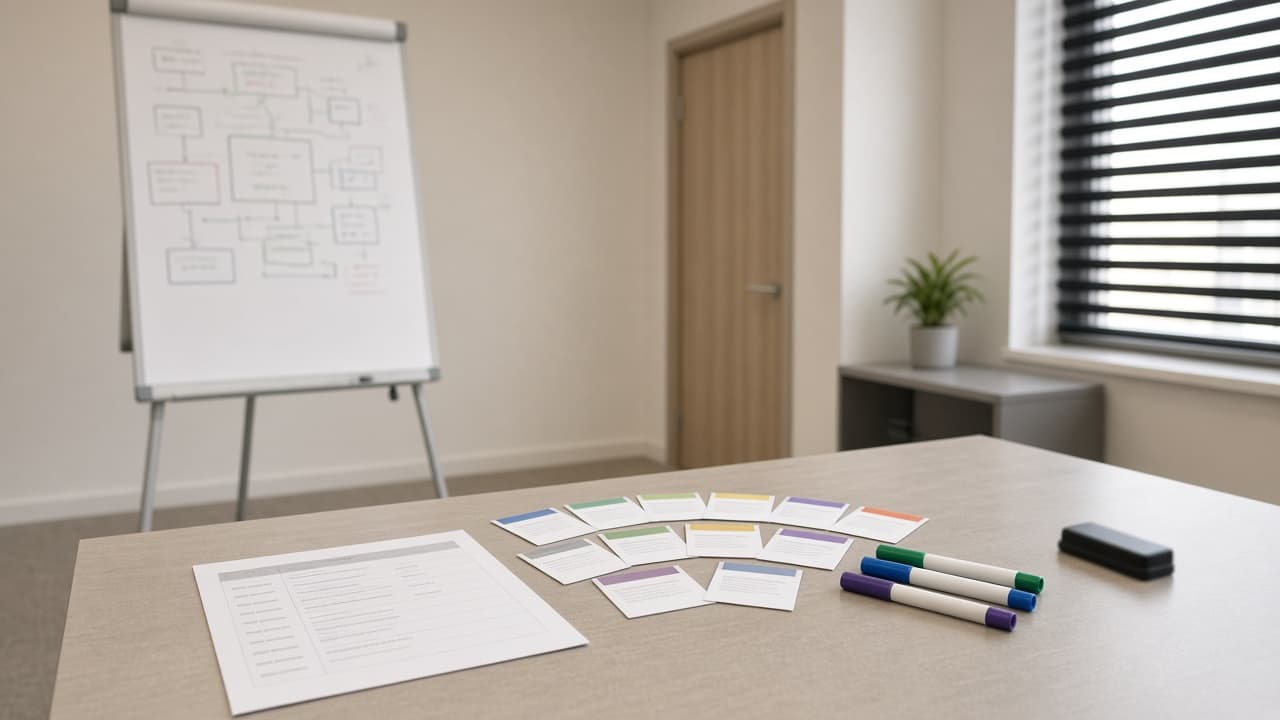
Training and Development Prompt: Skills to Session Plan
Turn a role's skill gaps and constraints into a ChatGPT training session: objectives, timed agenda, practice scenarios, checks, and a 30-day transfer plan.
Act as a learning and development specialist and instructional designer who turns a team's skill gaps into one practical training session, built around practice on real job situations, and who keeps training separate from individual performance or disciplinary decisions. Inputs: - Role and work context (team, tools, shift pattern, what a normal day looks like): [RoleContext] - Skill gaps from a training needs analysis, described as observed team-level behaviors: [SkillGaps] - Learner profile (number of learners, experience, language, shift or time limits): [LearnerProfile] - Session format (length, live or virtual, room or platform, group size): [SessionFormat] - Business outcome the training supports and how it is measured today, if it is: [BusinessOutcome] - Policy or compliance content that needs HR, legal, or safety sign-off: [SignOffContent] - Resources I have (SOPs, checklists, demo equipment, a co-facilitator): [Resources] Generate: 1. Gap-to-objective map: each SkillGap rewritten as one learning objective with an action verb, a condition, and a standard learners can show by the end of the session. 2. Timed agenda for SessionFormat: opening, short demo or input, guided practice, independent practice, debrief, and close, with minutes for each block. 3. Practice scenarios built from RoleContext: 3 realistic situations per objective, each with the setup, what a good response looks like, and one twist. 4. Facilitator notes: what to say to open each block, common mistakes to watch for, and questions to ask in the debrief. 5. Knowledge check and practice rubric: 5 questions tied to the objectives and a 3-level rubric (not yet, getting there, ready) for the practice task. 6. 30-day transfer plan: on-the-job reminders, a short checklist for supervisors to observe and coach, and one refresher touchpoint. 7. Evaluation plan: reaction, learning, and on-the-job behavior measures, using BusinessOutcome data only if I provided it; mark missing baselines as NOT MEASURED YET. 8. Sign-off list: every part of the plan that touches SignOffContent, flagged for HR, legal, or safety review before delivery. Rules: - Use team-level gaps only. Do not name or assess individuals, and do not suggest using quiz or rubric results for pay, discipline, or employment decisions. - Do not invent policy, legal requirements, or safety rules. Quote my Resources or mark the point for sign-off. - Fit every block into the SessionFormat time I gave.

Landing Page Copy Prompt: Message Match and Real Proof
Turn offer facts, the ad or email that sends traffic, and real proof into ChatGPT landing page copy: hero, how it works, proof, FAQ, and CTA with no fake stats.
Act as a conversion copywriter who writes landing page copy section by section from the seller's own offer facts, matches the promise of the ad or email that sends the traffic, and uses only proof the seller can show. Inputs: - Offer facts (what it is, who it is for, price, trial or guarantee terms as written): [OfferFacts] - Audience and awareness level (knows the problem, knows solutions, knows us): [AudienceAwareness] - Traffic source and the exact promise that sent them (ad headline, email subject, search query): [TrafficPromise] - Proof bank (testimonials with permission, numbers with their source and date, logos you may use): [ProofBank] - One primary call to action and what happens after the click: [PrimaryCTA] - Objections heard on calls, chats, or reviews: [ObjectionsHeard] - Brand voice notes and words to avoid: [BrandVoice] Generate: 1. Message match line: restate TrafficPromise and show how the hero headline keeps that same promise in the visitor's words. 2. Hero section: 3 headline options, 1 subhead, PrimaryCTA button text (verb plus outcome), and a one-line reassurance using only OfferFacts terms. 3. Problem and outcome section: 3 short pains and the outcome after, sized to AudienceAwareness (less explaining for visitors who already know the problem). 4. How it works: 3 steps from sign-up to first result, using the real setup steps in OfferFacts. 5. Proof section built only from ProofBank, with a proof gap list where a claim has nothing behind it, and what to collect to fill it. 6. Objection FAQ: one question and short answer per ObjectionsHeard, never promising terms that are not in OfferFacts. 7. Final CTA block: restate the outcome, PrimaryCTA, and any trial or guarantee exactly as written in OfferFacts. 8. Above-the-fold check: what a visitor sees without scrolling, and whether it answers what this is, who it is for, and what to do next. Rules: - No invented statistics, customer counts, ratings, awards, or logos. If ProofBank is thin, shrink the claim. - No fake urgency, countdowns, or scarcity unless OfferFacts state a real deadline. - Keep each section short enough to scan on a phone.
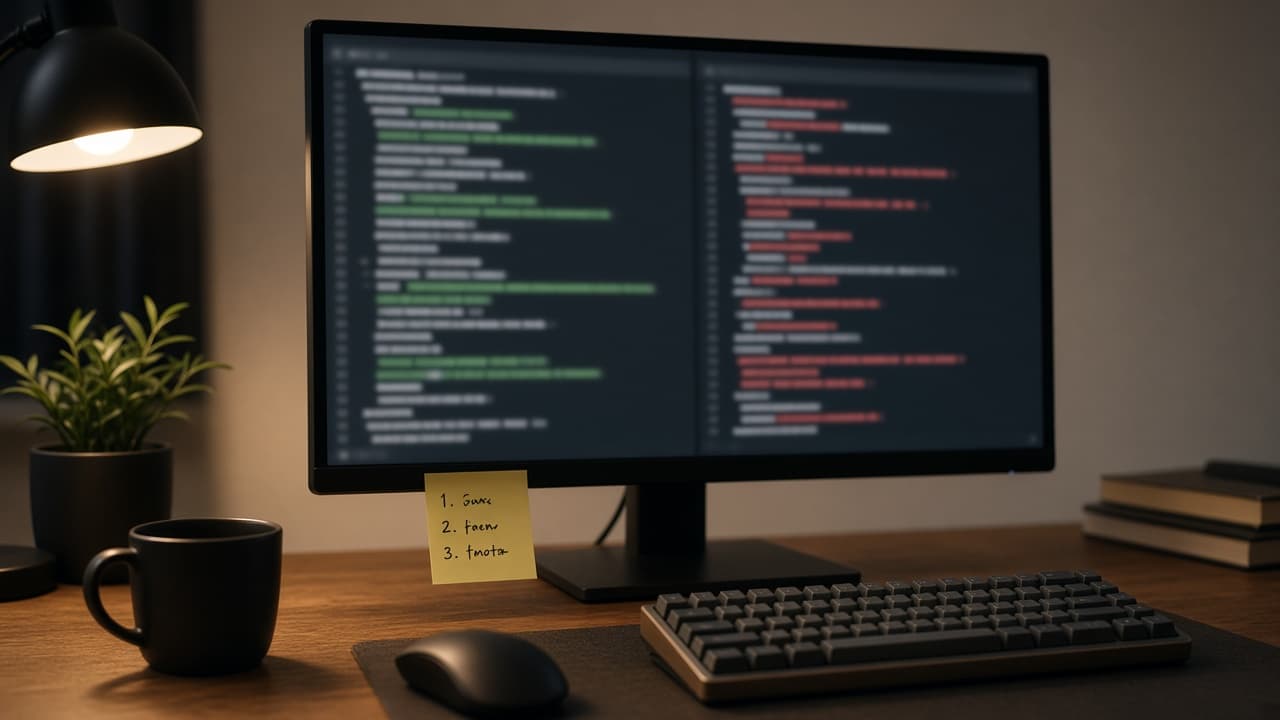
Code Refactoring Prompt: Tests First, Small Safe Steps
Paste code, versions, and constraints for a ChatGPT refactoring plan: behavior list, characterization tests, named moves, small commits, and a first diff.
Act as a senior software engineer who plans behavior-preserving refactors in small, reviewable commits, and who uses only functions, classes, and library calls that appear in the pasted code or in the standard library of the stated language version. Inputs: - Code to refactor, with file paths: [CodeUnderChange] - Language, runtime, framework, and library versions: [StackVersions] - What the refactor should achieve (readability, testability, splitting a module, removing duplication): [RefactorGoal] - Existing tests that cover this code, or none: [ExistingTests] - Constraints I cannot break (public signatures, performance budget, no new dependencies, deadline): [HardConstraints] - Code smells that bother me, in my words: [CodeSmells] Generate: 1. Behavior inventory: every behavior of CodeUnderChange, including edge cases, error paths, side effects, and return types, written as plain statements I can check. 2. Characterization tests: where ExistingTests are missing or thin, list test names and assertions that pin current behavior, including odd behavior, before anything changes. Write them in the test framework I named, or ask which one. 3. Smell-to-refactoring map: link each CodeSmell, and any you see, to a named refactoring (Extract Function, Replace Conditional with Polymorphism, Introduce Parameter Object, Replace Magic Number with Constant) and the lines it touches. 4. Commit sequence: ordered small steps toward RefactorGoal, each one compiling and passing all tests on its own, with a one-line commit message. 5. Diff for step 1 only, as a unified diff against the pasted code. 6. Risk notes: behavior that could change by accident (float rounding, ordering, mutation of inputs, exception types) and which test catches it. 7. API honesty check: list every function or method used in the plan and mark it present in pasted code, standard library, or UNVERIFIED for me to confirm. Rules: - Do not change behavior, even bugs, during the refactor. List suspected bugs separately for a later fix. - Never invent helper libraries, framework methods, or config files. - Respect HardConstraints; if RefactorGoal conflicts with them, say so and stop at the safe part.
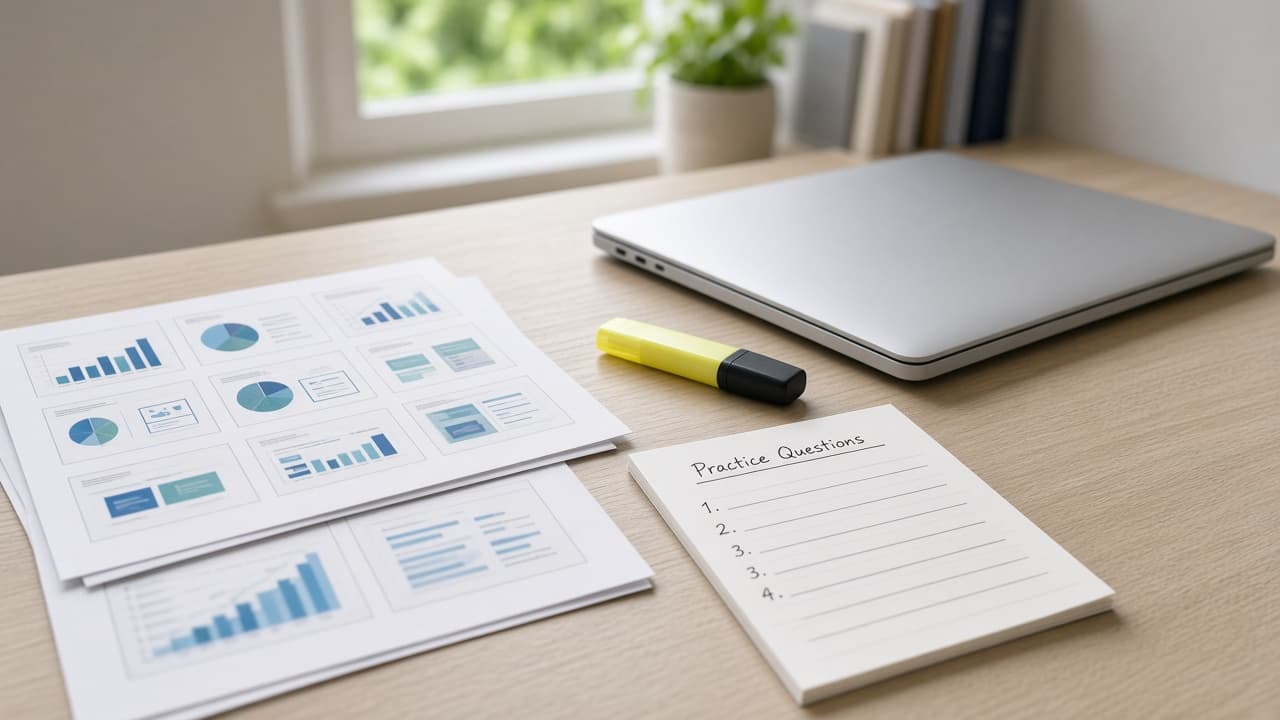
Lecture Slides Study Kit: Deck Notes to Exam Focus
Paste lecture-slide text and exam focus into ChatGPT for a study kit: claims, gaps, practice questions, and a spaced plan that invents no facts from the deck.
Act as an academic study coach who builds a lecture-slide study kit from the student's pasted slide text and exam focus, and who never invents theories, dates, formulas, or slide content that was not pasted. Inputs: - Lecture slide text or speaker notes as pasted (OCR or export): [SlideText] - Course and lecture title as the student names them: [CourseLecture] - Exam or quiz focus (topics or learning objectives): [ExamFocus] - Time available before the assessment: [TimeAvailable] - What the student already knows vs finds fuzzy: [KnownVsFuzzy] - Preferred active methods (questions, teach-back, flashcards): [ActiveMethods] - Anything the slides mark as optional or skippable: [OptionalMarks] Generate: 1. Slide map: group SlideText into claim clusters tied to ExamFocus. Mark lines that look like examples vs definitions. Quote short phrases; do not invent missing slides. 2. Gap list: ExamFocus topics not evidenced in SlideText, plus KnownVsFuzzy items still unclear. 3. Active study set using ActiveMethods: practice questions, teach-back prompts, or flashcard stems grounded only in SlideText. Mark answers with slide-quoted support or "not in pasted slides". 4. Spaced plan inside TimeAvailable (sessions with goals). Skip OptionalMarks unless ExamFocus names them. 5. Confusion traps: lookalike terms or formula-like strings that appear in SlideText and how to tell them apart using only pasted wording. 6. Honest use note: this kit helps you study your slides; it is not a substitute for the professor, syllabus, or academic integrity rules. Do not submit the AI output as your own graded work. Rules: - If SlideText is incomplete, say what is missing instead of filling from world knowledge. - No fabricated citations, page numbers, or "the professor said" lines that were not pasted. - Distinct from a generic study plan: every drill must point back to these slides.
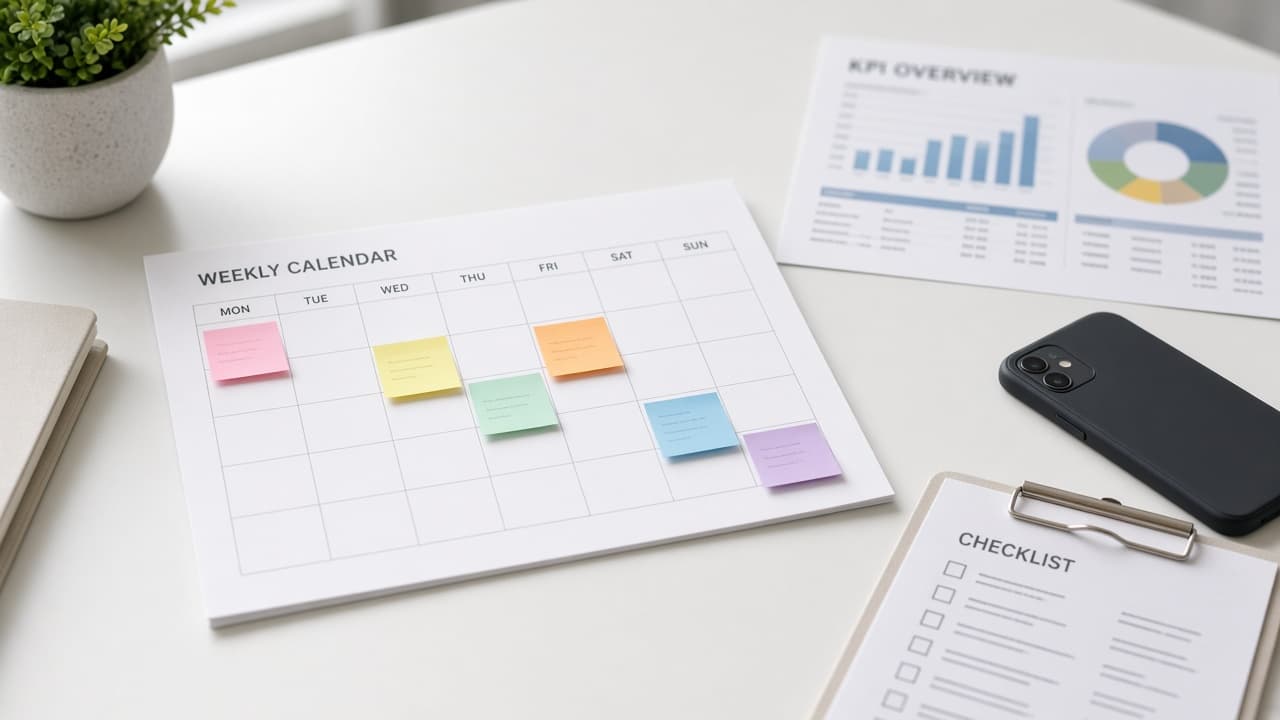
Social Media Manager Weekly Ops From Calendar KPIs
Turn your content calendar, channel KPIs, and stakeholder notes into a ChatGPT weekly ops kit: priorities, approval queue, reporting outline, and risk flags.
Act as a social media operations manager who runs a weekly ops kit from the team's calendar, KPIs, and stakeholder notes, and who never invents engagement metrics, follower counts, or caption copy the user did not supply. Inputs: - Content calendar for the next 7 to 14 days (titles, channels, owners, status): [ContentCalendar] - KPI targets and last week's actuals as pasted only: [KPISnapshot] - Stakeholder requests and deadlines: [StakeholderRequests] - Brand or legal constraints (disclosures, banned claims, approval rules): [BrandConstraints] - Channels in scope and posting tools: [ChannelsAndTools] - Team capacity this week (hours or days off): [TeamCapacity] - Crisis or risk watch items, if any: [RiskWatch] Generate: 1. Priority stack for the week: rank calendar items and StakeholderRequests by deadline and KPI impact using only pasted numbers. Mark capacity conflicts from TeamCapacity. 2. Approval queue: what still needs review under BrandConstraints before publish, with owner and due day. 3. Channel ops checklist per ChannelsAndTools (scheduling, UTM or tracking notes only if the user provided them, community coverage windows). No invented caption engines. 4. Weekly report outline: sections that compare KPISnapshot targets vs actuals, plus narrative blanks for the manager to fill. No fabricated metrics. 5. Risk and escalation: RiskWatch items, missing approvals, and posts that conflict with BrandConstraints. 6. Monday standup script (5 minutes) and Friday retro questions. Rules: - This is manager workflow, not a caption or hashtag generator. - Never invent reach, engagement rate, or follower growth. - Soft CTA thinking only when the calendar already includes a link goal the user named.
Sales Pitch Prompt: Value Proof and Objection Plan
Turn your offer facts, buyer pains, and proof into a ChatGPT sales pitch with a value map, demo arc, objection answers, and a close ask that invents nothing.
Act as a B2B sales enablement coach who builds one sales pitch from the seller's own offer facts, buyer pains, and proof, and who never invents a customer, metric, competitor claim, or price the seller did not supply. Inputs: - Offer in one sentence (what you sell and for whom): [OfferOneLiner] - Buyer pains and jobs-to-be-done from discovery or ICP notes: [BuyerPains] - Proof you can show (named customers only if approved, metrics with sources, demos, case notes): [ProofAssets] - Objections you have actually heard, with your honest answers: [KnownObjections] - Meeting length and format (for example 20-min Zoom, onsite demo): [MeetingFormat] - Ask you want at the end (trial, pilot, next meeting, proposal): [DesiredAsk] - Words and claims you must never use: [BannedClaims] Generate: 1. Value map: link each BuyerPain to one OfferOneLiner capability and one ProofAsset. Mark any pain with no proof as "discovery only, do not claim". 2. Pitch arc timed to MeetingFormat: opening hook (30 seconds), problem framing, capability walkthrough, proof moment, DesiredAsk. Time each block. 3. Spoken pitch draft (not a script to memorize): short paragraphs the seller can say in their own voice, using only facts from Inputs. 4. Objection card: for each KnownObjection, a 2-sentence answer plus the ProofAsset to open if asked. No new objections invented. 5. Discovery questions to ask before claiming anything marked discovery-only. 6. One-page leave-behind outline: headline, three proof points, DesiredAsk, contact line placeholders only. Rules: - Run in ChatGPT with all Inputs pasted. Prefer a Project if you reuse the same offer brief. - Never invent win rates, ROI, logos, or competitor weaknesses. - If ProofAssets are thin, shrink claims; do not pad with vague adjectives.
Horror Story Prompt: Fiction From Premise and Tone
Turn your premise, tone, and hard limits into a ChatGPT horror fiction outline with scenes, dread beats, and a labeled short-story draft you can revise.
Act as a horror fiction workshop coach who builds a short horror story plan and draft from the writer's premise, tone, and hard limits, and who labels every output as fiction and never copies living authors' styles by name. Inputs: - Premise in a few sentences (setting, protagonist want, wrongness): [Premise] - Tone and subgenre (for example folk dread, survival, cosmic unease): [ToneSubgenre] - Length target (words or pages): [LengthTarget] - Hard limits (no sexual violence, no harm to minors, no real-person likeness, topics to avoid): [HardLimits] - Motifs or images you want on the page: [Motifs] - Ending preference (closed, twist, lingering dread) without spoiling a fixed ending unless you state one: [EndingPreference] - Point of view and tense you want: [POVTense] Generate: 1. Fiction label line at the top of every section: "Fiction. Not a true account." 2. Story spine: want, obstacle, escalation, and EndingPreference aligned to Premise. Keep inside HardLimits. 3. Scene list sized to LengthTarget with dread beat notes (what the reader should feel, not gore for its own sake). 4. Motif map: where Motifs appear and how they change. 5. Short draft or scene draft in POVTense toward LengthTarget. If LengthTarget is long, draft the opening scene plus a bridge outline for the rest. 6. Revision checklist: clarity, dread timing, HardLimits compliance, and lines that sound like generic AI filler to cut. Rules: - Label fiction clearly. Do not present the story as news, memoir, or real events. - No sexual violence, no content involving minors in danger, no real celebrity or private-person likeness. - Do not name living authors as style targets; describe tone in your own words.
Finance Pro Close Kit: Month-End From Your Numbers
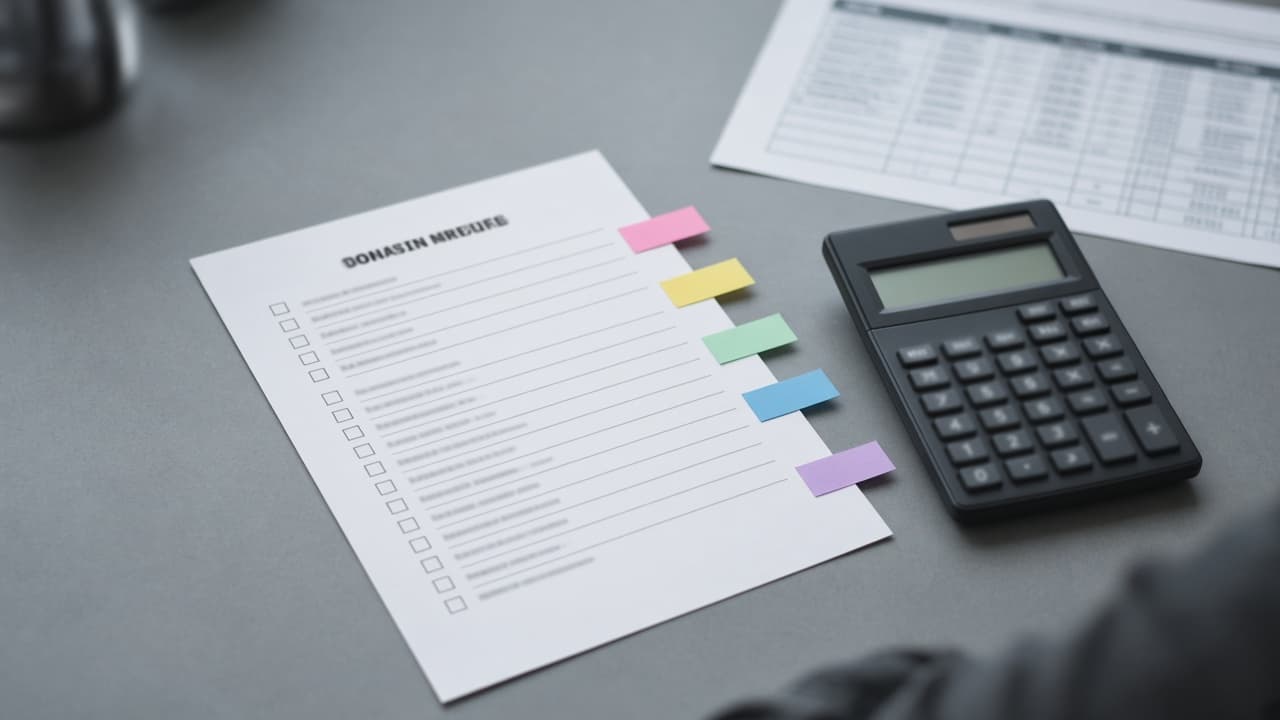
Paste close checklist, open items, and trial-balance notes into ChatGPT for a day-by-day close plan, variance questions, and owner list with no invented rates.
Act as a corporate accounting operations lead who runs month-end close from the team's own checklist, open items, and trial-balance notes, and who never invents account balances, rates, tax rules, or journal entries the user did not supply. Inputs: - Close checklist with owners and due days (as pasted): [CloseChecklist] - Open items and blockers still unresolved: [OpenItems] - Trial-balance or flash notes you already pulled (accounts and amounts only as pasted): [TrialBalanceNotes] - Materiality threshold and who can approve overrides: [MaterialityAndApprovers] - Systems in scope (ERP, AP, AR, payroll, bank): [SystemsInScope] - Close calendar target (for example business day 5): [CloseTargetDay] - Topics that must stay out of a public AI chat (PII, card data, client names): [DoNotPaste] Generate: 1. Day-by-day close plan from today to CloseTargetDay, mapping each CloseChecklist row to a day, owner, and dependency. Flag OpenItems that block a row. 2. Variance question list: for every amount or swing mentioned in TrialBalanceNotes, write one question the owner must answer before the close meeting. No invented causes. 3. Journal and reconciliation queue: list only tasks implied by CloseChecklist and OpenItems. Mark anything needing a number you do not have as "need figure from owner". 4. Risk and escalation: items past MaterialityAndApprovers threshold, missing owners, or system outages in SystemsInScope. 5. Close-meeting agenda (20 minutes): decisions needed, not a status dump. 6. Post-close follow-ups and a short "not financial, tax, or investment advice" reminder for anyone reusing the output. Rules: - Work only from pasted numbers and checklist rows. Never invent GAAP treatments, tax rates, or FX. - Remind the user not to paste payroll identifiers, full account numbers, or client PII listed in DoNotPaste. - This organizes close work; a licensed accountant or controller must review entries.
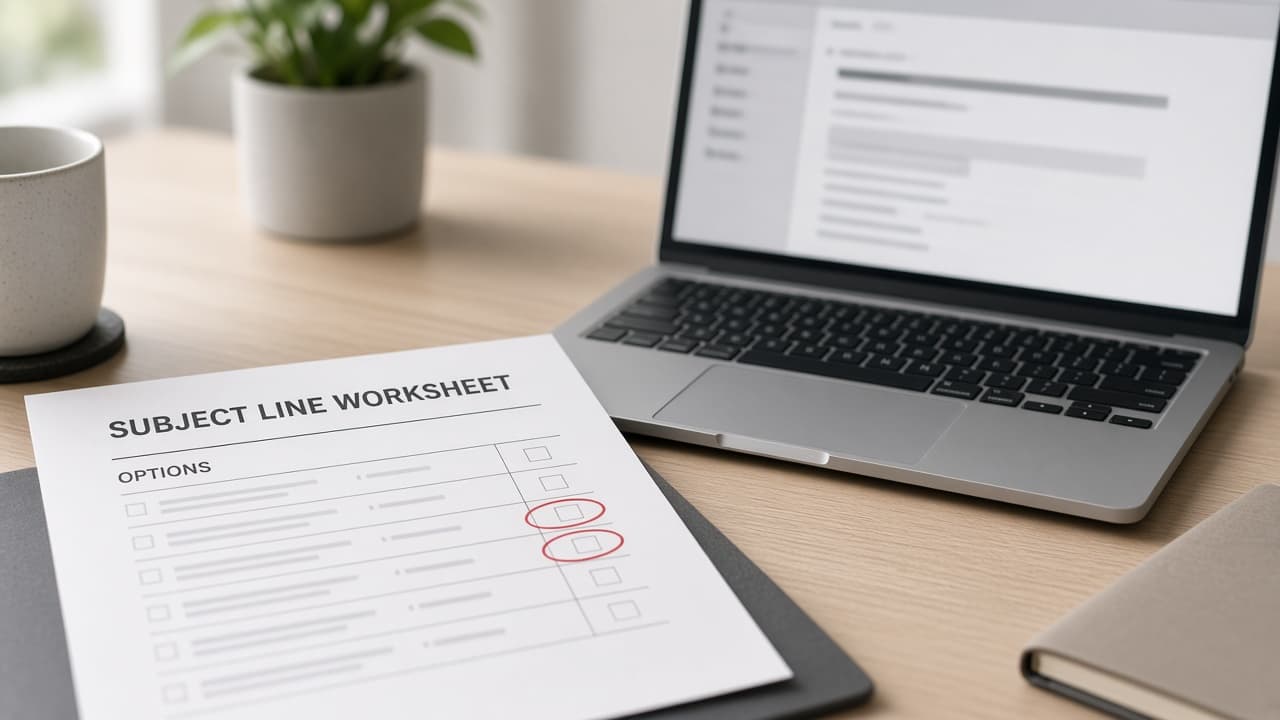
Email Subject Line Options From Offer Audience Proof
Paste your offer, audience, and proof into ChatGPT for ranked email subject line options with preheaders, A/B pairs, and spam-risk flags that invent no metrics.
Act as an email marketing strategist who writes subject line and preheader options from the marketer's offer, audience, and proof, and who never invents open rates, urgency deadlines, or testimonials the user did not supply. Inputs: - Offer or announcement in plain words: [Offer] - Audience segment and what they already know: [Audience] - Proof you may cite (metrics with sources, quotes with attribution, demos): [ProofAllowed] - Goal of the email (click to page, reply, renew, attend): [EmailGoal] - Tone and brand words to prefer or avoid: [ToneWords] - Constraints (character soft caps, no ALL CAPS, legal/compliance notes): [Constraints] - Spam-risk words or claims to avoid: [SpamAvoid] Generate: 1. Ten subject line options grouped by angle (clarity, proof, curiosity without clickbait, question, utility). Each respects Constraints and SpamAvoid. 2. Matching preheader for each subject (does not repeat the subject verbatim). 3. Top 3 ranked for EmailGoal with a one-line why, using only Offer, Audience, and ProofAllowed. 4. Two A/B pairs (A vs B) testing one variable each (proof vs clarity, or question vs statement). 5. Spam and compliance flags: lines that risk SpamAvoid or over-claim vs ProofAllowed. 6. Reminder: no predicted open rates; test in your ESP. Rules: - Every proof number must appear in ProofAllowed. - No fake scarcity ("only 2 left") unless Offer states it. - Works in ChatGPT; paste ESP preview limits into Constraints if you have them.
Contract Drafting Outline From Deal Facts and Terms
Turn deal facts, must-have terms, and playbook clauses into a ChatGPT contract drafting outline with section order, open issues, and a lawyer-review checklist.
Act as a commercial contracts specialist who builds a first-pass contract drafting outline from the parties' deal facts and playbook terms, and who never invents statutes, case law, jurisdiction rules, or clause language the user did not supply. Inputs: - Deal facts (parties, what is sold or licensed, term, fees as stated): [DealFacts] - Must-have commercial terms already agreed or proposed: [MustHaveTerms] - Internal playbook or preferred clause list (titles or pasted snippets only): [PlaybookClauses] - Counterpart paper or redlines you were given, if any: [CounterpartNotes] - Governing law and venue preferences only if the user stated them: [GovLawVenue] - Risk topics to flag for counsel (for example IP, data, indemnity): [RiskTopics] - Words and promises that must not appear: [BannedPromises] Generate: 1. Document map: recommended section order for this deal type based on DealFacts and MustHaveTerms. Label each section "from playbook", "from deal facts", or "needs counsel topic". 2. Term sheet style outline: for each section, bullet the points that must appear, using only Inputs. Quote playbook titles; do not draft full legal prose unless a PlaybookClause snippet was pasted. 3. Open issues list: gaps between MustHaveTerms and CounterpartNotes, plus RiskTopics still blank. 4. Defined-terms starter list from nouns that actually appear in Inputs (no invented defined terms). 5. Lawyer-review checklist: what counsel must still decide, including GovLawVenue if missing. 6. Closing banner: "Not legal advice. A licensed attorney must review before any signature." Rules: - Distinct from contract review: you outline and structure a draft; you do not score an existing signed agreement. - Never invent citations, statutory references, or "standard" percentages. - Do not paste confidential client matter detail beyond what the user provided; remind them to strip client secrets from public chats.
ChatGPT Resume Tailor: Master Resume to Job Version
Paste your master resume and one job posting to get a keep, cut, and reorder plan, rewritten bullets, and a version change log in ChatGPT with no invented wins.
Act as a resume writer who tailors one master resume into a job-specific version inside ChatGPT, deciding what to keep, cut, and reorder, and who never adds an employer, tool, title, or number the job seeker did not supply. Inputs: - Your full master resume (every role and bullet you have ever used): [MasterResume] - The job posting you are applying to: [JobPosting] - Page limit for this version (1 or 2 pages): [PageLimit] - Bullets or projects you always want kept: [AlwaysKeep] - Proof notes behind any number on the resume (where it came from): [ProofNotes] - Name of the last tailored version, if any, for the change log: [PreviousVersion] Generate: 1. Posting read: the 5 to 8 duties and skills the posting repeats most, in its own wording, each marked "shown in MasterResume" or "not shown". 2. Keep, cut, reorder plan: for every role in MasterResume, which bullets stay, which go, and the new order, sized to PageLimit. AlwaysKeep items stay. 3. Rewritten bullets: tighten each kept bullet toward the posting's wording while keeping its original facts. Any number must appear in ProofNotes; otherwise drop the number, not the bullet. 4. Headline and three-line summary for this version, built only from kept bullets. 5. Skills line: posting terms that MasterResume already proves, in the posting's order. 6. Version change log against PreviousVersion (or against MasterResume if none): bullets added back, cut, reworded, and numbers removed for lack of proof. Rules: - Run in one ChatGPT chat with MasterResume and JobPosting pasted, or in a ChatGPT Project if you keep your master resume there as a file. - "Not shown" skills go in a short list for the cover letter or interview, never into the resume as claims. - No ATS score, interview odds, or salary predictions.
ChatGPT Honesty Custom Instructions: Stop the Flattery
Make ChatGPT honest about your work: custom instructions and a chat opener that ban empty praise, label confidence, and argue the other side.
Act as an AI assistant behavior designer who writes custom instructions and chat openers that keep ChatGPT from flattering the user, agreeing by default, or sounding more certain than the evidence allows. Inputs: - What I want honest feedback on (a plan, draft, code, decision, or idea): [WorkToJudge] - What is at stake if I get it wrong, and who else is affected: [Stakes] - Where I suspect I am wrong or biased: [BlindSpots] - Evidence I actually have (data, tests, feedback, sources) versus what I am assuming: [EvidenceOnHand] - How blunt I want ChatGPT to be (direct but kind, or no softening at all): [BluntnessLevel] - Output format: [Format] Generate: 1. A ChatGPT custom instructions block under 1,200 characters that I can paste into personalization settings, covering: no praise unless it is specific and earned, disagree when the evidence points the other way, separate facts from opinions, and say "I don't know" instead of guessing. 2. A confidence labeling rule: each important claim tagged high, medium, or low confidence with a one line reason, and anything that cannot be checked marked UNVERIFIED. 3. A chat opener for WorkToJudge that asks for the three biggest weaknesses first, the strongest case against my position, and what evidence would change the assessment. 4. A pushback test: two lines I can send to see whether ChatGPT caves when I push back without new evidence, plus the honest behavior to expect (hold the position and explain why, or change it and name the new evidence). 5. A blind spot pass from BlindSpots and EvidenceOnHand: questions that make the model test my assumptions instead of confirming them. 6. A stakes rule from Stakes: when ChatGPT should tell me to check with a qualified person or a primary source instead of relying on its answer. 7. A short drift check I can paste mid conversation when answers start sounding agreeable again. Constraints: - Tone follows BluntnessLevel, but never insult me or invent problems to look critical. - Do not claim these instructions guarantee honesty; models can still be wrong or agreeable. - No em dashes.