How to Use the Sponsored Creator Post Disclosure Auditor Prompt to Fix Weak Ad Disclosures
Audit a batch of sponsored creator posts before or after they go live against the FTC Endorsement Guides: where the disclosure sits, whether it is spoken and on screen in video, whether it survives the caption fold, whether ambiguous tags like collab or sp replace a real disclosure, and whether claims need substantiation, then get fix copy per post and a one page disclosure brief to send creators.
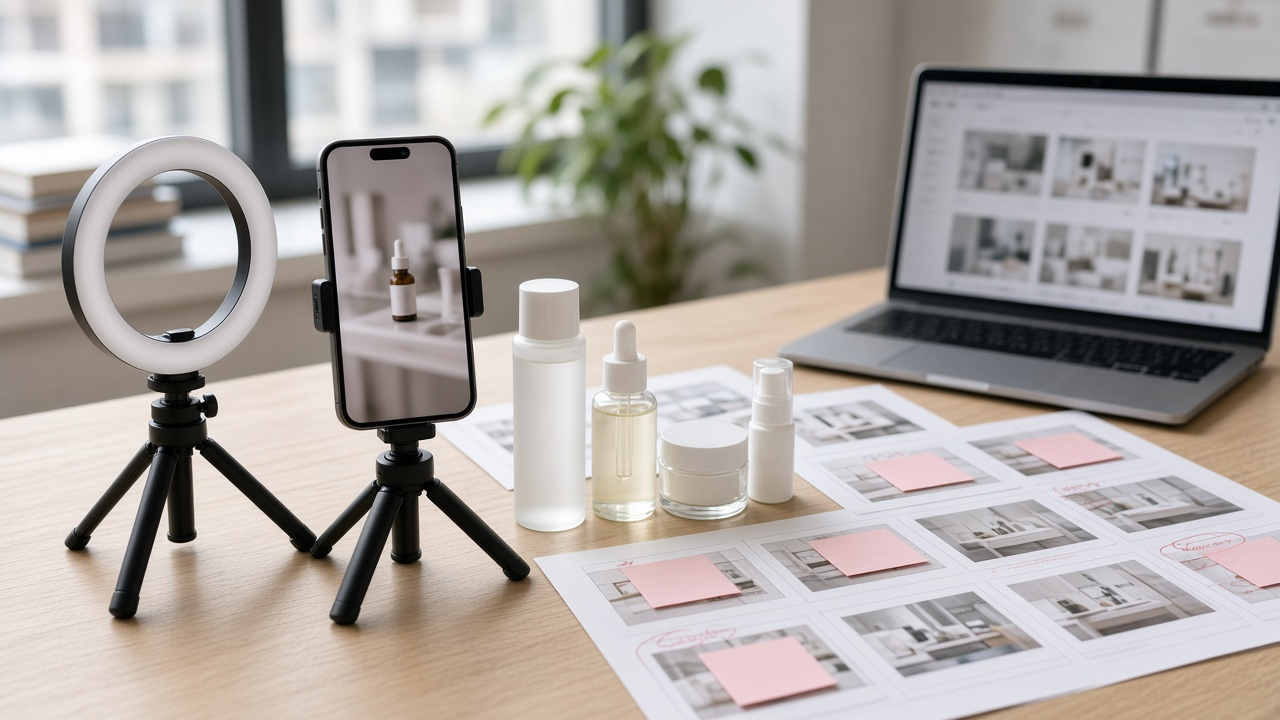
Most brands that pay creators include a disclosure clause in the contract. Most creators include some kind of disclosure. The trouble is in the details: a hashtag like collab buried at the end of a caption, an ad label on only the last story frame, a sponsorship mention twelve minutes into a long video, or a live stream where the disclosure was said once and never repeated. The Sponsored Creator Post Disclosure Auditor: FTC Endorsement Guides Check for Captions, Video, Stories, and Live Streams with Fix Copy prompt reviews each deliverable against the FTC Endorsement Guides, writes fix copy for anything weak, and gives you a creator brief so the next round is right the first time.
What the prompt produces
- An audit table with the wording used, where it appears, and a verdict of CLEAR, WEAK, or MISSING.
- The rules applied, in plain words, so the team understands why a disclosure fails.
- Fix copy for each weak item: a first line caption rewrite, on screen text, and a spoken line.
- A claims check that compares what the creator said with what the brand can back up.
- A one page creator brief with approved disclosure phrases.
- An approval decision for each deliverable and whether paid boosting should wait.
How to fill the inputs
Deliverables is a list of each post with the platform, format, caption, on screen text, and the spoken script or transcript with timestamps. Timestamps matter for video, because disclosure timing is part of the review.
MaterialConnection describes every link between the brand and the creator: a fee, free product, an affiliate commission, a discount code, or a personal relationship. Include all of them, since each may need to be disclosed.
ClaimsMade and SubstantiatedClaims let the prompt catch statements the brand cannot support. PlatformLabels notes where the built in paid partnership label was turned on. ContractClause is your current disclosure clause, used to align the brief.
Reading the example output
The example audits four deliverables for a skincare brand:
- Ambiguous tags are flagged. A collab hashtag in a hashtag block is rated WEAK even though the platform label was on.
- Stories need disclosure on every endorsing frame. An ad tag on frame three only does not cover frames one and two.
- Timing matters in video. A sponsorship line spoken at six minutes forty seconds comes after the product first appears, so the fix moves it before the first product shot.
- Lives need repetition. The fix adds a pinned comment, an on screen banner, and a spoken disclosure about every fifteen minutes.
- Claims are checked. An unsupported wrinkle claim is cut, and dermatologist approved becomes dermatologist tested to match the evidence.
Tips for better results
- Review drafts before they go live. Fixing a caption is easy; re-editing a published video is not.
- Hold paid boosting until fixes are live, so you do not pay to spread a weak disclosure.
- Send the creator brief with every new contract, not just after a problem.
- Keep the audit tables. They show a consistent review process if questions come up later.
Mistakes to avoid
- Do not rely on the platform paid partnership label alone.
- Do not let affiliate commissions go undisclosed because a fee is already disclosed.
- Do not treat the audit as legal advice. Unclear cases are marked ESCALATE for counsel.
Who it is for
Influencer marketing managers, social media teams at consumer brands, agencies running creator campaigns, and creators who want to check their own sponsored content.
Related PromptDig links
Open the Sponsored Creator Post Disclosure Auditor: FTC Endorsement Guides Check for Captions, Video, Stories, and Live Streams with Fix Copy prompt and paste your deliverables and connection details. For more social media and creator prompts, Browse more prompts. If you have a review checklist your team relies on, Share a prompt.