How to Use the InDesign Paragraph and GREP Style Sheet Prompt for a Cookbook
Specify an Adobe InDesign style system for a cookbook: paragraph styles with Based On and Next Style chains, Keep Options, GREP styles that keep quantities with units and set fractions, and export tagging for an accessible PDF.
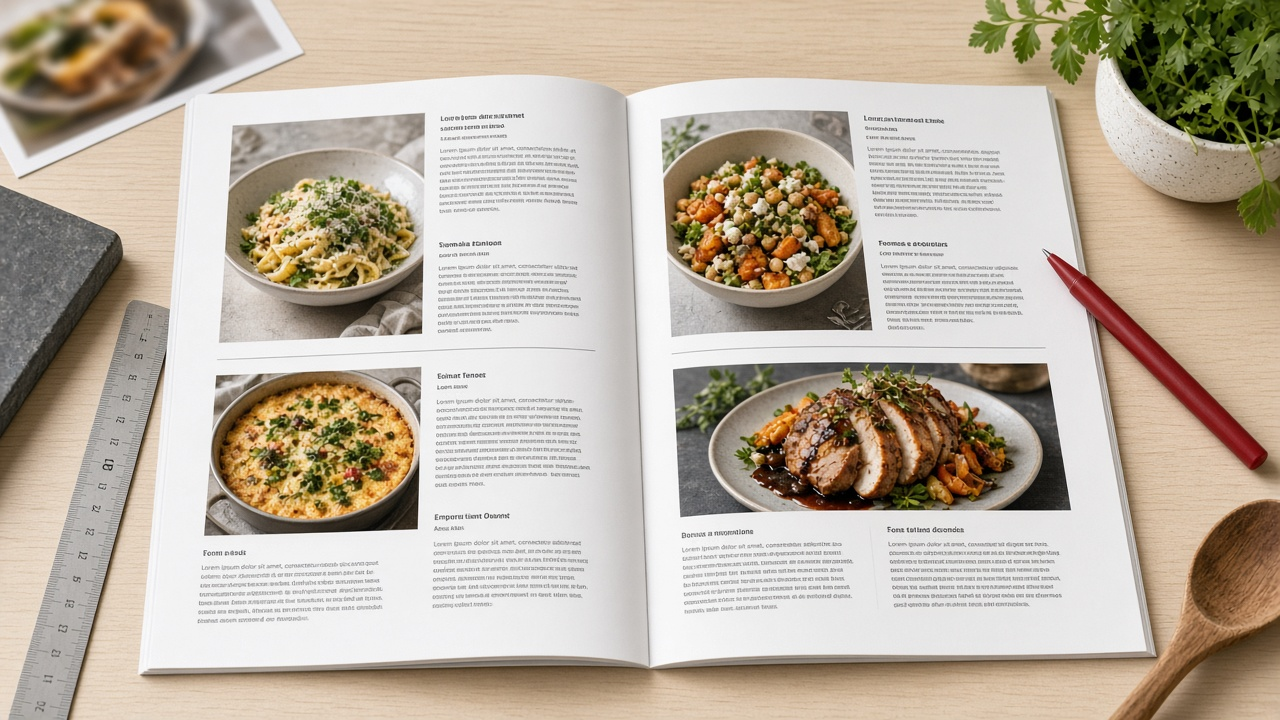
Cookbooks are some of the most structured books a designer will set. Every recipe repeats the same parts: a title, a short intro, a yield line, times, ingredient groups, numbered steps, maybe a tip. They also repeat the same small typographic problems on every page: "200 g" splitting across a line, typed fractions like 1/2 that look clumsy, temperatures breaking between the number and the degree sign. Fixing those by hand is slow and inconsistent. The InDesign Paragraph and GREP Style Sheet for a Cookbook Layout: Recipe Styles, No Break Rules, and Fraction Fixes prompt writes a style system where InDesign fixes them for you.
Why a style spec beats styling as you go
When styles are invented page by page, you end up with near-duplicates, overrides everywhere, and a Paragraph Styles panel nobody trusts. A written spec forces the decisions up front. Every recipe style is Based On one base style, so changing the body font is one edit. Next Style chains mean a typesetter can select a whole recipe and apply one style that flows through every element. GREP styles attached to paragraph styles catch the recurring problems automatically, including in text that gets pasted in later.
What the prompt produces
- A style hierarchy with a base style and each recipe element Based On it, plus a Next Style chain from title to steps.
- A paragraph style table with Based On, Next Style, font, size and leading, spacing, Align to baseline grid, Keep Options, Span Columns, and hyphenation for each style.
- Character styles that the GREP and nested styles need: No Break, Fraction using the OpenType Fractions feature, Small Caps for units if your typography calls for it, and a step number style.
- GREP styles, one per problem you list, each with the exact pattern, the character style it applies, a plain explanation, and a test string it should and should not catch.
- A nested style for method steps that start with a number and a period.
- Export Tagging per style and reading order notes for an accessible tagged PDF.
How to fill the inputs
RecipeStructure should describe the manuscript as it really is, including optional parts like tip boxes or ingredient subheads. Typography lists only the typefaces and weights the art director approved. The prompt is told not to substitute fonts; if a weight is missing, it says so. PageGrid gives trim, columns, and the baseline grid increment, which drives leading and spacing choices.
TypoProblems is the most useful input. List each recurring issue in plain words: units breaking from numbers, typed fractions, temperatures, number ranges, whatever your manuscript actually has. Each item becomes one GREP style. Outputs tells the prompt whether to plan export tags for print only, a tagged PDF, or EPUB.
Walking through the example
The sample book uses a serif for body and titles and a sans for yields, times, and ingredients, with a two-column ingredient list and a 14 pt baseline grid. A few parts of the output show why the spec is worth having:
- Span Columns is set to Span All for the title, intro, yield, time, and steps, while ingredient styles stay single column. One text frame handles the whole recipe.
- Keep Options keep the title with the next lines and keep ingredient lines together, so a subhead never sits alone at the bottom of a column.
- The quantity GREP uses a word boundary after the unit, so it keeps "200 g" together but ignores the "g" at the start of "garlic."
- The fraction GREP only matches single digits on each side of the slash, so dates elsewhere in the text are left alone.
- Ranges get a one-time Find/Change to convert typed hyphens to en rules per house style, and then a GREP style keeps the range on one line.
- Export Tagging maps the recipe title to a heading tag and body elements to paragraph tags, and the Articles panel sets reading order per recipe.
Mistakes to avoid
- Variable-length lookbehind in GREP. InDesign does not support it, and the prompt is told to avoid it. Patterns copied from other regex engines often break here.
- Formatting inside character styles you do not need. A No Break style should only check No Break. Extra attributes cause surprises when the base font changes.
- Long, unprefixed style names. Short prefixed names sort together in the panel and are easier to apply with Quick Apply.
- Skipping the test strings. Each GREP pattern comes with text it should and should not catch. Paste them into a scratch frame before applying the styles to the book.
- Forgetting tags until export day. Export Tagging is set per style, so it is cheapest to decide while the styles are being built.
Who it is for
This prompt suits book designers starting a cookbook or another heavily structured nonfiction title, production editors writing a spec for a freelance typesetter, and in-house teams who want one style system across a series. It works from your approved typography and manuscript structure, so the result reads like a build sheet you can hand to someone else.
Related PromptDig links
- Prompt: InDesign Paragraph and GREP Style Sheet for a Cookbook Layout: Recipe Styles, No Break Rules, and Fraction Fixes
- More design and layout prompts: Browse more prompts
- Have a typesetting prompt to contribute? Share a prompt