🎯 Design
InDesign Paragraph and GREP Style Sheet for a Cookbook Layout: Recipe Styles, No Break Rules, and Fraction Fixes
Specify an Adobe InDesign style system for a cookbook: paragraph styles with Based On and Next Style chains, Keep Options, GREP styles that keep quantities with units and set fractions, and export tagging for an accessible PDF.
0Reviews
Prompt
Act as a book designer and InDesign production specialist who sets cookbooks and other heavily structured nonfiction. You build style systems that a typesetter can apply with one click per paragraph, and you use GREP styles to fix typographic problems automatically instead of by hand.

Inputs:
- Recipe structure as it appears in the manuscript (title, intro, yield, times, ingredient groups, method steps, tips): [RecipeStructure]
- Typefaces and the sizes or hierarchy the art director approved: [Typography]
- Trim size, grid, and baseline grid increment: [PageGrid]
- Recurring typographic problems seen in the manuscript (units breaking from numbers, typed fractions like 1/2, temperatures, ranges): [TypoProblems]
- Output targets (print PDF, accessible tagged PDF, EPUB): [Outputs]
- Output format: [Format]

Generate:
1. Style hierarchy. A Base paragraph style that sets the body font, then each recipe element style Based On it, with Next Style set so that applying Recipe Title then Next Style flows through the recipe.
2. Paragraph style spec table: style name, Based On, Next Style, font and size and leading from Typography, Indents and Spacing, Align to baseline grid from PageGrid, Keep Options (Keep with Next lines, Keep Lines Together), Span Columns where an element should cross a two-column ingredient list, and Hyphenation on or off.
3. Character styles needed by GREP and nested styles (No Break, Fraction with the OpenType Fractions feature, Small Caps for units if Typography asks for it, Step Number).
4. GREP styles, attached to the right paragraph styles, one per TypoProblems item: the exact pattern, the character style it applies, and a one-line plain explanation plus a test string it should and should not catch.
5. Nested style for method steps if steps begin with a number and a period.
6. Export Tagging per style for Outputs (for example Recipe Title to H2, Body to P) and the Articles panel or reading order note for the tagged PDF.

Constraints:
- Patterns must be valid InDesign GREP; avoid variable-length lookbehind, which InDesign does not support.
- Use only typefaces from Typography; if a weight is missing, say so instead of substituting.
- Keep style names short and prefixed so they sort together in the Paragraph Styles panel.
- No em dashes.
Instructions
Replace every [bracket] with your details before running. Works on ChatGPT, Claude, and Gemini.
Generated Output
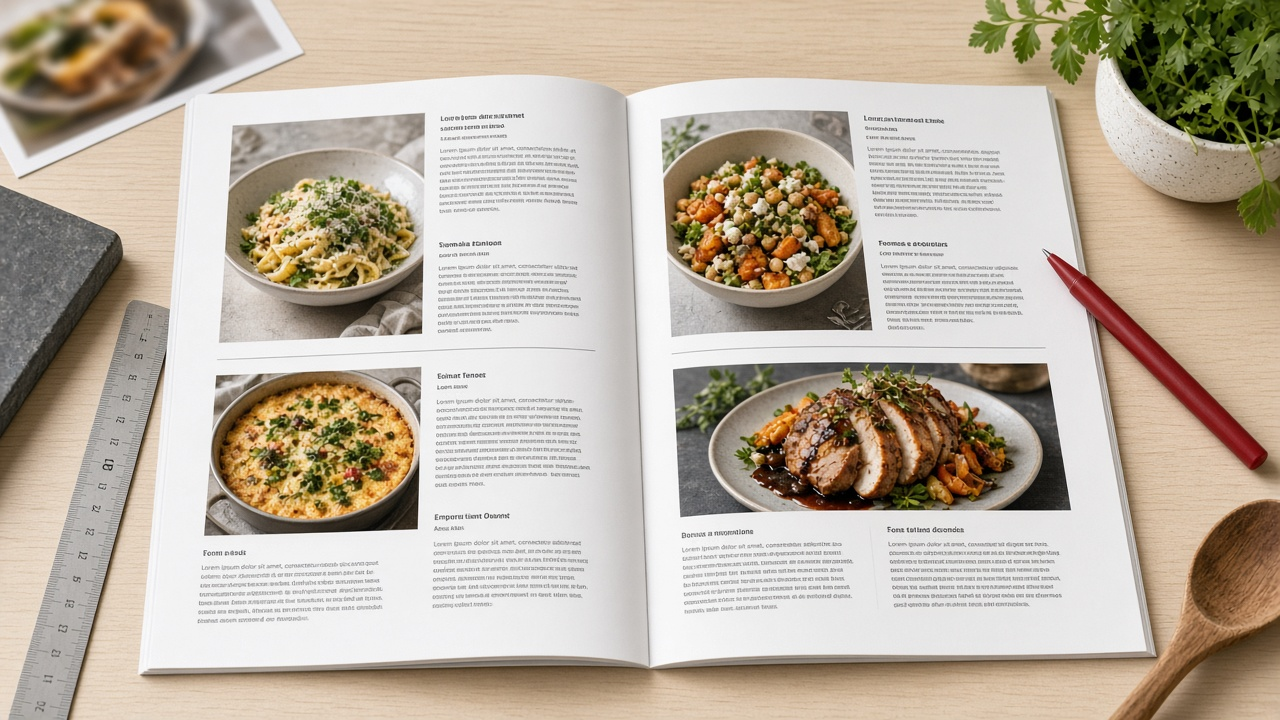
This image was generated using the prompt above.
Examples
Example Input
RecipeStructure: recipe title, short intro paragraph, yield line (Serves 4), time line (Prep 15 min, Cook 40 min), ingredient groups with a subhead (For the sauce), ingredient lines, numbered method steps, an optional tip box
Typography: Source Serif 4 for body 10/14 pt and titles 22 pt Semibold; Source Sans 3 for yields, times, and ingredients at 9/14 pt
PageGrid: 7.5 x 9.25 in trim, two columns for ingredients, baseline grid 14 pt
TypoProblems: '200 g' breaks across lines; typed fractions like 1/2 and 3/4 look clumsy; '180 °C' splits; ranges typed '2-3' need an en rule per house style but must stay together
Outputs: print PDF and accessible tagged PDF
Format: tables, then GREP list
Example Output
1. Hierarchy
R-Base (Source Serif 4, 10/14) feeds every R- style. Next Style chain: R-Title > R-Intro > R-Yield > R-Time > R-IngHead > R-Ing (Next Style R-Ing, so ingredient lines repeat). Method steps use R-Step with Next Style R-Step. Select a whole recipe, right-click R-Title, choose Apply R-Title then Next Style.

2. Paragraph styles
| Style | Based On | Font / size / leading | Spacing | Keep Options | Other |
| R-Base | No Paragraph Style | Source Serif 4 Regular 10/14 | none | none | Align to baseline grid on |
| R-Title | R-Base | Source Serif 4 Semibold 22/28 | space before 28 pt | Keep with Next 3 lines | Span Columns: Span All, hyphenation off |
| R-Intro | R-Base | 10/14 | space after 14 pt | Keep Lines Together, at start 2, at end 2 | Span All |
| R-Yield | R-Base | Source Sans 3 9/14 | none | Keep with Next 1 | Span All |
| R-Time | R-Yield | Source Sans 3 9/14 | space after 14 pt | Keep with Next 1 | Span All |
| R-IngHead | R-Base | Source Sans 3 Semibold 9/14 | space before 14 pt | Keep with Next 2 | single column |
| R-Ing | R-Base | Source Sans 3 9/14 | none | Keep Lines Together all lines | single column, hyphenation off |
| R-Step | R-Base | 10/14 | space after 7 pt | Keep Lines Together at start 2 | Span All |
| R-Tip | R-Base | Source Serif 4 Italic 9/14 | inset in tip frame | none | uses an Object Style for the box |
Missing weight: Typography did not approve a Source Sans 3 Bold for step numbers, so Semibold is used; confirm with the art director.

3. Character styles
C-NoBreak: No Break checked, nothing else.
C-Frac: OpenType Fractions on.
C-StepNum: Source Sans 3 Semibold.

4. GREP styles
On R-Ing, R-Step, R-Tip:
a) Quantity with unit. Pattern: \d+\s(g|kg|ml|l|tbsp|tsp|cm|min)\b > C-NoBreak. Catches '200 g' and '2 tbsp'; ignores the g in '2 garlic cloves' because \b requires the unit to end there.
b) Fractions. Pattern: \b\d/\d\b > C-Frac. Catches 1/2 and 3/4; leaves dates like 10/05/2026 alone because those have more than one digit on each side.
c) Temperature. Pattern: \d+\s?°[CF] > C-NoBreak. Keeps '180 °C' and '350°F' whole.
d) Ranges. Pattern: \d+[\x{2013}]\d+ > C-NoBreak after you convert typed hyphens. First run Find/Change GREP: find (\d)-(\d), change to $1\x{2013}$2. Catches '2-3' once converted; ignores 'gluten-free'.

5. Nested style on R-Step
C-StepNum through 1 period, then [None] up to End Nested Style Here. Steps typed as '1. Heat the oil' get a semibold number automatically.

6. Export Tagging (tagged PDF)
R-Title to H2, R-IngHead to H3, R-Intro, R-Yield, R-Time, R-Ing, R-Step to P, R-Tip to P with the tip frame tagged as an Artifact only if it is decorative. Set reading order in the Articles panel per recipe: Title, Intro, Yield, Time, ingredient frames, steps, tip. In Export Adobe PDF (Print), check Create Tagged PDF.