ChatGPT Prompts for YouTube Channel Creation: 10 to Launch
10 ChatGPT prompts for YouTube channel creation: pick a niche, test channel names, write your description, plan pillars and first videos, and set a schedule.
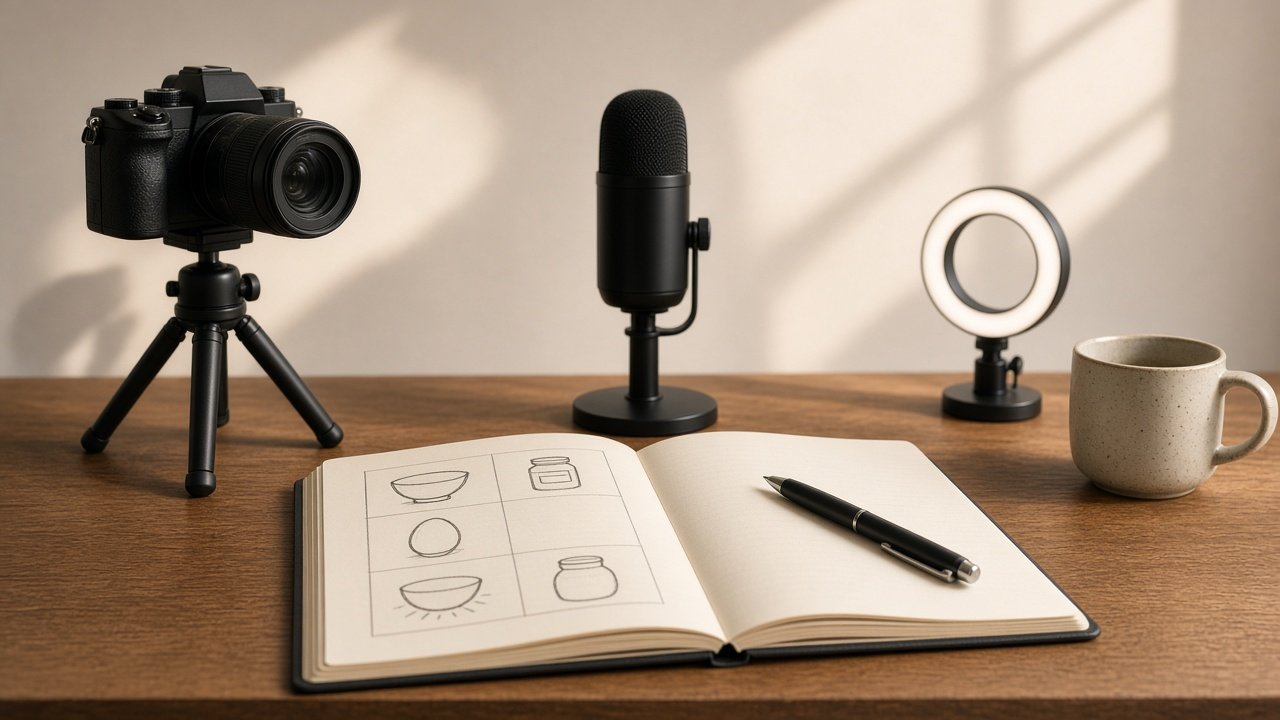
ChatGPT prompts for YouTube channel creation help you make the early decisions before you film anything: a niche you can stick with, a name and handle, a channel description, content pillars, your first videos, and a schedule that fits the hours you really have. Give ChatGPT your skills, topic, gear, and weekly time, then check every name idea on YouTube before you set it. The 10 prompts below take you from idea to launch week.
YouTube's monetization policies, including the inauthentic content policy on mass-produced or repetitive videos, apply to every channel. Nothing here promises views, subscribers, or income.
Niche and name
1. Niche statement from your skills
I know [skills] and want to make videos about [topic] for [viewer]. Write three niche statements in the form "Videos that help [viewer] [result] through [my angle]" and tell me which one my skills support best.
2. Channel name and handle ideas
My niche is [niche]. Rate these name ideas [list] for clarity and memorability, add five more with @handle ideas, and remind me to search each one on YouTube first.
3. Channel description
Write a channel description under 120 words for [niche]: who it is for, what they get, and my upload schedule [schedule]. No claims about views or growth.
Content plan
4. Three content pillars
For a channel about [niche], suggest three content pillars, each with its purpose and the viewer questions it answers. Keep them filmable with [gear].
5. First 10 video ideas
Using these pillars [paste], list 10 first videos with a title draft and a 15-second hook each. Put the three easiest to film first, given [gear] and [on camera or faceless].
6. Shorts from a long video
Here is the outline of my next long video [paste]. Pick three moments that work as Shorts on their own and write a one-line hook and ending for each.
7. Faceless format plan
I do not want to show my face. For [niche], suggest three formats (hands only, screen recording, voiceover over b-roll) and what gear and editing each one needs.
Schedule and setup
8. Upload schedule that adds up
I have [hours] a week. Build an upload schedule with a time budget per video for planning, filming, editing, and uploading, and show that the total fits my hours.
9. Banner and profile picture brief
Describe a profile picture and banner for [channel name] in words I can hand to a designer or build myself: subject, colors, and what must stay readable at small sizes.
10. Launch week checklist
Make a launch week checklist for [channel name]: profile, playlists, the first video's description, and what I should review after my first three uploads.
Keep the plan realistic
Most new channels stall because the schedule was built for a full-time creator. Ask ChatGPT to show the hours for each video and to put the easiest videos first, so your first uploads are about learning the workflow. Treat any idea that involves food, chemicals, tools, or kids as needing a safety note in the video and the description.
Plan the whole channel in one run
The flagship YouTube Channel Creation Prompt: Niche, Name, First Videos turns your skills, topic, gear, and hours into a niche statement, name and handle options, a description, three pillars, 10 first videos with hooks, a schedule whose hours add up, and a setup checklist. Its example plans a faceless kitchen chemistry channel for a chemistry teacher with six hours a week. YouTube Studio lets you change your channel name and handle only twice within 14 days, so settle the name before launch.
Related prompts
Once the channel is set, write your About text with the YouTube channel About text prompt, then sharpen each upload with the ChatGPT prompt for YouTube titles, ChatGPT prompts for YouTube SEO, and the YouTube video script hook generator. For short vertical clips, see the AI video prompt for YouTube Shorts.
Related: ChatGPT prompts for YouTube automation.
Find more in the Social Media category, look through Browse, or post your own on Share.