ChatGPT Prompts for YouTube SEO: 12 Video Packaging Prompts
12 ChatGPT prompts for YouTube SEO: map real viewer searches, front-load titles for mobile, write the top description lines, and build chapters.
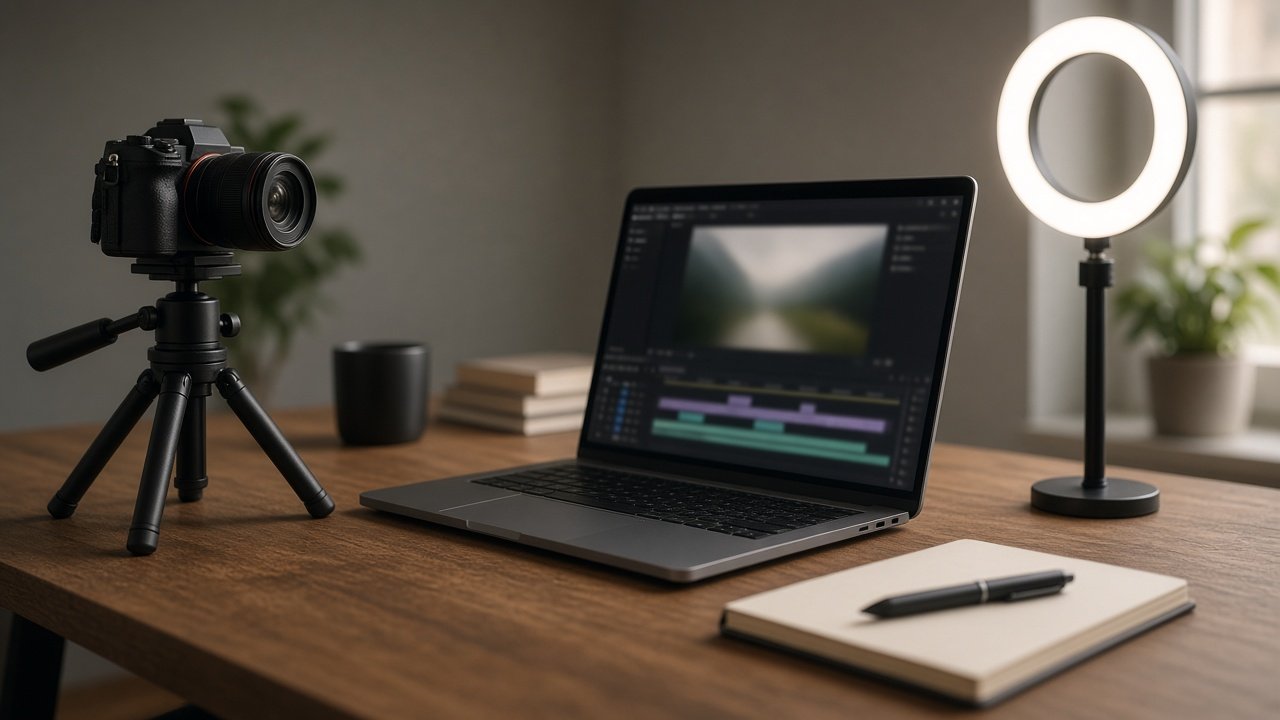
ChatGPT prompts for YouTube SEO work when you feed them real search phrases and the real contents of your video. Put the main phrase early in the title, use the first two description lines well, and add chapters from your cut list. ChatGPT cannot see search volumes, so never let it guess them. The 12 prompts below cover research, titles, descriptions, chapters, tags, and a final honesty check.
Find the phrases viewers use
1. Query map from your own sources
Here are search phrases I collected and where each came from: [phrases and sources]. Pick one primary and 2 or 3 secondary phrases for this video: [video facts]. Write volume not provided unless my source shows a number.
2. Comment question miner
Here are comments from my last videos: [comments]. List the questions viewers ask in their own words, grouped by topic, as ideas for titles, chapters, or follow-up videos.
3. Search intent sorter
Sort these phrases into how-to, diagnose, compare, or review intent: [phrases]. Tell me which ones my video actually answers based on [video facts].
Write titles that survive truncation
4. Front-loaded title options
Primary phrase: [phrase]. Video: [video facts]. Write 6 titles that put the phrase or its core words at the start. YouTube cuts titles by display width, so mark which words would still show on a phone.
5. Series title format
My series is called [series name]. Write a title pattern that keeps the search phrase first and the series name last, with 3 examples for [upcoming topics].
6. Title and thumbnail pairing
Thumbnail text: [text]. Titles: [titles]. Tell me which pairs repeat the same words, and suggest 2 to 4 word thumbnail text that adds new information instead.
Description, chapters, and tags
7. First two description lines
Write the first two lines of my description, the part shown before more, restating the promise of [title] and using [primary phrase] once, naturally.
8. Full description with disclosures
Write a description for [video facts] with a short summary, links to [related videos], and these disclosures in plain words: [affiliate or sponsor details]. No keyword lists.
9. Chapters from a cut list
Turn this cut list into YouTube chapters: [timestamps and what happens]. Start at 0:00, use at least three chapters of 10 seconds or more, and title each with words a viewer would search.
10. Small tag set
Suggest 5 to 8 tags for [video facts] using [phrases], including common misspellings. Keep it short; tags matter less than the title, thumbnail, and description.
Check before you publish
11. Pinned comment
Write one pinned comment for [video topic] that asks viewers a specific question about their own situation, so replies add useful detail.
12. Misleading claim audit
Compare my title, thumbnail text, and description: [package] with what the video shows: [video facts]. Flag any promise the video does not deliver and rewrite it.
Package the whole video with one prompt
The flagship YouTube SEO Prompt: Titles, Description, and Chapters builds the query map, titles, description, chapters, tags, thumbnail pairing, pinned comment, and accuracy check together. Its example packages an 11:42 Monstera repotting video using search suggestions, an analytics search term, and a viewer comment, with no made-up volumes.
Related prompts
For descriptions alone, use YouTube description and chapters. For more headline ideas, try YouTube title options from your hook and the ChatGPT prompt for YouTube titles guide. Design the image with the YouTube thumbnail compiler, and for search research beyond YouTube, read ChatGPT prompts for SEO keyword research.
Related: ChatGPT prompts for YouTube automation and AI video prompt for YouTube Shorts.
Find more in the SEO category, look through Browse, or post your own on Share.