ChatGPT Prompt for YouTube Titles: 12 Title Prompts to Copy
12 ChatGPT prompts for YouTube titles built from your video's real hook: search titles, browse titles, Shorts titles, thumbnail pairing, and honesty checks.
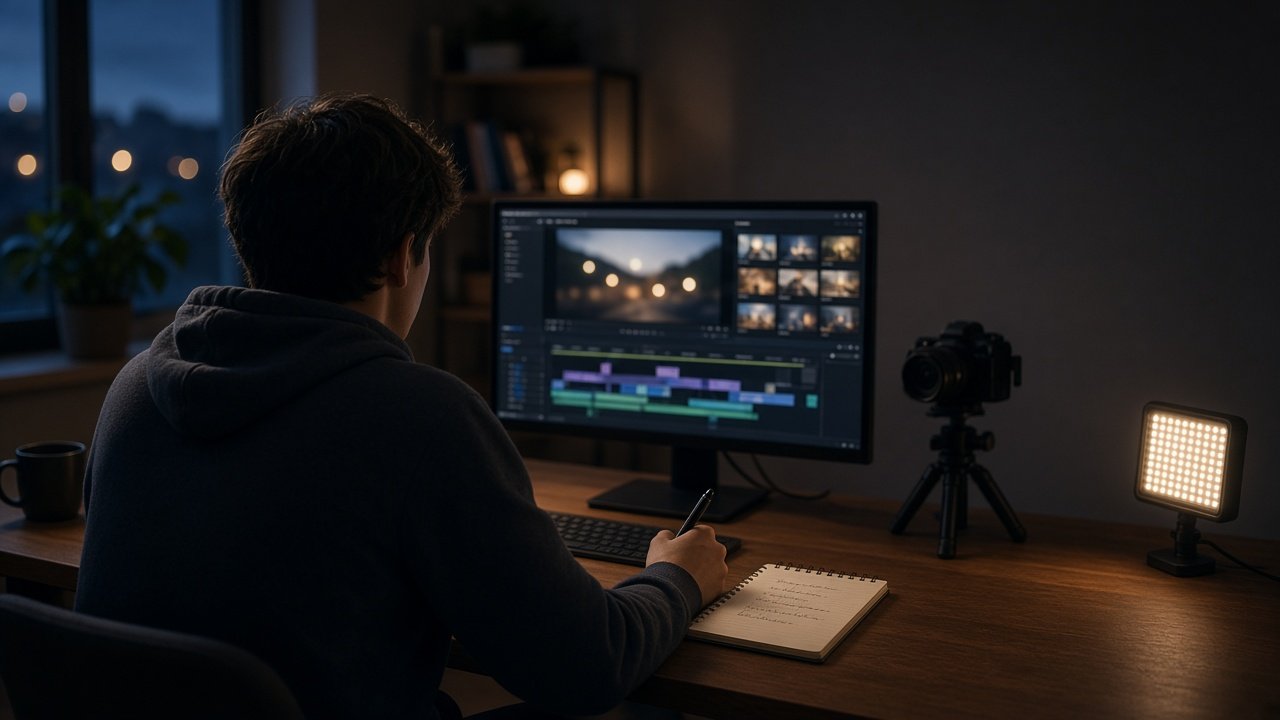
A good ChatGPT prompt for YouTube titles starts with the finished video, not the topic: tell ChatGPT the strongest moment, what the viewer gets, and who the video is for, then ask for options grouped by angle with character counts. That gives you titles the video actually pays off. Below are 12 copy-paste prompts for search titles, browse titles, Shorts, and testing, plus a flagship prompt that writes 20 options and checks them against your thumbnail.
ChatGPT cannot watch your video or see your analytics, so describe the hook moment and paste your own past results. YouTube titles can run up to 100 characters, but shorter titles are easier to read on phones.
Prompts for title ideas
1. Titles from the hook moment
My video is about [topic]. The strongest moment is [moment and timestamp]. Write 10 titles under 60 characters that set up that moment without giving it away.
2. Titles by angle
Write 4 titles each for these angles: result, how to, mistake, and challenge, for a video about [topic] aimed at [viewer]. Show the character count for each.
3. Learn from my past titles
Here are my past titles and how they did: [titles and results]. Describe the pattern in my best performers, then write 8 titles for [new video] that follow it.
Prompts for search and browse
4. Search title
People search for [phrase]. Write 6 titles that include the phrase naturally near the start and still sound like a person wrote them, for a video that covers [what it covers].
5. Browse title
Write 6 curiosity titles for the home feed for [video], where the curiosity is answered in the video at [timestamp]. No shock words, no all caps.
6. Tutorial title with a clear payoff
My tutorial teaches [skill] in [length]. Write titles that name the skill and the result a viewer has at the end: [result].
Prompts for Shorts and series
7. Shorts titles
Write 8 titles under 40 characters for a Short where [what happens in the first 2 seconds]. Each title should add context, not repeat the on screen text: [on screen text].
8. Series naming
I am starting a series on [theme] with these episodes: [episodes]. Suggest a consistent title format that keeps each episode searchable on its own.
Prompts for checking and testing
9. Thumbnail pairing
My thumbnail shows [image] with the text [text]. For these titles: [titles], flag any that repeat the thumbnail words and suggest a pair that tells one story.
10. Over-promise check
Here is my video summary: [summary]. Flag any of these titles that promise a result, number, or reaction the video does not show: [titles]. Rewrite the flagged ones.
11. Backup titles
My video [title] is getting fewer clicks than usual. Using the same video facts: [facts], write 3 backup titles with a different angle each.
12. Old video refresh
This older video still gets search traffic: [title and topic]. Write 5 updated titles that keep the main search phrase [phrase] and remove any dated wording.
Write and check 20 titles at once
The YouTube Title Prompt: 20 Options From Your Video's Real Hook combines prompts 2, 4, 5, 9, and 10. Paste the topic, hook moment, viewer payoff, target viewer, search phrase, thumbnail idea, past titles, and channel tone. It returns five angles, 20 titles with character counts, search and browse picks, a thumbnail pairing check, an over-promise check, and a final pick with two backups. The example packages a plywood workbench build that holds six bags of concrete on camera.
Tips for YouTube titles with ChatGPT
- Write the title after the edit, when you know the real hook.
- Put the key words early so phones do not cut them off.
- Let the thumbnail and title say different things.
- Never promise a number or reaction the video does not show.
Related prompts and guides
Design the matching image with the YouTube Thumbnail Compiler 16:9 Text-Safe, then write the YouTube Description and Chapters. Still scripting? Try the YouTube Video Script and Hook Generator, or read ChatGPT Prompt for YouTube Summary to turn a transcript into notes. Find more in the Social Media prompts hub, browse all prompts, or share a prompt your channel uses.