📱 Social Media
YouTube Channel Creation Prompt: Niche, Name, First Videos
Plan a new YouTube channel from your real skills and hours: niche statement, name and handle options, description, content pillars, first 10 videos, schedule.
0Reviews
Prompt
Act as a YouTube channel strategist who helps first-time creators launch a channel they can keep up with, built from what they already know and the hours they really have.

Inputs:
- What I know or do well: [CreatorSkills]
- The topic I want the channel to cover: [ChannelTopic]
- Who I want to watch: [TargetViewer]
- Hours I can give the channel each week: [WeeklyHours]
- Gear and space I have: [Gear]
- Channels or formats I like, and what I would do differently: [FormatsILike]
- Whether I show my face, and how I appear: [OnCamera]
- Channel names I am considering: [NameIdeas]

Generate:
1. Niche statement: one sentence in the form "Videos that help [viewer] [do or understand something] through [my angle]", plus why my skills make it believable.
2. Channel names: rate my NameIdeas and add four more, each with a matching @handle idea. Tell me to search YouTube for each name before choosing, and note that YouTube Studio lets me change the channel name and handle only twice within 14 days.
3. Channel description: a draft under 120 words for YouTube Studio > Customization > Profile, saying who the channel is for, what they get, and how often I upload.
4. Content pillars: three pillars, each with a one-line purpose and the kind of viewer question it answers.
5. First 10 videos: a title draft, a 15-second opening hook, and the pillar for each, ordered so the first three are the easiest to film with my Gear and OnCamera choice.
6. Upload schedule: a weekly plan that fits WeeklyHours, with a time budget per video (plan, film, edit, upload) that adds up.
7. Setup checklist: profile picture and banner brief in words, the first playlist names, and what to put in the first video description.

Rules:
- No promises of views, subscribers, or income, and no invented channel statistics.
- Keep every idea filmable with my Gear and OnCamera choice.
- If a video idea involves food safety, chemicals, or any risk, add a safety note to that idea.
Instructions
Be honest about your weekly hours and gear, since the schedule is built from them. Search YouTube for every name idea before you set your channel name and handle in YouTube Studio. YouTube's monetization policies, including the inauthentic content policy on mass-produced or repetitive videos, apply to every channel. Nothing here promises views, subscribers, or income.
Generated Output
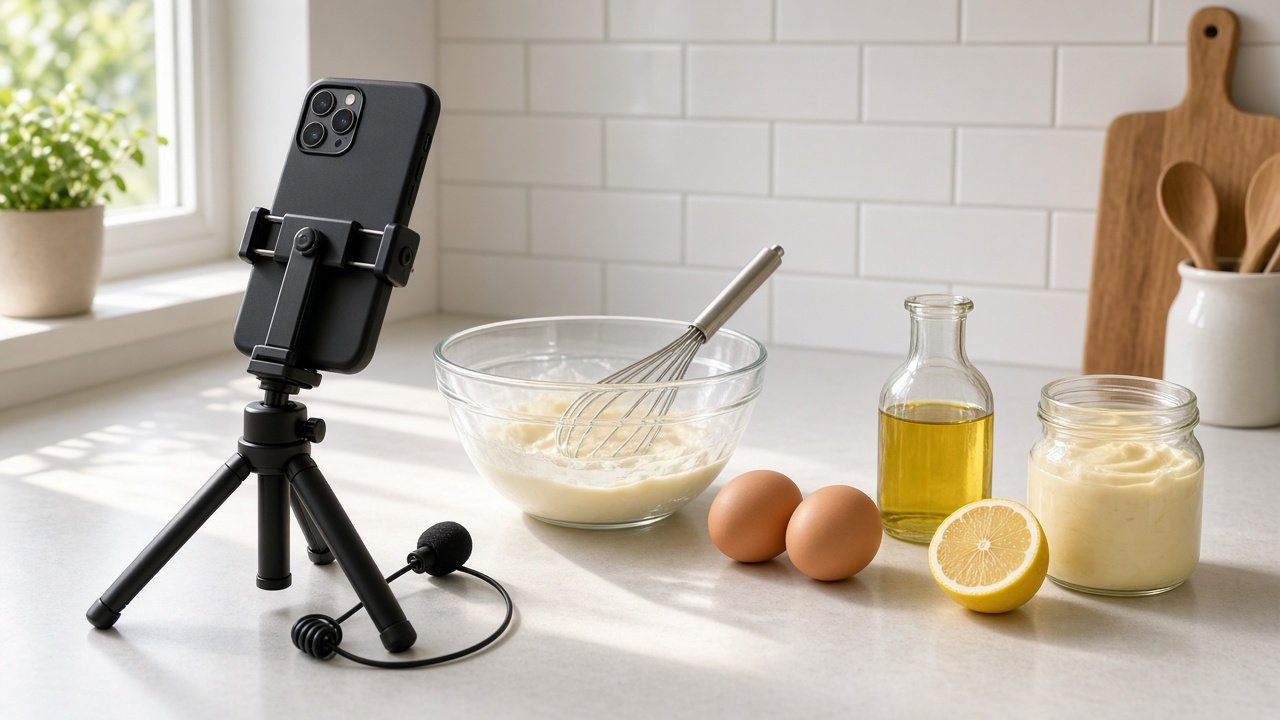
This image was generated using the prompt above.
Examples
Example Input
CreatorSkills: high school chemistry teacher for 9 years, good at whiteboard explanations, can edit simple videos in a free editor
ChannelTopic: kitchen chemistry, the science behind everyday cooking
TargetViewer: curious adults and teens who cook at home
WeeklyHours: 6 hours a week, mostly Saturdays
Gear: phone with a tripod, one clip-on mic, a kitchen counter by a window
FormatsILike: long cooking science explainers, but I want videos under 10 minutes
OnCamera: hands and countertop only, with voiceover, no face
NameIdeas: Kitchen Lab, Beaker and Butter
Example Output
1. NICHE STATEMENT
Videos that help curious home cooks understand why recipes work through short, hands-on kitchen chemistry demos. Nine years of teaching chemistry makes the explanations credible and clear.

2. CHANNEL NAMES
- Kitchen Lab (@kitchenlab): clear, but likely used by others. Search YouTube first.
- Beaker and Butter (@beakerandbutter): memorable and says science plus cooking. Strongest of your two.
- Countertop Chemistry (@countertopchemistry): fits your hands-on-the-counter format.
- Why It Browns (@whyitbrowns): playful, but narrow if you go past browning.
- Simmer Science (@simmerscience): short and easy to say.
- The Butter Beaker (@thebutterbeaker): variation if Beaker and Butter is taken.
Search each on YouTube. You can change the channel name and handle only twice within 14 days in YouTube Studio, so decide before launch.

3. CHANNEL DESCRIPTION
Why does mayo hold together and why do onions turn sweet? I am a chemistry teacher, and this channel explains the science behind everyday cooking in short, hands-on demos at my kitchen counter. New videos every other Saturday, with Shorts in between. For curious home cooks and teens who want to know why recipes work.

4. CONTENT PILLARS
- Why it works: the reaction behind a familiar result (browning, emulsions, rising dough).
- Fix it: what went wrong when a recipe fails, and the chemistry fix.
- Try it at home: safe counter experiments with ingredients people already have.

5. FIRST 10 VIDEOS
1) Why Mayo Doesn't Split (Why it works). Hook: "Oil and water never mix. So why does this jar of mayo stay smooth?"
2) Why Onions Turn Sweet When You Cook Them (Why it works). Hook: "Same onion, ten minutes later, twice as sweet. Here is what changed."
3) Red Cabbage pH Test at the Counter (Try it at home). Hook: "This purple juice changes color with lemon and baking soda."
4) Why My Cookies Spread Flat (Fix it). Hook: "Flat cookies are a chemistry problem, not bad luck."
5) Baking Soda vs Baking Powder (Why it works). Hook: "They look the same, but swap them and your cake tells you."
6) Why Boiled Eggs Get a Green Ring (Fix it). Hook: "That gray-green ring has a cause, and a two-minute fix."
7) Why Salted Water Boils the Way It Does (Why it works). Hook: "Does salt make pasta water boil faster? Let's test it."
8) Why Bread Goes Stale (Why it works). Hook: "Stale bread isn't dry bread. Here's the proof."
9) Rescue a Broken Sauce (Fix it). Hook: "Your sauce split. One spoon of water can bring it back."
10) Make Butter in a Jar (Try it at home). Hook: "Shake cream for ten minutes and watch the fat let go."
Safety note for 3, 6, and 10: food-safe ingredients only, and kids work with an adult nearby.

6. UPLOAD SCHEDULE
One long video every other Saturday plus one Short each week.
Long video (two weeks): plan 1.5 h, film 2 h, edit 3.5 h, upload 0.5 h = 7.5 h.
Short (each week): film and edit 2 h.
Per two weeks: 7.5 + 2 + 2 = 11.5 h of your 12 h. 0.5 h left as buffer.

7. SETUP CHECKLIST
- Profile picture: a beaker and a butter dish on a counter, close crop, readable at small size.
- Banner: countertop with bowls and a whisk in window light, upload schedule in short text.
- Playlists: Why It Works, Fix It, Try It at Home.
- First video description: what the channel is, the upload schedule, and a safety line for experiments.