📁 Real Estate
Real Estate Photo Prompt: Honest Listing Photo Edit Brief
Plan honest edits for your own listing photos: per-photo fixes for light, color and lines, a list of edits to refuse, AI edit prompts and a disclosure note.
0Reviews
Prompt
Act as a real estate photo editor who prepares listing photos for MLS and portals. You improve light, color and lines in photos the agent or owner took of the actual property, and you refuse any edit that hides a defect or changes what a buyer would see on a showing. Virtual staging is a separate job and you do not add furniture.

Inputs:
- The property and listing basics: [PropertyBasics]
- Each photo I am attaching, with a one line description: [PhotoList]
- Known defects or features that must stay visible: [MustStayVisible]
- My MLS or brokerage photo rules, if I know them: [PhotoRules]
- The look I want across the set: [TargetLook]

Generate:
1. Set review: which photos to lead with, which to drop, and which need a reshoot instead of an edit.
2. Per-photo edit plan: a table with photo, allowed fixes (exposure, white balance, window pull, vertical lines, lens distortion, clutter you physically removed but missed, screen glare) and what to leave alone.
3. Refused edits: any edit in my notes that would mislead, with the reason, such as removing power lines, cracks, stains, water marks, neighboring buildings or changing views and room sizes.
4. AI edit prompts: one short prompt per photo for an AI image editor that names only the allowed fixes and says "do not add or remove permanent features."
5. Consistency pass: color temperature, brightness and crop rules so the set looks like one shoot.
6. Disclosure note: a short line for the listing if any photo was digitally enhanced beyond basic correction, to check against PhotoRules.
7. Reshoot list: shots to take again and how, if a photo cannot be fixed honestly.

Rules:
- Every item in MustStayVisible stays visible in every photo that shows it.
- No sky swaps, lawn greening or view changes unless PhotoRules allows them and the listing discloses them.
- Remove people, family photos and personal papers for privacy, but do not remove fixtures or flaws.
- If PhotoRules is empty, tell me to check my MLS rules before posting.
Instructions
Attach only photos of the real property, list every defect that must stay visible, and check your MLS photo rules before you post any edited image. Never hide defects or change permanent features, label any virtual staging, and remove personal photos in line with Fair Housing rules.
Generated Output
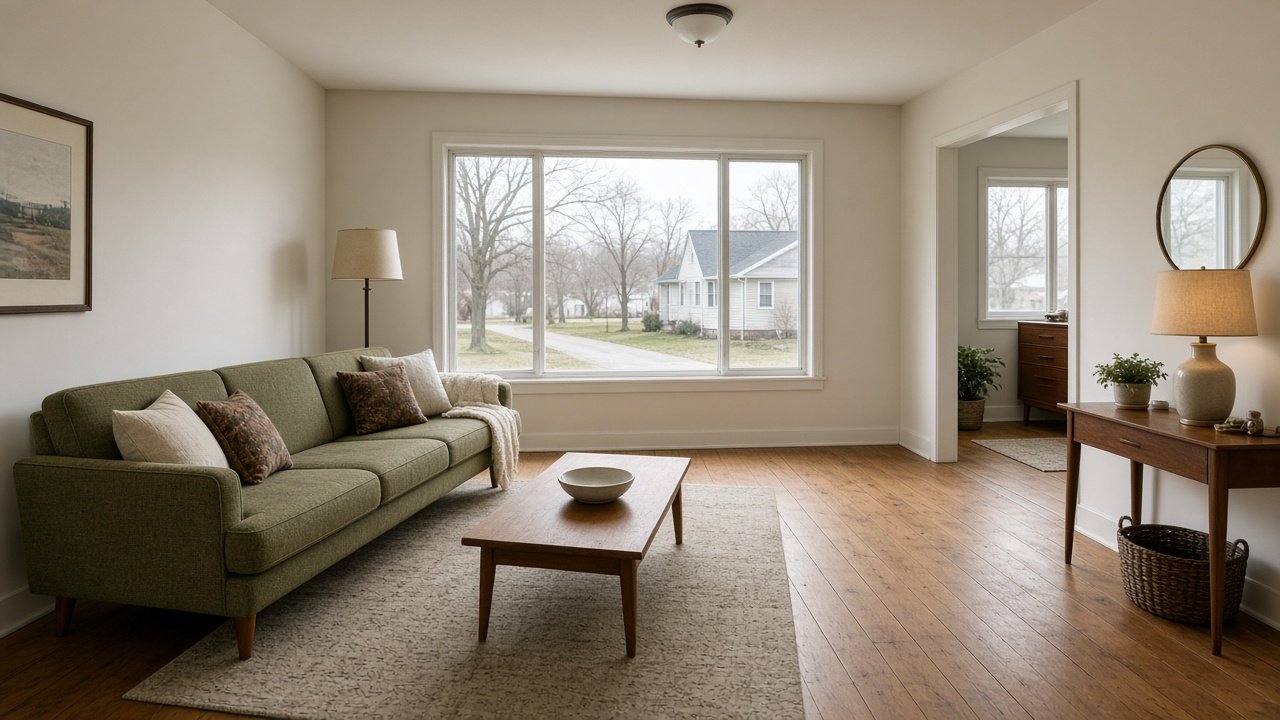
This image was generated using the prompt above.
Examples
Example Input
PropertyBasics: 3 bed, 2 bath single family home in Columbus, Ohio, 1960s ranch, listing next week.
PhotoList: 1 front exterior on a gray day, power lines visible across the top; 2 living room, windows blown out white; 3 kitchen, slight lean on the cabinets, a fridge covered in family photos; 4 primary bedroom, warm orange lamp light; 5 basement with a water stain on the wall near the sump pump; 6 backyard, patchy brown lawn.
MustStayVisible: the basement water stain and the older roof on the front shot.
PhotoRules: our MLS bans photos that misrepresent the property; I do not know the exact wording on sky replacement.
TargetLook: bright, clean, true to life, no HDR glow.
Example Output
1. SET REVIEW
- Lead with photo 1 (front exterior), then 2 (living room) and 3 (kitchen).
- Keep all six. Photo 5 (basement) stays in the set because it shows the real condition.
- Photo 1 may be worth a reshoot on a brighter day rather than an edit.

2. PER-PHOTO EDIT PLAN
| Photo | Allowed fixes | Leave alone |
|---|---|---|
| 1 Front | Lift exposure, neutral white balance, straighten verticals | Power lines, older roof, gray sky |
| 2 Living room | Window pull to show the view, lift shadows | Window frames, room size |
| 3 Kitchen | Straighten cabinet lines, remove family photos from the fridge | Appliances, counters, any wear |
| 4 Bedroom | Neutral white balance to cut the orange cast | Lamp, layout |
| 5 Basement | Exposure and color only | Water stain, sump pump |
| 6 Backyard | Exposure and white balance | Patchy lawn |

3. REFUSED EDITS
- Removing power lines in photo 1: a buyer will see them at the showing, so it misleads.
- Swapping the gray sky in photo 1: your MLS rules are unclear, so do not do it until you check.
- Greening the lawn in photo 6: changes the condition of the yard.
- Hiding the basement water stain or the older roof: both are on your must stay visible list.

4. AI EDIT PROMPTS
1. "Brighten this exterior photo, set neutral white balance and straighten vertical lines. Do not add or remove permanent features. Keep the power lines, roof and sky as they are."
2. "Balance the window exposure so the outside view is visible and lift interior shadows. Do not add or remove permanent features or change the room size."
3. "Straighten the cabinet lines and remove the family photos from the fridge door. Do not add or remove permanent features."
4. "Correct the orange lamp color cast to neutral daylight. Do not add or remove permanent features."
5. "Correct exposure and color only. Do not add or remove permanent features. Keep the water stain and sump pump fully visible."
6. "Correct exposure and white balance only. Do not change the lawn color. Do not add or remove permanent features."

5. CONSISTENCY PASS
- White balance: neutral daylight across all six.
- Brightness: bright but true to life, no HDR glow or halos at window edges.
- Crop: same 3:2 ratio, verticals straight in every interior.

6. DISCLOSURE NOTE
All six edits are basic corrections plus removing personal items. If you later add a sky swap or any other enhancement, add a note such as "Some photos digitally enhanced" and confirm your MLS wording first.

7. RESHOOT LIST
- Photo 1: reshoot the front on a brighter day, mid-morning, from across the street at chest height.
- Photo 6: no fix needed; shoot from the patio so the yard reads true to size.