How to Use the Trade Show Tension Fabric Backwall Prompt to Send Print Ready Artwork That Reads From the Aisle
Plan print ready artwork for a trade show tension fabric backwall before you send it to the printer: read the vendor template, set the file scale and resolution, keep messages above table height and readable from the aisle, place bleed and safe zones for SEG or pillowcase frames, check colors that shift in dye sublimation, and run a preflight checklist.
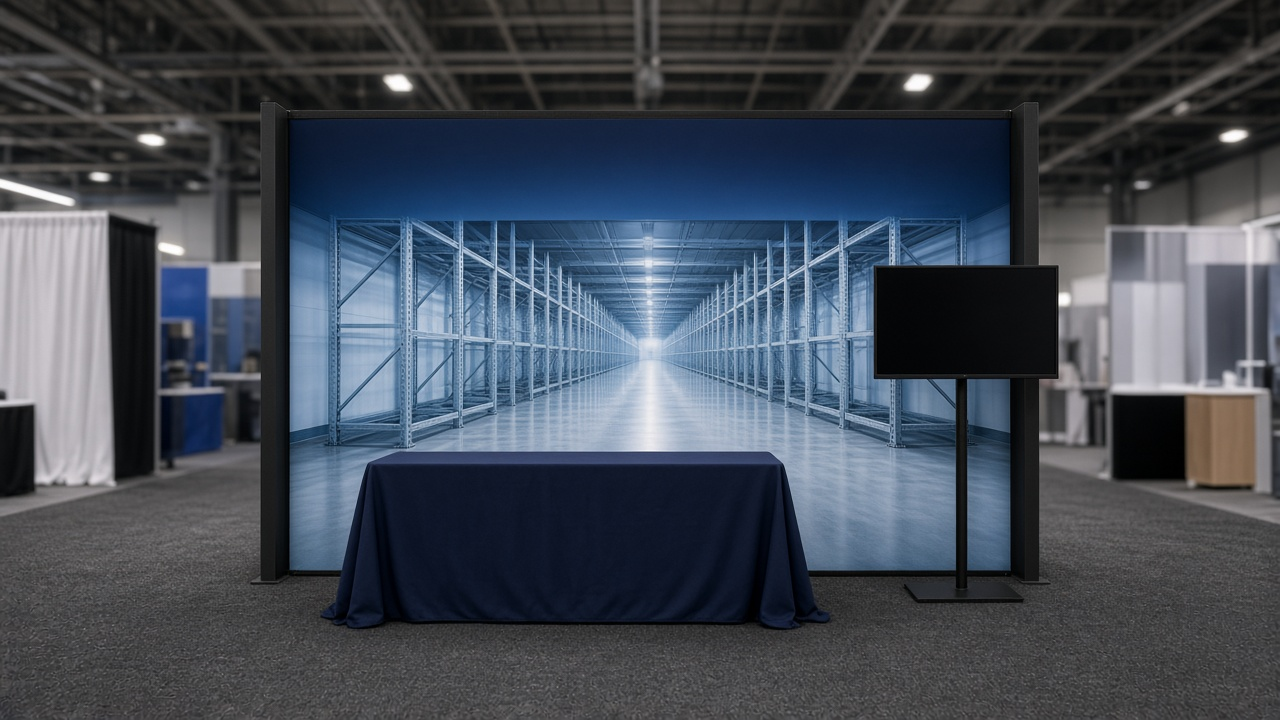
A trade show backwall has a few seconds to tell people walking past what your company does. Many fail for simple reasons: the logo sits behind the table, the photo is too small for a ten foot wide print, or the brand blue comes back purple on fabric. The Trade Show Tension Fabric Backwall Artwork Spec: 10x10 SEG or Pillowcase Template Setup, Scale and Resolution, Bleed and Safe Zones, Sightline Hierarchy, and Dye Sublimation Color Checks prompt reads your vendor's template, plans the file scale and resolution, maps what is visible over the table and the crowd, and runs a preflight before you send the file.
What the prompt produces
- A template read restating visible size, bleed, safe zone, and scale in plain words.
- A scale and resolution plan, including whether your photos are large enough at final size.
- A sightline zone map from the floor up, showing the dead zone behind furniture and the eye level band.
- A message hierarchy with letter heights tied to viewing distance.
- Edge and stretch rules for silicone edge or pillowcase frames, including seams.
- Dye sublimation color checks for colors that tend to shift on polyester.
- A preflight checklist for the final file.
How to fill the inputs
FrameType describes the display: SEG or pillowcase, straight or curved, single or double sided, and the size.
VendorTemplate carries the exact specs from the printer: visible size, bleed, safe zone, file scale, formats, and color mode. Always use the vendor's numbers over general rules.
BoothLayout lists what stands in front of the wall: a table, a counter, a monitor, banner stands, and staff.
BrandAssets covers the logo, brand colors in Pantone and hex, and photos with their pixel sizes.
Message is the one sentence the booth must say from the aisle, plus a couple of secondary points.
Reading the example output
The example plans a ten by eight foot straight SEG backwall for a cold chain tracking company:
- The template math is done for you. The visible area plus bleed gives the full artboard, and the one to ten scale turns it into a manageable file.
- The photo problem is caught. A 5000 pixel photo stretched across nearly ten feet would look soft, so the prompt suggests using it across part of the wall and fading into solid brand color, or finding a larger original.
- The zone map protects the message. The bottom three feet are hidden by the table, so nothing important goes there. The logo and headline sit in the eye level band.
- Letter heights are sized for distance, with the booth number placed high where it reads from the aisle.
- The brand blue gets a strike off, because deep saturated blues can shift on polyester.
- The preflight list covers outlined fonts, embedded images, color mode, and template guides on a hidden layer.
Tips for better results
- Download the vendor template first and build in it. Do not start from a blank document.
- Stand at the distance attendees will see the booth and view a scaled print or screen mockup.
- Keep the headline under ten words. People read it while walking.
- Ask the printer where any seams fall on wide graphics before placing faces or logos.
- Order a printed swatch of brand colors if this is your first fabric print.
Mistakes to avoid
- Do not put text or the logo below table height.
- Do not use thin border lines near the edges of a fabric graphic.
- Do not send RGB files to a vendor that asks for CMYK, or the reverse.
- Do not fill the wall with paragraphs. Save details for handouts and conversations.
Who it is for
Graphic designers preparing exhibit files, event and field marketers ordering booths, small companies attending their first trade show, and print shops that want a clear checklist to send to clients.
Related PromptDig links
Open the Trade Show Tension Fabric Backwall Artwork Spec: 10x10 SEG or Pillowcase Template Setup, Scale and Resolution, Bleed and Safe Zones, Sightline Hierarchy, and Dye Sublimation Color Checks prompt and paste your vendor template details. For more design and print prompts, Browse more prompts. If you have an event design prompt that works, Share a prompt.