How to Use the Menu Engineering and Layout Prompt to Redesign a Restaurant Menu From Sales Data
Turn a restaurant's item sales and plate costs into menu decisions: menu mix percentages, contribution margin per item, a Stars, Plowhorses, Puzzles, and Dogs classification, an action for each item, layout choices for placement, callout boxes, price formatting without dollar signs or dot leaders, and description length, plus a redesign spec a print designer can build from.
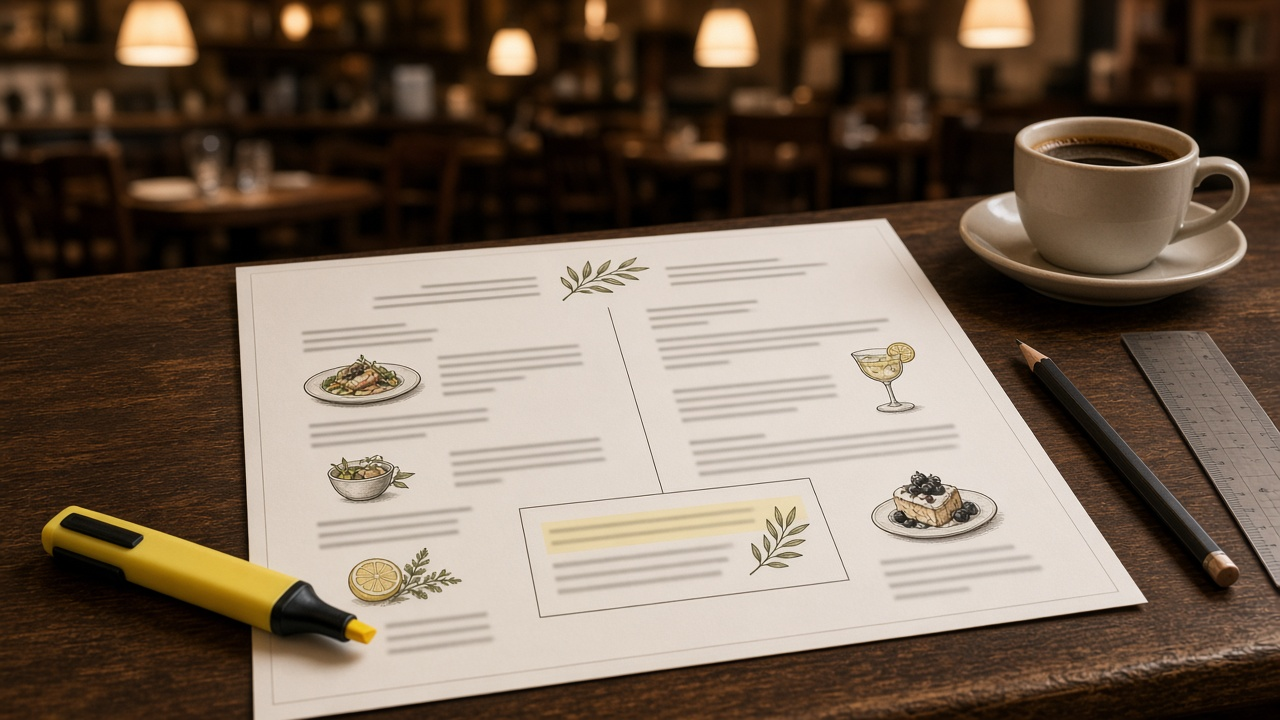
Many menu redesigns start with fonts and paper stock. The useful ones start with the sales report. Menu engineering compares how often each item sells with how much it earns, then uses the menu's layout to steer guests toward the dishes that matter. The Restaurant Menu Engineering and Layout Designer: Menu Mix and Contribution Margin Classification into Stars, Plowhorses, Puzzles, and Dogs, Placement Zones, Callout Boxes, Price Formatting, Description Length, and a Print Redesign Spec prompt runs that analysis on your item data, classifies every dish as a Star, Plowhorse, Puzzle, or Dog, recommends an action for each, and writes a redesign spec your print designer can build from.
What the prompt produces
- A menu engineering table with menu mix percent, contribution margin, total margin, and food cost percent for each item.
- Two thresholds: popularity at seventy percent of an equal share, and the weighted average contribution margin.
- A classification of every item, with borderline items flagged.
- An action for each item, from keeping it as is to testing a new price or removing it.
- Layout decisions for position in the section, a callout box, and section order.
- Price formatting rules without dollar signs or dot leaders.
- Description rules and rewrites, longer for items you want to sell and shorter for others.
- A print designer spec with page size, type sizes, callout style, and a proof checklist.
- A measurement plan for rerunning the analysis.
How to fill the inputs
ItemData lists each item in one menu section with menu price, plate cost, and number sold. Pull counts from your POS product mix report and costs from your recipe costing.
SalesPeriod gives the dates and any unusual weeks, like a holiday or closure.
CurrentLayout describes the page size, where each item sits, and how prices appear today.
Concept covers the type of restaurant, price point, and look.
KitchenNotes lists items that slow a station or share prep, since promoting them can hurt service.
OwnerGoals captures the owner's priorities, like pushing a signature dish or keeping a regular's favorite.
Reading the example output
The example analyzes eight bistro entrees over four weeks:
- The thresholds are calculated, not guessed: seventy percent of one eighth gives a popularity line near 166 orders, and the weighted average margin is 16.77.
- Two items are flagged borderline: the chicken barely clears the margin line and the salmon barely clears the popularity line.
- The burger is a Plowhorse: very popular but the lowest margin. It gets a small price test and moves out of the first position.
- The pork chop is a Puzzle the owner wants to sell, so it gets the callout box, a farm name, and a better description.
- The risotto is a Puzzle that slows the saute station on Fridays, so it stays on the menu but is not promoted.
- The cauliflower steak is a Dog kept on purpose for vegetarian guests, with a rewrite and a symbol.
- Prices lose dollar signs and dot leaders, and sit right after each description in the same size type.
- The measurement plan says what would undo each change after the next four week report.
Tips for better results
- Analyze one section at a time. Entrees, appetizers, and drinks each need their own thresholds.
- Use the same period length every time you rerun the analysis so results are comparable.
- Update plate costs before you start. An old cost sheet will misclassify items.
- Treat every price change as a test with a specific new price the owner approves.
- Box only one item per section. A menu full of boxes highlights nothing.
Mistakes to avoid
- Do not trust any promised sales lift from a redesign. Your next report is the only proof.
- Do not remove a Dog that serves a real purpose, such as a vegetarian or allergy friendly option.
- Do not promote a dish the kitchen cannot execute quickly on your busiest night.
- Do not line prices up in a column, which invites guests to read down by price.
Who it is for
Independent restaurant owners, chefs and general managers, restaurant consultants, and graphic designers who build menus for food service clients.
Related PromptDig links
Open the Restaurant Menu Engineering and Layout Designer: Menu Mix and Contribution Margin Classification into Stars, Plowhorses, Puzzles, and Dogs, Placement Zones, Callout Boxes, Price Formatting, Description Length, and a Print Redesign Spec prompt and paste one section of your product mix. For more design prompts, Browse more prompts. If you have a restaurant or menu prompt that works, Share a prompt.