How to Use the Kohya sd-scripts SDXL LoRA Training Planner Prompt to Train on Your Own Product Photos
Plan an SDXL LoRA training run in kohya sd-scripts from a folder of photos you own: image audit and cropping notes, a rare trigger token, one caption file per image, a dataset_config.toml with buckets and repeats, step math, a sdxl_train_network.py command sized to your GPU memory, sample prompts for each checkpoint, and a test plan to spot overfitting.
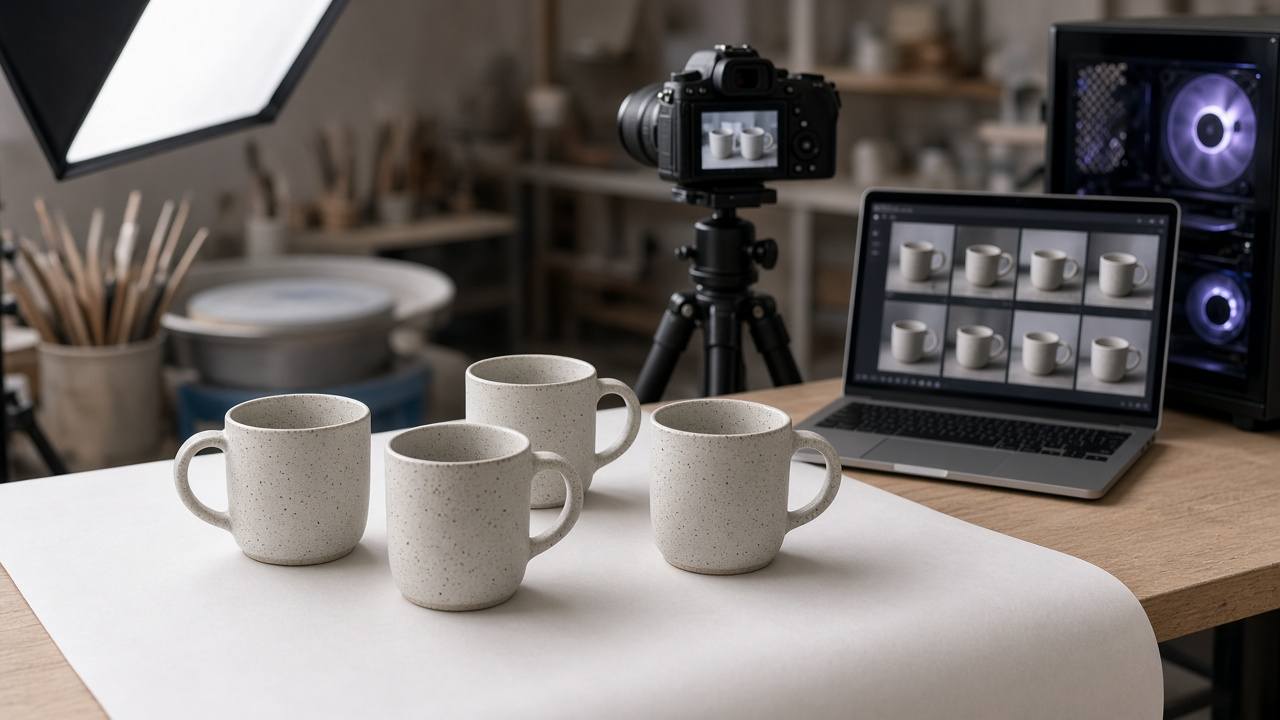
A small LoRA trained on your own product photos lets you place that product in new scenes with an image model while keeping its shape, color, and surface details. The training tools are free, and kohya sd-scripts is one of the most widely used. What trips people up is everything around the training command: which images to keep, how to caption them, how many repeats and epochs to run, and which memory flags fit their GPU. The Kohya sd-scripts SDXL LoRA Training Planner: Caption Files, Trigger Token, dataset_config.toml, and Training Flags for Your Own Product Photos prompt plans the whole run from a description of your image set and hardware.
What the prompt produces
- An image audit that lists images to drop or crop and confirms you have the rights to train on them.
- A trigger token made of a rare token and a class word, with a short explanation.
- Caption rules and sample caption files, one text file per image.
- A complete dataset_config.toml with aspect ratio bucketing, batch size, and repeats.
- Step math that shows how images, repeats, batch size, and epochs add up.
- A full sdxl_train_network.py command sized to your GPU memory.
- A sample prompts file and an evaluation plan to choose the best checkpoint and spot overfitting.
How to fill the inputs
TrainingSubject says what the LoRA should learn and what must stay changeable. For a product, the shape and finish are fixed, while backgrounds, props, and lighting should stay flexible.
ImageSet describes your photos: how many, what resolutions, what backgrounds and angles, any duplicates or blurry shots, and who owns them. The prompt stops if you do not have rights to the images.
BaseModel names the checkpoint file and the sd-scripts version or commit you are using. Hardware lists GPU memory, operating system, and whether sdpa or xformers works. TargetPrompts are the prompts you plan to run after training. Paths sets folders for images, output, and logs.
Reading the example output
The example trains a LoRA on a studio's handmade speckled stoneware mugs using a GPU with 12 GB of memory:
- The dataset shrinks before it grows. Near duplicates and blurry shots are dropped, leaving 28 images, and white background shots are cropped so the mug fills more of the frame.
- Captions describe what should change. Each caption starts with the trigger token, then lists background, angle, and light. The speckles and glaze are left out on purpose so they attach to the token.
- The config is ready to save. It sets 1024 resolution, buckets from 640 to 1536 in 64 pixel steps, batch size 2, and 10 repeats.
- Memory flags fit the card. Training only the UNet and caching text encoder outputs saves memory, and the prompt notes that caption shuffling must be off when outputs are cached.
- Evaluation is systematic. Saved epochs are tested at three LoRA weights on the target prompts, and the signs of overfitting are named.
Tips for better results
- Variety beats volume. Fifteen to thirty varied, sharp photos usually help more than a hundred similar ones.
- Keep a short log of each run's settings and the epoch you picked. It makes the next product much faster.
- Treat the suggested numbers as starting values. The prompt marks them that way because results depend on the dataset.
- Test with prompts that ask for things your photos never showed, such as a new background. That is where overfitting becomes obvious.
Mistakes to avoid
- Do not train on photos you do not own, or on people who have not agreed to it.
- Do not caption the fixed traits you want the token to learn. That spreads them across ordinary words.
- Do not judge the run on a single image at full weight. Compare epochs and weights side by side.
Who it is for
Small product brands, ceramicists and makers, ecommerce teams creating lifestyle imagery, and hobbyists learning LoRA training with kohya sd-scripts.
Related PromptDig links
Start with the Kohya sd-scripts SDXL LoRA Training Planner: Caption Files, Trigger Token, dataset_config.toml, and Training Flags for Your Own Product Photos prompt and describe your image set and GPU. For more AI image and model prompts, Browse more prompts. If you have a training or captioning prompt that works well, Share a prompt.