How to Use the intervals.icu Workout Builder Prompt to Plan a Week of Structured Rides
Turn a plain language training week into intervals.icu workout builder text: warmup ramps, repeat blocks, percent FTP or zone targets, cadence and cue text, and the checks to run in the workout chart before it syncs to a Garmin head unit or Zwift.
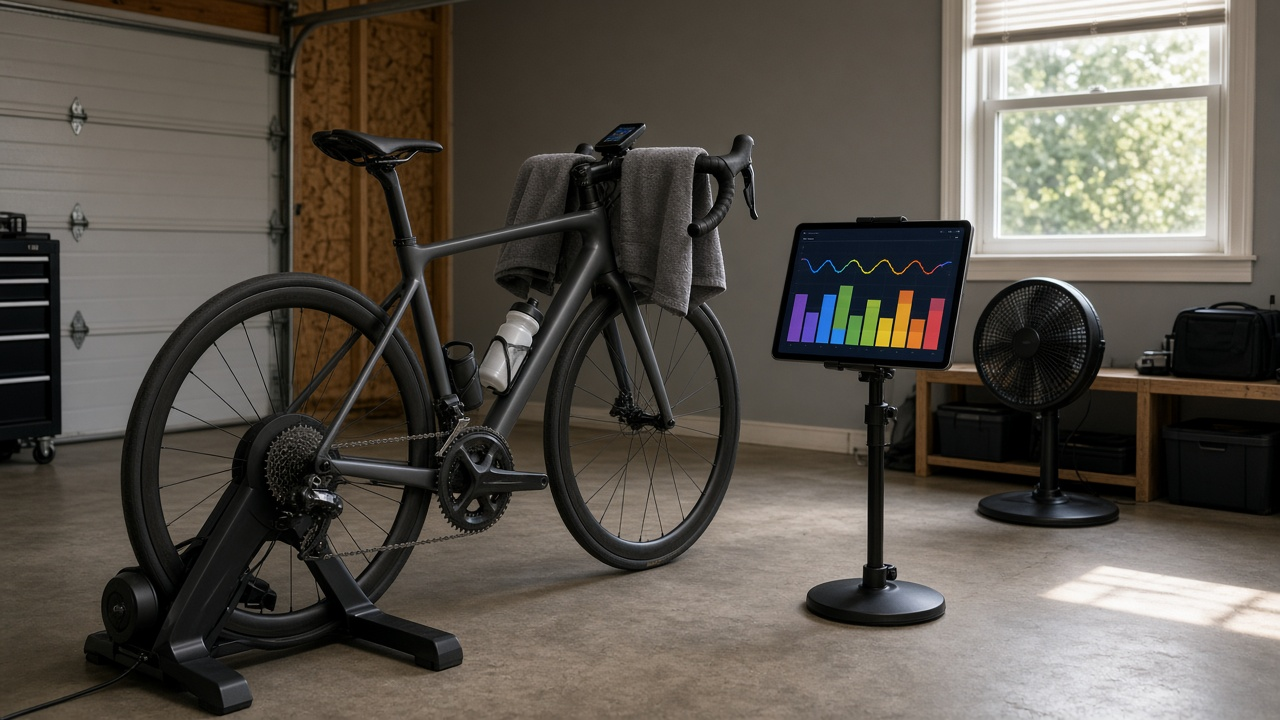
Self coached cyclists often know what they want to do in a week: some sweet spot, a hard VO2 session, a long endurance ride. The slow part is turning that plan into structured workouts that a head unit or Zwift can follow. intervals.icu has a fast text based workout builder, but it reads each line in a specific way, and a small typo can produce a step at zero watts or a repeat block that repeats the wrong steps. The intervals.icu Workout Builder Text for a Self Coached Cyclist: Power Zones, Ramps, Repeats, and Cadence Cues That Sync to Garmin and Zwift prompt writes the builder text for you and gives you checks to run before it syncs.
What the prompt produces
- A session list with the purpose and total time of each workout, adjusted for recent fatigue or missed days.
- Builder text for each session, with section headers, repeat blocks, ramps, percent of FTP or zone targets, cadence, and cue text.
- A watt check table that converts each target to watts from your FTP.
- Device notes for ERG mode on a smart trainer and for riding structured steps outdoors.
- A parse checklist for the workout chart after you paste the text.
- A short note on how the week fits your event, without promising results.
How to fill the inputs
RiderThresholds gives your FTP in watts, threshold heart rate if you know it, and the zone model set in intervals.icu. WeekPlan is your week in plain words: what each session is for and how much time you have.
Devices says where each ride happens and on what, such as Zwift with ERG mode or a Garmin outdoors. CadenceWork covers any cadence drills you want. RecentLoad is where you mention missed sessions, fatigue, or illness, since the prompt adjusts the plan and will not prescribe intervals through illness. Event names your target ride and date.
Reading the example output
The example plans a week for a rider with a 248 watt FTP heading toward a gran fondo. Patterns worth copying:
- Headers carry repeats. A line like Main Set 3x repeats every step under it, so short openers get their own repeat block instead of sharing one with the main set.
- Ramps slope the right way. Warmups ramp up, cooldowns ramp down, and the parse checklist reminds you to look.
- Cue text comes first on a step. Words before the duration show on the head unit, so you know what each step is for mid ride.
- Totals are checked. Each session adds up its steps to match the time you have.
- A missed session is not made up. One lost VO2 day last week does not mean doubling up this week.
- Watts are spelled out. The table lets you sanity check targets, such as sweet spot at 88 to 92 percent landing at roughly 218 to 228 watts.
Tips for better results
Use your current FTP. Targets are only as good as the threshold they are based on. If your last test was months ago, say so.
Paste and look at the chart. The builder draws the workout as you type. Check the total time, the number of repeats, and that no step shows zero watts.
Plan outdoor steps loosely. Hills and traffic make exact targets hard outside. Zone targets and longer steps work better than short precise intervals on the road.
Confirm the sync. After saving, check that the workouts appear in your device calendar or Zwift before the day you need them.
Mistakes to avoid
- Putting openers under the main set header so they repeat with it.
- Forgetting the percent sign or unit on a step.
- Stacking hard days to make up a missed session.
- Training through fever or chest symptoms. Rest and see a doctor.
Who it is for
This prompt fits self coached road and gravel riders, triathletes building bike workouts, and riders who use intervals.icu as their training hub but want help turning a plan into clean structured sessions. Coaches can also use it to draft athlete weeks quickly and then adjust.
Related PromptDig links
- Prompt: intervals.icu Workout Builder Text for a Self Coached Cyclist: Power Zones, Ramps, Repeats, and Cadence Cues That Sync to Garmin and Zwift
- More lifestyle prompts: Browse more prompts
- Have a training prompt that works for you? Share a prompt