How to Use the Household Paperwork Filing Prompt to Set Up a Retention Schedule and Shred Calendar
Get a pile of household papers into a system you will keep using: categories and folders, how long to keep each type with the reason, what goes in a fireproof box versus an encrypted digital vault, a scan then shred routine, consistent file names, and a yearly purge calendar.
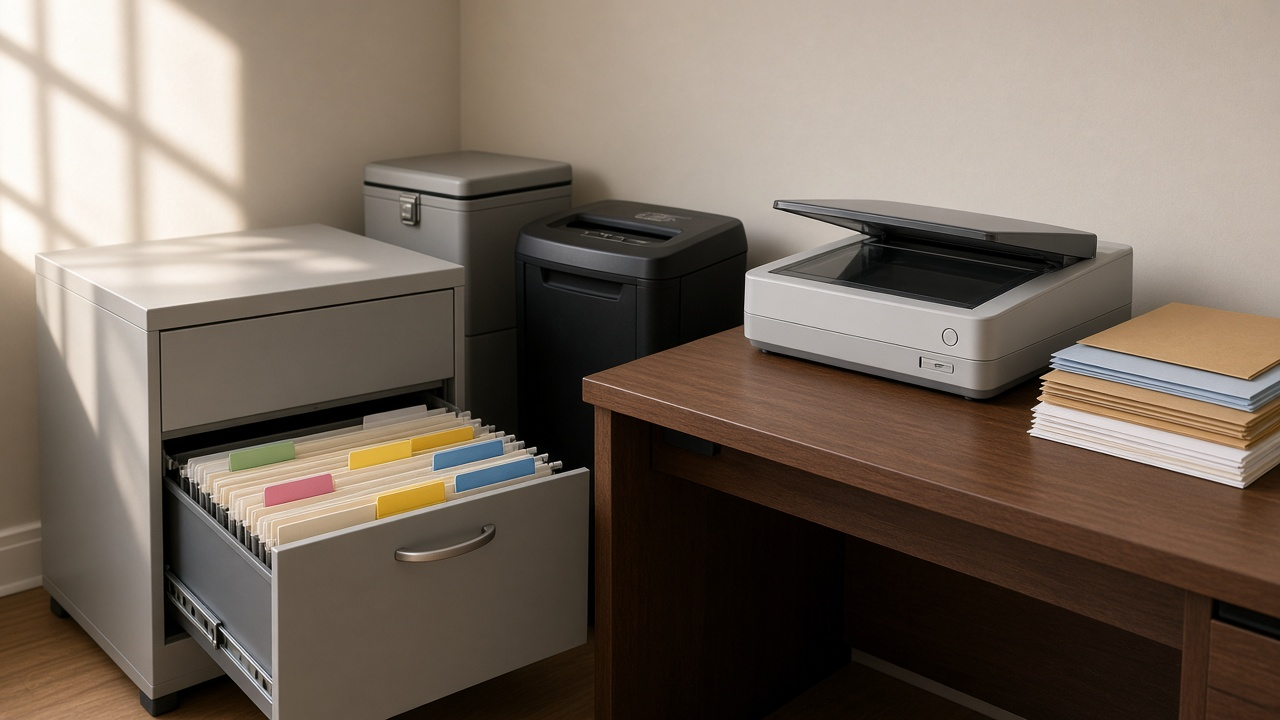
Most households have a drawer, a box, or a corner of the dining table where paper goes to wait. Tax returns from years ago sit next to last month's insurance letters, and nobody is sure what can be shredded. The risk runs both ways: keeping everything forever makes important papers hard to find, while shredding too early can mean losing a home improvement receipt that matters when you sell the house. The Household Paperwork Filing System and Document Retention Schedule Planner: Tax, Medical, Insurance, Property, Vehicle, and ID Categories, Keep Times With Reasons, Scan and Shred Workflow, File Naming, and an Annual Purge Calendar prompt builds a filing system around your household, with keep times and reasons, a fireproof box and digital vault plan, a scan and shred routine, and a yearly purge calendar.
What the prompt produces
- A category tree with folder names for tax, medical, insurance, property, vehicles, IDs and vital records, banking and investments, work and income, and household warranties.
- A retention schedule table with each document type, how long to keep it, the reason, and whether to keep the original, a scan, or both. It uses the IRS general rule that the period of limitations is usually three years from filing, notes the longer periods in some cases, and explains why property basis records stay until the period ends for the year you sell.
- A keep forever list for originals like birth certificates, passports, deeds, and vehicle titles while you own the car.
- A storage plan that separates what belongs in a fireproof box from what is fine as an encrypted scan.
- A scan and shred workflow sized to the time you actually have each week.
- A file naming convention with date first, category, issuer, and description.
- A backlog plan that tackles current piles in short sessions.
- An annual purge calendar tied to tax season, insurance renewals, and the new year.
How to fill the inputs
Household lists who lives there, how each adult earns income, dependents, and anyone else whose papers you manage, such as an aging parent.
PaperInventory describes what is in the piles now, roughly by type and year.
AssetsEvents is where keep times change: owning a home and its purchase year, improvements, vehicles, investments, rental property, or a small business.
StorageTools lists what you have: filing cabinet, fireproof box, scanner or phone app, cloud storage, and password manager.
TimeBudget says how much time you can give each week and how paperless your household wants to be.
Reading the example output
The example household is a couple with two kids, one self employed spouse, a house bought in 2016, and a parent's Medicare papers to manage:
- The category tree adds folders for the business and the parent's medical paperwork.
- The retention table ties keep times to reasons: filed returns kept permanently, supporting receipts for the general limitations period or longer in special cases, and home closing and remodel receipts kept as basis records until after the house is sold.
- Originals move out of the dresser and into a fireproof box, with scans in an encrypted vault and emergency access for a trusted relative.
- The weekly routine fits 30 minutes: inbox tray, scan, check the scan, file, shred.
- File names sort by date automatically, with five real examples.
- The backlog plan starts with originals and leaves the oldest tax boxes for last, with a reminder to ask a tax preparer before shredding old receipts.
Tips for better results
- Start with the originals list. Finding and protecting those papers is the highest value hour you will spend.
- Check every scan before shredding the paper. A blurry scan is not a record.
- Share where the vault and fireproof box are with one trusted person.
- Put the purge dates on a shared calendar so they actually happen.
Mistakes to avoid
- Do not shred property and improvement records just because they are old. They may matter when you sell.
- Do not keep the only copy of important scans on one device.
- Do not store originals of vital records in an unlocked drawer.
- Do not treat a general schedule as advice for unusual tax situations. Ask a professional.
Who it is for
Families drowning in paper, freelancers who need cleaner tax records, adult children managing a parent's paperwork, and anyone moving to a mostly paperless home.
Related PromptDig links
Open the Household Paperwork Filing System and Document Retention Schedule Planner: Tax, Medical, Insurance, Property, Vehicle, and ID Categories, Keep Times With Reasons, Scan and Shred Workflow, File Naming, and an Annual Purge Calendar prompt and describe your household. For more productivity prompts, Browse more prompts. If you have an organizing prompt that works for you, Share a prompt.