How to Use the KDP Paperback Cover Spec Prompt to Build a Full Wrap Cover That Passes Review
Prepare a print ready Amazon KDP paperback cover: spine width from your final page count and paper type, the full wrap canvas with bleed in inches and pixels, back, spine, and front guide positions, spine text eligibility and margins, the barcode area to keep clear, a resolution check on your art, and a PDF export and upload checklist for your layout app.
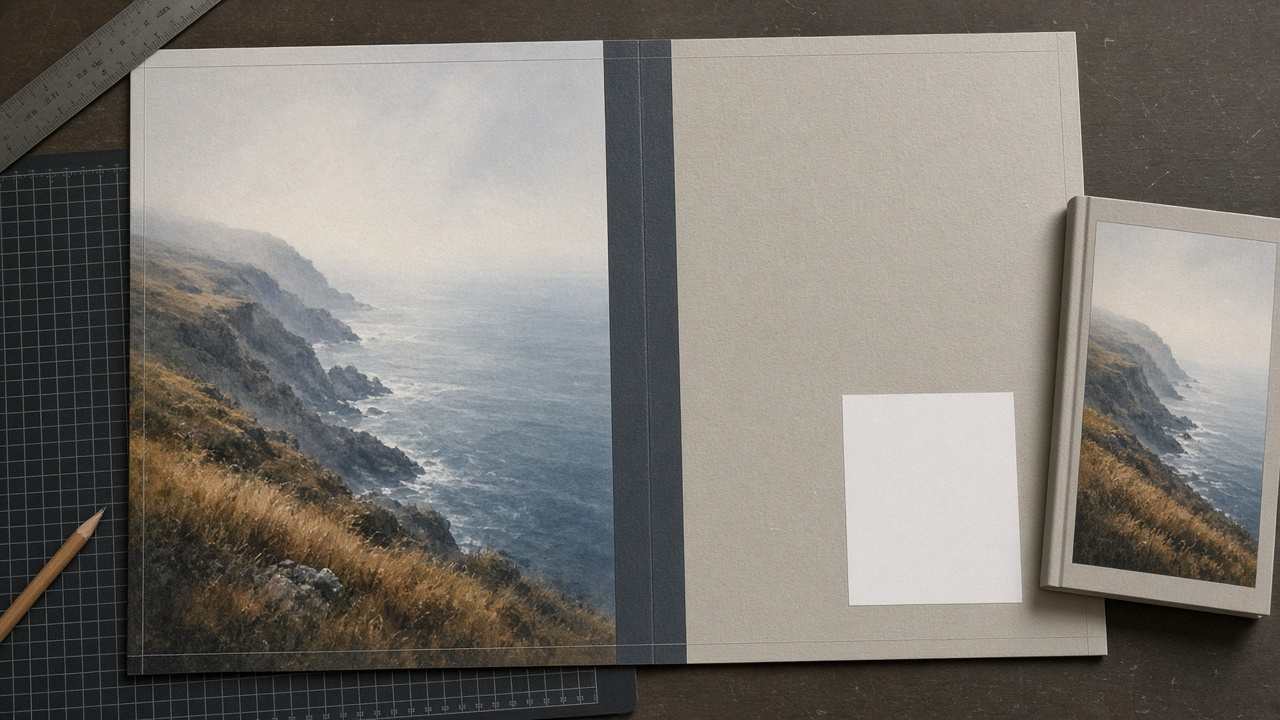
A paperback cover is not a front image with a back stuck on. It is one wide canvas: back panel, spine, and front panel, plus bleed on every outside edge. Its width depends on your final page count and paper type. Self publishers lose days to rejected uploads because the spine was sized for an earlier draft, the title sat in the bleed, or the front art was too small to print sharply. The KDP Paperback Full Wrap Cover Spec Writer: Spine Width from Page Count and Paper, Bleed and Full Canvas Size, Panel Guides, Spine Text Rules, Barcode Box, Art Resolution Check, and a PDF Export Checklist prompt does the math and the checks before you open your layout app.
What the prompt produces
- A spine width calculation from page count and the KDP per page thickness for your paper and ink, shown as arithmetic.
- The full canvas size in inches and in pixels at 300 DPI, bleed included.
- Guide positions measured from the left edge for every panel edge and bleed line.
- Safe zones for text on each panel and on the spine.
- A spine text check with the usable width after margins and whether your spine text fits.
- The barcode area to keep clear on the back cover.
- An art resolution check comparing your files with what each panel needs.
- Document setup steps for your layout app.
- A PDF export and upload checklist.
How to fill the inputs
TrimSize is your book's trim, such as 6 x 9 inches or 5.5 x 8.5 inches.
PageCount must come from the final, approved interior PDF. If the interior is still changing, wait or plan to recalculate.
PaperAndInk is one of the KDP options: black and white on white or cream, standard color, or premium color. Add your finish choice.
CoverAssets lists each image with its pixel size. This is how the prompt catches art that is too small.
SpineText says what goes on the spine.
LayoutApp names the app and version, such as Affinity Publisher 2 or InDesign.
Reading the example output
The example is a 6 x 9 novel with 312 pages on cream paper:
- The spine is shown as math: 312 pages times 0.0025 inches equals 0.78 inches, with a reminder to confirm in the KDP cover calculator.
- The canvas adds up: 0.125 plus 6 plus 0.78 plus 6 plus 0.125 gives 13.03 inches wide, and 9.25 inches tall, or 3909 by 2775 pixels at 300 DPI.
- Guides are listed in a table, with the spine from 6.125 to 6.905 inches.
- Safe zones are exact. Spine text stays between 6.1875 and 6.8425 inches, which leaves 0.655 inches of usable width.
- Spine text is allowed because the book is above KDP's 79 page minimum.
- The art check catches a real problem. The front illustration is 1600 pixels wide, but the front panel with its outer bleed needs about 1838. The output suggests a larger export or a design with a border instead of upscaling.
- Setup is practical: a 12.78 by 9 inch document with 0.125 inch bleed, and the KDP template on a locked, hidden layer.
Tips for better results
- Download the template from the KDP cover calculator for your exact settings and compare it with the prompt's numbers.
- Keep back, spine, and front on separate layers so a page count change only moves the spine guides.
- Order art from your illustrator at the full wrap size from the start.
- Proof spine type at actual size. A spine under an inch is narrower than it looks on screen.
Mistakes to avoid
- Do not size the spine from an estimated page count.
- Do not put text or faces in the bleed or right at the trim.
- Do not place copy or busy art in the barcode box.
- Do not reuse the same cover file for another printer. IngramSpark and others use their own templates and paper thickness.
Who it is for
Self published authors preparing a paperback on Amazon KDP, freelance cover designers who want a repeatable spec sheet for each client, small presses moving titles into print on demand, and authors updating a cover after a new edition changes the page count.
Related PromptDig links
Open the KDP Paperback Full Wrap Cover Spec Writer: Spine Width from Page Count and Paper, Bleed and Full Canvas Size, Panel Guides, Spine Text Rules, Barcode Box, Art Resolution Check, and a PDF Export Checklist prompt and enter your trim, page count, and paper. For more design and publishing prompts, Browse more prompts. If you have a print design prompt that saves you rework, Share a prompt.